Alexandrite is a variety of Chrysoberyl (BeAl2O4). It is considered one of the world's most valuable gemstones. It is extremely rare, even more so than ruby or sapphire. Alexandrite is an important member of the chrysoberyl family of stones. This family includes two of the most valuable gemstones in existence - cat's eye with the chatoyancy effect and color-change alexandrite.
LEGEND AND LORE
It was discovered in Russia's Ural Mountains in 1834 on the birthday of Czar Alexander II, the day he came of ruling age, hence the stone was named after him. Since the green and red colors represented the Russian military, it became the national stone of the tsars of Russia.
Alexandrite is one of the 3 birthstones associated with the month of June, together with Pearl, and Moonstone. It is also the gemstone for the 45th and the 55th wedding anniversary.
Alexandrite is thought to assist in centering one's self, reinforcing self-esteem, and broadening the ability to experience joy. Alexandrite is also reputed to aid creativity and inspire the imagination.
ALEXANDRITE COLORS
Alexandrite exhibits a special effect. It changes color upon moving from a daylight environment to artificial incandescent light. This effect, also called the Alexandrite effect, is a result of the selective absorption and transmission characteristics of the stone, the light source and the eyes’ sensitivity to colors. The Alexandrite spectrum is intermediate between those of Ruby and Emerald and close to the threshold of red to green color change.
Since our eyes are most sensitive to green light, when the stone is illuminated by sunlight, which contains a large number of green and blue rays, its color appears green. On the other hand, under incandescent light, which contains more red components, the stone appears red.
ALEXANDRITE SOURCES
Until recently, the most important sources of alexandrite were Sri Lanka and Russia, near Sverdlovsk and Ekaterinburg.
In 1987, however, a number of sources yielding good quality alexandrite were discovered in Brazil where the Hematita mine in Minas Gerais is said to produce the finest known gems. Alexandrites from Brazil exhibit a distinctive color change and possess good clarity and color.
A new and exciting source for the gemstone is Tunduru, in southern Tanzania, which produces fine quality alexandrite, with somewhat lighter tones and moderate to good color change.
Other sources include Myanmar, Zimbabwe, India (in Andhra Pradesh), Madagascar and Australia.
PHYSICAL PROPERTIES
Variety:
Alexandrite
Species/Series:
Chrysoberyl
Chemical Composition:
Beryllium aluminate (BeAl2O4)
Crystal System:
Orthorhombic
Color:
Color change; green to red
Hardness:
8.5
Refractive Index:
1.746 to 1.763
Specific Gravity:
3.70 to 3.78
Properties RI 1.746-1.755 HARDNESS 8.5 SPECIFIC GRAVITY 3.73 SPECIES-CHRYSOBERYL OPTIC CHARACTER-DR PHENOMENA-COLOR CHANGE
Reactions Ultrasonic: Usually safe Steamer: Usually safe Heat: Stable Chemicals: None
Amethyst is a transparent quartz which displays a violet or reddish-purple color. It is the most valuable variety of quartz and the most appreciated one. Its name is derived from ancient Greek a-méthystos (αμÝθυστος) meaning "not intoxicated", which led to the belief that drinking wine from an amethyst cup would prevent drunkenness. Hence it became known as the sobriety stone.
LEGEND AND LORE
Amethyst is the birthstone for the month of February and the gemstone representing the 6th and 17th wedding anniversaries.
Amethyst has been around for centuries. It was used as a gemstone by the ancient Egyptians, for beautiful jewelry and gem engravings by ancient Romans and in jewelry, crowns and scepters by the English royalty in the Middle Ages.
It also found a place of importance in various religions. The Bible mentions Amethyst as one of the twelve gemstones in the breastplate of the high priest. The Christian church treated Amethyst with high regard, since the purple color used to symbolize Christ, and used it to adorn the bishops’ rings, thus making it known as the stone of bishops. Tibetans consider amethyst sacred to the Buddha and make prayer beads from it.
Amethyst was a gemstone for the royalty and the elite in the Old World. It was one of the five Cardinal gems, together with sapphire, ruby, emerald and diamond, that were considered to be precious above all others, therefore unaffordable to the common people. This lasted up until the 19th century, when large deposits were found in Brazil.
Amethyst was thought to protect soldiers, ensure victory, aid hunters and protect against diseases. It was believed to enable one to control evil thoughts and quicken intelligence. It is considered to be a cure for headache and toothache, and is also used to increase spirituality and to promote inner calm, balance, and peace. It allegedly alleviates insomnia, if worn to bed or tucked under the pillow, bringing about a peaceful sleep, with pleasant, often prophetic dreams, instead of nightmares.
AMETHYST COLORS
Amethyst colours range from Violet (25) to Purple (27) with violetish Purple (26) being the most common. Amethyst can be found in all tone grades and saturation intensities, for which deeper colors mandate higher values.
Amethyst owes its color to the iron impurities forming iron-based color centers in the quartz. In fact, Amethyst and Citrine, the orange-yellow variety of quartz, are very closely related, differing only in the oxidation level of iron ions (Fe3) present in the quartz crystal. Heating the Amethyst quartz causes a reduction in the iron impurities, thus diminishing the violet-purple color and augmenting the golden to orange colors. When partially heated, amethyst can result in ametrine, a bi-colored combination of both amethyst and citrine.
The most coveted and the most valuable Amethysts are Siberian Amethysts or Deep Siberian, showing deep violetish Purple color with red or blue flashes. Originally, Siberian amethysts were mined in Russia and were famous for being the most prestigious of all amethyst sources. Currently, following the depletion of the Siberian amethyst mines, the term Siberian amethyst has become a general expression used to describe an amethyst gem showing deep color, regardless of the gem's origin.
Another variety of quartz known as Prasiolite (or Praseolite), displaying light-toned grayish green color, is also associated with amethyst. The trade has adopted the name green amethyst for this variety, even though gemologists are careful to differentiate between this and the purple amethyst. The trade’s position of associating the amethyst name to prasiolite is probably because most of the green amethyst gems offered on the market started off as purple-colored amethysts that have changed their color after undergoing heat treatment.
AMETHYST SOURCES
Amethyst is found all over the world, occurring in geodes or in the cavities of granitic rocks.
Russia - The Ural Mountain mines of Russia have always been considered to produce the world's finest amethysts. They are located in Reshev and Alpayev, near Sverdlovsk, on the western boundary of the Ural Mountains. The Russian amethysts are famous for their reddish colour under the light of an incandescent lamp.
Today, most amethyst comes from Brazil and Uruguay.
Brazil - The most important amethyst deposits are in Brazil, namely the Palmeira amethysts of Rio Grande do Sul and the Maraba amethysts of Para. It is also produced in abundance in the states of Minas Gerais, as well as Mato Grosso, Espirito Santo, Bahia, and Ceará.
Uruguay – Large production of amethysts in Uruguay can be found in Artigas, its northernmost department, bordering with the state of Rio Grande do Sul in Brazil.
Other principal sources include Zambia, Namibia, Madagascar, Myanmar, Sri Lanka, India, Pakistan, Australia, Finland, Austria in Maissau, known for the largest opencast amethyst vein in the world, Bolivia, Mexico, Canada in Ontario and Nova Scotia and the United States in the states of Arizona, Texas, Colorado, North Carolina and Maine.
PHYSICAL PROPERTIES
Variety:
Amethyst
Species/Series:
Quartz
Chemical Composition:
Silicon dioxide (SiO2)
Crystal System:
Trigonal
Color:
Violet to reddish Purple
Hardness:
7
Refractive Index:
1.544 to 1.553
Specific Gravity:
2.66 (+0.03/-0.02)
Properties RI 1.544-1.553 HARDNESS 7 SPECIFIC GRAVITY 2.66 SPECIES-QUARTZ OPTIC CHARACTER-DR PHENOMENA-NONE
Reactions Ultrasonic: Usually safe Steamer: Risky Heat: Poor;color change may occur with heat Chemicals: hydrofluoric acid, ammonium fluoride
Major Sources Brazil, Bolivia, Zambia, Madagascar and Russia
Andalusite is an aluminum nesosilicate mineral (Al2SiO5). It is a polymorph with two other minerals – kyanite and sillimanite. A polymorph is a mineral that shares the same chemistry but a different crystal structure with another, or other, minerals.
First found in Andalusia, Spain, it can be cut into an interesting gemstone. Faceted andalusite stones producea play of red, green, and yellow colors that resembles a muted form of iridescence, although the colors are actually the result of unusually strong pleochroism.
LEGEND AND LORE
Andalusite is thought to enhance memory.
ANDALUSITE COLORS
Andsalusite colors range from Orange (5) to Yellow Green (10). It typically occurs in yellow, yellow-green, green, brownish-red, olive and reddish-brown.
ANDALUSITE SOURCES
Andalusite was supposedly discovered in Andalusia, Spain, hence its name. This sources still produces small quantities of colorless andalusites.
Brazil is the main source for andalusite. Other sources include Madagascar, Zimbabwe, Myanmar, Sri Lanka, Australia, USA, Austria, Belgium and Russia.
PHYSICAL PROPERTIES
Variety:
Species/Series:
Andalusite
Chemical Composition:
Aluminum Nesosilicate (Al2SiO5)
Crystal System:
Orthorhombic
Color:
typically occurs in yellow, yellow-green, green, brownish-red, olive and reddish-brown
Apatite is a group of phosphate minerals (Ca5(PO4)3(F,Cl,OH)) occuring in a wide range of colors. Gem-quality stones are very rare and because of their wide variety of attractive colors, they are considered favorite items among gem collectors. Their low hardness, 5 on the Mohs scale, make them too brittle for jewelry use.
Some apatites also display a chatoyancy effect, mainly from Myanmar, Sri Lanka, India, Brazil and Tanzania. The effect in the stones from Tanzania is so strong that it resembles that of chrysoberyl.
The name Apatite is derived from the Greek word apatein, meaning misleading or to decieve, because many have confused it with other species.
LEGEND AND LORE
Apatite is believed to act as a dual-action stone, first relieveing one of doubt, apathy and confusion and then stimulates to act, acquire knowledge and grow.
APATITE COLORS
Apatite appears in a wide range of colors - colorless, yellowish green, brownish green, green, white, light blue, violet-blue, blue, brown, yellow, orange, purple, violet, gray, pink in many shades.
APATITE SOURCES
Brazil, Canada, India, Myanmar, Madagascar, and Mexico produce most gem-quality apatites.
Other sources include, Mozambique, Kenya, Tanzania, South Africa, Sri Lanka, USA, the Czech Republic, Germany, Italy, Norway, Portugal and Spain.
Aquamarine is a light-toned and slightly-saturated Blue to greenish Blue variety of beryl. Its name comes from Latin, meaning ’sea water’, derived from its pleasant marine color. Together with the emerald, aquamarine is among the most popular variety of the species.
For some reason, people tend to believe that this transparent and beautiful sea-blue gemstone is not a rare gem. While aquamarine is not as precious as the emerald, it is considered an important gemstone in the jewelry world.
LEGEND AND LORE
Aquamarine is the birthstone for the month of March and the gemstone representing the 16th, 18th and 19th wedding anniversaries. Believed to be the treasure of mermaids, it was regarded as the sailors’ lucky charm, keeping them safe from peril during their sea voyages, by calming the waves and protecting them from sea monsters.
Aquamarine is excellent for audience facing individuals, such as orators, presenters and teachers, thought to help them overcome the fear of speaking to a crowd. It was also believed that an aquamarine soaked in water would treat eye troubles, respiratory diseases and hiccups. It is associated with faithfulness, courage and friendship, said to help ease depression and grief and to rekindle love in long marriages.
AQUAMARINE COLORS
Aquamarine has the same chemical composition as the emerald, differing only in the type of impurities within the colorless beryl crystal that give them their respective colors. Aquamarine’s color, ranging from Blue to Blue-Green, is the result of iron impurities. In most cases, the color saturation of aquamarines is not high and the gemstone has a charming, clear light-Blue color. Most of the gems are pale and only in the best of the small ones may some color be apparent.
In many of the gems there is a hint of an undesirable greenish or grayish tint, which lowers the gemstone's value. This tint may be removed by controlled heating, which usually gives the gemstone a more bluish appearance.
Although poor-quality (light in color) aquamarine is actually quite common, high-quality aquamarine with a saturated color is very much in demand and quite expensive. The most sought-after color of aquamarine is a deeply saturated Blue color, similar to that of a light sapphire, known as ’Santa Maria’ and named after the Santa Maria de Itabira site in Brazil where the first gemstones were discovered in the 1950s. The trade has recently adopted the name 'Double Blue' for this variety as well.
The original deposit is almost depleted and today most of the Santa Maria colors are found in several sub-Saharan countries of Africa, mainly Zambia, Tanzania, and Mozambique, which in 1991 became the first known African source. These gemstones are typically small, with polished gems of more than half a carat being quite rare. Such an aquamarine is called ’Santa Maria Africana‘ or ’Santa Maria Afrique’, to distinguish it from the Brazilian variety.
Aquamarine also occurs in a translucent milky appearance and with chatoyancy (cat's eye effect) and asterism (star effect), which is extremely rare and very valuable.
AQUAMARINE SOURCES
BRAZIL Brazil is the leading producer of aquamarine with mines spread in various states throughout the country. The state of Minas Gerais is Brazil’s most productive mining area. Some renowned mines are scattered all over the state, including the Santa Maria de Itabira site where the famous Santa Maria variety was first discovered. The largest gem-quality aquamarine ever mined, weighing over 110 kg, was unearthed in Marambaia, Minas Gerais in 1910. Other states include Bahia, Espírito Santo and in a somewhat lesser capacity, Rio Grande do Norte.
Other American sources include Colombia, in proximity to its emerald mines, and the United States.
Notable sources are also found in Africa.
NIGERIA Nigeria is an important source of large and clean aquamarine, with colors ranging from light greenish blue to blue and fairly uniform in color.
ZAMBIA, TANZANIA, MOZAMBIQUE Zambia, Tanzania and Mozambique are known sources for the Santa Maria Africana variety, having deep blue colors reminiscent of the Brazilian variety. A noteworthy source for some of the finest colors of aquamarine, which is now depleted, was in Lundazi, Zambia.
Other African sources include Madagascar; Namibia, known for its intensely colored Aquamarine from Erongo; Malawi, Kenya and Zimbabwe.
Asia has its fair share of important sources of high quality aquamarines as well.
PAKISTAN Pakistan produces some of the most exceptional Aquamarine crystals, with several important deposits in the northern mountains, among them the Shigar Valley, and Nagar in the Hunza Valley.
CHINA China has recently grown to become one of the leading world suppliers of small, commercial-quality aquamarine, although some beautiful crystals have been known to have come from this source as well.
Other notable Asian sources include India, where great quality aquamarine from the ancient source of Karur in the southern state of Tamil Nadu is produced; Myanmar, from Mogok; Sri Lanka; Afghanistan; Nepal; Russia and Vietnam, where deposits were only recently discovered.
PHYSICAL PROPERTIES
Variety:
Aquamarine
Species/Series:
Beryl
Chemical Composition:
Beryllium aluminum silicate (Be3Al2Si6O18)
Crystal System:
Hexagonal
Color:
Blue to greenish Blue
Hardness:
7.5 to 8.0
Refractive Index:
1.577 to 1.583 (±0.017)
Specific Gravity:
2.72 (+0.18/-0.05)
Properties RI 1.577-1.583 HARDNESS 7.5-8 SPECIFIC GRAVITY 2.72 SPECIES-BERYL OPTIC CHARACTER-DR PHENOMENA-CHATOYANCY(RARE)
Reactions Ultrasonic: Usually safe Steamer: Usually safe Heat: Poor;color change may occur with heat Chemicals: Hydrofluoric acid
Benitoite is a rare blue barium titanium cyclosilicate mineral (BaTiSi3O9). It is a rare gem, discovered in 1907, and gem-quality material is found only in San Benito county in California, USA, hence its name. In 1985, it was named the official gemstone of California.
Its dispersion, which is higher than that of the diamond, plus its sapphire-like color, make this a very attractive and quite expensive gemstone. Gem-quality benitoite above 1 carat is extremely rare, and the fact that the source from San Benito county ceased its operations in 2005, only adds to its scarcity.
BENITOITE COLORS
Benitoite appears in various shades of blue, purple, white and colorless.
BENITOITE SOURCES
The only gem-quality source is in San Benito, California in the US, which ceased operations in 2005.
Other sources include other USA deposits in Fresno and Kern Counties in California and Hot Springs County in Arkansas, Australia, Czech Republic, and Japan.
PHYSICAL PROPERTIES
Variety:
Species/Series:
Benitoite
Chemical Composition:
Barium titanium cyclosilicate (BaTiSi3O9)
Crystal System:
Hexagonal
Color:
Various shades of blue, purple, white and colorless
Hardness:
6 to 6.5
Refractive Index:
1.757 to 1.804
Specific Gravity:
3.68 (+0.01/-0.07)
Properties
Reactions
Major Sources
Grading Information GEM, AAA, AA, A+, A, B
Enhancement Code
Specific Gravity 3.68
Beryl
BERYL
Beryl is a beryllium aluminum cyclosilicate mineral (Be3Al2(SiO3)6). While the lustrous green colored emerald and the light-blue toned aquamarine are its most famous members, the beryl species includes other gem varieties as well, such as:
Green beryl, which possesses a less saturated Green compared to emerald or a Green color with a noticeable secondary hue;
Heliodor or Golden beryl , ranging from greenish-Yellow to golden-Yellow colors;
Morganite, in light-toned Pink to Orange hues;
Red beryl, in the reddish-Purple to Orange color range;
Maxixe, with blue and violet colors; and
Goshenite – Colorless beryls in their pure, untainted form.
LEGEND AND LORE
The name beryl is said to have originated from India from the Sanskrit word 'veruliya', a term used for Chrysoberyl, from which the Greek word beryllos (β?ρυλλος), meaning a "precious blue-green color-of-sea-water stone," later developed. Eye glasses are still called brillen in German, bril in Dutch and briller in Danish as they were made in the 13th century of colorless beryl or of rock crystal, instead of glass.
Beryl is thought to promote courage and confidence. It removes negative energies, relieves stress and calms the mind. It is believed to bring good luck and to promote marital love. Beryl was once used to protect the wearer from demons and evil spirits and from dangers during travel. Pliny the Elder was known to use powdered beryl to cure eye injuries. It is said to cure stomach ailments, such as nausea, ulcers, and seasickness, as well as to treat spinal and heart problems.
BERYL COLORS
The beryl species may be found in almost every hue. The green colored beryl gems are called Emerald or Green Beryl, depending on their exact color properties. The gems in light-toned greenish Blue to violetish Blue colors are called Aquamarine. The ones in the purple to orange areas are called Morganite, except for the highly saturated beryl gems from Utah, in the US, which are called Red Beryl. The yellowish Orange to slightly greenish Yellow ones are called Heliodor by the trade (or Golden Beryl, for the orangey ones). Deep blue to violet colored beryls are called Maxixe. Colorless or white beryls are called Goshenite.
BERYL VARIETIES
EMERALD
Emerald is a variety of beryl occurring in various shades of green and is one of the most valuable stones found in nature. It is the birthstone for the month of May and the gemstone representing the 20th, 35th, and 55th wedding anniversaries.
The green color in beryl is caused by Chromium and/or Vanadium. Some old practices limit the definition of emerald to the chromium-bearing green varieties only, while the majority of traders define it according to the intensity of the color, regardless of its coloring element.
The colors of emerald range from yellowish-Green (11) to Green-Blue (18). The less saturated green-colored gems, however, are defined as Green Beryls, which have a much lower value.
AQUAMARINE
Aquamarine is a light-toned and slightly-saturated Blue to greenish Blue variety of beryl. Its name comes from Latin, meaning ’sea water’, derived from its pleasant marine color. Together with the emerald, aquamarine is among the most popular variety of the species.
For some reason, people tend to believe that this transparent and beautiful sea-blue gemstone is not a rare gem. While aquamarine is not as precious as the emerald, it is considered an important gemstone in the jewelry world.
Aquamarine has the same chemical composition as the emerald, differing only in the type of impurities within the colorless beryl crystal that give them their respective colors. Aquamarine’s color, ranging from Blue to Blue-Green, is the result of iron impurities.
GREEN BERYL
Green Beryl in a light-toned low-saturation, or off-color green variety of Beryl. The exact definition of green beryl is not widely accepted and differs between various markets and organizations around the world. Until several years ago, for example, the GIA® defined any green-colored beryl variety not colored by Chromium as a green beryl, regardless of its intensity. Some traders around the world still adhere to this definition today. However, recent researches proved that virtually all green-colored beryls possess some level of Chromium.
On the other hand, some markets in Europe define all green-colored beryl as emeralds
HELIODOR and GOLDEN BERYL
The yellow variety of beryl is called Heliodor. Its name is derived from Greek, meaning ’gift of the sun’, as they believed that yellow beryl contained its warmth and energy. Heliodor colors range from orangey Yellow (7) to greenish Yellow (9). The orangey color is commonly sold under the commercial name ’Golden beryl‘ and is considered the more prestigious one. Heliodor and golden beryl are thought to be synonymous and interchangeable in the trade, but actually golden beryl refers to beryls with golden-yellow or orange-yellow shades, whereas heliodor possesses a yellow to greenish-yellow hue. The color is due to iron impurities within the crystal structure. Heliodor typically has very few inclusions and are usually eye-clean.
MORGANITE
Morganite is a pink (25 to 1) to light pinkish orange (3) beryl variety, and can be found in diverse and unusual shades, such as violet, salmon and peach. The coloring element in morganite is not fully understood. Some attribute the pink color to manganese impurities in the crystal structure, while others believe that caesium impurities are the cause. The amount of impurities in the gem causes the intensity of the color and the deeper the pink color the more valuable it is. Morganite is usually heat treated at low temperatures of approximately 400°C to improve color and remove the orangey tones. Contrarily, development of orange color is achieved through irradiation.
Morganite was named in 1910 in honor of the sponsor and gem collector J.P. (John Pierpont) Morgan. Earlier that year, the fine pink beryl variety was first discovered in Madagascar and California. It is also known as pink beryl, rose beryl, pink emerald and caesian beryl.
RED BERYL
Red beryl, sometimes displaying ruby-like colors, is endemic and found only in Juab and Beaver Counties in the state of Utah in the United States. It is formally known by the name ’Bixbite’, after the mineralogist Maynard Bixby, who first documented it in 1904 from one of his claims in Utah, until the name was deprecated by CIBJO to avoid confusion with a completely different mineral called ’Bixbyite‘, also named after Bixby.
The color of this beautiful and rare gemstone ranges from reddish Purple (28) to Red (1) to Orange (5) and is due to large amounts of manganese. The red beryl is very rare and is found in small sizes only, reaching up to a few carats. It is usually heavily included, even more than its emerald sister.
Red beryl is believed to enhance creativity and patience. Known as a stone of healing and soothing, it helps to ease depression and to heal grief. Mystics use it to bestow harmony to relationships. It is said to cure heart, liver and lung problems, as well as issues with the mouth, throat, stomach and the digestive system.
MAXIXE
Maxixe is the deep blue to violet variety of beryl, resembling the color of sapphire. It was first discovered in 1917 in the Maxixe mine in Minas Gerais, Brazil. Its color is due to natural irradiation, which creates the color center in its crystal structure. Unfortunately, its color is unstable and fades rapidly upon exposure to daylight or heat.
Since the 1970s, deep blue maxixe beryls that appear in the market are usually enhanced artificially by irradiation, however, their colors also tend to fade. These irradiated maxixe beryls are also referred by the trade as 'Blue Beryl' or 'Maxixe-type beryl'.
GOSHENITE
The variety of colorless beryl is called Goshenite, named after Goshen, Massachusetts, where it was originally discovered. Goshenite may be either a pure beryl without any impurities in its crystal structure, or a beryl that includes some impurities that do not contribute to its color and therefore making it appear colorless. Goshenite can be colored in various colors by irradiation with high-energy particles.
Goshenite was used in the 13th century to manufacture eyeglasses, as it was considered to have better transparency than glass at the time. Goshenite stands for honesty and sincerity and encourages one to be truthful in his actions. It is thought to assist in decision making as it enables one to clearly view all aspects of the issue and determine the correct path. It is thought to have the ability to facilitate communication, and promote creativity and innovation.
While Goshenite is present to some extent in all beryl deposits, its main sources include: Myanmar, Russia, Brazil, Canada and USA.
BERYL SOURCES
Beryl of various varieties and colors is mined all over the world. In Europe, beryl is found in Norway, Sweden, Austria, Germany, Ireland and Russia. In Africa, beryl deposits are found in Madagascar, Mozambique, Zambia, Namibia, Nigeria, Zimbabwe and South Africa. In Asia, beryls are mined in Pakistan, Afghanistan and Sri Lanka. It the Americas, beryls can be found in Brazil, Colombia and the United States, in California, Colorado, Connecticut, Georgia, Idaho, Maine, New Hampshire, North Carolina, South Dakota and Utah.
PHYSICAL PROPERTIES
Variety:
Species/Series:
Beryl
Chemical Composition:
Beryllium aluminum cyclosilicate (Be3Al2Si6O18)
Crystal System:
Hexagonal
Color:
Blue to greenish Blue
Hardness:
7.5 to 8.0
Refractive Index:
1.577 to 1.583 (±0.017)
Specific Gravity:
2.72 (+0.18/-0.05)
Properties RI 1.577-1.583 HARDNESS 7.5-8 SPECIFIC GRAVITY 2.72 SPECIES-BERYL OPTIC CHARACTER-DR PHENOMENA-CHATOYANCY(RARE)
Heliodor is the yellow variety of beryl, a beryllium aluminum cyclosilicate mineral (Be3Al2(SiO3)6). Its name is derived from Greek, meaning ’gift of the sun’, as they believed that yellow beryl contained its warmth and energy. The orangey color is commonly sold under the commercial name ’Golden beryl‘ and is considered the more prestigious one. Heliodor and golden beryl are thought to be synonymous and interchangeable in the trade, but actually golden beryl refers to beryls with golden-yellow or orange-yellow shades, whereas heliodor possesses a yellow to greenish-yellow hue. Heliodor typically has very few inclusions and are usually eye-clean.
LEGEND AND LORE
Heliodor is said to stimulate the mind and to strengthen one’s resolve to succeed. It increases sincerity as well as boosts empathy and sympathy. Worn as talismans for many centuries, it was believed to protect against manipulation of the mind and to deter spirits and to shield against dark forces. Golden beryl is thought to reinforce the immune system and to help the body to clear toxins. It is also considered useful for treating liver, spleen and pancreas disorders.
HELIODOR and GOLDEN BERYL COLORS
Heliodor and Golden Beryl colors range from orangey Yellow (6) to greenish Yellow (9). The color is due to iron impurities within the crystal structure.
HELIODOR and GOLDEN BERYL SOURCES
Heliodor is mined in the same areas that emeralds are found. It is found in Namibia, Mozambique, Madagascar, Nigeria,Zimbabwe, Afghanistan, Pakistan, Brazil, USA and Ukraine. In Russia, golden beryl is found in the Mursinska district of the Ural Mountains and also at Lewaschinagorka, east of Alabashka.
PHYSICAL PROPERTIES
Variety:
Heliodor, Golden Beryl
Species/Series:
Beryl
Chemical Composition:
Beryllium aluminum cyclosilicate (Be3Al2Si6O18)
Crystal System:
Hexagonal
Color:
orangey Yellow to greenish Yellow
Hardness:
7.5 to 8.0
Refractive Index:
1.577 to 1.583 (±0.017)
Specific Gravity:
2.72 (+0.18/-0.05)
For information on other Beryl varieties, select Beryl in the Gem Type field and click on the Read More icon.
Properties RI 1.577-1.583 HARDNESS 7.5-8 SPECIFIC GRAVITY 2.72 SPECIES-BERYL OPTIC CHARACTER-DR PHENOMENA-CHATOYANCY(RARE)
Reactions
Major Sources Brazil, South America, Russia, , Africa, Madagasca
Green Beryl is the light-tone low saturation, or off-color green variety of beryl, a beryllium alluminum cyclosilicate mineral (Be3Al2(SiO3)6). The exact definition of green beryl is not widely accepted and differs between various markets and organizations around the world. Until several years ago, for example, the GIA® defined any green-colored beryl variety not colored by Chromium as a green beryl, regardless of its intensity. Some traders around the world still adhere to this definition today. However, recent researches proved that virtually all green-colored beryls possess some level of Chromium.
On the other hand, some markets in Europe define all green-colored beryl as emeralds.
GREEN BERYL COLORS
The most common classification in the gem trade, however, maintains that only green-colored beryl gems displaying either very low saturation or where their main Green color is masked by a secondary hue shall be defined as 'Green Beryl’. Accordingly, beryl gems displaying any of the following color ranges are defined as green beryl:
lightly saturated green colors (14 to 15);
from yellowish Green (12) to very strongly bluish Green (17);
light-Green colored beryl with a deep yellow tint (12 to 13); and
light-Green colored beryl with a deep blue tint (15 to 17).
PHYSICAL PROPERTIES
Variety:
Green Beryl
Species/Series:
Beryl
Chemical Composition:
Beryllium aluminum cyclosilicate (Be3Al2Si6O18)
Crystal System:
Hexagonal
Color:
yellowish Green to very strongly bluish Green, light tone and low saturation green
Hardness:
7.5 to 8.0
Refractive Index:
1.577 to 1.583 (±0.017)
Specific Gravity:
2.72 (+0.18/-0.05)
For information on other Beryl varieties, select Beryl in the Gem Type field and click on the Read More icon.
Properties RI 1.577-1.583 HARDNESS 7.5-8 SPECIFIC GRAVITY 2.72 SPECIES-BERYL OPTIC CHARACTER-DR PHENOMENA-CHATOYANCY, ASTERISM(RARE
Reactions
Major Sources Columbia, Zambia, Brazil, Pakistan, Zimbabwe
Morganite is the pink to light pinkish orange variety of beryl, a beryllium aluminum cyclosilicate mineral (Be3Al2(SiO3)6). Morganite was named in 1910 in honor of the sponsor and gem collector J.P. (John Pierpont) Morgan. Earlier that year, the fine pink beryl variety was first discovered in Madagascar and California. It is also known as pink beryl, rose beryl, pink emerald and caesian beryl.
LEGEND AND LORE
Morganite is considered to be an aphrodisiac. It helps to attract love and rekindles it in a relationship. It is thought to balance one’s emotions, and to increase empathy, compassion and patience. It is considered useful for asthma, emphysema and lung blockages.
MORGANITE COLORS
Morganite is a pink (25 to 1) to light pinkish orange (3) beryl variety, and can be found in diverse and unusual shades, such as violet, salmon and peach. The coloring element in morganite is not fully understood. Some attribute the pink color to manganese impurities in the crystal structure, while others believe that caesium impurities are the cause. The amount of impurities in the gem causes the intensity of the color and the deeper the pink color the more valuable it is. Morganite is usually heat treated at low temperatures of approximately 400°C to improve color and remove the orangey tones. Contrarily, development of orange color is achieved through irradiation.
MORGANITE SOURCES
Morganite of fine quality is found in the US in San Diego County, in Southern California. Another known source in the US is Maine. Brazil is an important source of top quality morganite as well, in addition to Madagascar, where very fine salmon- or rose-like colors are found. Another important source known for its deposits is Afghanistan.
Other sources include: Mozambique, Namibia, Zimbabwe, Pakistan, China, Sweden and Russia
PHYSICAL PROPERTIES
Variety:
Morganite
Species/Series:
Beryl
Chemical Composition:
Beryllium aluminum cyclosilicate (Be3Al2Si6O18)
Crystal System:
Hexagonal
Color:
Pink to light pinkish Orange
Hardness:
7.5 to 8.0
Refractive Index:
1.577 to 1.583 (±0.017)
Specific Gravity:
2.72 (+0.18/-0.05)
For information on other Beryl varieties, select Beryl in the Gem Type field and click on the Read More icon.
Properties RI 1.577-1.583 HARDNESS 7.5-8 SPECIFIC GRAVITY 2.72 SPECIES-BERYL OPTIC CHARACTER-DR PHENOMENA-CHATOYANCY(RARE)
Citrine is a transparent quartz variety, showing yellow, lemon-yellow, honey-like orangey yellow, brownish yellow or reddish-brown color, caused by traces of iron in citrine’s structure. The name is derived from the French word citron, meaning "lemon".
LEGEND AND LORE
Citrine has been around for centuries. It was used for beautiful jewelry and gem engravings by ancient Romans and was also very popular in the 19th century for jewelry.
Citrine, together with topaz, are the birthstones for the month of November and the gemstone representing the thirteenth wedding anniversary.
Citrine is known as the Success Stone, energizing good fortune and good luck and is said to bestow wealth and success, and helps not only in acquiring them but also in maintaining them. Merchants have been known to keep a gemstone in their cash register to help increase their proceeds, hence earning the name The Merchant's Stone.
Citrine is also a happy stone. It is thought to bring happiness to the wearer, relieving depression, self-doubt, and anger, while boosting mental clarity, confidence, and will power. It is helpful to clear unwanted negative energies from the environment.
Citrine is believed to strengthen the immune system and generally stabilizes the whole body's metabolism. It is thought to stimulate digestion and balance other eating disorders, and is good for relieving allergies and skin irritations. It also helps keep skin, nails, and hair healthy.
CITRINE COLORS
Citrine colors range from reddish Orange (4) to Yellow (8), in all tone grades and saturation levels. The most common colors are Yellow (8) and yellowish Orange (6).
The citrine is widely used in inexpensive jewelry. Its color is similar to that of topaz — a far more valuable gemstone.
Naturally colored citrine is very rare and most gems on the market have actually been heat treated. The majority of the available citrine gems were originally amethyst gems that had undergone heat treatment and turned yellow. Citrine and amethyst, the violet-purple variety of quartz, are very closely related, differing only in the oxidation level of iron ions (Fe3) present in the quartz crystal. Heating the quartz causes a reduction in the iron impurities, thus diminishing the violet-purple color and augmenting the golden to orange colors. At low temperatures of around 470 degrees centigrade, the crystals will turn yellow and at higher temperatures of around 1000 degrees centigrade, the crystal would become dark-yellow to red-brown.
Some natural citrine gems derive their color from undergoing a similar heat process during underground magmatic activity. The color of these gems usually displays a dominant orangey or reddish tint, compared to the natural pale yellow ones.
The naturally lighter-toned Yellow (8) citrine is commonly given the trade name "Lemon Quartz". This colored gem is discriminated from the other citrines by displaying a pure yellow hue sometimes with a gentle greenish tint, but without orange or brown tints.
Some darker, reddish-brown colored, natural citrine gems are called madeira citrine, named after the wine color manufactured in the Portuguese archipelago, Madeira. The Madeira citrine is considered more prestigious than the lighter yellow citrines, thus fetching a higher price.
CITRINE SOURCES
Brazil- Brazil is the largest producer of Citrine. The largest source for natural citrine is Rio Grande do Sol in Southern Brazil. It is from here and from Minas Gerais that most of the commercial gem-grade material comes from. With that said, however, almost all the citrines from Brazil are heat-treated Amethysts.
Other principal sources include Madagascar in the Antananarivo Province, Myanmar, USA in the states of Colorado, North Carolina and California, and Namibia.
Additional notable sources where natural Citrine is found include Argentina; Bolivia, Colombia in San Cristobal, Santander; Uruguay; France in Dauphine; Spain in Salamanca; Scotland; Russia, Zaire in Lubumbashi in the Katanga province; South Africa in Boekenhoutshoek in the Mkobola district; and Zambia.
PHYSICAL PROPERTIES
Variety:
Citrine
Species/Series:
Quartz
Chemical Composition:
Silicon dioxide (SiO2)
Crystal System:
Trigonal
Color:
reddish Orange to Yellow
Hardness:
7
Refractive Index:
1.544 to 1.553
Specific Gravity:
2.66 (+0.03/-0.02)
Properties RI 1.544-1.553 HARDNESS 7 SPECIFIC GRAVITY 2.66 SPECIES-QUARTZ OPTIC CHARACTER-DR PHENOMENA-NONE
Reactions Ultrasonic: Usually safe Steamer: Risky Heat: Fair;color change may occur with heat Chemicals: Hydrofluoric acid, ammonium fluoride
Diopside is a calcium magnesium inosilicate mineral of the group pyroxene (MgCaSi2O6). Its main color is green although it occurs in other colors as well. It was considered a collectors' item until not so long ago, when a chromium-rich gem variety was discovered in Siberia in 1988, called chrome diopside. Chrome diopside's bright green color, rivaling that of emerald, made it popuar, but its low hardness, prone to scratches, has limited its use in the jewelry world.
Other notable varieties of diopside include violane in violet and purple colors, TashmarineTM diopside in light yellowish green colors and star diopside in dark green to black colors displaying a 4-ray star.
The name diopside isnderived from the Greek words dis and opse, meaning twoface, indicating the two ways of orienting the vertical prism.
LEGEND AND LORE
Diopside is thought to increase awareness and improve intellect. It is alleged to relieve aggression and stubbornness, while augmenting love and commitment. Chrome diopside is believed to help treating some chronic diseases and disorders, including heart, lung and circulatory system problems.
DIOPSIDE COLORS
Diopside appears in various colors, commonly in light to dark green, but also in blue (rarely), yellowish to reddish brown, colorless, black, white and grey.
Chrome diopside appears in varying shades of green [(14) and (15)], the most desirable color being a rich, deep forest green color. Its coloring element is chromium.
DIOPSIDE SOURCES
Diopside is mined in Madagascar, Tanzania, South Africa, Myanmar, Sri Lanka, Afghanistan, Pakistan, India, China, USA, Canada, Italy, Austria, Finland, Sweden, Russia and Kenya.
Chrome diopside is found in Eastern Siberia in Russia, Pakistan and Kenya; Violane is found primarily in Italy; Star diopside is found primarily in India; and TashmarineTM diopside is mined only in Tajikistan, Uzbekistan and Western China.
PHYSICAL PROPERTIES
Variety:
Species/Series:
Diopside
Chemical Composition:
Calcium magnesium inosilicate (MgCaSi2O6)
Crystal System:
Monoclinic
Color:
commonly light to dark green, but also in blue (rarely), yellowish to reddish brown, colorless, black, white and grey
Emerald is a variety of beryl, a beryllium aluminum cyclosilicate mineral (Be3Al2(SiO3)6), occurring in various shades of green and is one of the most valuable stones found in nature.
LEGEND AND LORE
Emerald is the birthstone for the month of May and the gemstone representing the 20th, 35th, and 55th wedding anniversaries.
From the very dawn of history, it has been coveted and worshipped.
Emeralds were once prescribed for eye diseases and were attributed to improve weak eyesight because the green color was believed to be soothing to the eyes. It was also once recommended as an amulet to ward off epilepsy in children. Emeralds were known to strengthen the owner's memory, quicken intelligence, and assist in predicting the future, and also known as a symbol of rebirth and romance.
Emerald was credited with amazing powers against wickedness and deceit, and was even thought to be capable of blinding and killing snakes.
The Emperor Nero contributed to its legend by claiming that an emerald crystal had improved his powers of discrimination during gladiator battles.
Pliny, the renowned first century traveler and explorer, in his book from 77 A.D. on natural sciences, described the characteristics of gemstones. "The third most important stone in existence, for many reasons, is the smaragdus (emerald)," he wrote. "No other stone has a color more pleasing to the human eye." (Pliny assigned first place to the diamond, and second place to the pearl.)
EMERALD COLORS
The green color in beryl is caused by Chromium and/or Vanadium. Some old practices limit the definition of emerald to the chromium-bearing green varieties only, while the majority of traders define it according to the intensity of the color, regardless of its coloring element.
The colors of emerald range from yellowish-Green (11) to Green-Blue (18). The less saturated green-colored gems, however, are defined as Green Beryls, which have a much lower value.
When a gem's color falls into the border between the two variety definitions, such as when a beryl gem possesses a very light green color, which cannot be considered as ‘an obvious dominant shade’, or when a secondary hue distinctly influences the overall appearance, these borders become vague. Actually, the border between emerald and green beryl is highly subjective and differs between sellers. For example, one seller may consider a light green-colored beryl gem as an emerald, while in the eyes of another seller specializing in high-end goods, it will remain a green beryl.
EMERALD SOURCES
The oldest known source of emeralds is the Cleopatra Mine in ancient Egypt, located on the Red Sea. These mines were the source of all the emeralds that appeared in the ancient world. Emeralds were considered as a required item for the long journey to the afterlife.
Emeralds of varying quality were also discovered in the ruins of Pompeii, following the eruption of Mt. Vesuvius.
Another ancient mine which was already in existence during Roman times is the Habachtal Mine in the Austrian Alps.
Other ancient sources of emeralds are mines in India, the most famous of the known locations is the Ajmer Merwara Mine.
Columbia - Emeralds from the Colombian mines were used for ceremonial and decorative purposes for centuries by the indigenous population. The conquistadors learned of the gemstones' existence in 1537, after the naive tribesmen offered them up as gifts.
In Columbia today, there are two principal mining regions. The first is the Muzo area, located about 113 km from the capital Bogota, and the second is the Chivor region, which lies about 80 km northeast of the city. Both areas include several large emerald-producing mines.
Brazil - A number of emerald mines were discovered in Bahia state in Brazil. In addition, there are mines in the states of Minas Gerais and Goias. In 1963, the Carnaiba mountains were also found to yield high-quality stones.
Russia - Most of the known Russian emerald-producing mines are concentrated in the Ural Mountains, within 100 km from the city of Sverdlovsk. The most famous mine is the Takowaya, which was discovered in 1830, 45 km from the city.
South Africa - South Africa was the first country in Africa in which emeralds were discovered in the Northeastern Transvaal.
Tanzania - Excellent quality emeralds are mined in Tanzania alongside Lake Manyara.
Zimbabwe - The best-known emeralds from Zimbabwe are the mines of the Sandawana valley, which yield beautiful stones that have acquired a place of honor among the most valuable of emeralds. Other mines are in Fort Victoria, the Filabushi region, the Balgoi region, the Bastari region and in Makanga.
Zambia - Zambia is, without a doubt one of the most important sources of emeralds. The mines are located in northern Zambia, between the city of Kitwe and the city of Ndola. The largest and most important of the Zambian mines is the Kamakanga mine.
Afghanistan - Emeralds from Afghanistan are renowned, among dealers and jewelers alike, for their fine-quality color, which equals the finest emeralds from Muzo in Colombia and Kamakanga in Zambia. The mines are located in the Panjshir valley.
Pakistan - Emeralds from Pakistan are concentrated in the Swat District. Four main deposits are known to produce gem-quality emeralds: the Mingora deposit, the Gujar Killi, and the Barang and Khaltaro deposits.
PHYSICAL PROPERTIES
Variety:
Emerald
Species/Series:
Beryl
Chemical Composition:
Beryllium aluminum silicate (Be3Al2Si6O18)
Crystal System:
Hexagonal
Color:
yellowish Green to Green Blue
Hardness:
7.5 to 8.0
Refractive Index:
1.577 to 1.583 (±0.017)
Specific Gravity:
2.72 (+0.18/-0.05)
Properties RI 1.577-1.583 HARDNESS 7.5-8 SPECIFIC GRAVITY 2.72 SPECIES-BERYL OPTIC CHARACTER-DR PHENOMENA-CHATOYANCY, ASTERISM(RARE
Reactions Ultrasonic: Risky Steamer:Never Heat: Very poor;should never be heated Chemicals: Hydrofluoric acid
Major Sources Columbia, Zambia, Brazil, PakistanZimbabwe
Fluorite is a halide mineral, the mineral form of calcium fluoride (CaF2). It occurs in pratically all colors, and are extremely bright. Its low hardness makes it too fragile for jewelry but a great collectors' item, second only to quartz. It generally fluoresces intensely under ultraviolet radiation. In fact, the term fluorescence comes from this gem. Fluorite is often used in decorative accessories, such as vases and decorative boxes.
The name fluorite is derived from the Latin word fluere, meaning to flow, reflecting its use as flux in iron smelting processes.
The most famous type of fluorite is the Blue John from the county of Derbyshire in England, where the stone is found in rather large masses. These exhibit good illustrations of angular color areas (in purple, blue and white).
LEGEND AND LORE
Pliny the Elder, the renowned Roman naturalist of old, described Fluorite as his "most precious substance".
Fluorite is known as the Genius Stone. Its energy stimulates brain cells, encouraging both hemispheres to work in balance, heightening the absorption of new information and working through complex issues. It is also thought to augment creativity. While each fluorite color variety has different uses, all colors serve the mental body, brain and energetic levels.
FLUORITE COLORS
Fluorite is allochromatic, which means that its color is due to inpurities in the crystal structure. Natural irradiation is another cause for its wide color diversity. Termed The most colorful mineral in the world, fluorite can appear in practically all colors of the rainbow. It often is multicolored, displaying 2 or more colors in a single stone and even diaplays a color-change phenomenon.
FLUORITE SOURCES
Fluorite is mined in Namibia, South Africa, Morocco, Myanmar, Korea, Pakistan, Canada, USA, Mexico, Colombia, Peru, Argentina, Switzerland, UK, Austria, China, the Czech Republic, France, Germany, Spain, Italy, Russia, Slovakia.
Only a very small quantity of Blue Johns is mined each year in Derbyshire, England. China has recently become a source for Blue John-type fluorites with similar color and banding.
PHYSICAL PROPERTIES
Variety:
Species/Series:
Fluorite
Chemical Composition:
Calcium fluoride (CaF2)
Crystal System:
Isometric (Cubic)
Color:
practically all colors of the rainbow, including colorless and multicolored
Hardness:
4
Refractive Index:
1.434 (±0.01)
Specific Gravity:
3.175 to 3.184 (+0.07/-0.18)
Properties RI 1.43 HARDNESS 4 SPECIFIC GRAVITY 3.18 SPECIES-FLUORITE OPTIC CHARACTER-SR PHENOMENA-CHATOYANCY, ASTERISM, COLOR CHANGE
Garnets are nesosilicate minerals. They are an isomorphous series, that is their crystal structure is basically the same X3Y2(SiO4)3), but they differ in their chemical compositions. There are over 20 different garnet species, but only 6 of them are considered to be gem-worthy, some of which include a few varieties. These species are:
Almandine;
Pyrope;
Spessartite;
Grossularite;
Andradite; and
Uvarovite.
Garnets that are a mixture of 2 or more species are quite common as well.
LEGEND AND LORE
Red garnets were very common since ancient times and were mined in Europe of old, hence its name is thought to have come either from the Latin word granatum, meaning pomegranate, a token of the dark red color and shape of the seeds, or from the Middle English word gernet, meaning dark red.
Garnets in every variety are birthstones of the month of January. It is traditionally given on the 2nd and 6th wedding anniversaries.
Garnets have been around since ancient times. The Bible mentions garnets as one of the twelve gemstones in the breastplate of the high priest. Christians believed garnet symbolized the sacrifice of Christ. Muslims believed it illuminated the fourth heaven. The Greeks said it guarded children from drowning. Tribes from India used red garnets as pellets, believing that they would seek blood and inflict a deadlier wound upon enemies.
Garnet is believed to be capable of energizing the body, regenerating and revitalizing it. It is thought to stop bleeding and cure inflammatory diseases. Garnets have also been carried by travelers during travel for protection and are believed to protect against nightmares and bad dreams.
GARNET COLORS
Garnets are an extremely important group of gemstones, which appear in almost all the colors of the rainbow, from red to purple, from yellowish orange to brown, from light to dark green, and even in greenish blue (color change garnet). This group of gemstones comprises well known varieties, such as:
Almandine, which displays deep red colors;
Pyrope of pure red colors (lighter than Almandine);
Rhodolite with purplish colors
Spessartite from golden yellowish orange to orange
Malaya from orangey Red to orangey Yellow
Color Change garnets which usually change from bluish to purplish colors
Grossular in light green shades
Tsavorite in emerald‑green
Hessonite from yellowish Orange to Yellow hues
Demantoid ranging from deep green to yellowish green
Separate color grading rulers (or sets of rulers) and pricelists exist per each of the garnet varieties.
GARNET VARIETIES
ALMANDINE
Almandine (or almandite), also known in the trade name red garnet, is the most prevalent of the garnets. Its color runs from strongly reddish Purple (28) to Red (1) to deep Red-Orange (3), and even to brownish Red. The common colors are medium to dark highly saturated Red to orangey Red. Sometimes the color is almost black.
Almandine garnets from Mozambique display more orangey colors than the typical color from other sources. Its color ranges from slightly purplish Red (29) to Orange (5). Its common colors are medium orangey Red.
PYROPE
The pyrope's red color is lighter and more pleasant than the almandine’s. Pyrope garnet colors range from strongly purplish Red (30) to Red (1) to orangey Red (2) with high saturation and dark tone. The common colors are dark slightly purplish Red, but it can take on a darker blood‑red or a somewhat yellowish color, or even an almost dark purple.
Pyropes and almandines are almost never found in their pure form. The gemstones one encounters are actually compounds of almandine and pyrope ranging on a scale between pure almandine and pure pyrope.
RHODOLITE
Rhodolite is a variety of mixed pyrope and almandine with colors ranging from reddish Purple (28) to slightly purplish Red (31), tending toward the purplish Red and pinkish Red colors. The common colors are dark deep reddish Purple to Red Purple.
The gemstone is generally far clearer than its red sisters and has properties common to both, but is considered superior to them. It is found in regions where pyrope and almandine are mined.
SPESSARTITE
The spessartite garnet (or spessartine), also known by the trade names mandarin garnet and hollandine garnet, has an Orange-Yellow to reddish Brown color and is of very high luster. The spessartite colors range from Orange (5) to yellowish Orange (6), where larger stones are slightly darker and possess a brownish tint.
Most of the spessartite gems are heavily included causing them to sparkle as light reflects from these inclusions. This, in combination with its hardness, makes it an attractive stone.
Some traders limit the use of the trade name mandarin garnet to straight- or reddish-Orange colored gems only, calling gemstones with other tints by their generic spessartite name.
MALAYA
Malaya garnet (sometimes spelled as malaia) is a mixture of pyrope and spessartite garnets. The Malaya garnet’s hues range from reddish Orange (4) to yellowish orange (6), resulting in a light to dark Orange to reddish Orange color.
Malaya, in Swahili means worthless or outcast. These garnets, found in Eastern and Central Africa, were once discarded in favor of the richer colored pyrope and rhodolite garnets. Today they are highly valued, but the Swahili name has stuck.
COLOR CHANGE
Color change garnets are typically a result of the pyrope-spessartite mix, although many may also contain traces of grossularite or almandine.
The stones usually display a distinct color change between various intensities of very slightly bluish Green (15) to very strongly greenish Blue (19) under fluorescent light and Purple-Red (29) to strongly purplish Red (30) under incandescent light.
GROSSULAR
The grossular (or grossularite) is a variety of the grossularite garnet species, which occurs in different forms as a light to dark green transparent gem; as a massive, opaque or translucent material; or as a marble‑like rock.
Grossular garnet gems, also known as green or mint-green garnets, produces colors ranging from yellowish Green (12) to bluish Green (16) with very slightly to slightly saturated levels.
For years, the grossular garnet gem prices were relatively low compared to its richer color variety tsavorite garnet. However, in recent years, the demand for its light pleasant green color has risen and today it sells for almost the same prices as the tsavorite.
TSAVORITE
Tsavorite is actually a grossular with a more saturated color, colored by chrome or vanadium. Tsavorite has a high luster and an attractive emerald Green color, as well as a clear yellowish Green color in the lower qualities.
Tsavorite was discovered in 1967 in the Tsavo National Park near the border between Tanzania and Kenya, from which it received its name.
As in grossular, tsavorite garnet colors range from yellowish Green (12) to bluish Green (16), where the common colors are moderately to highly saturated Green or yellowish Green.
The tsavorite garnet is considered a good affordable replacement for the emerald. Comparing it to the expensive gemstone, the tsavorite commonly shows better clarity grade, higher luster and lower price.
HESSONITE
The hessonite garnet, a variety of glossularite, possesses colors that range from reddish Orange (4) to orangey Yellow (7). The common colors are orangey Yellow with moderate to high saturation and light to dark tone, resulting in brownish Yellow to golden Brown, brownish Orange or even reddish Brown colors.
Hessonite is not considered a particularly important gemstone and is quite inexpensive.
DEMANTOID
The demantoid is a variety of andradite and is considered the most precious garnet gem. Gemstones with fine colors are very rare. The common colors are moderately saturated yellowish Green and range from Green-Yellow (10) to Green (14). The greener gemstones can be more saturated than the yellower ones.
STAR GARNET
The asterism effect of garnet is in the form of a 4-ray star, commonly of a dull shine, with angles of 70°/110° between the rays. Garnets with asterism ('star effect') are found mainly in ones that are semi translucent to opaque in transparency. As this effect is unattractive compared to the one in other gems such as corundum, star garnets are usually sold for lower prices.
GARNET SOURCES
Garnets are abundant and can be found all over the world, with sources often having several varieties. Let's take a look at the more important ones, starting with the African sources.
Africa
Tanzania – Tanzania is an important source of many garnet varieties. It is considered among the most important deposits of Rhodolite, and is one of the 3 unique sources of tsavorite, where it was first discovered. Other varieties include pyrope, grossular, hessonite, spessartite, Malaya (from the Umba River valley and Tunduru) and color change garnets.
Kenya – Kenya is another source of tsavorite, with deposits from the same geological structure extending from Tanzania. Other varieties include pyrope, rhodolite, grossular, spessartite and Malaya garnets.
Madagascar – Madagascar is the newest source of tsavorite discovered in the Toliara Province in 1991. Madagascar is also known for other varieties such as almandine, pyrope, rhodolite, hessonite, spessartite, malaya, and color change garnets.
Additional notable African sources include Mozambique, known for its orangey color almandines, as well as pyropes and rhodolites; Zambia, which serves as an important source of good quality raw almandine garnets; SouthAfrica, where pyropes of the highest quality are found in the diamond pipes, especially in the Kimberley and De Beers mines, as well as rhodolites; Namibia, which sources the best specimens of Mandarin spessartite of a bright orange color; Zimbabwe, for its rhodolite; and Zaire, for Demantoid.
Asia Pacific
There are an abundance of sources in Asia for various garnet varieties.
Sri Lanka – Sri Lanka is among the most important and well known sources of rhodolite and hessonite. Other varieties include Almandine, which is mined in the vicinity of corundum deposits, pyrope, spessartite, malaya, and color change garnets.
India – Almandine is mined in large quantities in various parts of India. Additional varieties include pyrope, hessonite, and star garnets.
Myanmar – Myanmar also produces large quantities of Almandine from various areas, as well as pyrope, rhodolite, hessonite and spessartite.
China – China is yet another source for almandine, pyrope, rhodolite, spessartite and demantoid.
Other notable Asian sources include Thailand, for Almandine and rhodolite; and Korea for Demantoid.
Another notable source is Australia, for its almandine and pyrope.
The Americas
Garnets are also found in North and South America.
USA - Almandine of varying quality is found in many states in the US and rhodolite is known to come from several locations in North Carolina. The US also produces pyrope, grossular, hessonite, spessartite, color change, star and uvarovite garnets.
Other notable sources include Canada, which produces almandines, grossular, hessonite and uvarovite garnets; and Brazil with their almandine, pyrope, rhodolite, hessonite, spessartite and demantoid deposits.
Europe
Europe used to be the center of garnet production, mainly of almandines, but many of the mines have depleted, though some still remain.
Austria – Austria still produces high quality almandines.
Czech Republic – The Czech Republic is still a source for almandine and pyrope. Until the discovery of the South African pipes, the pyropes from the Czech Republic were considered the finest, and mining and cutting industries sprung up around them.
Russia – The Ural Mountains of Russia is considered the traditional source of demantoid, renowned for the high-quality stones they produce. Russia is also known for pyropes, mined in Transbaikalia, grossular and uvarovite.
Almandine (or almandite), also known by the trade name red garnet, is the most prevalent of the garnets, which are nesosilicate minerals. Garnets constitute an isomorphous series, that is, their crystal structure is basically the same (X3Y2(SiO3)4), but they differ in their chemical compositions. There are over 20 different garnet species, but only 6 of them are considered to be gem-worthy, some of which include a few varieties. These species are pyrope, almandine, spessartite, grossularite, andradite and uvarovite. Almandine is an iron-aluminum nesosilicate mineral (Fe3Al2(SiO3)4) and is the only variety under the Garnet Almandine species.
LEGEND AND LORE
Red garnets were very common since ancient times and were mined in Europe of old, hence its name is thought to have come either from the Latin word granatum, meaning pomegranate, a token of the dark red color and shape of the seeds, or from the Middle English word gernet, meaning dark red.
Garnets in every variety are birthstones of the month of January. It is traditionally given on the 2nd and 6th wedding anniversaries.
Garnets have been around since ancient times. The Bible mentions garnets as one of the twelve gemstones in the breastplate of the high priest. Christians believed garnet symbolized the sacrifice of Christ. Muslims believed it illuminated the fourth heaven. The Greeks said it guarded children from drowning. Tribes from India used red garnets as pellets, believing that they would seek blood and inflict a deadlier wound upon enemies.
Almandine is considered a strong protection talisman, helping to alleviate worry, panic and fear. It is believed to be a strong regenerative healing crystal and helpful in all blood-related issues. It stimulates the metabolic system and boosts the immune system. It is thought to be great for fertility, sexual potency and libido.
GARNET, ALMANDINE COLORS
Almandine colors run from strongly reddish Purple (28) to Red (1) to deep Red-Orange (3), and even to brownish Red. The common colors are medium to dark highly saturated Red to orangey Red. Sometimes the color is almost black.
Almandine garnets from Mozambique display more orangey colors than the typical color from other sources. Its color ranges from slightly purplish Red (29) to Orange (5). Its common colors are medium orangey Red.
GARNET, ALMANDINE SOURCES
Almandine is mined in many locations around the world. It is found in Mozambique, Madagascar, Zambia, Australia, Sri Lanka, India, Myanmar, China, Thailand, Brazil, USA, Canada, Austria and the Czech Republic.
PHYSICAL PROPERTIES
Variety:
Almandine
Species/Series:
Garnet, Almandine
Chemical Composition:
Iron-aluminum Nesosilicate (Fe3Al2(SiO3)4)
Crystal System:
Isometric (Cubic)
Color:
strongly purplish Red to Red to deep Red-Orange and even to brownish Red, usually with dark tone
Hardness:
7.0 to 7.5
Refractive Index:
1.790 (±0.030)
Specific Gravity:
4.05 (+0.25/-0.12)
For information on other Garnet varieties, select Garnet in the Gem Type field and click on the Read More icon.
Color-change garnets are a variety of garnet formed by the mixture of 2 garnet species. Garnets are nesosilicate minerals that constitute an isomorphous series, that is, their crystal structure is basically the same (X3Y2(SiO3)4), but they differ in their chemical compositions. There are over 20 different garnet species, but only 6 of them are considered to be gem-worthy, some of which include a few varieties. These species are pyrope, almandine, spessartite, grossularite, andradite and uvarovite. Color-change garnets are typically a result of a pyrope-spessartite mix, although many may also contain traces of grossularite or almandine.
LEGEND AND LORE
Garnets in every variety are birthstones of the month of January. It is traditionally given on the 2nd and 6th wedding anniversaries.
GARNET, COLOR CHANGE COLORS
Color-change garnets usually display a distinct color change between various intensities of very slightly bluish Green (15) to very strongly greenish Blue (19) under fluorescent light and Purple-Red (29) to strongly purplish Red (30) under incandescent light.
GARNET, COLOR CHANGE SOURCES
Color-change garnets are found in Tanzania, Madagascar, Sri Lanka and USA.
Demantoid is considered the most precious garnet gem. Garnets are nesosilicate minerals and they constitute an isomorphous series, that is, their crystal structure is basically the same (X3Y2(SiO3)4), but they differ in their chemical compositions. There are over 20 different garnet species, but only 6 of them are considered to be gem-worthy, some of which include a few varieties. These species are pyrope, almandine, spessartite, grossularite, andradite and uvarovite. Demantoid is a calcium-iron nesosilicate mineral (Ca3Fe2(SiO3)4) and is one of the varieties under the Garnet Andradite species. Demantoids are generally small in size and stones above 2 carat are quite rare.
Demantoid owes its name to the Dutch word Demant, meaning Diamond, because of its diamond-like luster, brilliance and fire due to high dispersion, which is even greater than that of a diamond. It is one of the most brilliant gems in existense.
LEGEND AND LORE
Garnets in every variety are birthstones of the month of January. It is traditionally given on the 2nd and 6th wedding anniversaries.
Demantoid was first discovered in the Ural Mountains in Russia in 1868.
Demantoids are thought to improve eyesight and help blocked arteries. It is believed to boost the body's imune and respiratory systems.
GARNET, DEMANTOID COLORS
Demantoid common colors are moderately saturated yellowish Green and range from Green-Yellow (10) to Green (15). The greener gemstones can be more saturated than the yellower ones. Gemstones with fine colors are very rare.
GARNET, DEMANTOID SOURCES
Demantoid is mined in Zimbabwe, China, South Korea, Brazil and Russia.
PHYSICAL PROPERTIES
Variety:
Demantoid
Species/Series:
Garnet, Andradite
Chemical Composition:
Calcium-Iron Nesosilicate (Ca3Fe2(SiO3)4)
Crystal System:
Isometric (Cubic)
Color:
moderately saturated yellowish Green, ranging from Green-Yellow to Green
Hardness:
6.5 to 7.0
Refractive Index:
1.888 (+0.007/-0.033)
Specific Gravity:
3.84 (±0.03)
For information on other Garnet varieties, select Garnet in the Gem Type field and click on the Read More icon.
Grossular Garnet is a variety of garnet, which occurs in different forms – as a light to dark green transparent gem; as a massive, opaque or translucent material; or as a marble‑like rock. Garnets are nesosilicate minerals and they constitute an isomorphous series, that is, their crystal structure is basically the same (X3Y2(SiO3)4), but they differ in their chemical compositions. There are over 20 different garnet species, but only 6 of them are considered to be gem-worthy, some of which include a few varieties. These species are pyrope, almandine, spessartite, grossularite, andradite and uvarovite. Grossular is a calcium-alluminum nesosilicate mineral (Ca3Al2(SiO3)4) and is one of the varieties under the Garnet Grossularite species, together with hessonite and tsavorite, among others.
For years, the grossular garnet gems were valued relatively lower than their richer color variety – tsavorite garnets. However, in recent years, because of the rising demand for their light pleasant green colors, they are valued at almost the same prices as tsavorites.
LEGEND AND LORE
Garnets in every variety are birthstones of the month of January. It is traditionally given on the 2nd and 6th wedding anniversaries.
Grossular is considered a potent stone for prosperity and is helpful in promoting business growth and dealing with money problems. It is thought to encourage cooperation and boost passion and energy in a relationship. It is believed to help the body recover after trauma by helping in the regeneration of new cells and the stimulation of blood. It also boosts the immune and respiratory systems in the body.
GARNET, GROSSULAR COLORS
Grossular garnet gems, also known as green or mint-green garnets, produces colors ranging from orangey Yellow (7) to yellowish Green (12) to bluish Green (17) with very slightly to slightly saturated levels. The color of grossulars depend on the type and amount of impurities in the gemstone - iron causes brown and green colors, whereas chromium causes a rich-green hue.
GARNET, GROSSULAR SOURCES
Grossular is mined in Tanzania, Kenya, USA, Canada and Russia.
PHYSICAL PROPERTIES
Variety:
Grossular
Species/Series:
Garnet, Grossularite
Chemical Composition:
Calcium-Aluminum Nesosilicate (Ca3Al2(SiO3)4)
Crystal System:
Isometric (Cubic)
Color:
from Orange, orangey Yellow, gold to yellowish Green to bluish Green
Hardness:
7.0 to 7.5
Refractive Index:
1.740 (+0.020/-0.010)
Specific Gravity:
3.61 (+0.12/-0.04)
For information on other Garnet varieties, select Garnet in the Gem Type field and click on the Read More icon.
Hessonite is the yellow-orange to reddish-orange to dark brown orange variety of garnets, a series of nesosilicate minerals. Garnets constitute an isomorphous series, that is, their crystal structure is basically the same (X3Y2(SiO3)4), but they differ in their chemical compositions. There are over 20 different garnet species, but only 6 of them are considered to be gem-worthy, some of which include a few varieties. These species are pyrope, almandine, spessartite, grossularite, andradite and uvarovite. Hessonite is a calcium-alluminum nesosilicate mineral (Ca3Al2(SiO3)4) and is one of the varieties under the Garnet Grossularite species, together with grossular and tsavorite, among others.
Hessonite, known also as the cinamon stone, is not considered a particularly important gemstone and is quite inexpensive.. Even its name, derived from the Greek word hesson, meaning inferior, indicates its stature among other garnet gemstone varieties. However, it was the most popular among the grossularite varieties until tsavorite was discovered in the late 1960s
LEGEND AND LORE
Garnets in every variety are birthstones of the month of January. It is traditionally given on the 2nd and 6th wedding anniversaries.
Hessonite is thought to inspire one's artistic creativity. It is believed to sooth one's emotions, promote self-respect and to hone intuition.
GARNET, HESSONITE COLORS
Hessonite possesses colors that range from reddish Orange (4) to orangey Yellow (7) to Yellow (8). The common colors are orangey Yellow with moderate to high saturation and light to dark tone, resulting in brownish Yellow to golden Brown, brownish Orange or even reddish Brown colors.
GARNET, HESSONITE SOURCES
Hessonite is mined in Tanzania, Madagascar, Myanmar, Sril Lanka, India, USA, Canada and Brazil.
PHYSICAL PROPERTIES
Variety:
Hessonite
Species/Series:
Garnet, Grossularite
Chemical Composition:
Calcium-Aluminum Nesosilicate (Ca3Al2(SiO3)4)
Crystal System:
Isometric (Cubic)
Color:
reddish Orange to orangey Yellow to Yellow
Hardness:
6.5 to 7.0
Refractive Index:
1.730 to 1.757
Specific Gravity:
3.62
For information on other Garnet varieties, select Garnet in the Gem Type field and click on the Read More icon.
Malaya (or Malaia) garnets are a variety of garnet formed by the mixture of 2 garnet species. Garnets are nesosilicate minerals that constitute an isomorphous series, that is, their crystal structure is basically the same (X3Y2(SiO3)4), but they differ in their chemical compositions. There are over 20 different garnet species, but only 6 of them are considered to be gem-worthy, some of which include a few varieties. These species are pyrope, almandine, spessartite, grossularite, andradite and uvarovite. Malaya garnets are typically a result of a pyrope-spessartite mix, although many may also contain traces of grossularite or almandine.
It was discovered in the Umba Valley in Tanzania in the 1960s, and since it did not fit any known variety back then, the miners called them malaya in Swahili, meaning worthless. The name stuck even after they became popular. It is considered quite a rare gemstone and sizes above 3 carats may even command a premium.
LEGEND AND LORE
Garnets in every variety are birthstones of the month of January. It is traditionally given on the 2nd and 6th wedding anniversaries.
GARNET, MALAYA COLORS
Malaya garnet hues range from orangey Red (3) to yellowish orange (7), resulting in a light to dark Orange to reddish Orange color.
GARNET, MALAYA SOURCES
Malaya garnets are found in Tanzania, Kenya, Madagascar and Sri Lanka.
Mozambique Garnet is the red to orange-red variety of garnets, which are nesosilicate minerals. Garnets constitute an isomorphous series, that is, their crystal structure is basically the same (X3Y2(SiO3)4), but they differ in their chemical compositions. There are over 20 different garnet species, but only 6 of them are considered to be gem-worthy, some of which include a few varieties. These species are pyrope, almandine, spessartite, grossularite, andradite and uvarovite. Mozambique garnet is usually Almandine, but may also be Pyrope or even a blend of Almandine and Pyrope.
LEGEND AND LORE
Red garnets were very common since ancient times and were mined in Europe of old, hence its name is thought to have come either from the Latin word granatum, meaning pomegranate, a token of the dark red color and shape of the seeds, or from the Middle English word gernet, meaning dark red.
Garnets in every variety are birthstones of the month of January. It is traditionally given on the 2nd and 6th wedding anniversaries.
Garnets have been around since ancient times. The Bible mentions garnets as one of the twelve gemstones in the breastplate of the high priest. Christians believed garnet symbolized the sacrifice of Christ. Muslims believed it illuminated the fourth heaven. The Greeks said it guarded children from drowning. Tribes from India used red garnets as pellets, believing that they would seek blood and inflict a deadlier wound upon enemies.
GARNET, MOZAMBIQUE COLORS
Mozambique garnets display more orangey colors than the typical almandine colorc from other sources. Their color ranges from slightly purplish Red (29) to Orange (5). Its common colors are medium orangey Red.
GARNET, MOZAMBIQUE SOURCES
Mozambique garnet is found in Mozambique.
PHYSICAL PROPERTIES
Variety:
Mozambique Garnet
Species/Series:
usually Garnet, Almandine
Chemical Composition:
Iron-aluminum Nesosilicate (Fe3Al2(SiO3)4)
Crystal System:
Isometric (Cubic)
Color:
strongly purplish Red to Red to deep Red-Orange and even to brownish Red, usually with dark tone
Hardness:
7.0 to 7.5
Refractive Index:
1.790 (±0.030)
Specific Gravity:
4.05 (+0.25/-0.12)
For information on other Garnet varieties, select Garnet in the Gem Type field and click on the Read More icon.
Properties RI 1.714-1.742 HARDNESS 7-7.5 SPECIFIC GRAVITY 3.78 SPECIES-PYROPE OPTIC CHARACTER-SR PHENOMENA-COLOR CHANGE(RARE)
Reactions Ultrasonic: Usually safe Steamer: Risky Heat: Fair-poor;temperature changes may cause fracturing Chemicals: Hydrofluoric acid
Pyrope is a red variety of garnets and is the only garnet member whose natural samples always appear in red. Garnets are nesosilicate minerals. They constitute an isomorphous series, that is, their crystal structure is basically the same (X3Y2(SiO3)4), but they differ in their chemical compositions. There are over 20 different garnet species, but only 6 of them are considered to be gem-worthy, some of which include a few varieties. These species are pyrope, almandine, spessartite, grossularite, andradite and uvarovite. Pyrope is a magnesium-aluminum nesosilicate mineral (Mg3Al2(SiO3)4) and is the only variety under the Garnet Pyrope species. Pyropes are hardly found in pure form, most containing traces of Almnadine.
Pyrope comes from the Greek word pyropos, meaning fiery-eyed. Pyrope gemstones are often free of inclusions and flaws. Their color is usually lighter and more pleasant than similar almandines.
LEGEND AND LORE
Red garnets were very common since ancient times and were mined in Europe of old, hence its name is thought to have come either from the Latin word granatum, meaning pomegranate, a token of the dark red color and shape of the seeds, or from the Middle English word gernet, meaning dark red.
Garnets in every variety are birthstones of the month of January. It is traditionally given on the 2nd and 6th wedding anniversaries.
Garnets have been around since ancient times. The Bible mentions garnets as one of the twelve gemstones in the breastplate of the high priest. Christians believed garnet symbolized the sacrifice of Christ. Muslims believed it illuminated the fourth heaven. The Greeks said it guarded children from drowning. Tribes from India used red garnets as pellets, believing that they would seek blood and inflict a deadlier wound upon enemies.
Pyrope is thought to be a stabilizing stone, offering physical, emotional and spiritual support, relieving anxiety and promoting composure and endurance. It is believed to be helpful for the blood system, enriching the blood, boosting circulation and helping with blood disorders. It is considered to be helpful for stimulating sexuality, treating arthritis, soothing skin irritations and boosting the immune system.
GARNET, PYROPE COLORS
Pyrope garnet colors range from strongly purplish Red (29) to Red (1) to orangey Red (3) with high saturation and dark tone. The common colors are dark slightly purplish Red, but it can take on a darker blood‑red or a somewhat yellowish color, or even an almost dark purple.
GARNET, PYROPE SOURCES
Pyrope was original mined in Bohemia in the Czech Republic, but today this source does not produce commercial quantities.
Pyrope is mined in many locations around the world. It is found in Tanzania, Kenya, Mozambique, Madagascar, South Africa, Zimbabwe, Sri Lanka, India, Myanmar, China, Thailand, Brazil and USA in North Carolina, Utah and Arizona.
PHYSICAL PROPERTIES
Variety:
Pyrope
Species/Series:
Garnet, Pyrope
Chemical Composition:
Magnesium-aluminum Nesosilicate (Mg3Al2(SiO3)4)
Crystal System:
Isometric (Cubic)
Color:
strongly purplish Red to Red to orangey Red with high saturation and dark tone
Hardness:
7.0 to 7.5
Refractive Index:
1.746 (+0.010/-0.026)
Specific Gravity:
3.78 (+0.09/-0.16)
For information on other Garnet varieties, select Garnet in the Gem Type field and click on the Read More icon.
Rhodolite is the purplish-red to reddish-purple variety of garnets, a result of the mixture of 2 garnet species. Garnets are nesosilicate minerals. They constitute an isomorphous series, that is, their crystal structure is basically the same (X3Y2(SiO3)4), but they differ in their chemical compositions. There are over 20 different garnet species, but only 6 of them are considered to be gem-worthy, some of which include a few varieties. These species are pyrope, almandine, spessartite, grossularite, andradite and uvarovite. Rhodolite is a magnesium- and iron-rich aluminum nesosilicate mineral ([Mg+Fe]3Al2(SiO3)4) and is the mixture of the Garnet species Pyrope and Almandine at a ratio of 2 to 1, respectively. It is generally far clearer than its red sisters and has properties common to both, but is considered superior to them. It is found in regions where pyrope and almandine are mined.
Rhodolite is thought to either come from the Greek words rhodon, meaning rose, and lithos, meaning stone; or from the flower rhododendron. Rhodolite was first discovered in North Carolina in Cowee Creek, Macon County.
LEGEND AND LORE
Red garnets were very common since ancient times and were mined in Europe of old, hence its name is thought to have come either from the Latin word granatum, meaning pomegranate, a token of the dark red color and shape of the seeds, or from the Middle English word gernet, meaning dark red.
Garnets in every variety are birthstones of the month of January. It is traditionally given on the 2nd and 6th wedding anniversaries.
Garnets have been around since ancient times. The Bible mentions garnets as one of the twelve gemstones in the breastplate of the high priest. Christians believed garnet symbolized the sacrifice of Christ. Muslims believed it illuminated the fourth heaven. The Greeks said it guarded children from drowning. Tribes from India used red garnets as pellets, believing that they would seek blood and inflict a deadlier wound upon enemies.
Rhodolite is known as the Stone of Inspiration, promoting love, kindness and compassion. It is believed to help with heart and lung disorders and to boost metabolism.
GARNET, RHODOLITE COLORS
Rhodolite colors range from violetish Purple (26) to slightly purplish Red (31), tending toward the purplish Red and pinkish Red colors. The common colors are dark deep reddish Purple to Red Purple.
GARNET, RHODOLITE SOURCES
Rhodolite is found in regions where pyrope and almandine are mined. It is found in Tanzania, Kenya, Madagascar, Mozambique, South Africa, Zimbabwe, Sri Lanka, Myanmar, China, Thailand, Brazil and USA.
PHYSICAL PROPERTIES
Variety:
Rhodolite
Species/Series:
Garnet, Pyrope and Almandine mixture
Chemical Composition:
Magnesium iron aluminum Nesosilicate ([Mg+Fe]3Al2(SiO3)4)
Crystal System:
Isometric (Cubic)
Color:
violetish Purple to slightly purplish Red, common colors are dark deep reddish Purple to Red Purple
Hardness:
7.0 to 7.5
Refractive Index:
1.760 (+0.010/-0.020)
Specific Gravity:
3.84 (±0.10)
For information on other Garnet varieties, select Garnet in the Gem Type field and click on the Read More icon.
Properties RI 1.76 HARDNESS 7-7.5 SPECIFIC GRAVITY 3.84 SPECIES-RHODOLITE OPTIC CHARACTER-SR PHENOMENA-NONE
Reactions Ultrasonic: Usually safe Steamer: Never Heat: Fair-poor;temperature changes may cause fracturing Chemicals: Hydrofluoric acid
Spessartite (or Spessartine) is the orange variety of garnets. Garnets are nesosilicate minerals. They constitute an isomorphous series, that is, their crystal structure is basically the same (X3Y2(SiO3)4), but they differ in their chemical compositions. There are over 20 different garnet species, but only 6 of them are considered to be gem-worthy, some of which include a few varieties. These species are pyrope, almandine, spessartite, grossularite, andradite and uvarovite. Spessartite is a manganese-aluminum nesosilicate mineral (Mn3Al2(SiO3)4) and is the only variety under the Garnet Spessartite species.
Spessartite receives its name from Spessart, Bavaria, in Germany, the locale where it was first discovered. Most of the spessartite gems are heavily included causing them to sparkle as light reflects from these inclusions. This, in combination with its hardness, makes it an attractive stone. Spessartite is also known by the trade names mandarin garnet and hollandine garnet, although some traders limit the use of the trade name mandarin garnet to straight- or reddish-Orange colored gems only.
LEGEND AND LORE
Red garnets were very common since ancient times and were mined in Europe of old, hence its name is thought to have come either from the Latin word granatum, meaning pomegranate, a token of the dark red color and shape of the seeds, or from the Middle English word gernet, meaning dark red.
Garnets in every variety are birthstones of the month of January. It is traditionally given on the 2nd and 6th wedding anniversaries.
Garnets have been around since ancient times. The Bible mentions garnets as one of the twelve gemstones in the breastplate of the high priest. Christians believed garnet symbolized the sacrifice of Christ. Muslims believed it illuminated the fourth heaven. The Greeks said it guarded children from drowning. Tribes from India used red garnets as pellets, believing that they would seek blood and inflict a deadlier wound upon enemies.
Spessartite is thought to enhance both the analytical and creative aspects of the mind, alleviating fears and encouraging one to take action to realize dreams and goals. It is believe to help the digestive and reproductive systems and to help against depression and nightmares.
GARNET, SPESSARTITE COLORS
Spessartite has an Orange-Yellow to reddish Brown color and is of very high luster. The spessartite colors range from Orange (5) to yellowish Orange (7), where larger stones are slightly darker and possess a brownish tint.
GARNET, SPESSARTITE SOURCES
Pyrope was original mined in Bohemia in the Czech Republic, but today this source does not produce commercial quantities.
Pyrope is mined in many locations around the world. It is found in Tanzania, Kenya, Madagascar, Namibia, Mozambique, Sri Lanka, Myanmar, Pakistan, China, Brazil and USA in North Carolina, Utah and Arizona.
PHYSICAL PROPERTIES
Variety:
Spessartite
Species/Series:
Garnet, Spessartite
Chemical Composition:
Manganese-aluminum Nesosilicate (Mn3Al2(SiO3)4)
Crystal System:
Isometric (Cubic)
Color:
Orange-Yellow to reddish Brown
Hardness:
7.0 to 7.5
Refractive Index:
1.810 (+0.004/-0.020)
Specific Gravity:
4.15 (+0.05/-0.03)
For information on other Garnet varieties, select Garnet in the Gem Type field and click on the Read More icon.
Properties RI 1.810 HARDNESS 7-7.5 SPECIFIC GRAVITY4.15 SPECIES-SPESSARTITE OPTIC CHARACTER-SR
Reactions Ultrasonic: Usually safe Steamer: Never Heat: Poor; may cause fracturing
Tsavorite is the emerald-like colored variety of garnet. Garnets are nesosilicate minerals and they constitute an isomorphous series, that is, their crystal structure is basically the same (X3Y2(SiO3)4), but they differ in their chemical compositions. There are over 20 different garnet species, but only 6 of them are considered to be gem-worthy, some of which include a few varieties. These species are pyrope, almandine, spessartite, grossularite, andradite and uvarovite. Tsavorite is a calcium-alluminum nesosilicate mineral (Ca3Al2(SiO3)4) and is one of the varieties under the Garnet Grossularite species, together with gossular garnet and hessonite, among others.
Tsavorite is actually a grossular with a more saturated color, colored by chrome or vanadium. Tsavorite has a high luster and an attractive emerald Green color, as well as a clear yellowish Green color in the lower qualities. Tsavorite is considered a good affordable replacement for the emerald. Comparing it to the expensive gemstone, the tsavorite commonly shows better clarity grade, higher luster and lower price.
Tsavorite was discovered in 1967 in the Tsavo National Park near the border between Tanzania and Kenya, from which it received its name.
LEGEND AND LORE
Garnets in every variety are birthstones of the month of January. It is traditionally given on the 2nd and 6th wedding anniversaries.
Tsavorite is considered a increase wealth in all aspects of one's being, financial, artistic, emotional, creative, as well as physical.
GARNET, TSAVORITE COLORS
Tsavorite garnet colors range from yellowish Green (12) to bluish Green (17), where the common colors are moderately to highly saturated Green or yellowish Green. It is colored by chrome or vanadium.
GARNET, TSAVORITE SOURCES
Tsavorite is mined in Tanzania, Kenya, and Madagascar.
PHYSICAL PROPERTIES
Variety:
Tsavorite
Species/Series:
Garnet, Grossularite
Chemical Composition:
Calcium-Aluminum Nesosilicate (Ca3Al2(SiO3)4)
Crystal System:
Isometric (Cubic)
Color:
yellowish Green to bluish Green (17), common colors are moderately to highly saturated Green or yellowish Green
Hardness:
7.0 to 7.5
Refractive Index:
1.740 (+0.020/-0.010)
Specific Gravity:
3.61 (+0.12/-0.04)
For information on other Garnet varieties, select Garnet in the Gem Type field and click on the Read More icon.
Properties RI 1.74 HARDNESS 7-7.5 SPECIFIC GRAVITY 3.61 SPECIES-GROSSULARITE OPTIC CHARACTER-SR PHENOMENA-NONE
Reactions Ultrasonic: Usually safe Steamer: Never Heat: Fair-poor;temperature changes may cause fracturing Chemicals: Hydrofluoric acid
Major Sources Sri Lanka, Kenya, Tanzania, Brazil, India
Iolite is the trade name of the transparent to translucent gem-quality variety of cordierite, a magnesium iron aluminum cyclosilicate ((Mg,Fe)2Al4Si5O18) mineral. It is a blue to violet gemstone displaying very strong pleochroism. Due to its violetish Blue color, it is occasionally confused with blue sapphire and tanzanite. In some cases, pure violet iolite can be confused also with amethyst.
Cordierite, was discovered in 1813, and was named after its discoverer, the geologist Pierre Cordier. The trade name, Iolite, is derived from the Greek word ios, meaning ‘violet’. Other less common names include Dichroite, derived from Greek, meaning 'two colored rock', relating to its pleochroism property, and Water Sapphire, a name now obsolete, which relates to its sapphire-like color from one direction and clear color from another.
LEGEND AND LORE
Iolite is also known as 'the Viking stone' or the Vikings' Compass, as it is believed to have helped Viking mariners, who used thin slices of Iolite, which acted as polarizing filters, to find the sun on cloudy days and help them navigate safely.
Iolite is the gemstone representing the 21st wedding anniversary.
It is believed to strengthen poor eyesight, cure sore throat, relieve migraines and headaches, overcome disorientation and dizziness and help in treating various skin conditions and addictions. Iolite is known to arouse one's memory, and to provide a good night's rest to its wearer by preventing nightmares or sleep disturbances. It is also thought to strengthen one's resolve and endurance. Psychics claim that it enhances clear vision and strengthens spirituality.
IOLITE COLORS
Iolite colors range between Blue (22) and Violet (25). Violetish Blue to bluish Violet stones are considered the best color combinations and therefore fetch higher prices. A pure violet gemstone, without any trace of blue, would be worth less.
Most iolite gems, however, possess a grayish tint which lowers their value. The grayish tint weakens as the saturation intensifies.
Iolite’s very distinct pleochroism is a challenge for gem cutters aiming for best color. The fact that iolite is also trichroic, where 3 different colors are seen in different viewing angles, adds to this challenge. Strong violet iolite specimens can have light violet and dark yellow hues, whereas strong blue specimens can possess yellow or colorless hues.
IOLITE SOURCES
Iolite occurs in igneous and contact metamorphic rocks, as well as gneisses and schists. Since it is a fairly hard mineral, it can also be found in alluvial deposits.
Iolite is mined in Brazil, Myanmar, India,Sri Lanka, Madagascar, where a significant deposit was discovered in 1994, Kenya, Tanzania, Namibia, Zimbabwe and a number of other African countries.
Other sources with abundant deposits include Australia in the Northern Territory, Canada in the Yellowknife area of the Northwest Territories and the United States in Connecticut and Wyoming, which boasts the largest iolite crystal ever found weighing more than 24,000 carats.
PHYSICAL PROPERTIES
Variety:
Iolite
Species/Series:
Cordierite
Chemical Composition:
Magnesium iron aluminum cyclosilicate ((Mg,Fe)2Al4Si5O18)
Crystal System:
Orthorhombic
Color:
Blue to Violet
Hardness:
7 to 7.5
Refractive Index:
1.542 to 1.551
Specific Gravity:
2.61 (±0.05)
Properties RI 1.542-1.551 HARDNESS 7-7.5 SPECIFIC GRAVITY 2.61 SPECIES-IOLITE OPTIC CHARACTER-DR PHENOMENA-RARE
Kunzite is a variety of spodumene, a lithium aluminum inosilicate mineral (LiAlSi2O6). Kunzite is the pink variety of spodumene, whereas hiddenite is the green variety and triphane is the yellow one.
Kunzite was discovered in 1902 and was named after George Frederick Kunz, Tiffany & Co.'s chief jeweler at the time.
LEGEND AND LORE
Kunzite is thought to connect heart and mind, thus helping in communication to resolve problems in relationships. It is considered an evening stone, because of its sensitivity to light and heat. It is believed to bring good fortune to its wearer. Kunzite is thought to strengthen the circulatory system and the heart muscle.
KUNZITE COLORS
Kunzite appears in pink to light purple colors. Its color is due to manganese impurities. Some kunzites are heated or irradiated to improve color.
Kunzite is strongly pleochroic, appearing colorless when viewed from the long axis, and usually pink and purple from the others.
KUNZITE SOURCES
Kunzite is found in Afghanistan, Pakistan, Brazil, Madagascar, Mozambique, and USA in California and Maine.
Other smaller deposits can be found in Canada, Russia, Mexico, Sweden and Western Australia.
Kyanite is a typically blue aluminum nesosilicate mineral (Al2SiO5). It is a polymorph with two other minerals – andalusite and sillimanite. A polymorph is a mineral that shares the same chemistry but a different crystal structure with another, or other, minerals. Kyanite forms at a lower temperature and in a higher pressure environment. It is sometimes used as a sapphire look alike, but can be identified with ease by its refractive index and specific gravity.
Kyanite occurs in pegmatites. It is found in schists and gneisses associated with garnet and staurolite. It has perfect cleavage and therefore is very difficult to cut. It is also known for the variations in its hardness, which varies from 4 to 7 along the crystal's length and width, respectively, in the same crystal.
Kyanite is named after the Greek word for deep blue, kyanos.
LEGEND AND LORE
Kyanite is considered a potent connection crystal, boosting telepathic and psychic abilities. It is said to be beneficial in negotiations and arbitration, helping to reach agreement and resolve disspute. It is allegedly one of the 2 crystals, the other being citrine, that does not retain or accumulate any negative energy, thus it is used for cleansing other crystals. Kunzite is also believed to help establish new pathways for nerves and tissues around body traumas and for neurons in case of head traumas. It also thought to help in the treatment of problems in the throat, glands and the muscular system.
KYANITE COLORS
Kyanites' natural colors are blue, green, yellow, orange, gray and sometimes colorless.
KYANITE SOURCES
Kyanite is found in many locations around the world. Some of the most important sources include Tanzania, Kenya, Zimbabwe, Brazil, Cambodia, India, Myanmar, Nepal, USA, Austria, Switzerland, Russia, Serbia, and Italy.
PHYSICAL PROPERTIES
Variety:
Species/Series:
Kyanite
Chemical Composition:
Aluminum nesosilicate (Al2SiO5)
Crystal System:
Triclinic
Color:
pink to light purple
Hardness:
4.5 to 5 on one axis, 6.5 to 7 on perpendicular axis
Refractive Index:
1.716 to 1.731
Specific Gravity:
3.68 (+0.01/-0.12)
Properties RI 1.710-1.730 HARDNESS 4 to 7 SPECIFIC GRAVITY 3.62 SPECIES-KYANITE OPTIC CHARACTER-DR PHENOMENA-CHATOYANCY
Reactions
Major Sources Brasil, Burma, India, Kenya, Pakistan, US, Swizerl
Peridot is the gem-quality variety of olivine, a magnesium iron silicate ((Mg, Fe)2SiO4) mineral. It is one of the oldest known gemstones with documented history as early as the pyramids. It is an idiochromatic gemstone, which is found in various shades of olive green. Its special and rather unique oily yellowish‑Green color sets it apart from other green gems.
The origin of its name is uncertain. It is thought to come either from the Arabic word ‘faridat’, meaning ‘gem’, or from the Greek word 'peridona', meaning 'to give richness', or from the Old French word ‘peritot’ meaning ‘unclear’. Most gem trade professionals pronounce the name as Peridot with the "t" at the end, but it can also be pronounced without it as ‘perido(t)’.
LEGEND AND LORE
Peridot is the birthstone of the month of August, together with Sardonyx and Spinel, and the gemstone representing the 16th wedding anniversary.
It has been called the “Evening Emerald” as it tends to glow under artificial light. In ancient Egypt, which was its premier source for many centuries, it was known as the ‘gemstone of the sun’. Because of its history, peridot is the national gem of modern Egypt. It was from there that it arrived in Europe, brought by the Crusaders returning home.
Some believe that the gemstone named 'pitdah' in the highpriest’s breastplate, refers to peridot and not topaz, as believed by others, especially since peridot was confused with topaz in ancient times, as it came from Topazios island, the ancient name of the island in the Red Sea from which it was mined, now known as St. John’s Island.
Peridots make great gifts to exchange between friends, as it brings openness, warmth and happiness. It helps to overcome depression and fear, and to protect its wearer from the evil eye. When set in gold, it is believed to protect its wearer from nightmares and sleep deprivation.
It was thought to help dreams become a reality and to bring good luck
Peridot is also known for its healing powers. It is believed to cure liver diseases and digestion issues. It helps with the detoxification of the body, regenerates tissues, strengthens the metabolism and benefits the skin.
PERIDOT COLORS
Peridot colors range between greenish Yellow (9) and yellowish Green (12). The greener stones are rarer and are therefore valued higher. Accordingly, the yellower the stone, the more the price decreases.
The depth of the green, is directly dependent on the amount of iron contained in the stone’s crystal structure – the deeper the green, the lesser the amount of iron present.
PERIDOT SOURCES
Like the diamond, peridot is formed in magma deep in the Earth’s upper mantle, 20 to 55 miles deep. They were brought to the surface during eruptions and earthquakes. Therefore, they can also be found in kimberly pipes. It is also an extraterrestrial mineral found in meteorites and even in earth samples from Mars. Although the mineral, Olivine, is quite common, gem quality peridot is rather rare.
St. John Island/Zabargad - The most famous source of the stone from ancient times is the island of Zeberget, or Zabargad, in the Red Sea, also known as ‘Saint John’s Island,’ under Egyptian control today, where it has been mined for over 3,500 years. Island inhabitants were forced to collect the gems for the Pharaoh’s treasury. With the deposits depleted, other sources of peridot have sprung up, especially since the 1990s.
Myanmar - The very fine specimens from the Brenerdini Valley in the Mogok region of Myanmar (Burma) display good color and are larger and clearer compared to the peridot gems of Egypt.
Pakistan - Important deposits producing some of the finest peridots ever found are located in Pakistan (in the Kashmir region and the Pakistan-Afghanistan border region).
Other major sources for peridot today include China, which has recently become one of the largest producers, Vietnam, an increasingly important supplier, Afghanistan and the USA, mainly in the San Carlos Apache Indian Reservation in Arizona, which is the world’s most productive deposit, as well as in New Mexico and Hawaii.
Additional sources include Mexico, Brazil in Minas Gerais, Norway, north of Bergen, Russia,Sri Lanka, Kenya, Ethiopia, Zaire, Tanzania, South Africa and Australia in Queensland.
PHYSICAL PROPERTIES
Variety:
Peridot
Species/Series:
Olivine
Chemical Composition:
Magnesium iron silicate ((Mg, Fe)2SiO4)
Crystal System:
Orthorhombic
Color:
Idiochromatic, greenish Yellow to yellowish Green
Hardness:
6.5 to 7.0
Refractive Index:
1.654 to 1.690 (±0.02)
Specific Gravity:
3.34 (+0.14, -0.07)
Properties RI 1.654-1.690 HARDNESS 6.5-7 SPECIFIC GRAVITY 3.34 SPECIES-PERIDOT OPTIC CHARACTER-DR PHENOMENA-NONE
Reactions Ultrasonic: risky Steamer: never Heat: poor;rapid heat may cause fracturing or breakage Chemicals: sulfuric acid, hydrochloric acid, pickling solution
Major Sources US, Australia, Brazil, Myanmar, China, Kenya, Mexi
Ruby and sapphire are members of the corundum family, a group of crystallized aluminum oxides (Al2O3:Cr). Both have exactly the same chemical composition and only small amounts of colouring trace elements distinguish between them. Rubies are considered more valuable than sapphires.
Ruby is corundum occurring in various shades of red; whereas sapphire appears in all possible colors except red, such as blue, yellow, green, purple, pink and brown. In some cases, however, a gem can fall into the border between the two variety definitions, for example, in very light coloured corundum, or when the red colour is not dominant. In these cases, the gem will be identified as a sapphire (pink sapphire, orange sapphire, purple sapphire… etc.).
LEGEND AND LORE
Ruby is the birthstone for the month of July and the gemstone representing the fifteenth and fortieth wedding anniversaries.
It is known as the stone of love and is capable of reconciling lovers' quarrels. Ruby is given as a symbol of success, devotion, integrity, health, and passion. The gem was once thought to ward off misfortune and ill-health and to endow health, happiness and wisdom onto its wearer. It was also considered a remedy for various ailments, and was an important component of the medicine chest in the Middle Ages.
Peoples of the East would insert a ruby into a cut in the skin above an artery, believing that the gemstone would infuse great courage and wisdom into their blood. On account of its rarity, rulers used it as a symbol of their wealth and power. Ruby is mentioned in the Bible as one of the gemstones on the High Priest's breastplate.
RUBY COLORS
Ruby occurs in various shades of red, from purplish Red (29) to Red (1) to orangey Red (3), including brownish and dark red. Its color comes from traces of Chromium in the crystal structure. Some ruby sources have typical shades, which is why rubies are sometimes referred to together with their origin, e.g. Thai Ruby. Especially valuable are rubies from Mynamar, known for the most covetted color of rubies, Pigeon Blood.
The color borders between rubies and pink sapphires are not clear cut and they differ between the markets around the world. For example, a light-red-coloured corundum gem may be considered as a pink sapphire in the Far East, or as a light-coloured ruby in Europe, where the term pink sapphire is rarely used.
RUBY SOURCES
Rubies are mainly found in southern Asia and central to southern Africa.
Asian sources
Myanmar - Myanmar is considered to be the world's most precious source for rubies. The two main sources are Mogok and Mong-Hsu. The preferred colour of the Myanmar ruby is termed Pigeon Blood, a deep red with a slightly purplish hue. It can be compared to the colour of glowing coal, or to that of a red traffic light.
Thailand – The main sources of Thai rubies are Kanchanaburi and Chantaburi. Thai rubies commonly possess a darker tone than the Myanmar gems, commonly exhibiting a brownish or purplish tint, which sometimes dominates almost the entire colour of the gem.
Sri Lanka - Corundum is found in many areas of Sri Lanka and in an astounding variety of colors. Most of the Sri-Lankan rubies possess a deeply saturated strongly pinkish Red hue with a tone that tends to be light, weaker than the colours of the Myanmar variety.
Vietnam - There are two main sources of corundum from Vietnam, Luc Yen and Quy Chau. From time to time, rubies displaying the somewhat pinkish-red appearance of Myanmar rubies have been discovered in these deposits.
Other ruby deposits in Asia are located in Tajikistan, Afghanistan, Northern Pakistan in the Hunza Valley, Laos, Nepal, Cambodia and India, where deposits with relatively large crystals were discovered in the federal states of Mysore and Orissa
African Sources
Mozambique - The Montepuez mine of Mozambique is the rising star among the recently discovered ruby mines around the world. It was opened in 2009 and has become the dominant alternative source for pigeon blood colours. In the past, Mozambique was known only for low-grade rubies and the Lichinga area was its most important source.
Madagascar - Another important African source is Madagascar, where two of its main deposits are Vatomandry and Andilamena in Eastern Madagascar.
Tanzania - At least a dozen locations scattered all over Tanzania are known, the most significant ones being the Longido mine in northern Tanzania producing large opaque, dark brownish red rubies, surrounded by green zoisite; the Umba River, the Morogoro area and Winza, known for its fine pinkish red, Burmese-type hue, albeit its small yield.
Other African sources include Kenya, Malawi and Nigeria.
Additional sources around the world include Australia and USA, in North Carolina and Montana.
PHYSICAL PROPERTIES
Variety:
Ruby
Species/Series:
Corundum
Chemical Composition:
Aluminum oxide, with chromium (Al2O3:Cr)
Crystal System:
Trigonal
Color:
Red in various shades, from purplish Red to orangy Red, including brownish and dark red
Hardness:
9
Refractive Index:
1.762 to 1.77 (+0.009/-0.005)
Specific Gravity:
4.00 (+0.10/-0.05)
Properties RI 1.762-1.77 HARDNESS 9 SPECIFIC GRAVITY 4.0 SPECIES-CORUNDUM OPTIC CHARACTER-DR PHENOMENA-CHATOYANCY(VERY RARE
Reactions Ultrasonic: usually safe Steamer: usually safe Heat: good;may improve color Chemicals: boron
Major Sources Thailand, Myanmar, Cambodoa, Sri Lanka, Kenya
Ruby and sapphire are members of the corundum family, a group of crystallized aluminum oxides (Al2O3:Cr). Both have exactly the same chemical composition and only small amounts of colouring trace elements distinguish between them. Rubies are considered more valuable than sapphires.
Ruby is corundum occurring in various shades of red; whereas sapphire appears in all possible colors except red, such as blue, yellow, green, purple, pink and brown.
The most valuable rubies come from Myanmar (Burma). The most covetted color among the Myanmar rubies is a red to slightly purplish red in medium dark tone with vivid saturation color, called Pigeon Blood, a name derived fro the color of the iris of a white pigeon. A pigeon blood colored ruby would command a hefty premium over another ruby of similar size and quality.
LEGEND AND LORE
Ruby is the birthstone for the month of July and the gemstone representing the fifteenth and fortieth wedding anniversaries.
It is known as the stone of love and is capable of reconciling lovers' quarrels. Ruby is given as a symbol of success, devotion, integrity, health, and passion. The gem was once thought to ward off misfortune and ill-health and to endow health, happiness and wisdom onto its wearer. It was also considered a remedy for various ailments, and was an important component of the medicine chest in the Middle Ages.
Peoples of the East would insert a ruby into a cut in the skin above an artery, believing that the gemstone would infuse great courage and wisdom into their blood. On account of its rarity, rulers used it as a symbol of their wealth and power. Ruby is mentioned in the Bible as one of the gemstones on the High Priest's breastplate.
RUBY COLORS
Ruby occurs in various shades of red, from purplish Red (29) to Red (1) to orangey Red (3), including brownish and dark red. Its color comes from traces of Chromium in the crystal structure. Some ruby sources have typical shades, which is why rubies are sometimes referred to together with their origin, e.g. Thai Ruby. Especially valuable are rubies from Mynamar, known for the most covetted color of rubies, Pigeon Blood, a red to slightly purplish red in medium dark tone with vivid saturation color. It can be compared to the colour of glowing coal, or to that of a red traffic light.
RUBY (BURMA) SOURCES
Myanmar is considered to be the world's most precious source for rubies. The two main sources are Mogok and Mong-Hsu.
PHYSICAL PROPERTIES
Variety:
Ruby
Species/Series:
Corundum
Chemical Composition:
Aluminum oxide, with chromium (Al2O3:Cr)
Crystal System:
Trigonal
Color:
Red in various shades, from purplish Red to orangy Red, including brownish and dark red
Hardness:
9
Refractive Index:
1.762 to 1.77 (+0.009/-0.005)
Specific Gravity:
4.00 (+0.10/-0.05)
Properties RI 1.762-1.77 HARDNESS 9 SPECIFIC GRAVITY 4.0 SPECIES-CORUNDUM OPTIC CHARACTER-DR PHENOMENA-CHATOYANCY(VERY RARE
Reactions Ultrasonic: usually safe Steamer: usually safe Heat: good;may improve color Chemicals: boron
Sapphire and ruby are members of the corundum family, a group of crystallized aluminum oxides. Both have exactly the same chemical composition and only small amounts of coloring trace elements distinguish between them. Sapphire and ruby both are considered among the most important and valuable gemstones available.
Sapphire appears in all possible colors except red, such as blue, yellow, green, purple, pink and brown. The term Sapphire, when used on its own, refers only to the blue variety of sapphires, which ranges from very strongly greenish Blue to Blue to bluish Violet, while sapphires in all other colors (also known as ‘Fancy sapphires’) occupy the rest of the entire spectrum and are named together with their associated color prefix, such as ‘orange sapphire’, ‘pink sapphire’, ‘green sapphire’ etc. In the purple to red region, which is also associated with Ruby colors, a gem with low saturation of purple-red will be defined as ‘Pink Sapphire’ or ‘Purple Sapphire’ (according to the tone). Color is the most important characteristic that determines the sapphire's value.
The name Sapphire is derived from the Persian word Safir.
LEGEND AND LORE
Sapphire is the birthstone for the month of September and the gemstone representing the fifth and 45th wedding anniversaries.
It was believed that sapphires could influence spirits and reveal the secrets of oracles. They were deemed to attract wealth, bring harmony between lovers, make peace between enemies and protect the wearer from envy and infidelity. They were also thought to strengthen the well-being and overall health of the owner, clear the mind and skin, cure fevers, colds, eye diseases and ulcers and were used as an antidote to poison. Sapphire is a long-time symbol and guardian of purity and it represents truth, sincerity, and consistency. Sapphire is mentioned in the Bible as one of the gemstones on the High Priest's breastplate.
SAPPHIRE COLORS
Sapphire appears in all possible colors except red, such as blue, yellow, green, purple, pink, brown and colorless. The various colors are a result of different trace elements in the crystal structure.
Sapphirel is allochromatic, meaning its colors are derived from impurities in its crystal structure and when the stone is pure, it is colorless.
SAPPHIRE (BLUE)
The term Sapphire, when used on its own, refers only to the blue variety of sapphires, which ranges from very strongly greenish Blue to Blue to bluish Violet. Among the blues, two colors are considered to be the most sought after – ‘Royal Blue’, the most desired and most valued shade within the trade, and ‘Cornflower Blue’, resembling the color of the famous flower.
Sapphires from Myanmar (Burma) and Kashmir are considered the most valuable.
PINK SAPPHIRE
Pink sapphire is typically found in colors of a bright, delicate pink to a pink with a slight tinge of violet. It is considered to be the highest valued fancy colored sapphire. The border between pink sapphire and ruby is vague and differs between different markets around the world.
PURPLE & VIOLET SAPPHIRE
Purple sapphire colors range from violetish Purple, which is designated a Violet Sapphire, to Red-Purple, which is identified as Purple Sapphire.
YELLOW SAPPHIRE
Yellow sapphire ranges in color from pale to canary yellow, gold, honey, and brownish yellow and is found in quite large quantities. The lighter and brighter colors are the most common, whereas golden yellow gemstones of high quality are very rare and command high prices. Yellow sapphires with another noticeable secondary hue, such as green, grey or brown or orange tint, are more common.
ORANGE SAPPHIRE
Pure orange sapphires are very rare and very popular among collectors. Most of the orange sapphires display a yellow, red or brown tint.
PADPARADSCHA SAPPHIRE
Light Pink-Orange colored sapphires from Sri-Lanka are called ‘Padparadscha sapphire’, named after the padparadscha lotus flower. This gemstone is very beautiful and rare, and currently is in great demand by collectors. There are African sapphires which have an orange-red color reminiscent of the valuable padparadscha sapphires of Sri Lanka, albeit possessing a more brownish tint. These gems are termed African padparadscha.
GREEN SAPPHIRE
Green sapphire colors range from Yellow-Green to Blue-Green, where the majority displays bluish Green colors with a metallic greyish tint.
COLOR CHANGE & STAR SAPPHIRE
Sapphires displaying special phenomena are very rare and are mostly treasured by collectors. Color-change sapphires display much stronger than the usual color shifting, similar to that seen in valuable alexandrite, commonly displaying blue or violet color in daylight, and red to red-violet under incandescent light. Star sapphires with the asterism effect are also available. These generally display a 6-Ray or very rarely even a 12-ray star.
SAPPHIRE SOURCES
Kashmir (India) - Sapphires from Kashmir are known for their beautiful velvety-blue, slightly milky color, similar to that of the cornflower. The mine area is in Zanskar, near the city of Soomjam in India. Gems said to originate from this source fetched extremely high prices – much higher than the prices given for Sri Lankan or even Myanmar sapphires of similar quality.
Myanmar - Myanmar is considered to be the world's second-most precious source for blue-colored sapphires. The two main sources are Mogok and Mong-Hsu. The color of the Myanmar sapphire is violetish Blue and it is commonly referred to as ‘Royal Blue’.
Thailand – The main sources of Thai sapphires are Kanchanaburi and Chantaburi. Thai sapphires are very dark blue (‘Navy Blue’) to almost black in color and can be classified into a number of color-types: Common Thai, Bankacha color and Kanjanburi color.
Sri Lanka - Corundum is found in many areas of Sri Lanka and in an astounding variety of colors, including the much-coveted padparadscha sapphires. The blue sapphire's color is generally weaker than the colors of the Myanmar variety. Since the early 1970s, sapphires from Sri Lanka have been heated according to a number of undisclosed methods, thereby improving their color. Today it is considered as the 3rd most prestigious source (after Kashmir and Myanmar).
Cambodia - Pailin, Cambodia, is a well-known source of fine blue sapphires. Cambodian sapphires tend to display rich saturated blue to violetish Blue color with an attractive lustre.
Madagascar - Madagascar is the world leader in sapphire production since 2007, after the discovery of enormous sapphire deposits in Ilakaka in 1998. Ilakaka and Andranandambo are the major areas for sapphires in Madagascar. Madagascar sapphires tend to present a highly-saturated, milky-apparent, violetish Blue color. Due to their resemblance, they are frequently confused with Kashmir and Sri-Lankan sapphires but their prices are much lower.
Tanzania - The Umba River and the Morogoro area in Tanzania are sources of fine sapphires in a wide range of colors. The Songea region is another source that produces sapphires with metallic Violet-Blue colors, with a noticeable greyish or greenish tint. The Songea gemstones are usually small and most of them have very strong pleochroism.
Australia - Australia is an important supplier of rough sapphires, mined mainly in New South Wales and Queensland and for years provided the majority of the cut merchandise in the market. Most of the small, cheap sapphires polished in Thailand are of Australian origin. Australian blue sapphires commonly display a slight greenish or greyish hue, a result of the heating process applied to most of the dark Australian merchandise to lighten the material and improve its clarity, and also possess distinct zoning characteristics.
USA - Montana sapphires display fine pastel Violet-Blue colors but also greyish Green, Green and Yellow to colorless hues. Pink to red gemstones are rarely found. The Montana gemstones are not homogeneous in color, are fairly included and generally have very strong zoning. The sizes of the rough extracted from the mine are small, rarely yielding gemstones above one carat.
Additional sources around the world include Vietnam, Laos, Kenya, Zimbabwe and Nigeria.
PHYSICAL PROPERTIES
Variety:
Sapphire
Species/Series:
Corundum
Chemical Composition:
Aluminum oxide (Al2O3)
Crystal System:
Trigonal
Color:
All colors, except red (blue, colorless, pink, orange, yellow, green, purple, black)
Hardness:
9
Refractive Index:
1.762 to 1.77 (+0.009/-0.005)
Specific Gravity:
4.00 (+0.10/-0.05)
Properties RI 1.762-1.77 HARDNESS 9 SPECIFIC GRAVITY 4.0 SPECIES-CORUNDUM OPTIC CHARACTER-DR PHENOMENA-CHATOYANCY(VE
Reactions Ultrasonic: usually safe Steamer: usually safe Heat: poor;may sometimes improve color, but may cause loss of color Chemicals: borax
Major Sources Australia, Thailand, Sri Lanka, Myanmar, India
Sapphire and ruby are members of the corundum family, a group of crystallized aluminum oxides. Both have exactly the same chemical composition and only small amounts of coloring trace elements distinguish between them. Sapphire and ruby both are considered among the most important and valuable gemstones available.
The term Sapphire, when used on its own, refers only to the blue variety of sapphires, which ranges from very strongly greenish Blue to Blue to bluish Violet, while sapphires in all other colors, known as Fancy sapphires, are named together with their associated color prefix, such as ‘orange sapphire’, ‘pink sapphire’, ‘green sapphire’ etc.
The finest quality sapphires come from Kashmir and Mogok in Myanmar. Sapphires from these locations command premiums above those from other sources.
LEGEND AND LORE
Sapphire is the birthstone for the month of September and the gemstone representing the fifth and 45th wedding anniversaries.
It was believed that sapphires could influence spirits and reveal the secrets of oracles. They were deemed to attract wealth, bring harmony between lovers, make peace between enemies and protect the wearer from envy and infidelity. They were also thought to strengthen the well-being and overall health of the owner, clear the mind and skin, cure fevers, colds, eye diseases and ulcers and were used as an antidote to poison. Sapphire is a long-time symbol and guardian of purity and it represents truth, sincerity, and consistency. Sapphire is mentioned in the Bible as one of the gemstones on the High Priest's breastplate.
SAPPHIRE (BLUE) COLORS
Sapphire colors range from very strongly greenish Blue to Blue to bluish Violet. Among the blues, two colors are considered to be the most sought after – Royal Blue, the most desired and most valued shade within the trade, and Cornflower Blue, resembling the color of the famous flower. The main coloring elements in blue sapphires are iron and titanium.
SAPPHIRE (BLUE) SOURCES
Sapphires come from different sources around the world. Sapphires from some of these sources display specific color characteristic worth noting.
Kashmir (India) - Sapphires from Kashmir are known for their beautiful velvety-blue, slightly milky color, similar to that of the cornflower. The mine area is in Zanskar, near the city of Soomjam in India. Gems said to originate from this source fetched extremely high prices – much higher than the prices given for Sri Lankan or even Myanmar sapphires of similar quality.
Myanmar - Myanmar is considered to be the world's second-most precious source for blue-colored sapphires. The two main sources are Mogok and Mong-Hsu. The color of the Myanmar sapphire is violetish Blue and it is commonly referred to as Royal Blue.
Thailand – The main sources of Thai sapphires are Kanchanaburi and Chantaburi. Thai sapphires are very dark blue (‘Navy Blue’) to almost black in color and can be classified into a number of color-types: Common Thai, Bankacha color and Kanjanburi color.
Sri Lanka - Corundum is found in many areas of Sri Lanka and in an astounding variety of colors, including the much-coveted padparadscha sapphires. The blue sapphire's color is generally weaker than the colors of the Myanmar variety. Since the early 1970s, sapphires from Sri Lanka have been heated according to a number of undisclosed methods, thereby improving their color. Today it is considered as the 3rd most prestigious source (after Kashmir and Myanmar).
Cambodia - Pailin, Cambodia, is a well-known source of fine blue sapphires. Cambodian sapphires tend to display rich saturated blue to violetish Blue color with an attractive lustre.
Madagascar - Madagascar is the world leader in sapphire production since 2007, after the discovery of enormous sapphire deposits in Ilakaka in 1998. Ilakaka and Andranandambo are the major areas for sapphires in Madagascar. Madagascar sapphires tend to present a highly-saturated, milky-apparent, violetish Blue color. Due to their resemblance, they are frequently confused with Kashmir and Sri-Lankan sapphires but their prices are much lower.
Tanzania - The Umba River and the Morogoro area in Tanzania are sources of fine sapphires in a wide range of colors. The Songea region is another source that produces sapphires with metallic Violet-Blue colors, with a noticeable greyish or greenish tint. The Songea gemstones are usually small and most of them have very strong pleochroism.
Australia - Australia is an important supplier of rough sapphires, mined mainly in New South Wales and Queensland and for years provided the majority of the cut merchandise in the market. Most of the small, cheap sapphires polished in Thailand are of Australian origin. Australian blue sapphires commonly display a slight greenish or greyish hue, a result of the heating process applied to most of the dark Australian merchandise to lighten the material and improve its clarity, and also possess distinct zoning characteristics.
USA - Montana sapphires display fine pastel Violet-Blue colors but also greyish Green, Green and Yellow to colorless hues. Pink to red gemstones are rarely found. The Montana gemstones are not homogeneous in color, are fairly included and generally have very strong zoning. The sizes of the rough extracted from the mine are small, rarely yielding gemstones above one carat.
Additional sources around the world include Vietnam, Laos, Kenya, Zimbabwe and Nigeria.
PHYSICAL PROPERTIES
Variety:
Sapphire
Species/Series:
Corundum
Chemical Composition:
Aluminum oxide (Al2O3)
Crystal System:
Trigonal
Color:
All colors, except red (blue, colorless, pink, orange, yellow, green, purple, black)
Hardness:
9
Refractive Index:
1.762 to 1.77 (+0.009/-0.005)
Specific Gravity:
4.00 (+0.10/-0.05)
For information on other Sapphire colors, select Sapphire in the Gem Type field and click on the Read More icon.
Properties RI 1.762-1.77 HARDNESS 9 SPECIFIC GRAVITY 4.0 SPECIES-CORUNDUM OPTIC CHARACTER-DR PHENOMENA-CHATOYANCY(VERY RARE)
Reactions Ultrasonic: usually safe Steamer: usually safe Heat: poor;may sometimes improve color, but may cause loss of color Chemicals: borax
Major Sources Australia, Thailand, Sri Lanka, Myanmar, India
Sapphire and ruby are members of the corundum family, a group of crystallized aluminum oxides. Both have exactly the same chemical composition and only small amounts of coloring trace elements distinguish between them. Sapphire and ruby both are considered among the most important and valuable gemstones available.
The term Sapphire, when used on its own, refers only to the blue variety of sapphires, which ranges from very strongly greenish Blue to Blue to bluish Violet, while sapphires in all other colors, known as Fancy sapphires, are named together with their associated color prefix, such as ‘orange sapphire’, ‘pink sapphire’, ‘green sapphire’ etc.
The finest quality sapphires come from Kashmir and Mogok in Myanmar. Sapphires from these locations command premiums above those from other sources.
Myanmar is considered the second-most valuable source for sapphires. The prized violetish Blue color from this source is termed 'Royal Blue'.
LEGEND AND LORE
Sapphire is the birthstone for the month of September and the gemstone representing the fifth and 45th wedding anniversaries.
It was believed that sapphires could influence spirits and reveal the secrets of oracles. They were deemed to attract wealth, bring harmony between lovers, make peace between enemies and protect the wearer from envy and infidelity. They were also thought to strengthen the well-being and overall health of the owner, clear the mind and skin, cure fevers, colds, eye diseases and ulcers and were used as an antidote to poison. Sapphire is a long-time symbol and guardian of purity and it represents truth, sincerity, and consistency. Sapphire is mentioned in the Bible as one of the gemstones on the High Priest's breastplate.
SAPPHIRE (BLUE) COLORS
Sapphire colors range from very strongly greenish Blue to Blue to bluish Violet. Among the blues, two colors are considered to be the most sought after – Royal Blue, the most desired and most valued shade within the trade, and Cornflower Blue, resembling the color of the famous flower. The main coloring elements in blue sapphires are iron and titanium.
SAPPHIRE (BURMA) SOURCES
Myanmar - Myanmar is considered to be the world's second-most precious source for blue-colored sapphires. The two main sources are Mogok and Mong-Hsu. The color of the Myanmar sapphire is violetish Blue and it is commonly referred to as ‘Royal Blue’.
PHYSICAL PROPERTIES
Variety:
Sapphire
Species/Series:
Corundum
Chemical Composition:
Aluminum oxide (Al2O3)
Crystal System:
Trigonal
Color:
All colors, except red (blue, colorless, pink, orange, yellow, green, purple, black)
Hardness:
9
Refractive Index:
1.762 to 1.77 (+0.009/-0.005)
Specific Gravity:
4.00 (+0.10/-0.05)
For information on other Sapphire colors, select Sapphire in the Gem Type field and click on the Read More icon.
Properties RI 1.762-1.77 HARDNESS 9 SPECIFIC GRAVITY 4.0 SPECIES-CORUNDUM OPTIC CHARACTER-DR PHENOMENA-CHATOYANCY(VERY RARE)
Sapphire and ruby are members of the corundum family, a group of crystallized aluminum oxides. Both have exactly the same chemical composition and only small amounts of coloring trace elements distinguish between them. Sapphire and ruby both are considered among the most important and valuable gemstones available.
The term Sapphire, when used on its own, refers only to the blue variety of sapphires, which ranges from very strongly greenish Blue to Blue to bluish Violet, while sapphires in all other colors, known as Fancy sapphires, are named together with their associated color prefix, such as ‘orange sapphire’, ‘pink sapphire’, ‘green sapphire’ etc.
The finest quality sapphires come from Kashmir and Mogok in Myanmar. Sapphires from these locations command premiums above those from other sources.
Sapphires were discovered in Kashmir around the year 1880. Production from the mine produced exceptional quality sapphires with excellent velvety-blue, slightly milky color, similar to that of the cornflower. The mine was very productive, but after a few years it was finally depleted. Efforts to find other deposits in the area were fultile, and those that were found did not yield the same quality sapphires. Kashmir sapphires are very valuable because of their scarcity.
LEGEND AND LORE
Sapphire is the birthstone for the month of September and the gemstone representing the fifth and 45th wedding anniversaries.
It was believed that sapphires could influence spirits and reveal the secrets of oracles. They were deemed to attract wealth, bring harmony between lovers, make peace between enemies and protect the wearer from envy and infidelity. They were also thought to strengthen the well-being and overall health of the owner, clear the mind and skin, cure fevers, colds, eye diseases and ulcers and were used as an antidote to poison. Sapphire is a long-time symbol and guardian of purity and it represents truth, sincerity, and consistency. Sapphire is mentioned in the Bible as one of the gemstones on the High Priest's breastplate.
SAPPHIRE (BLUE) COLORS
Sapphire colors range from very strongly greenish Blue to Blue to bluish Violet. Among the blues, two colors are considered to be the most sought after – Royal Blue, the most desired and most valued shade within the trade, and Cornflower Blue, resembling the color of the famous flower. The main coloring elements in blue sapphires are iron and titanium.
SAPPHIRE (KASHMIR) SOURCES
Kashmir (India) - Sapphires from Kashmir are known for their beautiful velvety-blue, slightly milky color, similar to that of the cornflower. The mine area is in Zanskar, near the city of Soomjam in India. Gems said to originate from this source fetched extremely high prices – much higher than the prices given for Sri Lankan or even Myanmar sapphires of similar quality.
PHYSICAL PROPERTIES
Variety:
Sapphire
Species/Series:
Corundum
Chemical Composition:
Aluminum oxide (Al2O3)
Crystal System:
Trigonal
Color:
All colors, except red (blue, colorless, pink, orange, yellow, green, purple, black)
Hardness:
9
Refractive Index:
1.762 to 1.77 (+0.009/-0.005)
Specific Gravity:
4.00 (+0.10/-0.05)
For information on other Sapphire colors, select Sapphire in the Gem Type field and click on the Read More icon.
Properties RI 1.762-1.77 HARDNESS 9 SPECIFIC GRAVITY 4.0 SPECIES-CORUNDUM OPTIC CHARACTER-DR PHENOMENA-CHATOYANCY(VERY RARE)
Reactions Ultrasonic: usually safe Steamer: usually safe Heat: poor;may sometimes improve color, but may cause loss of color Chemicals: borax
Major Sources only source Kashmire
Grading Information GEM, AAA, AA, A, B
Enhancement Code
Specific Gravity 3.99
Sapphire, Blue-green
Sapphire is the birthstone for the month of September and the gemstone representing the fifth and 45th wedding anniversary.
The ancients believed sapphires influenced spirts, guarded against unchastity, made peace between enemies, and protected them from capture. They were also thought to clear the mind and skin, cure fevers, colds, eye diseases, and ulcers. Sapphire is a longtime symbol and guardian of purity, and it represents truth, sincerity, and consistency. Many believe sapphires are only blue, when indeed they are available in a variety of colors and are classified as fancy color sapphires. .
White sapphire is a colorless material that has the typical luster of corundum.
Pink sapphire has a range of color from a bright, delicate pink to a pink with a slight tinge of violet. Its most striking characteristic is its luster and is considered to be one of the most valuable secondary gems.
Yellow sapphire ranges in color from pale to canary yellow, gold, honey, and brownish yellow. The lighter and brighter colors are the most common.
Ruby and sapphire are mentioned in the Bible as two of the stones on the High Priest's breastplate. The ruby and the sapphire are both members of the corundum family, a group of crystallized aluminum oxides. Strange as it may seem, both have exactly the same chemical composition, and what distinguishes between them are only small amounts of coloring trace elements.
The ruby is a corundum occurring in various shades of red, including deep red, light purplish red, pink and light orange-red. The sapphire appears in all possible colors except red, such as blue, yellow, green, purple and brown.
THE SOURCES
The color of Myanmar sapphire is a slightly purplish blue, somewhat like the color of iodine under an electric lamp. It is referred to as "royal blue."
Thailand - Thai sapphires can be classified into a number of color-types.
A. Bankacha color: A vivid, but somewhat too dark blue.
B. Kanjanburi sapphires: Their blue color is somewhat reminiscent of the low-quality Myanmar sapphires.
C. Common Thai sapphire: They are generally mixed with Australian sapphires, and are heated to lighten their color and strengthen their luster.
Sri Lanka - Corundum is found in many areas of Sri Lanka and in an astounding variety of colors. Most of the rubies tend to be of a reddish pink color, while the blue sapphire's color is less strong than the colors of the Myanmar variety.
Since the early 1970s, sapphires from Sri Lanka have been heated according to a number of secret methods, thereby improving their color.
Australia - is an important supplier of rough sapphires. Australian blue sapphires have a special characteristic, in that there is almost always a slight greenish or grayish hue in the stone.
The sources of the Australian sapphires are in New South Wales and Queensland. In these areas very dark blue, handsome green, and even yellow sapphires are found.
Africa - Sapphire sources in Africa are very numerous, but the best-known is the Umba River in the Tanga district of Tanzania. Besides Tanzania, sapphires are also found in Zimbabwe and in Malawi.
Tanzania is no doubt the most important producer of corundum in Africa. In this beautiful country, sapphires are found in all the colors of the rainbow.
Special colors - There are African sapphires which have an orange-red color reminiscent of the valuable padparadscha sapphires of Sri Lanka. Some of the African stones are brownish red under artificial light, but tend to be significantly browner in daylight
On rare occasions, sapphires appear showing a change of color effect similar to that seen in valuable alexandrite.
Vietnam ? these gems display the appearance of somewhat pinkish, Burma-type rubies. It is known that there are two main sources of corundum from Vietnam. One is Luc Yen and the other is Quy Chau.
Sapphires from Kashmir are known for their beautiful blue, slightly milky color, similar to that of the cornflower.
The mine area is in Zanskar, near the city of Soomjam.
Stones said to originate from this source fetched extremely high prices at auctions conducted at the end of the 1980s - way above the prices given for Sri Lankan or even Myanmar sapphires of similar quality.
Montana sapphires - This source has produced sapphires which display fine pastel violet-blue colors but also grayish green, green and yellow to colorless. Rarely, pink to red stones are found.
Although sapphires were found in the Missouri River and in the Rock Creek area, near the town of Philipsburg, the most prominent sapphire source in Montana is the Yogo Gulch Mine in Eastern Montana.
Traditionally, fine quality, fancy colored sapphires, by this we refer to all sapphires which are not blue or red rubies, are said to originate from Sri Lanka or Burma, (Myanmar today) and the Umba River in Tanzania. However, recently some superb, natural color fancy sapphire sources, were discovered in Ilakaka, Madagascar and Songea, Tanzania. superb colors range from hot pink to rose pink, flamingo and baby pink, salmon to peach to firey orange, lavender to lilac and purple, canary and golden yellow and lemon lime, mahogany and dark tan.
Properties RI 1.762-1.77 HARDNESS 9 SPECIFIC GRAVITY 4.0 SPECIES-CORUNDUM OPTIC CHARACTER-DR PHENOMENA-CHATOYANCY(VERY RARE)
Reactions Ultrasonic: Usually safe Steamer: Usually safe Heat: Poor;may sometimes improve color, but may cause loss of color
Sapphire and ruby are members of the corundum family, a group of crystallized aluminum oxides. Both have exactly the same chemical composition and only small amounts of coloring trace elements distinguish between them. Sapphire and ruby both are considered among the most important and valuable gemstones available.
Color change sapphires are very rare and are mostly treasured by collectors. The phenomenon is rather distinct in sapphires and the larger gems with very distinct color change command very high value.
LEGEND AND LORE
Sapphire is the birthstone for the month of September and the gemstone representing the fifth and 45th wedding anniversaries.
Color change sapphire is believed to release mental tension and relieve depression, therefore it is used during meditation to calm the mind.
COLOR CHANGE SAPPHIRE COLORS
Color-change sapphires display much stronger than the usual color shifting, similar to that seen in valuable alexandrite, commonly displaying purple or violet color in daylight or fluorescent light, and vivid pink under incandescent light.
Other rare color-change combinations are occasionally seen, such as green to yellowish-green, greenish blue to brownish red, and red to brown, depending on the coloring elements within the specific stone.
COLOR CHANGE SAPPHIRE SOURCES
Most color change sapphires are found in Sri Lanka, Tanzania and recently in Madagascar as well. Other sources include Thailand, Cambodia, China, Nigeria, Kenya, Australia and the USA.
PHYSICAL PROPERTIES
Variety:
Sapphire
Species/Series:
Corundum
Chemical Composition:
Aluminum oxide (Al2O3)
Crystal System:
Trigonal
Color:
All colors, except red (blue, colorless, pink, orange, yellow, green, purple, black)
Hardness:
9
Refractive Index:
1.762 to 1.77 (+0.009/-0.005)
Specific Gravity:
4.00 (+0.10/-0.05)
For information on other Sapphire colors, select Sapphire in the Gem Type field and click on the Read More icon.
Properties RI 1.762-1.77 HARDNESS 9 SPECIFIC GRAVITY 4.0 SPECIES-CORUNDUM OPTIC CHARACTER-DR PHENOMENA-CHATOYANCY(VERY RARE)
Sapphire and ruby are members of the corundum family, a group of crystallized aluminum oxides. Both have exactly the same chemical composition and only small amounts of coloring trace elements distinguish between them. Sapphire and ruby both are considered among the most important and valuable gemstones available.
Although green sapphires are not very common in nature, they are considered inexpensive compared to their blue peers. There is not much demand in the market today for dark toned green sapphires. However, when their color is combined with blue to produce blue green to green blue gems, they are considered very valuable gems, and are in high demand. Green sapphires of lighter and brighter colors are deemed more valuable than the darker green ones, as there is a strong demand today for paler pastel colors! Most of the green sapphires, though, include a gray, yellow or brown tint, which are considered unattractive and reduce the gem's value.
LEGEND AND LORE
Sapphire is the birthstone for the month of September and the gemstone representing the fifth and 45th wedding anniversaries.
Green sapphire is thought to encourage loyalty, compassion, and trust in others. It is also believed to improve the ability to recall dreams and it is allegedly useful in soothing eyestrain and improving vision. It is also known as the stone of tranquility.
GREEN SAPPHIRE COLORS
Green sapphire colors range from Yellow-Green (10) to Blue-Green (18), and most of them display a metallic grayish tint.
The coloring element in green sapphires is traces of iron in the crystal structure. Sometimes the green color is a result of blue and yellow color zones present in the gemstone.
GREEN SAPPHIRE SOURCES
Traditionally, fine quality, pink sapphires have originated from SriSri Lanka is thought to be the source for the finest green sapphires. The more common sources are Thailand and Australia, where darker green, dark blue-green or yellow-green sapphires are found. Other sources include Myanmar, Madagascar and Montana in the United StatesLanka or Myanmar, or the Umba River in Tanzania. They were very rare until new deposits were discovered in Madagascar in the 1990s in Ilakaka and Andranandambo. Pink sapphires from Madagascar usually include a purplish secondary color and many of them undergo heat treatment to reduce this. Additionally, pink sapphires can be found in the Pamir Mountains in Tajikistan and in Afghanistan in Jegdalek, 100 km east of Kabul, two sources for high quality rubies as well.
Other pink sapphire sources include Kenya, Thailand, India, China, Australia and USA.
PHYSICAL PROPERTIES
Variety:
Sapphire
Species/Series:
Corundum
Chemical Composition:
Aluminum oxide (Al2O3)
Crystal System:
Trigonal
Color:
All colors, except red (blue, colorless, pink, orange, yellow, green, purple, black)
Hardness:
9
Refractive Index:
1.762 to 1.77 (+0.009/-0.005)
Specific Gravity:
4.00 (+0.10/-0.05)
For information on other Sapphire colors, select Sapphire in the Gem Type field and click on the Read More icon.
Properties RI 1.762-1.77 HARDNESS 9 SPECIFIC GRAVITY 4.0 SPECIES-CORUNDUM OPTIC CHARACTER-DR PHENOMENA-CHATOYANCY(VERY RARE)
Sapphire and ruby are members of the corundum family, a group of crystallized aluminum oxides. Both have exactly the same chemical composition and only small amounts of coloring trace elements distinguish between them. Sapphire and ruby both are considered among the most important and valuable gemstones available.
Pure orange sapphires are very rare and very popular among collectors, although it wasn't always the case. It was once unpopular and undervalued and changed only when orange became an important fashion color.
Brown sapphires in earth colors have also experienced a change of heart rather recently from unwanted to sought-after gems, thanks to the popular "cognac" fancy color diamonds in the market. To have value, though, brown sapphires must have very high clarity, though most of the offered goods are of low quality and are fashioned in cabochons and rose cut styles. Quality browns with pink, orange or red tints, reminiscent of the Padparadscha, do attract demand.
LEGEND AND LORE
Sapphire is the birthstone for the month of September and the gemstone representing the fifth and 45th wedding anniversaries.
Orange and Padparadscha Sapphire is thought to inspire artists, writers and singers, uniting their creativity with their being. As solar stones, they are believed to bring warmth and comfort and they enhance sexual pleasure and fertility.
ORANGE & BROWN SAPPHIRE COLORS
Orange sapphire colors range from the rare orangey Red (2) to orangey Yellow (7). Most of the orange sapphires display a yellow, red or brown tint.
Brown sapphires possess the same hue range as orange sapphires, but in medium dark to very dark tones. Pure brown colors are hardly seen in sapphires.
Orange and brown sapphires owe their color to the coloring elements of chromium and iron in their crystal structure.
ORANGE & BROWN SAPPHIRE SOURCES
Most of the orange sapphires come from Australia and Madagascar. Other sources include SriLanka, Tanzania and Kenya.
Brown sapphires are found wherever corundum is mined, but most are not high quality. Quality brown sapphires are found in SriLanka, Tanzania, Kenya, Thailand and Australia.
PHYSICAL PROPERTIES
Variety:
Sapphire
Species/Series:
Corundum
Chemical Composition:
Aluminum oxide (Al2O3)
Crystal System:
Trigonal
Color:
All colors, except red (blue, colorless, pink, orange, yellow, green, purple, black)
Hardness:
9
Refractive Index:
1.762 to 1.77 (+0.009/-0.005)
Specific Gravity:
4.00 (+0.10/-0.05)
For information on other Sapphire colors, select Sapphire in the Gem Type field and click on the Read More icon.
Properties RI 1.762-1.77 HARDNESS 9 SPECIFIC GRAVITY 4.0 SPECIES-CORUNDUM OPTIC CHARACTER-DR PHENOMENA-CHATOYANCY(VERY RARE
Reactions Ultrasonic: Usually safe Steamer: Usually safe Heat: Poor;may sometimes improve color, but may cause loss of color
Sapphire and ruby are members of the corundum family, a group of crystallized aluminum oxides. Both have exactly the same chemical composition and only small amounts of coloring trace elements distinguish between them. Sapphire and ruby both are considered among the most important and valuable gemstones available.
Light Pink-Orange colored sapphires from Sri-Lanka are called ‘Padparadscha sapphire’, named after the padparadscha lotus flower. This gemstone is very beautiful and rare, and currently is in great demand by collectors. They are considered the most expensive variety of fancy sapphires.
LEGEND AND LORE
Sapphire is the birthstone for the month of September and the gemstone representing the fifth and 45th wedding anniversaries.
Orange and Padparadscha Sapphire is thought to inspire artists, writers and singers, uniting their creativity with their being. As solar stones, they are believed to bring warmth and comfort and they enhance sexual pleasure and fertility.
PADPARADSCHA SAPPHIRE COLORS
The colors of the padparadscha sapphire range from orangey Red (2) to Orange (5), with light tone and high saturation levels, although there is some controversy over adoption of a uniform standard for the padparadscha color range among gemologists, dealers and collectors.
There are African sapphires which have an orange-red color reminiscent of the valuable padparadscha sapphires of Sri Lanka, albeit possessing a more brownish tint. These gems are commonly termed African padparadscha.
Padparadscha sapphires owe their color to the coloring elements of chromium and iron in their crystal structure.
PADPARADSCHA SAPPHIRE SOURCES
Padparadscha sapphires were originally found in SriLanka and many still believe that the term 'padparadscha' should be restricted only to stones from this origin. High quality “Padparadscha-like” stones are also found in Tanzanzia in the Tunduru district and the Umba River Valley, where they mostly appear in a reddish orange color with tones of brown and slight hints of pink; in Madagascar, the market's top producer of padparadscha colors, where they are usually more pink than orange; and in Vietnam in the Quy Chau district. Other sources of padparadscha colors are Kenya and Myanmar.
PHYSICAL PROPERTIES
Variety:
Sapphire
Species/Series:
Corundum
Chemical Composition:
Aluminum oxide (Al2O3)
Crystal System:
Trigonal
Color:
All colors, except red (blue, colorless, pink, orange, yellow, green, purple, black)
Hardness:
9
Refractive Index:
1.762 to 1.77 (+0.009/-0.005)
Specific Gravity:
4.00 (+0.10/-0.05)
For information on other Sapphire colors, select Sapphire in the Gem Type field and click on the Read More icon.
Properties RI 1.762-1.77 HARDNESS 9 SPECIFIC GRAVITY 4.0 SPECIES-CORUNDUM OPTIC CHARACTER-DR PHENOMENA-CHATOYANCY(VERY RARE)
Sapphire and ruby are members of the corundum family, a group of crystallized aluminum oxides. Both have exactly the same chemical composition and only small amounts of coloring trace elements distinguish between them. Sapphire and ruby both are considered among the most important and valuable gemstones available.
A corundum gem with light tone and low saturation of red, violet or purple is defined as Pink Sapphire, sometimes also called Rose Sapphire. It is considered to be among the highest valued fancy sapphire. The color borders between pink sapphire and ruby are vague and differ between markets around the world.
LEGEND AND LORE
Sapphire is the birthstone for the month of September and the gemstone representing the fifth and 45th wedding anniversaries.
Pink sapphire has long been considered a symbol of love. It is thought to strengthen the heart, inspire love and forgiveness, arouse passion and help one overcome shyness and express emotions. It is believed to keep balance in the body's metabolism.
PINK SAPPHIRE COLORS
Pink sapphire colors range from reddish Purple (28) to Red (1) to Red-Orange (3), possessing slight saturation and a light tone (not sufficient to be called Ruby). The border between pink sapphire and ruby is vague and differs between different markets around the world. For example, a light red-colored corundum gem may be considered as a pink sapphire in the Far East, where the general perception regarding light gemstones is stricter, or as a light colored ruby in Europe, where the term 'pink sapphire' is rarely used.
The coloring element of most pink sapphires is chromium. If the crystal includes traces of titanium as well, the sapphire will have a more purplish pink hue.
PINK SAPPHIRE SOURCES
Traditionally, fine quality, pink sapphires have originated from SriLanka or Myanmar, or the Umba River in Tanzania. They were very rare until new deposits were discovered in Madagascar in the 1990s in Ilakaka and Andranandambo. Pink sapphires from Madagascar usually include a purplish secondary color and many of them undergo heat treatment to reduce this. Additionally, pink sapphires can be found in the Pamir Mountains in Tajikistan and in Afghanistan in Jegdalek, 100 km east of Kabul, two sources for high quality rubies as well.
Other pink sapphire sources include Kenya, Thailand, India, China, Australia and USA.
PHYSICAL PROPERTIES
Variety:
Sapphire
Species/Series:
Corundum
Chemical Composition:
Aluminum oxide (Al2O3)
Crystal System:
Trigonal
Color:
All colors, except red (blue, colorless, pink, orange, yellow, green, purple, black)
Hardness:
9
Refractive Index:
1.762 to 1.77 (+0.009/-0.005)
Specific Gravity:
4.00 (+0.10/-0.05)
For information on other Sapphire colors, select Sapphire in the Gem Type field and click on the Read More icon.
Properties RI 1.762-1.77 HARDNESS 9 SPECIFIC GRAVITY 4.0 SPECIES-CORUNDUM OPTIC CHARACTER-DR PHENOMENA-CHATOYANCY(VERY RARE)
Reactions Ultrasonic: Usually safe Steamer: Usually safe Heat: Poor;may sometimes improve color, but may cause loss of color
Sapphire and ruby are members of the corundum family, a group of crystallized aluminum oxides. Both have exactly the same chemical composition and only small amounts of coloring trace elements distinguish between them. Sapphire and ruby both are considered among the most important and valuable gemstones available.
Purple sapphires are rather rare and are not produced in steady quantities.
LEGEND AND LORE
Sapphire is the birthstone for the month of September and the gemstone representing the fifth and 45th wedding anniversaries.
Purple and violet sapphires are thought to calm emotional stress and dissipate fears and concerns to re-achieve poise. Purple sapphires are used to improve meditation and psychic abilities. Violet sapphires are believed to help one relate to others and to find one’s place.
PURPLE & VIOLET SAPPHIRE COLORS
Purple sapphire colors range from violetish Purple (26), which is designated a Violet Sapphire, to Red-Purple (29), which is identified as Purple Sapphire.
Purple and violet sapphires contain trace amounts of the coloring element vanadium.
Purple Sapphire Colors
PURPLE & VIOLET SAPPHIRE SOURCES
Purple and violet sapphires are found in SriLanka, Tajikistan in the Pamir Mountains, Kenya, Tanzania, Madagascar, and Myanmar.
PHYSICAL PROPERTIES
Variety:
Sapphire
Species/Series:
Corundum
Chemical Composition:
Aluminum oxide (Al2O3)
Crystal System:
Trigonal
Color:
All colors, except red (blue, colorless, pink, orange, yellow, green, purple, black)
Hardness:
9
Refractive Index:
1.762 to 1.77 (+0.009/-0.005)
Specific Gravity:
4.00 (+0.10/-0.05)
For information on other Sapphire colors, select Sapphire in the Gem Type field and click on the Read More icon.
Properties RI 1.762-1.77 HARDNESS 9 SPECIFIC GRAVITY 4.0 SPECIES-CORUNDUM OPTIC CHARACTER-DR PHENOMENA-CHATOYANCY(VERY RARE)
Reactions Ultrasonic: Usually safe Steamer: Usually safe Heat: Poor;may sometimes improve color, but may cause loss of color
Sapphire and ruby are members of the corundum family, a group of crystallized aluminum oxides. Both have exactly the same chemical composition and only small amounts of coloring trace elements distinguish between them. Sapphire and ruby both are considered among the most important and valuable gemstones available.
Although yellow sapphires of medium to low qualities are found in quite large quantities, fine quality highly saturated yellow gems are rare and valuable. Their close resemblance to yellow diamonds is perhaps the cause of their growing popularity in recent years. They usually possess high clarity and frequently have fewer inclusions than sapphires of other colors. Yellow sapphires with a noticeable secondary hue, such as gray, brown and green are common and command lower prices.
Much of the yellow sapphires undergo heat treatment to remove secondary unwanted tints. In recent years, beryllium diffusion treatment is commonly used to improve clarity and color. This treatment may transform even worthless rough into vibrant, vividly-colored gems.
LEGEND AND LORE
Sapphire is the birthstone for the month of September and the gemstone representing the fifth and 45th wedding anniversaries.
Yellow sapphire is thought to stimulate the intellect and to enhance the ability to focus on goals and ambitions until they are fulfilled. It is believed to attract wealth and good fortune and to bring prosperity to the owner. It is alleged to remove toxins from the body and to treat liver and gallbladder problems. Yellow sapphire helps energize one emotionally, by stimulating excitement and joy, boosting confidence, overcoming fear and building courage.
YELLOW SAPPHIRE COLORS
Yellow sapphire colors range from pure yellow to yellowish Orange (6) to greenish Yellow (9). They can be found in pale to canary yellow, gold, honey and more.
The yellow color in sapphires may be the result of two very different causes. The most common cause is the presence of the coloring element, iron, in the crystal. The more iron in the crystal structure, the more saturated the sapphire's color. Many yellow sapphires also include titanium which causes an undesirable green tint. Another cause for the natural yellow color is natural low-level radiation within the earth.
YELLOW SAPPHIRE SOURCES
The primary source of fine quality yellow sapphires is Sri Lanka, which produces almost all of the fine quality yellow sapphires in the market. Recently, Madagascar has also began producing fine-quality yellow sapphires in much smaller quantities.
Other sources include Tanzania, Kenya, Thailand, Myanmar, Cambodia, India, Australia and USA, however yellow sapphires from many of these sources tend to possess secondary color overtones and are usually found in smaller sizes.
PHYSICAL PROPERTIES
Variety:
Sapphire
Species/Series:
Corundum
Chemical Composition:
Aluminum oxide (Al2O3)
Crystal System:
Trigonal
Color:
All colors, except red (blue, colorless, pink, orange, yellow, green, purple, black)
Hardness:
9
Refractive Index:
1.762 to 1.77 (+0.009/-0.005)
Specific Gravity:
4.00 (+0.10/-0.05)
For information on other Sapphire colors, select Sapphire in the Gem Type field and click on the Read More icon.
Properties RI 1.762-1.77 HARDNESS 9 SPECIFIC GRAVITY 4.0 SPECIES-CORUNDUM OPTIC CHARACTER-DR PHENOMENA-CHATOYANCY(VERY RARE)
Reactions Ultrasonic: usually safe Steamer: usually safe Heat: poor;may sometimes improve color, but may cause loss of color Chemicals: borax
Major Sources Australia, Thailand, Sri Lanka, Myanmar, India
Sphene is a calcium titanium nesosilicate mineral (CaTiSiO5). It is very rare and can frequently occur in yellow, orange, brown, reddish and green hues. It possesses high dispersion and adamantine luster and its fire is even greater than that of diamond, but it has birefringence. While very desirable for collector and gem enthusiasts, its low hardness and distinct cleavage features make it a problematic choice for jewelry. Sphenes are generally included and gemstones with reasonably good clarity, attractive body color and good dispersion are considered the highest value.
Its name, since 1891, is derived from the Greek word sphenos (σφηνþ), meaning wedge, due to the wedge shape of its crystals. In 1982, the IMA discarded the name sphene and adopted the name titanite instead, due to its titanium content. Both names are still used, however, with sphene being the more common in the gemology world for faceted gemstones and transparent crystals.
LEGEND AND LORE
Sphene is thought to help one mentally, enhancing clearer thinking, creativity and learning capabilities. Sphene is believed to help treat blood and skeletal disorders, relieve muscle strain and boost the immune system.
SPHENE (TITANITE) COLORS
Sphene occurs in yellow, orange, brown, reddish and green colors in various shades in between. The colors are a result of the amount of iron, aluminum and rare-earth impurities present in the crystal. They can also occur in colorless, red, brown, blue and black.
A variety of intense green colors known as chrome sphene, due to the chromium coloring agent is the most desirable color, together with yellow-green sphene.
SPHENE (TITANITE) SOURCES
Primary sources for sphene include Canada, Madagascar, and Mexico.
Other notable gem-quality sources include: Brazil, Kenya, India, Sri Lanka, Afghanistan, Myanmar, Pakistan, China, Austria, Switzerland, Italy, Russia and the United States.
PHYSICAL PROPERTIES
Variety:
Species/Series:
Sphene (Titanite)
Chemical Composition:
Bcalcium titanium nesosilicate (CaTiSiO5)
Crystal System:
Monoclinic
Color:
Yellow, orange, brown, reddish and green colors in various shades in between, as well as colorless, red, brown, blue and black
Hardness:
5.0 to 5.5
Refractive Index:
1.900 to 2.034 (±0.020)
Specific Gravity:
3.52 (±0.02)
Properties RI 1.90 2.03 HARDNESS 5.5 SPECIFIC GRAVITY 3.52 SPECIES-SPHENE OPTIC CHARACTER-DR
Spinel is a magnesium aluminum oxide mineral (MgAl2O4). It is a member of a larger series of minerals called the spinel group, whose members are gahnite, hercynite, ceylonite, picotite, and galaxite, with the general chemical formula (Mg,Fe,Zn,Mn)Al2O4. Spinel is the magnesium member of the group, also termed by mineralogists as magnesium spinel.
Spinel occurs in all colors of the rainbow. These gems possess beauty, rarity and durability, the necessary hallmarks of a valuable gemstone.
For years, spinel was underappreciated by the world trade, despite its natural beauty and vibrant colors. In recent years, however, the tides have changed and its prestige has soared.
The latest stamp of approval arrived in June of 2016, when Jewelers of America and the American Gem Trade Association, among the two most prominent organizations in the trade, announced that spinel would be added to the official list of birthstones as an additional birthstone for the month of August, together with peridot and sardonyx.
LEGEND AND LORE
The name spinel is said to originate from the Latin word spina, meaning a arrow.
For many centuries spinels were misclassified as rubies or sapphires. Throughout history, these stones were mixed into parcels of high quality rubies and only in rare cases did the traders of old succeed in distinguishing between the two gems.
The story of the ‘Black Prince's Ruby’, a 170-carat bright red spinel set in a British royal crown, is famous. For hundreds of years it was thought to be a rough ruby of high quality, until the middle of the 19th century, when the gem's true identity was revealed.
Spinels are said to extend longevity and to promote love by strengthening the devotion of the wearer to another person and by encouraging passion. Spinels were also used in dark arts to summon demons and protect their wearers from fire.
SPINEL COLORS
Spinels occur in all available colors, of which the most commercially recognized ones are red, blue and pink. Some of them are quite rare. The most common colors range from magnificent reds to deep pinks and mauves, padparadscha-like oranges, blues, violets and purples.
Spinel is allochromatic, meaning its colors are derived from impurities in its crystal structure and when the stone is pure, it is colorless.
RED SPINEL
Red spinels are found in colors ranging from strongly purplish Red colors, similar to the Thai rubies, to Red, very close to that of the pigeon's blood Burmese ruby, to Orange Red. Some red spinels are even found in dark purples or reds similar to the colors of some garnets.
PINK SPINEL
Pink is also a well-recognized color variety of spinel. The common pinkish colors range from strongly purplish Red to Red to orangey Red with light tone. Darker stones are defined as pink spinel only if their saturation is very slight or slight.
BLUE SPINEL
The common colors of blue spinels range from greenish blue to bluish Violet, resulting in a deep, almost opaque blackish-blue, to light blue. The gems mostly possess some greyness similar to the color of very low-grade sapphires.
Another blue variety of spinel is the rare natural cobalt blue spinel. This gem color ranges from sky blue to deep ink blue colors, without the greyish tint of the common iron-blue spinel.
FANCY SPINEL
In addition to red, pink and blue, spinel is found in additional numerous colors, such as violet, purple, mauve, lilac, lavender and some blue/green/grey combinations. Spinels of such hues are common in the market and are termed fancy spinels.
Some of them need to be specially noted, mainly the orange spinel, considered by some members of the trade to be a separate variety; and the greens, which mainly serve the collectors' market. Yellow or completely colorless spinels are also very rare in nature.
STAR & COLOR CHANGE SPINEL
Spinels displaying special phenomena are very rare and are mostly treasured by collectors. These include 4-Ray or 6-ray star spinels, depending on the type of inclusions causing asterism, and Color-change spinels, which display the alexandrite effect and change color when going from daylight to artificial light.
SPINEL SOURCES
Spinel is mined in several places around the world. Each source has its own characteristic colors.
Most of the red and the top quality pink spinels are found in Myanmar and Tanzania. Myanmar is known for its high-quality red, pink and orange spinels, while Tanzania produces more red wine-like purplish Red colors and the ‘neon’-like pink spinel (from the Mahenge region), which is considered the best of the pinks, resulting in highly vivid saturation without any nuance of grey or brown.
Sri Lanka is the leading source for Blue to Violet spinels, including the rare cobalt blue. Cobalt blue spinels are also found in Afghanistan and Vietnam.
Fancy spinels are found in Madagascar, Afghanistan, Tajikistan from the Kuh-i-Lal mines, Tanzania and Vietnam.
Other sources include Thailand, Cambodia, Brazil, Nigeria, Australia and the United States.
PHYSICAL PROPERTIES
Variety:
Spinel
Species/Series:
Spinel Group [(Mg,Fe,Zn,Mn)Al2O4]
Chemical Composition:
magnesium aluminum oxide (MgAl2O4)
Crystal System:
Isometric
Color:
All colors
Hardness:
8.0
Refractive Index:
1.718 (+0.017/-0.008)
Specific Gravity:
3.60 (+0.10/-0.03)
Properties SG 3.60 (3.57-3.90) RI is 1.71-1.72, and at times is higher - 1.735 Hardness is 8
Reactions
Major Sources Burma, Sri Lanka, Tanzania, Russia (Pamir)
Spinel is a magnesium aluminum oxide mineral (MgAl2O4). It is a member of a larger series of minerals called the spinel group, whose members are gahnite, hercynite, ceylonite, picotite, and galaxite, with the general chemical formula (Mg,Fe,Zn,Mn)Al2O4. Spinel is the magnesium member of the group, also termed by mineralogists as magnesium spinel.
Spinel occurs in all colors of the rainbow. These gems possess beauty, rarity and durability, the necessary hallmarks of a valuable gemstone. Blue spinel colors range from gray-blue to green-blue to pure blue and cobalt blue from light to dark saturation. Another blue variety of spinel is the rare natural cobalt blue spinel. This gem color ranges from sky blue to deep ink blue colors.
LEGEND AND LORE
In June of 2016, Jewelers of America and the American Gem Trade Association, among the two most prominent organizations in the trade, announced that spinel would be added to the official list of birthstones as an additional birthstone for the month of August, together with peridot and sardonyx.
Spinels are said to extend longevity and to promote love by strengthening the devotion of the wearer to another person and by encouraging passion. Spinels were also used in dark arts to summon demons and protect their wearers from fire.
BLUE SPINEL COLORS
The common colors of blue spinels range from greenish blue to bluish Violet, resulting in a deep, almost opaque blackish-blue, to light blue. The gems mostly possess some greyness similar to the color of very low-grade sapphires. The main coloring element in most blue spinels is iron, replacing some of the magneseum atoms in the crystal structure. Trace amounts of cobalt is also present in blue Spinels, which also contribute to the blue color. Cobalt spinel though is predominantly colored by cobalt, instead of iron.
Cobalt Spinels are rare. Cobalt produces only pure blue colors, ranging from light blue to vivid blue, depending on its concentration of cobalt. This gem color ranges from sky blue to deep ink blue colors, without the greyish tint of the common iron-blue spinel.
BLUE SPINEL SOURCES
Sri Lanka is the leading source for Blue to Violet spinels, including the rare cobalt blue. Cobalt blue spinels are also found in Afghanistan and Vietnam.
PHYSICAL PROPERTIES
Variety:
Spinel
Species/Series:
Spinel Group [(Mg,Fe,Zn,Mn)Al2O4]
Chemical Composition:
magnesium aluminum oxide (MgAl2O4)
Crystal System:
Isometric
Color:
All colors
Hardness:
8.0
Refractive Index:
1.718 (+0.017/-0.008)
Specific Gravity:
3.60 (+0.10/-0.03)
For information on other Spinel colors, select Spinel in the Gem Type field and click on the Read More icon.
Properties SG 3.60 (3.57-3.90) RI is 1.71-1.72, and at times is higher - 1.735 Hardness is 8
Reactions
Major Sources Burma, Sri Lanka, Tanzania, Russia (Pamir)
Spinel is a magnesium aluminum oxide mineral (MgAl2O4). It is a member of a larger series of minerals called the spinel group, whose members are gahnite, hercynite, ceylonite, picotite, and galaxite, with the general chemical formula (Mg,Fe,Zn,Mn)Al2O4. Spinel is the magnesium member of the group, also termed by mineralogists as magnesium spinel.
Spinel occurs in all colors of the rainbow. These gems possess beauty, rarity and durability, the necessary hallmarks of a valuable gemstone. Fancy spinels are spinels with colors, such as violet, purple, mauve, lilac, lavender and some blue/green/grey combinations.
LEGEND AND LORE
In June of 2016, Jewelers of America and the American Gem Trade Association, among the two most prominent organizations in the trade, announced that spinel would be added to the official list of birthstones as an additional birthstone for the month of August, together with peridot and sardonyx.
Spinels are said to extend longevity and to promote love by strengthening the devotion of the wearer to another person and by encouraging passion. Spinels were also used in dark arts to summon demons and protect their wearers from fire.
FANCY SPINEL COLORS
The common colors of fancy spinels range from Violet (25) to Red Purple (28). Fancy spinels of purple and violet color is mainly due to the presence of iron, cobalt and chromium in the crystal structure. Iron and cobalt are responsible for the blue color, whereas chromium determines the pink and red colors. Violet gems contain lower concentrations of chromium than purple gems.
FANCY SPINEL SOURCES
Fancy spinels are found in Madagascar, Afghanistan, Tajikistan from the Kuh-i-Lal mines, Tanzania and Vietnam.
PHYSICAL PROPERTIES
Variety:
Spinel
Species/Series:
Spinel Group [(Mg,Fe,Zn,Mn)Al2O4]
Chemical Composition:
magnesium aluminum oxide (MgAl2O4)
Crystal System:
Isometric
Color:
All colors
Hardness:
8.0
Refractive Index:
1.718 (+0.017/-0.008)
Specific Gravity:
3.60 (+0.10/-0.03)
For information on other Spinel colors, select Spinel in the Gem Type field and click on the Read More icon.
Properties SG 3.60 (3.57-3.90) RI is 1.71-1.72, and at times is higher - 1.735 Hardness is 8
Reactions
Major Sources Burma, Sri Lanka, Tanzania, Russia (Pamir)
Spinel is a magnesium aluminum oxide mineral (MgAl2O4). It is a member of a larger series of minerals called the spinel group, whose members are gahnite, hercynite, ceylonite, picotite, and galaxite, with the general chemical formula (Mg,Fe,Zn,Mn)Al2O4. Spinel is the magnesium member of the group, also termed by mineralogists as magnesium spinel.
Spinel occurs in all colors of the rainbow. These gems possess beauty, rarity and durability, the necessary hallmarks of a valuable gemstone. Pink is a well-recognized color variety of spinel. Although it is rarer than pink sapphire, pink spinels would cost a fraction of similar color and quality pink sapphires.
LEGEND AND LORE
In June of 2016, Jewelers of America and the American Gem Trade Association, among the two most prominent organizations in the trade, announced that spinel would be added to the official list of birthstones as an additional birthstone for the month of August, together with peridot and sardonyx.
Spinels are said to extend longevity and to promote love by strengthening the devotion of the wearer to another person and by encouraging passion. Spinels were also used in dark arts to summon demons and protect their wearers from fire.
PINK SPINEL COLORS
The common pinkish colors range from strongly purplish Red to Red to orangey Red with light tone. Darker stones are defined as pink spinel only if their saturation is very slight or slight. The main coloring element in pink spinels is chromium, replacing some of the aluminum ions in the crystal structure. There are trace amounts of chromium in pink spinels. Chromium causes some pink spinels to fluoresce very strongly under long-wave UV light.
PINK SPINEL SOURCES
Most of the red and the top quality pink spinels are found in Myanmar and Tanzania. Myanmar is known for its high-quality red, pink and orange spinels, while Tanzania produces more red wine-like purplish Red colors and the ‘neon’-like pink spinel (from the Mahenge region), which is considered the best of the pinks, resulting in highly vivid saturation without any nuance of grey or brown.
PHYSICAL PROPERTIES
Variety:
Spinel
Species/Series:
Spinel Group [(Mg,Fe,Zn,Mn)Al2O4]
Chemical Composition:
magnesium aluminum oxide (MgAl2O4)
Crystal System:
Isometric
Color:
All colors
Hardness:
8.0
Refractive Index:
1.718 (+0.017/-0.008)
Specific Gravity:
3.60 (+0.10/-0.03)
For information on other Spinel colors, select Spinel in the Gem Type field and click on the Read More icon.
Properties SG 3.60 (3.57-3.90) RI is 1.71-1.72, and at times is higher - 1.735 Hardness is 8
Reactions
Major Sources Burma, Sri Lanka, Tanzania, Russia (Pamir)
Spinel is a magnesium aluminum oxide mineral (MgAl2O4). It is a member of a larger series of minerals called the spinel group, whose members are gahnite, hercynite, ceylonite, picotite, and galaxite, with the general chemical formula (Mg,Fe,Zn,Mn)Al2O4. Spinel is the magnesium member of the group, also termed by mineralogists as magnesium spinel.
Spinel occurs in all colors of the rainbow. These gems possess beauty, rarity and durability, the necessary hallmarks of a valuable gemstone. Red spinel is renowned for its resemblence to ruby. In fact, over the past centuries it has been mistakenly identified as ruby quite often and was even coined Bala Ruby. Although it is rarer than ruby, red spinels are valued very much lower than similar color and quality rubies.
LEGEND AND LORE
In June of 2016, Jewelers of America and the American Gem Trade Association, among the two most prominent organizations in the trade, announced that spinel would be added to the official list of birthstones as an additional birthstone for the month of August, together with peridot and sardonyx.
For many centuries spinels were misclassified as rubies or sapphires. Throughout history, these stones were mixed into parcels of high quality rubies and only in rare cases did the traders of old succeed in distinguishing between the two gems.
The story of the Black Prince's Ruby, a 170-carat bright red spinel set in a British royal crown, is famous. For hundreds of years it was thought to be a rough ruby of high quality, until the middle of the 19th century, when the gem's true identity was revealed.
Spinels are said to extend longevity and to promote love by strengthening the devotion of the wearer to another person and by encouraging passion. Spinels were also used in dark arts to summon demons and protect their wearers from fire.
RED SPINEL COLORS
Red spinels are found in colors ranging from strongly purplish Red colors, similar to the Thai rubies, to Red, very close to that of the pigeon's blood Burmese ruby, to Orange Red. Some red spinels are even found in dark purples or reds similar to the colors of some garnets. The main coloring element in red spinels is chromium, replacing some of the aluminum ions in the crystal structure.
RED SPINEL SOURCES
Most of the red and the top quality pink spinels are found in Myanmar and Tanzania. Myanmar is known for its high-quality red, pink and orange spinels, while Tanzania produces more red wine-like purplish Red colors and the ‘neon’-like pink spinel (from the Mahenge region), which is considered the best of the pinks, resulting in highly vivid saturation without any nuance of grey or brown.
PHYSICAL PROPERTIES
Variety:
Spinel
Species/Series:
Spinel Group [(Mg,Fe,Zn,Mn)Al2O4]
Chemical Composition:
magnesium aluminum oxide (MgAl2O4)
Crystal System:
Isometric
Color:
All colors
Hardness:
8.0
Refractive Index:
1.718 (+0.017/-0.008)
Specific Gravity:
3.60 (+0.10/-0.03)
For information on other Spinel colors, select Spinel in the Gem Type field and click on the Read More icon.
Properties SG 3.60 (3.57-3.90) RI is 1.71-1.72, and at times is higher - 1.735 Hardness is 8
Reactions
Major Sources Burma, Sri Lanka, Tanzania, Russia (Pamir)
Tanzanite is one of the most important gemstones discovered in the 20th century. It was discovered in 1967 in Tanzania, hence its name coined by Tiffany & Co.
Tanzanite is a rare transparent brownish Green variety of the zoisite species, a calcium aluminium hydroxyl sorosilicate mineral [(Ca2Al3(SiO4)(Si2O7)O(OH)) + (Cr,Sr)], which dramatically changes its appearance to an attractive blue to violet color under low heat treatment. Tanzanite is considered, along with the sapphire, to be the finest blue to violet stone in existence, and its distinct trichroism phenomenon produces a unique appearance.
LEGEND AND LORE
Tanzanite was added in 2002 to the birthstones of December, sharing this title with zircon, turquoise and blue topaz. It is also the gemstone representing the 24th wedding anniversary.
Tanzanite is known to uplift the spirit and open the heart. The blue and purple hues of Tanzanite are associated with generosity and friendship and are helpful in facilitating communication. It is also thought to help one contend with change and solve problems. It is believed to inspire compassion and to encourage calmness and is therefore useful in treating psychological disorders, stress, and nervous tension. Tanzanite helps in overcoming experiences of fear and crises, and in re-building trust.
TANZANITE COLORS
The name, Tanzanite, refers to transparent zoisite gems that possess colors ranging between Blue (22) and Violet (25) in all tone and saturation levels.
The most common and most desired colors for tanzanite gems are violetish Blue (23) and bluish Violet (24).
Some of the unearthed tanzanite crystals originally possess blue to violet colors without having to undergo any heat treatment. These colors, which have been produced naturally in the depth of the earth, tend to be slightly different from the ones obtained through heat treatment by man – they show a gentle tint of greenish Blue color. In smaller stones, this property is insignificant and all the untreated gems are heated to try to improve the color. However, in larger sizes, such stones may be granted a price premium, and therefore, not all gems would be heated.
TANZANITE SOURCES
Tanzanite is endemic only to the Merelani Hills, near the city of Arusha and Mount Kilimanjaro in Northern Tanzania. This is the world’s only source gem-quality tanzanites. The mines area, only a few square kilometers in size, was divided in 1990 by the Tanzanian government into 4 mining blocks, A, B, C and D. Todays, Block A is licensed and operated by Kilimanjaro Mines Ltd., Blocks B and D are allocated to small-scale miners and Block C is operated by the TanzaniteOne Group.
PHYSICAL PROPERTIES
Variety:
Tanzanite
Species/Series:
Zoisite
Chemical Composition:
calcium aluminium hydroxyl sorosilicate mineral [(Ca2Al3(SiO4)(Si2O7)O(OH)) + (Cr,Sr)]
Crystal System:
Orthorhombic
Color:
Blue to violet
Hardness:
6.0 to 7.0
Refractive Index:
1.691 to 1.70 (±0.005)
Specific Gravity:
3.35 (+0.10/-0.25)
Properties RI 1.691-1.700 HARDNESS 6-7 SPECIFIC GRAVITY 3.35 SPECIES-ZOISITE OPTIC CHARACTER-DR PHENOMENA-CHATOYANCY(RARE)
Reactions Ultrasonic: never Steamer: never Heat: very poor;sudden temperature changes may cause cracking
Tanzanite is one of the most important gemstones discovered in the 20th century. It was discovered in 1967 in Tanzania, hence its name coined by Tiffany & Co.
Tanzanite is a rare transparent brownish Green variety of the zoisite species, a calcium aluminium hydroxyl sorosilicate mineral [(Ca2Al3(SiO4)(Si2O7)O(OH)) + (Cr,Sr)], which dramatically changes its appearance to an attractive blue to violet color under low heat treatment. Tanzanite is considered, along with the sapphire, to be the finest blue to violet stone in existence, and its distinct trichroism phenomenon produces a unique appearance.
Fancy color tanzanites are in fact txtremely rare gem-quality zoisites found in all other colors. These are termed tanzanites along with their color prefix, such as green tanzanite.
LEGEND AND LORE
Tanzanite was added in 2002 to the birthstones of December, sharing this title with zircon, turquoise and blue topaz. It is also the gemstone representing the 24th wedding anniversary.
Tanzanite is known to uplift the spirit and open the heart. The blue and purple hues of Tanzanite are associated with generosity and friendship and are helpful in facilitating communication. It is also thought to help one contend with change and solve problems. It is believed to inspire compassion and to encourage calmness and is therefore useful in treating psychological disorders, stress, and nervous tension. Tanzanite helps in overcoming experiences of fear and crises, and in re-building trust.
FANCY COLOR TANZANITE COLORS
Gem-quality colored varieties of zoisite can also be found in all other colors, excluding deep reddish hues, however they are extremely rare. These colors include pink, orange, yellow (‘golden’), green, grey, metallic blue, purple and their combinations. These colors are characterized by low saturation levels (except for orange and very rare purple stones).
CIBJO defines tanzanite as a blue to violet material while the other transparent gem-quality zoisites are defined as tanzanite together with their color prefix (e.g. green tanzanite).
On the other hand, some traders and several gemological institutes limit the use of the name tanzanite to the blue to violet gems only. According to their view, other gem-quality zoisites are defined as fancy colored zoisites (or zoisite with its color prefix – e.g. green zoisite).
Some of the unearthed tanzanite crystals originally possess blue to violet colors without having to undergo any heat treatment. These colors, which have been produced naturally in the depth of the earth, tend to be slightly different from the ones obtained through heat treatment by man – they show a gentle tint of greenish Blue color. In smaller stones, this property is insignificant and all the untreated gems are heated to try to improve the color. However, in larger sizes, such stones may be granted a price premium, and therefore, not all gems would be heated.
Among the available fancy tanzanite colors, pink and purple are considered the most precious and sought after, followed by the chrome green. Vivid oranges and yellows come next.
Most of the color combinations of fancy tanzanite are caused by the trichroism effect of the stone. However, some of the fancy tanzanite gems owe their mixed color appearance to a color zoning within the crystal. These parti-colored zones are usually made of blue and/or green and/or violet colors.
FANCY COLOR TANZANITE SOURCES
All tanzanite is endemic only to the Merelani Hills, near the city of Arusha and Mount Kilimanjaro in Northern Tanzania. This is the world’s only source gem-quality tanzanites. The mines area, only a few square kilometers in size, was divided in 1990 by the Tanzanian government into 4 mining blocks, A, B, C and D. Todays, Block A is licensed and operated by Kilimanjaro Mines Ltd., Blocks B and D are allocated to small-scale miners and Block C is operated by the TanzaniteOne Group.
pink, orange, yellow (‘golden’), green, grey, metallic blue, purple and their combinations
Hardness:
6.0 to 7.0
Refractive Index:
1.691 to 1.70 (±0.005)
Specific Gravity:
3.35 (+0.10/-0.25)
Properties RI 1.691-1.700 HARDNESS 6-7 SPECIFIC GRAVITY 3.35 SPECIES-ZOISITE OPTIC CHARACTER-DR PHENOMENA-CHATOYANCY(RARE)
Reactions Reactions
Major Sources Tanzania
Grading Information GEM, AAA, AA, A+, A, B
Enhancement Code Heated to enhance color
Specific Gravity 3.35
Topaz
TOPAZ
Topaz is a nesosilicate mineral of aluminum and fluorine (Al2SiO4(F,OH)2), which appears in a variety of colors, with the yellow, orange, blue and pink being the most popular ones in the gem trade.
Its name is derived from the Greek name Τοpáziοs (ΤοπÜζιος) or Τοpáziοn (ΤοπÜζιον) or Topazos (Τοπαζος), the ancient name of St. John's Island in the Red Sea, where it was thought to have been mined. In reality, however, peridot, not topaz, was produced there. Others say that the name may have come from the Sanskrit word topas or tapas (तपस्), meaning "heat" or "fire".
LEGEND AND LORE
Topaz, together with Citrine, is the traditional birthstone of the month of November and the gemstone representing the 19th wedding anniversary. Some Topaz varieties differ from this traditional assignment.
The legends and lore involving Topaz are abundant and have a long history. It was used to detect poisons as it was believed to change color in the presence of danger. It was used to calm anger and break spells. Christians believed topaz symbolized virtue; and to Hindus, a topaz amulet helped reduce thirst, prolong life and attune intelligence. It was considered an effective protection against accidents, fires and nightmares. It was said to relieve depression, to control lust, to strengthen love and wisdom and to banish powers of evil. It was used to cure many illnesses, such as arthritis, rheumatism insomnia and asthma, improve digestion and metabolism, heal poor vision and treat infection, bleeding and burns. Known for its ability to attract gold, Topaz was thus associated with royalty.
TOPAZ COLORS
To some people, the name ‘Topaz’ instantly brings to mind the image of a natural, inexpensive brownish‑yellow gemstone. Actually, topaz can come in a variety of colors, such as: yellow to orange (including brown), light to dark blue, red (including pink), colorless and green.
Topaz is allochromatic, meaning that in its pure form, it is colorless. Topaz varieties owe their color to coloring trace element impurities in the crystal structure, mainly iron and chromium. Chromium causes pink, red and violet to purple colors, whereas the yellow to orange and blue colors are caused by various color centers.
Topaz is also pleochroic, showing different colors when viewed from different crystal directions.
Many brown or pale topazes are treated to make them bright yellowish Orange, gold, pink or violet in color. Some of these treated topaz gemstones can fade upon exposure to sunlight for an extended period of time.
MAIN TOPAZ VARIETIES
The main Topaz varieties are Imperial Topaz, Precious Topaz, Pink Topaz and Blue Topaz. Another colorful type, Mystic Topaz, is in fact an artificially-coated colorless topaz.
IMPERIAL TOPAZ
One of the most valuable varieties of topaz is the Imperial Topaz. This topaz gem displays ‘golden brown’ to ‘sherry’ orange colors, ranging from Red-Orange (3) to yellowish Orange (6). It can also be found in pink and violet shades.
Imperial Topaz represents the 23rd wedding anniversary.
It is named after the Russian Czar, since its main source from the 19th century was from the Ural Mountains and was restricted to the use of the royal family.
Some trade members today restrict the definition of Imperial Topaz to top quality gems originating only from Brazil or Russia. The Brazilian source is currently the main producer of the gem and frequently produces imperial-like colors. The Russian source was the first and the main producer of Imperial Topaz until a century ago. Accordingly, Topazes of similar colors from other sources are defined as ‘Precious Topaz’.
YELLOW (PRECIOUS) TOPAZ
Precious Topaz usually displays a slight to vivid saturation level of yellow to yellowish Orange to brown. Its colors range from Purple-Red (29) to Red (1) to Yellow (8). This results in a ‘golden’ or ‘honey’ hue, less attractive than the imperial variety. In addition, non-Brazilian or Russian topaz gems with imperial-like orangey shades are sometimes considered as precious topaz as well.
Precious topaz represents the fourth and 23rd wedding anniversaries. Orange precious topaz is also the state gemstone of Utah.
Golden-colored precious topaz is quite valuable, sometimes fetching prices of a few hundred dollars per carat. The price even increases as the orangey tint is purer and stronger. Brown shades, on the other hand, that mask the orange color, decrease the gem's value.
PINK TOPAZ
Natural light Red to violet topaz, known as ‘Pink Topaz’, is extremely rare. It is considered a type of imperial topaz, but possesses its own grading scale and pricelist.
The pink topaz colors range from slightly purplish Red (31) to Red (1) to orangey Red (2) in light tones.
Most of the naturally colored pink topaz gems are found in Russia and Pakistan. Many Brazilian topaz gems are heat treated in order to produce such colors, a process named ‘pinking’. As the pinking process is relatively easy to perform and undetectable, the current leading assumption in the trade suggests that all pink topazes from Brazil have been enhanced by heat.
BLUE TOPAZ
Natural blue topaz is extremely rare and most blue topaz gems sold in the market are artificially colored by irradiation and often also with heat. The color of treated blue topaz is considered permanent and stable.
Contrary to its sister varieties, blue topaz is the birthstone for the month of December and the gemstone representing the 4th wedding anniversary. Blue topaz is also the state gemstone of Texas.
Blue topaz gems are produced in colors ranging from very strongly greenish Blue (19) to Blue (22), in all possible tone grades and saturation levels.
Since the tone and saturation levels can be controlled in the irradiation process, there is almost no shortage in the market of any specific shade. They come in various shades of blue from pale aquamarine-like color to very dark blue color. Some of these colors are referred to by the trade as ‘Sky blue’, ‘Swiss blue®’ and ‘London blue®’. Blue topaz is among the most popular gems for jewelry and its very high demand is easily met by the tremendous quantities offered by suppliers. Thus, all blue colors are sold for relatively low prices of a few US dollars per carat.
MYSTIC TOPAZ
Mystic topaz is a colorless topaz gem which has been artificially coated with a very thin layer of titanium or a similar metal. The coating of a few microns in thickness is applied to the gemstone’s pavilion, giving it a desired metallic rainbow-like iridescent effect, when viewed from the top.
Mystic topaz gems commonly display rainbow colors, with green, blue, violet and purple being the most noticeable ones. However, more than 30 other color variations are available, including ones with warmer hues of yellow and red. Since the treatment is a coating, it is not a permanent enhancement, and can be easily abraded. Therefore, there is also no color grading scale for it.
TOPAZ SOURCES
Brazil is the largest Topaz producer and the state of Minas Gerais is its most important source, where enormous crystals have been discovered. Brazil is the world's main producer for Imperial Topaz, extracted from two mines, the Vermelhao and the Capao mines, at Ouro Preto in Minas Gerais.
The Ural Mountains in Russia produces pink-colored imperial topaz. It was the first source of Imperial Topaz and had been its main source until a century ago.
Asian sources include Afghanistan, Pakistan, which is another source for pink topaz, India, Sri Lanka, Myanmar, China and Japan.
African Sources include Madagascar, Namibia, Nigeria, South Africa and Zimbabwe, where large specimens of vivid blue Topaz were discovered in the late 1980s.
There are many sources in Europe including Ukraine, where some enormous brownish orange crystals have been discovered, the Czech Republic, Germany, Italy, Sweden, Norway, and Northern Ireland and the United Kingdom, where the rare natural light-blue topaz is found.
Other deposits include Flinders Island in Tasmania, Australia, Mexico and the United States in California, Utah, and New Hampshire.
PHYSICAL PROPERTIES
Variety:
Species/Series:
Topaz
Chemical Composition:
aluminum fluorine nesosilicate (Be3Al2Si6O18)
Crystal System:
Orthorhombic
Color:
Colorless, gray, light blue to dark greenish blue, pale green, yellow, yellow-brown, orange, pink, brown, red, purplish red, reddish purple
Hardness:
8.0
Refractive Index:
1.619 to 1.627 (±0.01)
Specific Gravity:
3.53 (±0.04)
Properties RI 1.619-1.627 HARDNESS 8 SPECIFIC GRAVITY 3.53 SPECIES-TOPAZ OPTIC CHARACTER-DR PHENOMENA-CHATOYAN
Reactions
Major Sources Brazil, Several African countries, Madagascar, Ura
Grading Information GEM, AAA, AA, A+, A, B
Enhancement Code some rough is enhanced in various methods
Topaz is a nesosilicate mineral of aluminum and fluorine (Al2SiO4(F,OH)2), which appears in a variety of colors, with the yellow, orange, blue and pink being the most popular ones in the gem trade.
Its name is derived from the Greek name Τοpáziοs (ΤοπÜζιος) or Τοpáziοn (ΤοπÜζιον) or Topazos (Τοπαζος), the ancient name of St. John's Island in the Red Sea, where it was thought to have been mined. In reality, however, peridot, not topaz, was produced there. Others say that the name may have come from the Sanskrit word topas or tapas (तपस्), meaning "heat" or "fire".
Natural blue topaz is extremely rare and most blue topaz gems sold in the market are artificially colored by irradiation and often also with heat. The color of treated blue topaz is considered permanent and stable.
LEGEND AND LORE
Contrary to its sister varieties, blue topaz is the birthstone for the month of December and the gemstone representing the 4th wedding anniversary. Blue topaz is also the state gemstone of Texas.
The legends and lore involving Topaz are abundant and have a long history. It was used to detect poisons as it was believed to change color in the presence of danger. It was used to calm anger and break spells. Christians believed topaz symbolized virtue; and to Hindus, a topaz amulet helped reduce thirst, prolong life and attune intelligence. It was considered an effective protection against accidents, fires and nightmares. It was said to relieve depression, to control lust, to strengthen love and wisdom and to banish powers of evil. It was used to cure many illnesses, such as arthritis, rheumatism insomnia and asthma, improve digestion and metabolism, heal poor vision and treat infection, bleeding and burns. Known for its ability to attract gold, Topaz was thus associated with royalty.
BLUE TOPAZ COLORS
Blue topaz gems are produced in colors ranging from very strongly greenish Blue (19) to Blue (22), in all possible tone grades and saturation levels.
Since the tone and saturation levels can be controlled in the irradiation process, there is almost no shortage in the market of any specific shade. They come in various shades of blue from pale aquamarine-like color to very dark blue color. Some of these colors are referred to by the trade as ‘Sky blue’, ‘Swiss blue®’ and ‘London blue®’. Blue topaz is among the most popular gems for jewelry and its very high demand is easily met by the tremendous quantities offered by suppliers. Thus, all blue colors are sold for relatively low prices of a few US dollars per carat.
BLUE TOPAZ SOURCES
Natural blue topaz deposits are found in Brazil, Russia, Nigeria, Namibia, Sri Lanka, Australia, the United States and Northern Ireland and the UK, where the rare natural light-blue topaz is found.
PHYSICAL PROPERTIES
Variety:
Species/Series:
Topaz
Chemical Composition:
aluminum fluorine nesosilicate (Be3Al2Si6O18)
Crystal System:
Orthorhombic
Color:
Colorless, gray, light blue to dark greenish blue, pale green, yellow, yellow-brown, orange, pink, brown, red, purplish red, reddish purple
Hardness:
8.0
Refractive Index:
1.619 to 1.627 (±0.01)
Specific Gravity:
3.53 (±0.04)
Properties RI 1.619-1.627 HARDNESS 8 SPECIFIC GRAVITY 3.53 SPECIES-TOPAZ OPTIC CHARACTER-DR PHENOMENA-CHAT
Reactions Ultrasonic: never Steamer: never Heat: poor;color change may occur with heat Chemicals: affected very slightly
Major Sources Brazil, Nigeria, Australia, Myanmar, Mexico, Namib
Topaz is a nesosilicate mineral of aluminum and fluorine (Al2SiO4(F,OH)2), which appears in a variety of colors, with the yellow, orange, blue and pink being the most popular ones in the gem trade.
Its name is derived from the Greek name Τοpáziοs (ΤοπÜζιος) or Τοpáziοn (ΤοπÜζιον) or Topazos (Τοπαζος), the ancient name of St. John's Island in the Red Sea, where it was thought to have been mined. In reality, however, peridot, not topaz, was produced there. Others say that the name may have come from the Sanskrit word topas or tapas (तपस्), meaning "heat" or "fire".
One of the most valuable varieties of topaz is the Imperial Topaz. It is named after the Russian Czar, since its main source from the 19th century was from the Ural Mountains and was restricted to the use of the royal family.
Some trade members today restrict the definition of Imperial Topaz to top quality gems originating only from Brazil or Russia. The Brazilian source is currently the main producer of the gem and frequently produces imperial-like colors. The Russian source was the first and the main producer of Imperial Topaz until a century ago. Accordingly, Topazes of similar colors from other sources are defined as ‘Precious Topaz’.
LEGEND AND LORE
Imperial Topaz represents the 23rd wedding anniversary.
The legends and lore involving Topaz are abundant and have a long history. It was used to detect poisons as it was believed to change color in the presence of danger. It was used to calm anger and break spells. Christians believed topaz symbolized virtue; and to Hindus, a topaz amulet helped reduce thirst, prolong life and attune intelligence. It was considered an effective protection against accidents, fires and nightmares. It was said to relieve depression, to control lust, to strengthen love and wisdom and to banish powers of evil. It was used to cure many illnesses, such as arthritis, rheumatism insomnia and asthma, improve digestion and metabolism, heal poor vision and treat infection, bleeding and burns. Known for its ability to attract gold, Topaz was thus associated with royalty.
IMPERIAL TOPAZ COLORS
Imperial topaz gem displays ‘golden brown’ to ‘sherry’ orange colors, ranging from Red-Orange (3) to yellowish Orange (6). It can also be found in pink and violet shades.
IMPERIAL TOPAZ SOURCES
Brazil is the world's main producer for Imperial Topaz, extracted from two mines, the Vermelhao and the Capao mines, at Ouro Preto in Minas Gerais.
The Ural Mountains in Russia produces pink-colored imperial topaz. It was the first source of Imperial Topaz and had been its main source until a century ago.
PHYSICAL PROPERTIES
Variety:
Species/Series:
Topaz
Chemical Composition:
aluminum fluorine nesosilicate (Be3Al2Si6O18)
Crystal System:
Orthorhombic
Color:
Colorless, gray, light blue to dark greenish blue, pale green, yellow, yellow-brown, orange, pink, brown, red, purplish red, reddish purple
Hardness:
8.0
Refractive Index:
1.619 to 1.627 (±0.01)
Specific Gravity:
3.53 (±0.04)
Properties RI 1.619-1.627 HARDNESS 8 SPECIFIC GRAVITY 3.53 SPECIES-TOPAZ OPTIC CHARACTER-DR PHENOMENA-CHATOYAN
Topaz is a nesosilicate mineral of aluminum and fluorine (Al2SiO4(F,OH)2), which appears in a variety of colors, with the yellow, orange, blue and pink being the most popular ones in the gem trade.
Its name is derived from the Greek name Τοpáziοs (ΤοπÜζιος) or Τοpáziοn (ΤοπÜζιον) or Topazos (Τοπαζος), the ancient name of St. John's Island in the Red Sea, where it was thought to have been mined. In reality, however, peridot, not topaz, was produced there. Others say that the name may have come from the Sanskrit word topas or tapas (तपस्), meaning "heat" or "fire".
Natural light Red to violet topaz, known as ‘Pink Topaz’, is extremely rare. It is considered a type of imperial topaz, but possesses its own grading scale and pricelist.
LEGEND AND LORE
Pink topaz, together with Citrine, is the traditional birthstone of the month of November and the gemstone representing the 19th wedding anniversary.
The legends and lore involving Topaz are abundant and have a long history. It was used to detect poisons as it was believed to change color in the presence of danger. It was used to calm anger and break spells. Christians believed topaz symbolized virtue; and to Hindus, a topaz amulet helped reduce thirst, prolong life and attune intelligence. It was considered an effective protection against accidents, fires and nightmares. It was said to relieve depression, to control lust, to strengthen love and wisdom and to banish powers of evil. It was used to cure many illnesses, such as arthritis, rheumatism insomnia and asthma, improve digestion and metabolism, heal poor vision and treat infection, bleeding and burns. Known for its ability to attract gold, Topaz was thus associated with royalty.
PINK TOPAZ COLORS
The pink topaz colors range from slightly purplish Red (31) to Red (1) to orangey Red (2) in light tones.
PINK TOPAZ SOURCES
Most of the naturally colored pink topaz gems are found in Russia and Pakistan.
Many Brazilian topaz gems are heat treated in order to produce such colors, a process named ‘pinking’. As the pinking process is relatively easy to perform and undetectable, the current leading assumption in the trade suggests that all pink topazes from Brazil have been enhanced by heat.
PHYSICAL PROPERTIES
Variety:
Species/Series:
Topaz
Chemical Composition:
aluminum fluorine nesosilicate (Be3Al2Si6O18)
Crystal System:
Orthorhombic
Color:
Colorless, gray, light blue to dark greenish blue, pale green, yellow, yellow-brown, orange, pink, brown, red, purplish red, reddish purple
Hardness:
8.0
Refractive Index:
1.619 to 1.627 (±0.01)
Specific Gravity:
3.53 (±0.04)
Properties RI 1.619-1.627 HARDNESS 8 SPECIFIC GRAVITY 3.53 SPECIES-TOPAZ OPTIC CHARACTER-DR PHENOMENA-CHATOYAN
Reactions Ultrasonic: never Steamer: never Heat: poor;color change may occur with heat Chemicals: affected very slightly
Major Sources Brazil, Several African countries, Madagascar, Ura
Topaz is a nesosilicate mineral of aluminum and fluorine (Al2SiO4(F,OH)2), which appears in a variety of colors, with the yellow, orange, blue and pink being the most popular ones in the gem trade.
Its name is derived from the Greek name Τοpáziοs (ΤοπÜζιος) or Τοpáziοn (ΤοπÜζιον) or Topazos (Τοπαζος), the ancient name of St. John's Island in the Red Sea, where it was thought to have been mined. In reality, however, peridot, not topaz, was produced there. Others say that the name may have come from the Sanskrit word topas or tapas (तपस्), meaning "heat" or "fire".
Precious Topaz usually displays a slight to vivid saturation level of yellow to yellowish Orange to brown. Its colors are considered less attractive the the Imperial variety. In addition, non-Brazilian or Russian topaz gems with imperial-like orangey shades are sometimes considered as precious topaz as well.
LEGEND AND LORE
Precious topaz represents the fourth and 23rd wedding anniversaries. Orange precious topaz is also the state gemstone of Utah.
The legends and lore involving Topaz are abundant and have a long history. It was used to detect poisons as it was believed to change color in the presence of danger. It was used to calm anger and break spells. Christians believed topaz symbolized virtue; and to Hindus, a topaz amulet helped reduce thirst, prolong life and attune intelligence. It was considered an effective protection against accidents, fires and nightmares. It was said to relieve depression, to control lust, to strengthen love and wisdom and to banish powers of evil. It was used to cure many illnesses, such as arthritis, rheumatism insomnia and asthma, improve digestion and metabolism, heal poor vision and treat infection, bleeding and burns. Known for its ability to attract gold, Topaz was thus associated with royalty.
YELLOW (PRECIOUS) TOPAZ COLORS
colors range from Purple-Red (29) to Red (1) to Yellow (8). This results in a ‘golden’ or ‘honey’ hue, less attractive than the imperial variety. Additionally, since gsome gem traders today restrict the definition of Imperial Topaz to top quality gems originating only from Brazil or Russia, the non-Brazilian or Russian topaz gems with imperial-like orangey shades are sometimes considered as precious topaz.
Golden-colored precious topaz is quite valuable, sometimes fetching prices of a few hundred dollars per carat. The price even increases as the orangey tint is purer and stronger. Brown shades, on the other hand, that mask the orange color, decrease the gem's value.
YELLOW (PRECIOUS) TOPAZ SOURCES
Notable sources of yellow or precious topaz are Brazil, Mexico, USA, Sri Lanka, ;Myanmar and Germany.
PHYSICAL PROPERTIES
Variety:
Species/Series:
Topaz
Chemical Composition:
aluminum fluorine nesosilicate (Be3Al2Si6O18)
Crystal System:
Orthorhombic
Color:
Colorless, gray, light blue to dark greenish blue, pale green, yellow, yellow-brown, orange, pink, brown, red, purplish red, reddish purple
Hardness:
8.0
Refractive Index:
1.619 to 1.627 (±0.01)
Specific Gravity:
3.53 (±0.04)
Properties RI=1.619-1.627 HARDNESS- 8 SPECIFIC GRAVITY- 3.53 OPTIC CHARACTER- DR PHENOMENA- CHATOYANCY
Reactions Ultrasonic: Never use Steamer: Never use Heat: Poor; color change may occur with heat Chemicals: affected very slightly
Tourmaline is a group of complex boron cyclosilicate minerals compounded with aluminum, iron, magnesium, lithium, sodium or potasium ((Ca,K,Na)(Al,Fe,Li,Mg,Mn)3(Al,Cr,Fe,V)6(BO3)(SiO3)6(OH,F)4). They all have the same crystal structure, but with a different complex mixture of other elements, resulting in different chemical and physical properties. Tourmaline's main species include:
Elbaite, which provides the widest range of gem-quality tourmaline colors, named after the island of Elba;
Liddicoatite, also known for its diverse array of colors, named after GIA's former president, Richard Liddicoat;
Dravite, mainly comes in brown hues and rarely green, yellow, and orange, named after Dravograd, Slovenia;
Uvite, occurring in beautiful green and reddish-brown colors, named after the Sri Lankan province of Uva; and
Schorl, an opaque black species which is the most common species found in tourmaline deposits.
Tourmaline comes in virtually all colors of the visible spectrum. These gems have one of the widest color ranges of any gem species, ranging from colorless to black.
Its name is said to come from the Sinhalese word toramalli, meaning stone with many colors.
LEGEND AND LORE
Legend has it that tourmaline travelled along a rainbow when journeying up from the center of the earth and thus assumed all of its colors. Tourmaline is the birthstone for the month of October and the gemstone representing the eighth wedding anniversary.
It promotes self-confidence, inspires creativity and attracts compassion, tolerance and prosperity. Tourmaline enhances balance between body and mind. It is believed to protect the wearer against bad decisions, dangers, and misfortune. It is the gemstone of love and of friendship, rendering them firm and long-lasting.
TOURMALINE COLORS
Tourmalines are normally traded not according to their species but rather under varieties of color-specific trade names. Each variety comes with its own set of grading rulers and pricelists.
The Red, Purple or reddish Orange varieties are called Rubellite.
The Medium to dark violetish Blue to Blue to Blue-Green ones are termed Indicolite
The Light highly saturated violetish Blue to Blue-Green gems are named Paraiba tourmaline.
The Green gemstones are known as Verdelite (or Green tourmaline).
The highly saturated Greens are called Chrometourmaline.
The Yellow to Orange tourmalines are named Golden tourmaline.
The colorless variety is called Achroite.
Two or Three-or-more colors in the same gemstone are termed Bi-color or Multi-colortourmaline, respectively.
Tourmalines that are pink in the center and green around the outside are known as Watermelontourmaline.
Tourmalines are also named with their color prefix, such as pinktourmaline, yellowtourmaline, greentourmaline, etc.
TOURMALINE VARIETIES
RUBELLITE
Rubellite colors range from reddish Purple to Red to Red-Orange. Some practices in the trade would consider defining gemstones as rubellite only if they do not display any color shifting under fluorescent and incandescent light sources. Others base their definition on the gem's color intensity, where dull red or pink colors do not qualify.
PARAIBA
Paraiba is a Copper- and Manganese-bearing variety of tourmaline, displaying light-toned vividly-saturated greenish-Blue shade. Paraiba tourmaline colors range from very strongly bluish Green to violetish Blue with low tone and high saturation. They were first discovered in the Jose da Batalha mine in the State of Paraiba, Brazil, hence their name. Their unique colors are not found in any other gemstone in the world, therefore they continue to fetch the highest prices recorded for tourmalines of any color.
COPPER BEARING TOURMALINE
New sources for Paraiba tourmaline were located also in Nigeria and Mozambique. These sources are known for producing usually more greenish colors, some of which are attained as a result of a heat‑treatment process.
INDICOLITE (BLUE and BLUE-GREEN TOURMALINE)
Indicolite is rather rare and resembles a synthetic blue sapphire. Indicolite colors range from very strongly greenish Blue to Blue with medium to dark tone. At first, despite its attractive color, indicolite had not succeeded in capturing a place for itself in the trade, and was rarely set in jewelry. In recent years, however, indicolite gems have become a hot alternative for Pariaba, possessing the closest color (albeit darker) at a more affordable price.
CHROME TOURMALINE
One of the most beautiful colors of tourmalines is the chrome-green. The chrome tourmaline is a rare, emerald‑green gemstone, which in recent years has become, together with Paraiba tourmaline, the most important and sought after tourmaline in the trade. It is of African origin and is mainly marketed via Kenya and Tanzania. Chrome tourmaline colors range from yellowish Green to very strongly bluish Green. The chrome tourmaline color is more highly saturated than the iron bearing Green tourmaline.
VERDELITE (GREEN TOURMALINE)
The best‑known color of tourmaline is a very characteristic bottle green, called verdelite or green tourmaline. Green tourmalines come in colors ranging from very light green to almost black. The green tourmaline hues range from Yellow Green to very strongly bluish Green.
GOLDEN TOURMALINE
Golden tourmaline, also known as Savannah Tourmaline, is found in Kenya and Tanzania. Although these tourmalines are colored by Chromium, they produce different colors from the Chrome tourmaline. They have a unique pleochroism effect where golden to red and green are clearly visible. The colors usually range from orangey Yellow to greenish Yellow.
MULTI-COLOR TOURMALINE (BI-COLOR, TRI-COLOR)
Multi-color tourmalines are tourmalines of the Elbaite species that contain two or more colors displayed in one crystal. This occurs when different minerals are absorbed during the crystal’s growth. Minor changes in the composition cause different colors to appear. Sometimes the shades would vary only slightly, whilst at other times the colors would be completely different, appearing in distinct color zones. Tourmalines with two colors are termed bi-color tourmalines, three colors – tri-color tourmalines, etc. Green and pink colors are the most common color combination.
WATERMELON TOURMALINE
Watermelon tourmalines are pink in the center and green around on the outside, resembling the colors of a watermelon. They are of the Elbaite species. Its colors were formed when the tourmaline crystal was exposed to different minerals during its growth, such as manganese and lithium, changing the crystal’s color from pink in the center to a pale-ringed zone to the green outer layer.
The main sources for watermelon tourmalines are Brazil, Nigeria, Madagascar and the United States.
CAT'S EYE TOURMALINE
Tourmaline gems contain a large quantity of tubes arranged in a parallel manner, causing the gemstone to display the cat's eye effect on the top of a cabochon. Tourmalines with this effect are very common and it lacks the sharpness and beauty seen in chrysoberyl.
TOURMALINE SOURCES
Tourmaline is found almost all over the world.
Brazil - Brazil is one of the most major sources and almost every color of tourmaline can be found there. The main mines are located Minas Gerais and Bahia. Paraíba became a major source in 1989, when miners discovered a unique and intense blue to blue-green variety of tourmaline, later known as paraiba tourmaline. Much of the paraiba tourmaline from Brazil actually comes from the neighboring state of Rio Grande do Norte, which is often somewhat less intense in color.
Sri Lanka - Sri Lankan tourmalines are found in yellowish green, dull green, honey yellow brown and rarely blue and bright green colors. Most of the brown and yellowish brown varieties are located mainly around Uva, Rathnapura and Tissamaharama regions. Tourmalines are found in fair abundance in many other areas as well.
Afghanistan – Afghanistan is known for its fine green verdelite and rare blue indicolite. Indicolite, verdelite, achroite and rubellite are found in the Nuristan region and Pech Valley of Kunar province. Afghan Tourmalines have an astonishing array of colors. The crystals display various shades of pink, blue, green, and multi-colored.
United States – Tourmaline is the national gemstone for the United States. The US was the main producer of gem tourmaline until the early 1900s, with major deposits in Maine and California. Tourmaline from Maine, first discovered in 1822, tend to produce crystals in raspberry pink-red as well as minty greens, while the California deposits are known for bright pinks, as well as bicolors.
Nigeria – Copper-bearing blue paraiba tourmaline was discovered in Nigeria in the late 1990s. The colors are generally paler and less saturated than the Brazilian paraiba tourmalines, although much less included. Additionally, yellow canary tourmaline is also found here.
Mozambique – After the discovery in Nigeria, another deposit of a copper-bearing paraiba tourmaline was discovered in Mozambique. The paraiba colors here are usually more intense than those of the Nigerian stones, and overlap in color and clarity with the Brazilian variety, especially with the ones produced from Rio Grande do Norte. The Mozambique paraiba is often less included and has been found in larger sizes.
Tanzania – Tanzania is known for its fine quality chrome dravite tourmalines. Additionally, in the past decade or so, substantial quantities of fine quality rough tourmaline in earth tone colors have been produced, ranging from reddish orange to brown to yellow and green, belonging to the uvite-dravite series.
Zambia – Zambia is rich in both red and yellow tourmaline, producing fine red rubellite and yellow canary tourmaline. The main source of canary tourmaline is in the border between Malawi and Zambia.
Other Tourmaline sources around the world include: Australia, Myanmar, India, Pakistan, Nepal, Siberia, Italy (Elba), Switzerland (Tessin), Madagascar, Malawi, Kenya, Namibia, Zaire, and Zimbabwe.
PHYSICAL PROPERTIES
Tourmaline is highly pleochroic. Different colors or color intensities may be observed when viewed from different angles. Tourmaline is both pyroelectric and piezoelectric. If a specimen is put under pressure or temperature change, it will generate an electrical charge. Additionally, some tourmaline varieties or series, for example schorl and indicolite, display a susceptibility to magnetism, possibly due to the inclusion of iron or manganese in them.
Variety:
Species/Series:
Tourmaline
Chemical Composition:
Complex boron cyclosilicate minerals compounded with aluminum, iron, magnesium, lithium, sodium or potasium ((Ca,K,Na)(Al,Fe,Li,Mg,Mn)3(Al,Cr,Fe,V)6(BO3)(SiO3)6(OH,F)4)
Crystal System:
Hexagonal
Color:
Virtually all colors, including black, colorless, white; also bi- and tri-colored
Hardness:
7.0 to 7.5
Refractive Index:
1.624 to 1.644 (+0.011/-0.009)
Specific Gravity:
3.06 (+0.20/-0.06)
Properties RI 1.624-1.644 HARDNESS 7-7.5 SPECIFIC GRAVITY 3.06 SPECIES-TOURMALINE OPTIC CHARACTER-DR PHENOMENA-CHATOYANCY, CO
Reactions Ultrasonic: risky Steamer: risky Heat: fair-poor;may cause color change Chemicals: none
Major Sources Brazil, Afghanistan, Myanmar, India, Kenya, Madaga
Tourmaline is a group of complex boron cyclosilicate minerals compounded with aluminum, iron, magnesium, lithium, sodium or potasium ((Ca,K,Na)(Al,Fe,Li,Mg,Mn)3(Al,Cr,Fe,V)6(BO3)(SiO3)6(OH,F)4). They all have the same crystal structure, but with a different complex mixture of other elements, resulting in different chemical and physical properties. Tourmaline's main species include Elbaite, Liddicoatite, Dravite, Uvite and Schorl.
Multi-color tourmalines are tourmalines of the Elbaite species that contain two or more colors displayed in one crystal. This occurs when different minerals are absorbed during the crystal’s growth. Minor changes in the composition cause different colors to appear. Sometimes the shades would vary only slightly, whilst at other times the colors would be completely different, appearing in distinct color zones. Tourmalines with two colors are termed bi-color tourmalines, three colors – tri-color tourmalines, etc. Green and pink colors are the most common color combination.
Watermelon tourmalines are pink in the center and green around on the outside, resembling the colors of a watermelon. They are of the Elbaite species. Its colors were formed when the tourmaline crystal was exposed to different minerals during its growth, such as manganese and lithium, changing the crystal’s color from pink in the center to a pale-ringed zone to the green outer layer.
LEGEND AND LORE
Tourmaline is the birthstone for the month of October and the gemstone representing the eighth wedding anniversary.
Bi-color tourmalines have been accredited with magical powers since ancient times. Because of its dual-color appearance, it is thought to be well suited to fit all moods and tempers. It is said to transpire a stabling affect on love and friendship. It is thought to help one focus and drive towards achieving one’s goals.
Watermelon Tourmaline is said to help one recover from emotional problems.
BI-COLOR TOURMALINE COLORS
Green and pink colors are the most common color combination, athough other combinations are known as well, including blue and red.
MULTI-COLOR TOURMALINE SOURCES
The main sources for bi-color and watermelon tourmalines are Brazil, Nigeria, Madagascar, Afghanistan, and the United States.
Tourmaline is a group of complex boron cyclosilicate minerals compounded with aluminum, iron, magnesium, lithium, sodium or potasium ((Ca,K,Na)(Al,Fe,Li,Mg,Mn)3(Al,Cr,Fe,V)6(BO3)(SiO3)6(OH,F)4). They all have the same crystal structure, but with a different complex mixture of other elements, resulting in different chemical and physical properties. Tourmaline's main species include Elbaite, Liddicoatite, Dravite, Uvite and Schorl.
Blue tourmaline and blue-green tourmaline are officially termed indicolite, however traders prefer to use the unofficial terms. The name indicolite stems from the color indigo.
Indicolites are of the Elbaite tourmaline species. It is rather rare and resembles a synthetic blue sapphire. At first, despite its attractive color, indicolite had not succeeded in capturing a place for itself in the trade, and was rarely set in jewelry. In recent years, however, indicolite gems have become a hot alternative for Pariaba, possessing the closest color (albeit darker) at a more affordable price.
LEGEND AND LORE
Tourmaline is the birthstone for the month of October and the gemstone representing the eighth wedding anniversary.
Blue tourmaline is said to symbolize the tranquility of water and as such it promotes internal peace and harmony. It is thought to relieve fears and to help treat paranoia, to heal sadness and grief and to instill a good night sleep without nightmares. It is alleged to facilitate open and honest communication and to embrace truth.
Blue tourmalines are believed to help in diagnosing the causes of diseases and illnesses, and to be useful for treating lung, throat and larynx issues, as well as headaches and migraines.
INDICOLITE TOURMALINE COLORS
Indicolite colors range from very strongly bluish Green to Blue with medium to dark tone. Blue indicolites range from very strongly greenish Blue (19) to Blue (22).
INDICOLITE TOURMALINE SOURCES
The main sources for indicolite are Brazil, USA, Nigeria, Mozambique, Namibia, Madagascar and Afghanistan.
Tourmaline is a group of complex boron cyclosilicate minerals compounded with aluminum, iron, magnesium, lithium, sodium or potasium ((Ca,K,Na)(Al,Fe,Li,Mg,Mn)3(Al,Cr,Fe,V)6(BO3)(SiO3)6(OH,F)4). They all have the same crystal structure, but with a different complex mixture of other elements, resulting in different chemical and physical properties. Tourmaline's main species include Elbaite, Liddicoatite, Dravite, Uvite and Schorl.
Blue tourmaline and blue-green tourmaline are officially termed indicolite, however traders prefer to use the unofficial terms. The name indicolite stems from the color indigo.
Indicolites are of the Elbaite tourmaline species. It is rather rare and resembles a synthetic blue sapphire. At first, despite its attractive color, indicolite had not succeeded in capturing a place for itself in the trade, and was rarely set in jewelry. In recent years, however, indicolite gems have become a hot alternative for Pariaba, possessing the closest color (albeit darker) at a more affordable price.
LEGEND AND LORE
Tourmaline is the birthstone for the month of October and the gemstone representing the eighth wedding anniversary.
Blue tourmaline is said to symbolize the tranquility of water and as such it promotes internal peace and harmony. It is thought to relieve fears and to help treat paranoia, to heal sadness and grief and to instill a good night sleep without nightmares. It is alleged to facilitate open and honest communication and to embrace truth.
Blue tourmalines are believed to help in diagnosing the causes of diseases and illnesses, and to be useful for treating lung, throat and larynx issues, as well as headaches and migraines.
INDICOLITE TOURMALINE COLORS
Indicolite colors range from very strongly bluish Green to Blue with medium to dark tone. Blue-green indicolites range from bluish Green (16) to very slightly greenish Blue (21).
INDICOLITE TOURMALINE SOURCES
The main sources for indicolite are Brazil, USA, Nigeria, Mozambique, Namibia, Madagascar and Afghanistan.
Tourmaline is a group of complex boron cyclosilicate minerals compounded with aluminum, iron, magnesium, lithium, sodium or potasium ((Ca,K,Na)(Al,Fe,Li,Mg,Mn)3(Al,Cr,Fe,V)6(BO3)(SiO3)6(OH,F)4). They all have the same crystal structure, but with a different complex mixture of other elements, resulting in different chemical and physical properties. Tourmaline's main species include Elbaite, Liddicoatite, Dravite, Uvite and Schorl.
Chrome tourmaline is a variety of Dravite tourmaline. Its chrome-green color is one of the most beautiful colors of tourmaline. Chrome tourmaline is a rare, emerald‑green gemstone, which in recent years has become, together with Paraiba tourmaline, the most important and sought after tourmaline in the trade. Sizes over one carat are scarce and ones with fine quality are extremely rare.
LEGEND AND LORE
Tourmaline is the birthstone for the month of October and the gemstone representing the eighth wedding anniversary.
It promotes self-confidence, inspires creativity and attracts compassion, tolerance and prosperity. Tourmaline enhances balance between body and mind. It is believed to protect the wearer against bad decisions, dangers, and misfortune. It is the gemstone of love and of friendship, rendering them firm and long-lasting.
CHROME TOURMALINE COLORS
Chrome tourmaline colors range from yellowish Green to very strongly bluish Green. The chrome tourmaline color is more highly saturated than the iron bearing Green tourmaline. The color is due to trace amounts of chromium and vanadium.
CHROME TOURMALINE SOURCES
The main sources for chrome tourmaline are Tanzania and Kenya in East Africa.
Tourmaline is a group of complex boron cyclosilicate minerals compounded with aluminum, iron, magnesium, lithium, sodium or potasium ((Ca,K,Na)(Al,Fe,Li,Mg,Mn)3(Al,Cr,Fe,V)6(BO3)(SiO3)6(OH,F)4). They all have the same crystal structure, but with a different complex mixture of other elements, resulting in different chemical and physical properties. Tourmaline's main species include Elbaite, Liddicoatite, Dravite, Uvite and Schorl.
Copper bearing tourmaline was first discovered in Nigeria in 2001 and then in Mozambique in 2005. Its colors are reminiscent of the highly sought after Paraiba tourmaline and therefore it is also termed Paraiba-type tourmaline. Many of these tourmalines are known to possess more greenish colors, attained as a result of a heat‑treatment process.
Although the Laboratory Manual Harmonization Committee (LMHC) agreed in 2006 that the term paraiba tourmaline could be used for the gems sourced from Brazil, Nigeria and Mozambique alike, the trade still prefers to differentiate between them by name, calling only the Brazilian gems paraibas and the African gems copper bearing, paraiba-like or African Paraiba.
LEGEND AND LORE
Tourmaline is the birthstone for the month of October and the gemstone representing the eighth wedding anniversary.
It promotes self-confidence, inspires creativity and attracts compassion, tolerance and prosperity. Tourmaline enhances balance between body and mind. It is believed to protect the wearer against bad decisions, dangers, and misfortune. It is the gemstone of love and of friendship, rendering them firm and long-lasting.
COPPER BEARING TOURMALINE COLORS
Copper bearing tourmaline colors range from very strongly bluish Green (17) to moderately strong bluish Violet (24).
COPPER BEARING TOURMALINE SOURCES
The sources for copper bearing tourmaline are Mozambique and Nigeria.
Tourmaline is a group of complex boron cyclosilicate minerals compounded with aluminum, iron, magnesium, lithium, sodium or potasium ((Ca,K,Na)(Al,Fe,Li,Mg,Mn)3(Al,Cr,Fe,V)6(BO3)(SiO3)6(OH,F)4). They all have the same crystal structure, but with a different complex mixture of other elements, resulting in different chemical and physical properties. Tourmaline's main species include Elbaite, Liddicoatite, Dravite, Uvite and Schorl.
The best‑known color of tourmaline is a very characteristic bottle green, called verdelite or green tourmaline. Green tourmalines come in colors ranging from very light green to almost black.
LEGEND AND LORE
Tourmaline is the birthstone for the month of October and the gemstone representing the eighth wedding anniversary.
Green tourmaline is believed to invigorate one with energy and stamina, making this a perfect candidate for athletes and for those performing rigorous activities. It is therefore also thought to alleviate exhaustion and chronic fatigue and to be one of the strongest stone for the healing of the heart.
Green tourmaline is said to attract luck, success and prosperity. Together with Pink Tourmaline, it provides one with a complete well-being support, green for the physical aspects and pink for the emotional. Green tourmaline allegedly boosts the immune and nerve systems and is considered a useful detoxifier, used for treating intestinal and bowel-related problems. It is also considered to help sleep and calm hyper-activity in children.
GREEN TOURMALINE COLORS
Verdelite colors range from yellow green (10) to very strongly bluish Green(17).
GREEN TOURMALINE SOURCES
Sources for verdelite incluse Brazil, USA, Nigeria, Mozambique, Madagascar, Sri Lanka and Afghanistan.
Tourmaline is a group of complex boron cyclosilicate minerals compounded with aluminum, iron, magnesium, lithium, sodium or potasium ((Ca,K,Na)(Al,Fe,Li,Mg,Mn)3(Al,Cr,Fe,V)6(BO3)(SiO3)6(OH,F)4). They all have the same crystal structure, but with a different complex mixture of other elements, resulting in different chemical and physical properties. Tourmaline's main species include Elbaite, Liddicoatite, Dravite, Uvite and Schorl.
Paraiba tourmaline is a Copper- and Manganese-bearing variety of tourmaline, displaying light-toned vividly-saturated greenish-Blue shade. They were first discovered in the 1980s in the Jose da Batalha mine in the State of Paraiba, Brazil, hence their name. Their unique colors are not found in any other gemstone in the world, therefore they continue to fetch the highest prices recorded for tourmalines of any color.
Although the Laboratory Manual Harmonization Committee (LMHC) agreed in 2006 that the term paraiba tourmaline could be used for the gems sourced from Brazil, Nigeria and Mozambique alike, the trade still prefers to differentiate between them by name, calling only the Brazilian gems paraibas and the African gems copper bearing, paraiba-like or African Paraiba.
LEGEND AND LORE
Tourmaline is the birthstone for the month of October and the gemstone representing the eighth wedding anniversary.
Blue tourmaline is said to symbolize the tranquility of water and as such it promotes internal peace and harmony. It is thought to relieve fears and to help treat paranoia, to heal sadness and grief and to instill a good night sleep without nightmares. It is alleged to facilitate open and honest communication and to embrace truth.
Blue tourmalines are believed to help in diagnosing the causes of diseases and illnesses, and to be useful for treating lung, throat and larynx issues, as well as headaches and migraines.
PARAIBA TOURMALINE COLORS
Paraiba tourmaline colors range from very strongly bluish Green (17) to violetish Blue (24) with low tone and high saturation. Once faceted, Paraibas tend to display an intense glow and strong scintillation of fire, even in very little light, which is why their color is often describes as neon-like. This is thought to be induced by mangenese that brighten the copper-induced color.
PARAIBA TOURMALINE SOURCES
The source for paraiba tourmalines is the state of Paraiba in Brazil.
Tourmaline is a group of complex boron cyclosilicate minerals compounded with aluminum, iron, magnesium, lithium, sodium or potasium ((Ca,K,Na)(Al,Fe,Li,Mg,Mn)3(Al,Cr,Fe,V)6(BO3)(SiO3)6(OH,F)4). They all have the same crystal structure, but with a different complex mixture of other elements, resulting in different chemical and physical properties. Tourmaline's main species include Elbaite, Liddicoatite, Dravite, Uvite and Schorl.
Rubellite is one of the most prized and valuable varieties of tourmaline. However, not all in the gemstone trade agree on which tourmaline should be labelled rubellite. Some practices would consider defining gemstones as rubellite only if they do not display any color shifting under fluorescent and incandescent light sources. Others base their definition on the gem's color intensity, where dull red or pink colors do not qualify. Another opinion calls for the name to include all pink and red tourmalines.
Rubellite is derived from the Latin word rubellus, meaning reddish, as it resembles the color of ruby.
LEGEND AND LORE
Tourmaline is the birthstone for the month of October and the gemstone representing the eighth wedding anniversary.
Red Tourmaline or Rubellite is considered the stone of the vital and strong heart, full of passion, love and joy, and as such, it is believed to be an excellent energy source to physically heal the ailing heart. It is thought to help promote love and discourage fights.
Rubellite is believed to be capable of neutralizing the negative effects of electronic radiation. It is also allegedly helpful in treating lung, pancreatic, liver and digestive disorders, as well as increasing blood circulation and calming the nervous system.
RED TOURMALINE AND RUBELLITE COLORS
Red tourmaline colors range from reddish Purple (28) to Red (1) to Red-Orange (3). Red and pink tourmaline, as well as rubellite are colored by mangenese.
RED TOURMALINE AND RUBELLITE SOURCES
Notable sources for red tourmaline and rubellite gems include Afghanistan, Myanmar, Brazil, Madagascar, Nigeria, Russia, and the United States.
Tourmaline is a group of complex boron cyclosilicate minerals compounded with aluminum, iron, magnesium, lithium, sodium or potasium ((Ca,K,Na)(Al,Fe,Li,Mg,Mn)3(Al,Cr,Fe,V)6(BO3)(SiO3)6(OH,F)4). They all have the same crystal structure, but with a different complex mixture of other elements, resulting in different chemical and physical properties. Tourmaline's main species include Elbaite, Liddicoatite, Dravite, Uvite and Schorl.
Golden tourmaline, also known as Savannah Tourmaline, is found in Kenya and Tanzania. Although these tourmalines are colored by Chromium, they produce different colors from the Chrome tourmaline. They have a unique pleochroism effect where golden to red and green are clearly visible.These tourmaline are of Uvite and Dravite species mix.
LEGEND AND LORE
Tourmaline is the birthstone for the month of October and the gemstone representing the eighth wedding anniversary.
It promotes self-confidence, inspires creativity and attracts compassion, tolerance and prosperity. Tourmaline enhances balance between body and mind. It is believed to protect the wearer against bad decisions, dangers, and misfortune. It is the gemstone of love and of friendship, rendering them firm and long-lasting.
YELLOW/GOLDEN TOURMALINE COLORS
Savannah tourmaline colors usually range from yellowish Orange (6) to greenish Yellow (9).
YELLOW/GOLDEN TOURMALINE SOURCES
Yellow to golden tourmalines, also known as Savannah tourmalines are found in Kenya and Tanzania.
PHYSICAL PROPERTIES
Variety:
Yellow to Golden Tourmaline
Species/Series:
Uvite-Dravite Tourmaline mix
Chemical Composition:
Complex boron cyclosilicate minerals compounded with aluminum, magnesium, sodium or calcium ((Ca,Na)Mg3Al5(Al,Mg)(BO3)(SiO3)6(OH,F)4)
Crystal System:
Hexagonal
Color:
yellowish Orange to greenish Yellow
Hardness:
7.0 to 7.5
Refractive Index:
1.624 to 1.644 (+0.011/-0.009)
Specific Gravity:
3.06 (+0.20/-0.06)
For information on other Tourmaline varieties, select Tourmaline in the Gem Type field and click on the Read More icon.
Properties RI 1.624-1.644 HARDNESS 7-7.5 SPECIFIC GRAVITY 3.06 SPECIES-TOURMALINE OPTIC CHARACTER-DR Strong Pleochroism: yell
Zircon is a zirconium nesosilicate mineral (ZrSiO4), which is available in a variety of colors in the gem trade, including colorless, yellow, brown, red, blue and green. Not to be confused with Cubic Zirconia, an inexpensive synthetic diamond simulant, zircon is natural and is so far the oldest mineral dated on earth, dating back more than 4.4 billion years. Zircon is the natural gemstone which most closely resembles diamond. Its strong luster, high dispersion and intense fire give it a real sparkle comparable to that of diamond.
Its name is thought to be derived from the Persian word zargun, meaning “gold-colored,” or from the Arabic word zarkun, meaning “cinnabar” or “vermillion.” A variation of this word "jargoon" is still used to describe light-colored zircons.
Zircons contain the radioactive elements uranium and thorium, which are known to break down their crystal structure, a process that takes millions of years. They are thus classified into three main types based on their deterioration level: high, medium and low zircons. High zircons have an intact crystal structure and low zircons depict extensive damage, sometimes rendering them with a near amorphous structure, also known as metamict. Low zircon is typically green to brownish in color and usually has a cloudy texture. Despite the different types, the trade still defines them all as zircon.
The blue zircon is a beautiful gemstone and is considered the most popular and most valuable color. However, almost all blue zircons are heat treated.
LEGEND AND LORE
Zircon, specifically blue zircon, is the birthstone of the month of December, together with Tanzanite and Turquoise.
Zircon is a symbol of purity, known to help one be more at peace with oneself, and to elicit feelings of love and admiration in all people. It was believed to provide the wearer with wisdom, honor and prosperity and also to increase confidence and compassion.
Zircon was thought to have the ability to heal disease, relieve pain, increase appetite and to generate sound sleep. It was used as a protective amulet to banish evil spirits and protect against poisons, during the plague in fourteenth century Europe.
BLUE ZIRCON COLORS
While colorless in its purest form, Zircon can be naturally found in a variety of colors, such as red, brown, yellow-golden, orange, blue and green. Because of its brilliance and scintillation or fire properties comparable to those of fine diamonds, colorless zircons, also known as Matura Diamond, have been a popular substitute for diamonds for many years.
Most of the wonderful colors of present-day zircons result from a heating process known for hundreds of years. Colors such as white (colorless) to blue, yellow to brown, orange, and even red can be achieved through heating. The heating treatment is undetectable, hence does not affect the price. However, several of these colors are not stable and may turn dark brown when exposed to ultraviolet radiation (or after lengthy exposure to sunlight), so special care should be taken.
Almost all of the blue zircons in the market are produced by oxygen-enriched heating of brown gemstones. Its colors range from Green-Blue (18) to Blue (22) in all tone grades and saturation levels.
Blue zircon values are mainly influenced by their saturation levels. Deep Blue or greenish Blue colors increase the gem's value, while very slightly saturated stones are offered for a lower price.
ZIRCON SOURCES
Australia is the world's largest producer of zircons, responsible for 37% of the world’s supply. It also has the world's oldest deposits dated over 4.4 billion years. South Africa comes in close second with 30% of world production and is in fact Africa’s main producer.
Other main sources include Sri Lanka, where green and yellowish varieties of Low zircons and greenish Yellow or greenish Brown medium zircons are found; Thailand, a source for High zircons in yellow to brown shades; Cambodia, the main source for brown zircon that can be heated blue and colorless, as well as High zircons; Myanmar, also a producer of green metamict Low zircons and heat-treatable brown zircons for blue and colorless; and Tanzania, a known supplier of High zircons.
Other notable sources include: Vietnam, Korea, China, India, Pakistan, Afghanistan, Madagascar, Mozambique, Nigeria, Germany, Norway, Russia, Brazil, Mexico, Canada and the United States.
BLUE ZIRCON SOURCES
Not all brown zircons have the appropriate physical structure to turn blue. Only zircons from a few sources, such as Cambodia or Myanmar, react to the treatment.
PHYSICAL PROPERTIES
The radioactive uranium and thorium elements present in Zircon, are not only responsible for the breakdown of its crystal structure, but as a result also for the great variations in its physical properties. High zircons possess regular physical and optical properties, whereas Medium zircons have somewhat reduced properties and Low zircons exhibit much lower optical and physical ones.
Zircon is highly resistant to chemical alteration, but while it is subject to cracking and chipping, it is also resilient to abrasion. With that being said, it is worth noting that its hardness decreases the more its structure is deteriorated.
High zircon also possesses a strong double refraction property, which can cause doubling of facets, when not faceted properly.
Variety:
Species/Series:
Zircon
Chemical Composition:
zirconium nesosilicate (ZrSiO4)
Crystal System:
Tetragonal
Color:
Colorless, white, blue, yellow, orangey yellow to reddish orange, brown, light purple and blue-green to green to yellow-green
Hardness:
Low: 6.0 High: 7.5
Refractive Index:
Low: 1.78 to 1.85 Medium: 1.85 to 1.925 High: 1.925 to 1.984 (+0.040/-0.145)
Specific Gravity:
Low: 3.95 to 4.20 Medium: 4.08 to 4.60 High: 4.70 (+0.03/-0.80)
Properties RI 1.925-1.984 HARDNESS 6-7.5 SPECIFIC GRAVITY 3.90-4.73 SPECIES-ZIRCON OPTIC CHARACTER-DR PHENOMENA-CHATOYANCY(RARE)
Reactions Ultrasonic: risky Steamer: risky Heat: poor;color change may occur with heat Chemicals: none
Major Sources Cambodia, Sri Lanka, Myanmar, Australia, Thailand
Zircon is a zirconium nesosilicate mineral (ZrSiO4), which is available in a variety of colors in the gem trade, including colorless, yellow, brown, red, blue and green. Not to be confused with Cubic Zirconia, an inexpensive synthetic diamond simulant, zircon is natural and is so far the oldest mineral dated on earth, dating back more than 4.4 billion years. Zircon is the natural gemstone which most closely resembles diamond. Its strong luster, high dispersion and intense fire give it a real sparkle comparable to that of diamond.
Its name is thought to be derived from the Persian word zargun, meaning “gold-colored,” or from the Arabic word zarkun, meaning “cinnabar” or “vermillion.” A variation of this word "jargoon" is still used to describe light-colored zircons.
Zircons contain the radioactive elements uranium and thorium, which are known to break down their crystal structure, a process that takes millions of years. They are thus classified into three main types based on their deterioration level: high, medium and low zircons. High zircons have an intact crystal structure and low zircons depict extensive damage, sometimes rendering them with a near amorphous structure, also known as metamict. Low zircon is typically green to brownish in color and usually has a cloudy texture. Despite the different types, the trade still defines them all as zircon.
Reddish Orange, Orange and shades of brown are common colors for high zircon.
LEGEND AND LORE
Zircon, specifically blue zircon, is the birthstone of the month of December, together with Tanzanite and Turquoise.
Zircon is a symbol of purity, known to help one be more at peace with oneself, and to elicit feelings of love and admiration in all people. It was believed to provide the wearer with wisdom, honor and prosperity and also to increase confidence and compassion.
Zircon was thought to have the ability to heal disease, relieve pain, increase appetite and to generate sound sleep. It was used as a protective amulet to banish evil spirits and protect against poisons, during the plague in fourteenth century Europe.
YELLOW to ORANGE ZIRCON COLORS
While colorless in its purest form, Zircon can be naturally found in a variety of colors, such as red, brown, yellow-golden, orange, blue and green. Because of its brilliance and scintillation or fire properties comparable to those of fine diamonds, colorless zircons, also known as Matura Diamond, have been a popular substitute for diamonds for many years.
Most of the wonderful colors of present-day zircons result from a heating process known for hundreds of years. Colors such as white (colorless) to blue, yellow to brown, orange, and even red can be achieved through heating. The heating treatment is undetectable, hence does not affect the price. However, several of these colors are not stable and may turn dark brown when exposed to ultraviolet radiation (or after lengthy exposure to sunlight), so special care should be taken.
The color of yellow to orange zircons range from orangey-Red (4) to orangey Yellow (7). Most of them possess a very dark tone, almost black, and are heated to lighten them for a more pleasant appearance.
In zircons of orange and red colors, great importance is attributed to tone and saturation levels. Vivid orange or red colors increase the gem's value. Contrarily, when the brown shade is dominant or when the gemstone displays an above dark tone, the price decreases sharply.
ZIRCON SOURCES
Australia is the world's largest producer of zircons, responsible for 37% of the world’s supply. It also has the world's oldest deposits dated over 4.4 billion years. South Africa comes in close second with 30% of world production and is in fact Africa’s main producer.
Other main sources include Sri Lanka, where green and yellowish varieties of Low zircons and greenish Yellow or greenish Brown medium zircons are found; Thailand, a source for High zircons in yellow to brown shades; Cambodia, the main source for brown zircon that can be heated blue and colorless, as well as High zircons; Myanmar, also a producer of green metamict Low zircons and heat-treatable brown zircons for blue and colorless; and Tanzania, a known supplier of High zircons.
Other notable sources include: Vietnam, Korea, China, India, Pakistan, Afghanistan, Madagascar,Mozambique, Nigeria, Germany, Norway, Russia, Brazil, Mexico, Canada and the United States.
YELLOW to ORANGE ZIRCON SOURCES
Thailand, a source for High zircons in yellow to brown shades. Naturally light yellow colored zircon, resembling a lemon-juice color, are also available in the trade. These gemstones mainly come from Sri Lanka and are valued relatively low.
PHYSICAL PROPERTIES
The radioactive uranium and thorium elements present in Zircon, are not only responsible for the breakdown of its crystal structure, but as a result also for the great variations in its physical properties. High zircons possess regular physical and optical properties, whereas Medium zircons have somewhat reduced properties and Low zircons exhibit much lower optical and physical ones.
Zircon is highly resistant to chemical alteration, but while it is subject to cracking and chipping, it is also resilient to abrasion. With that being said, it is worth noting that its hardness decreases the more its structure is deteriorated.
High zircon also possesses a strong double refraction property, which can cause doubling of facets, when not faceted properly.
Variety:
Species/Series:
Zircon
Chemical Composition:
zirconium nesosilicate (ZrSiO4)
Crystal System:
Tetragonal
Color:
Colorless, white, blue, yellow, orangey yellow to reddish orange, brown, light purple and blue-green to green to yellow-green
Hardness:
Low: 6.0 High: 7.5
Refractive Index:
Low: 1.78 to 1.85 Medium: 1.85 to 1.925 High: 1.925 to 1.984 (+0.040/-0.145)
Specific Gravity:
Low: 3.95 to 4.20 Medium: 4.08 to 4.60 High: 4.70 (+0.03/-0.80)
Properties
Reactions
Major Sources
Grading Information GEM, AAA, AA, A+, A, B
Enhancement Code H- most zircons are heated.
Specific Gravity 3.9
Gemewizard archive daily article
Cartier's Boreal Panther Necklace, made of platinum, carved chalcedony, sapphires, chalcedony beads, onyx and diamonds. (PHOTO Julien Claessens & Thomas Deschamps. Copyright Cartier 2012)
Cartier's Luxuriant Bracelet, made of platinum, one 8.02-ct. opal, one 3.43-ct. chrysoberyl, one rose-cut diamond, opal beads, emerald beads, emerald eyes, and diamonds. (PHOTO Julien Claessens & Thomas Deschamps. Copyright Cartier 2012)
Cartier collection emphasizes color at Biennale des Antiquaires in Paris
October 14, 2012
As it has done since the Parisian show first opened in the 1950s, luxury jewelry brand Cartier played a starring role at the 26th Biennale des Antiquaires, which took September 14-23. Its 148-piece collection was built around four themes, corresponding to different universes and landscapes. Common to all of them was liberal use of colored gemstones and diamonds.
This year the Biennale honored "Haute Joaillerie," or high jewelry. Ten of the most prestigious jewelry houses, including Cartier, Boucheron, Dior, Harry Winston, Piaget and Van Cleef & Arpels, unveiled jewels made especially for the event.
Cartier's first theme was called "Urban Landscape," and its decidedly modern look was achieved through architectural and geometric references with straight and rigid lines. Jewelry falling into this category included diamonds and onyx, but there were splashes of color, provided by sapphires and lavender amethysts.
The second theme was "Luxuriant Landscape," and it included vivid colors used in the representation of turtles, salamanders, snakes and panthers. Wide use was made of rubies and diamonds, as well as sapphires, rubies, emeralds and onyx.
The third theme was "Solar Landscape" and it relied on subtle colors and round, concentric gemstones. Dragonflies, butterflies, snakes and tigers inhibit this landscape, and use was made of brown, orange and yellow diamonds; yellow, green and fuchsia sapphires, nephrite jade, onyx and emeralds.
The fourth and final theme was the "Boreal Landscape" and it conjured up an arctic landscape highlighted by the aurora borealis. The cool color palette included blues and whites with the use of rock crystals, blue-tinged chalcedony, sapphires, and aquamarine.





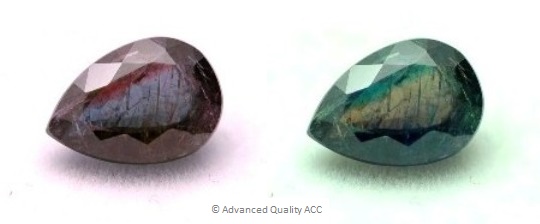
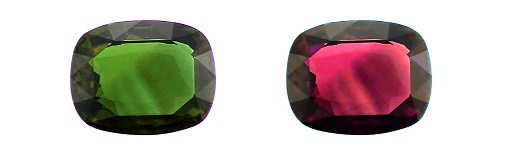
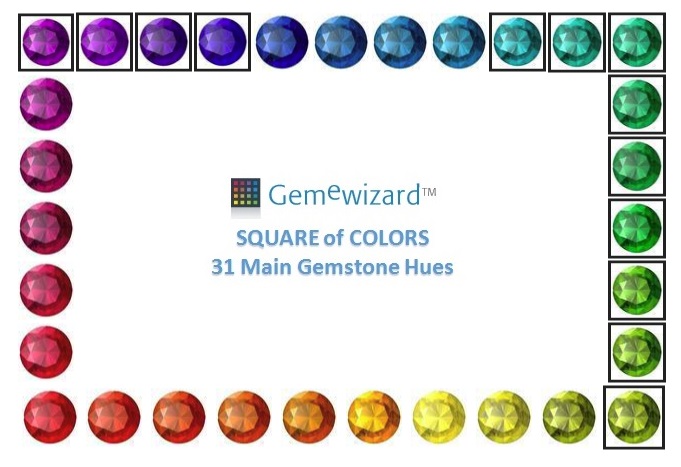
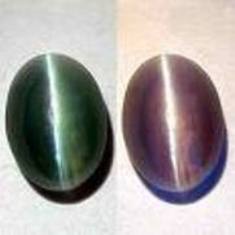
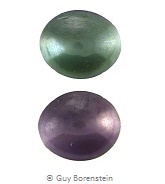
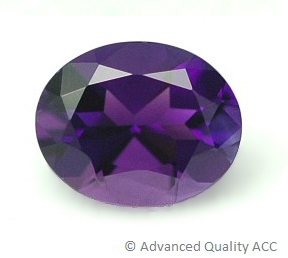
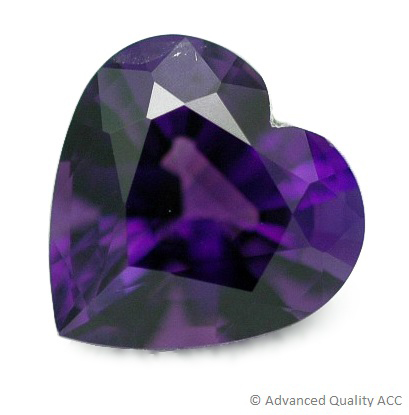
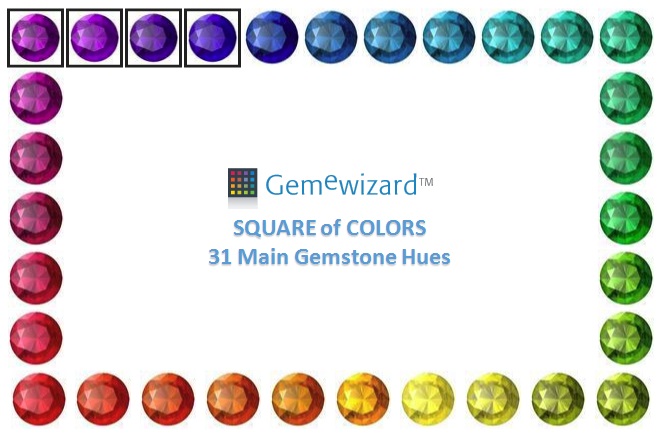
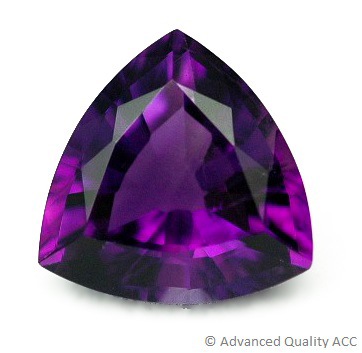
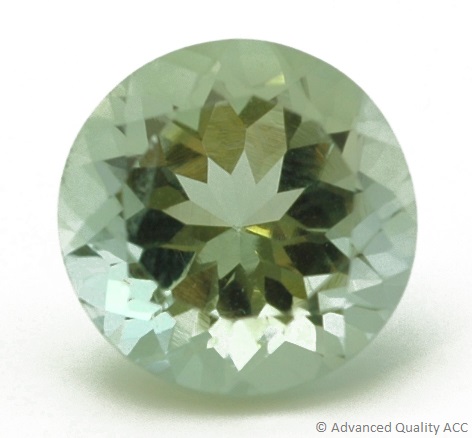
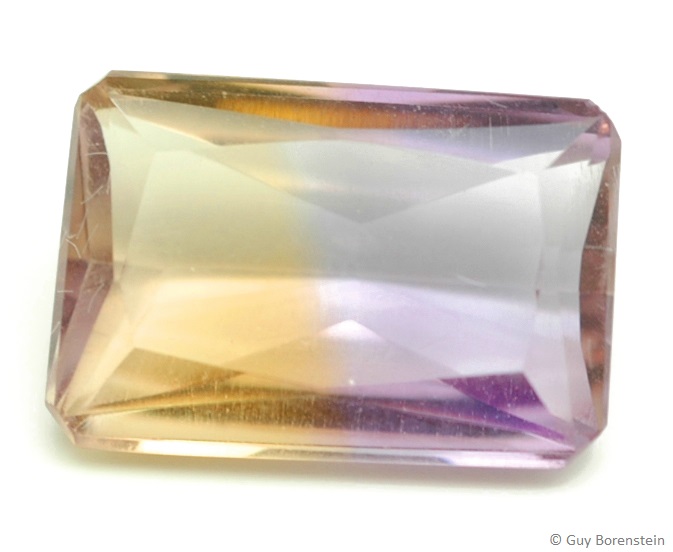
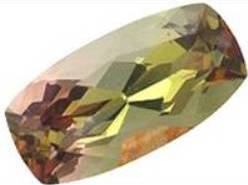
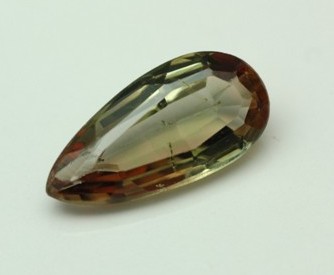
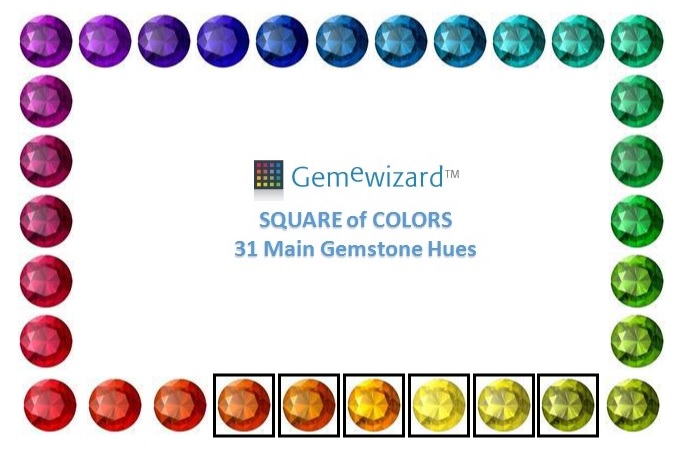
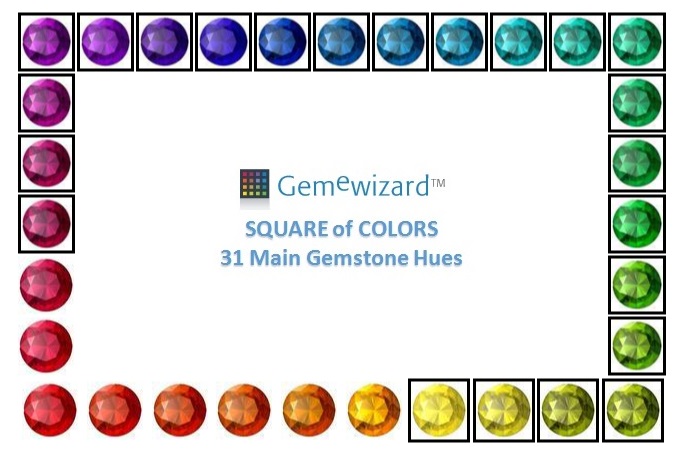
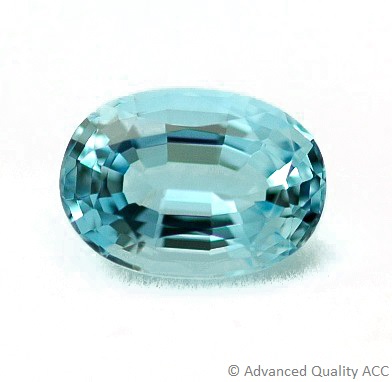
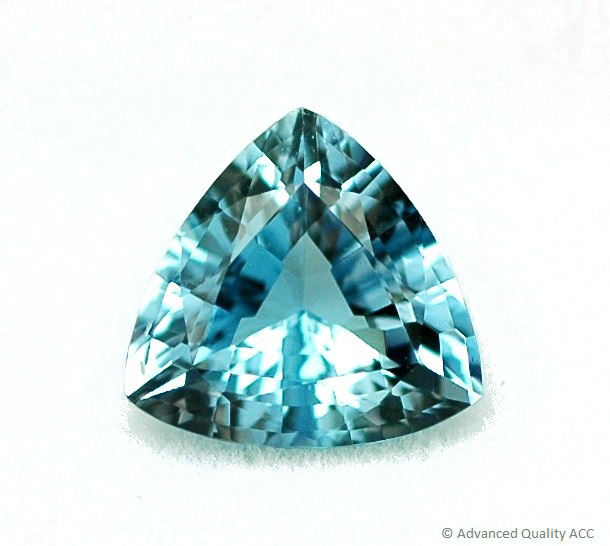
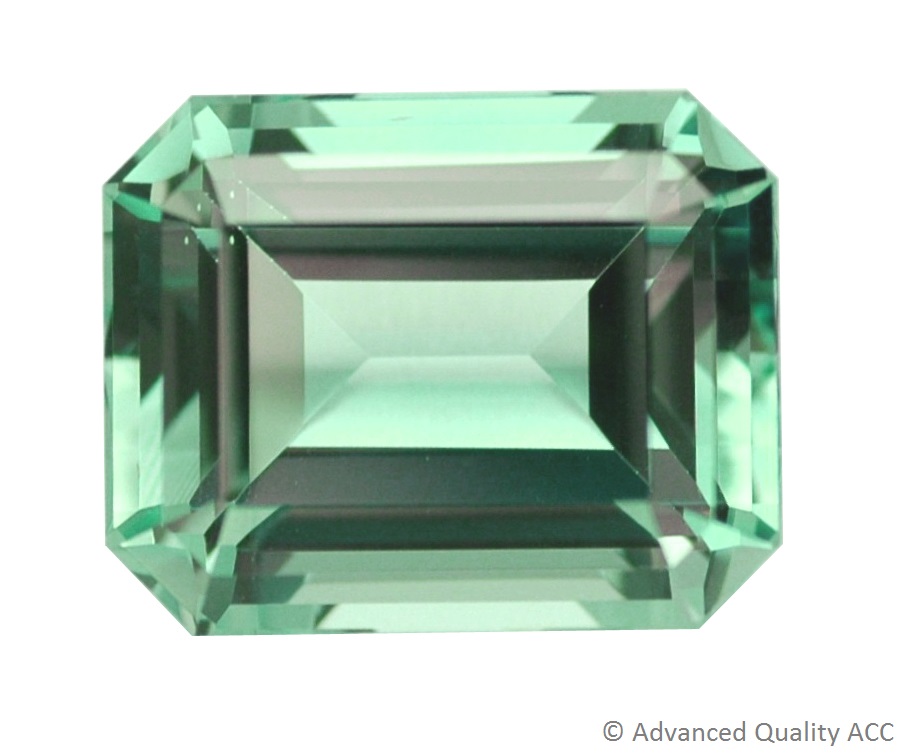
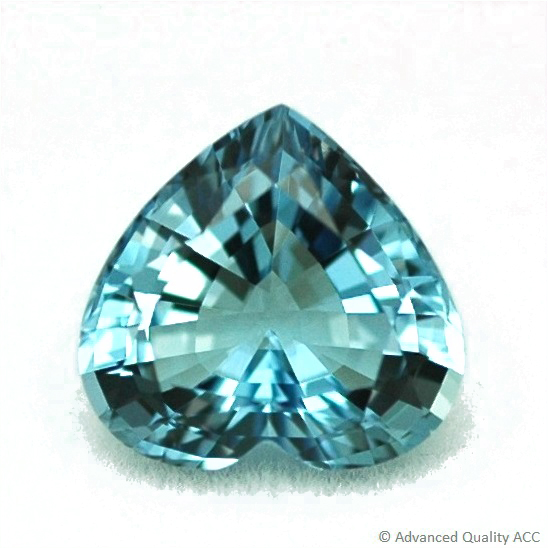
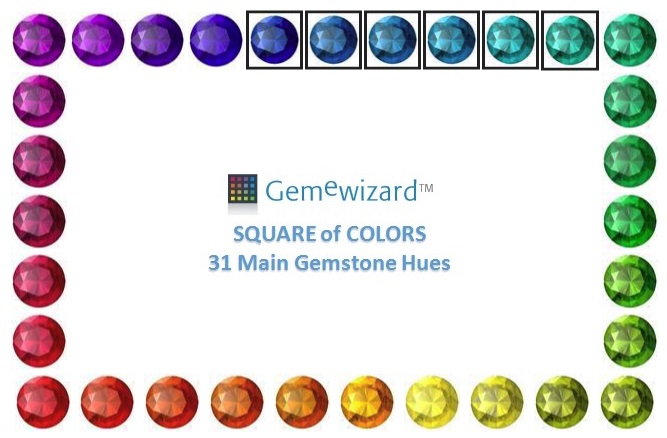
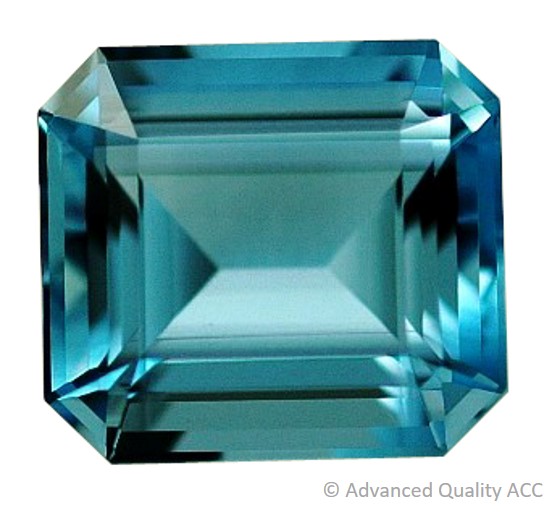
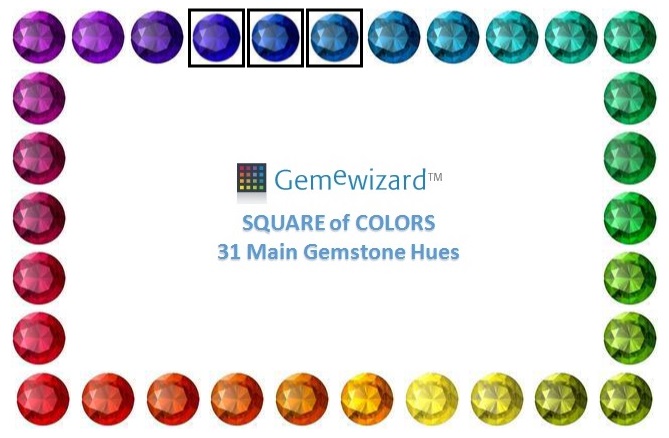
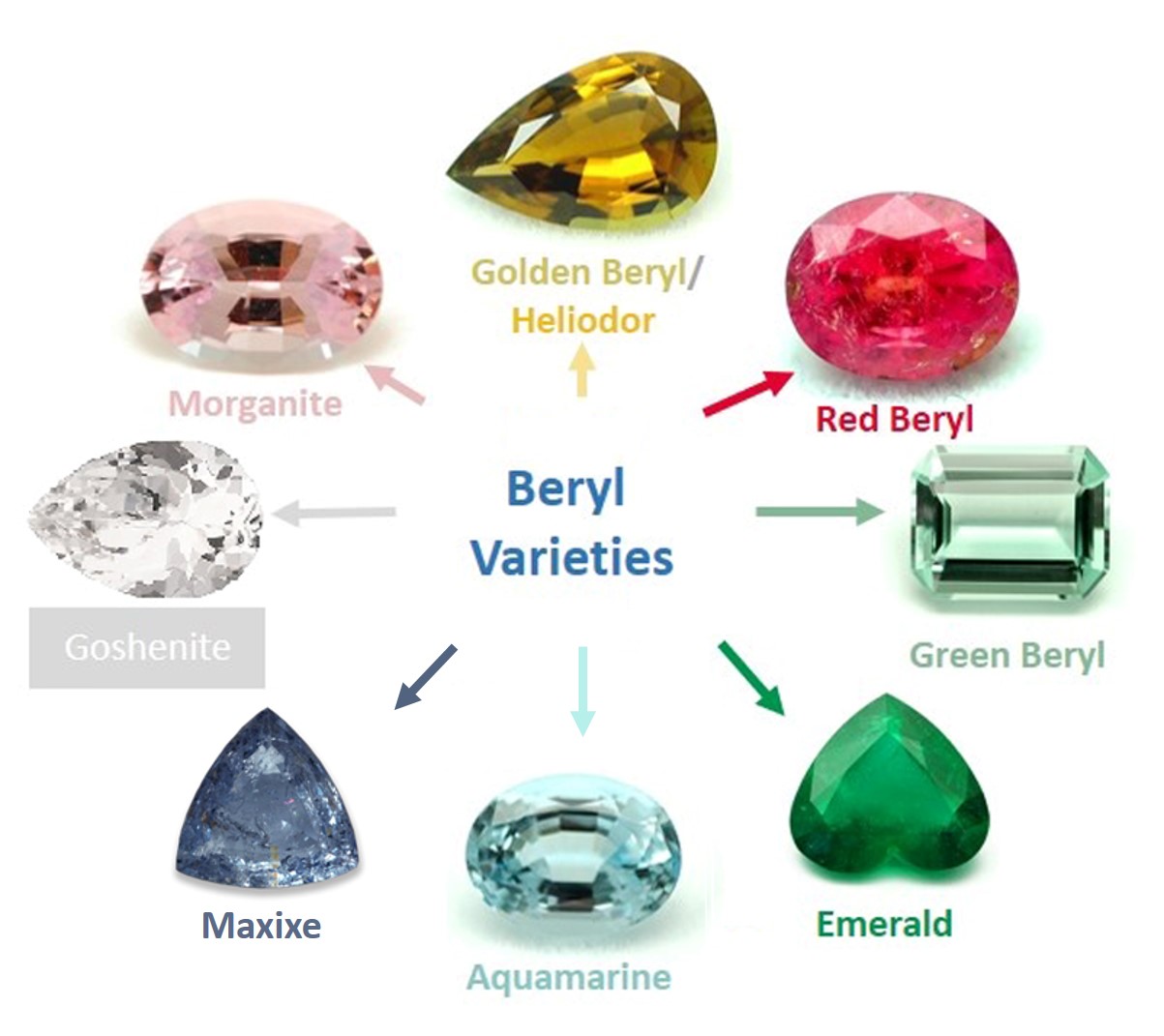
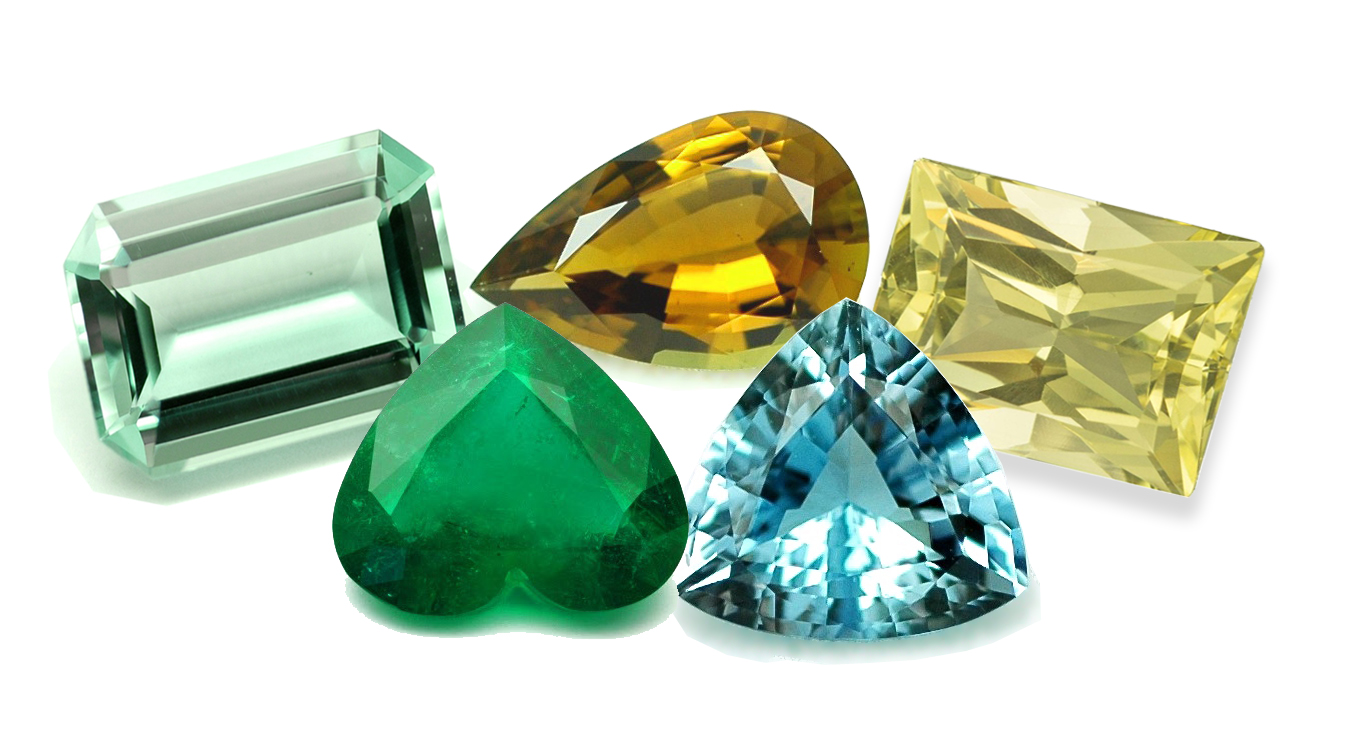
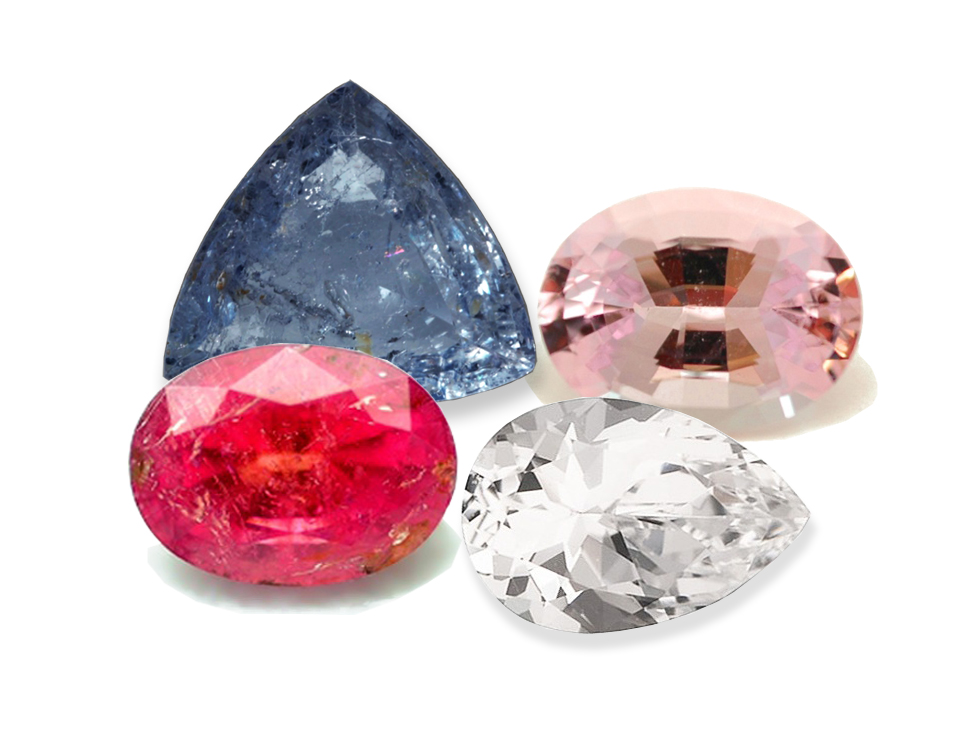
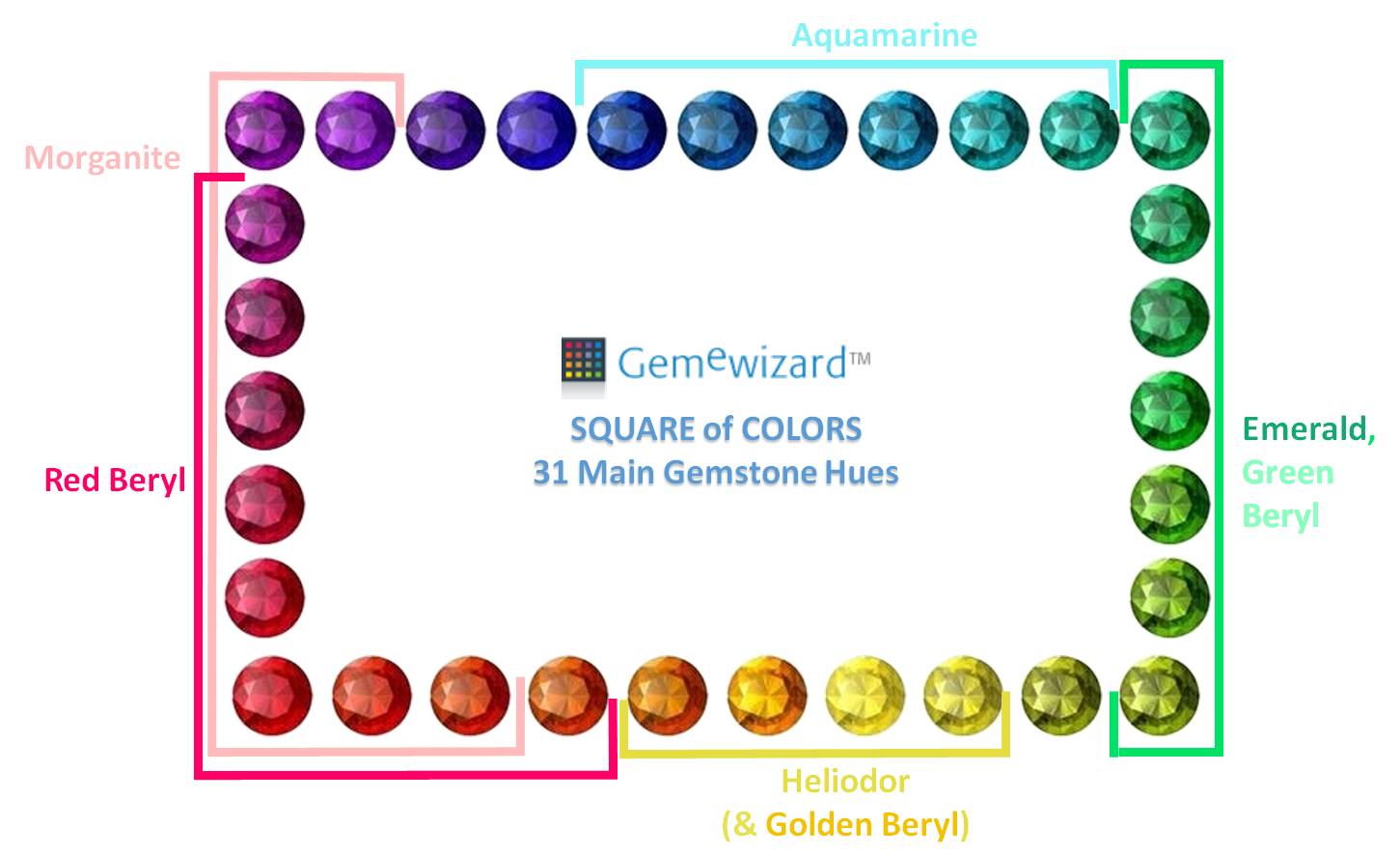
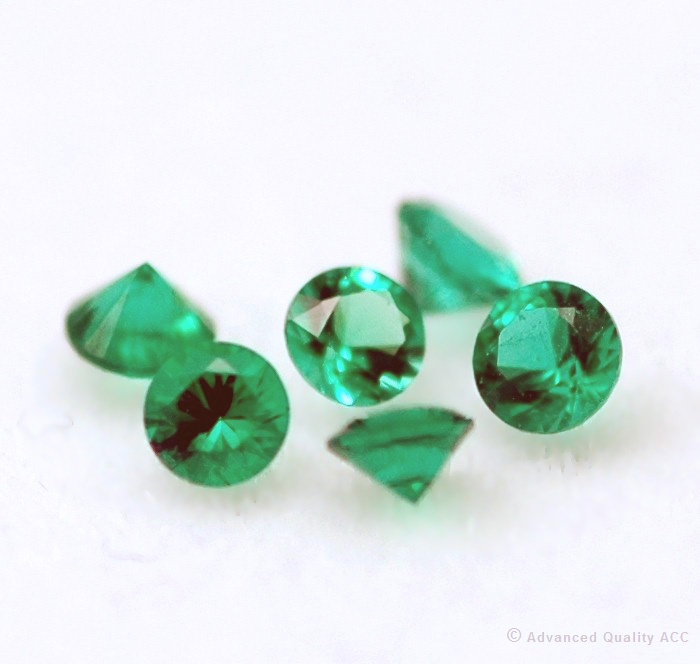
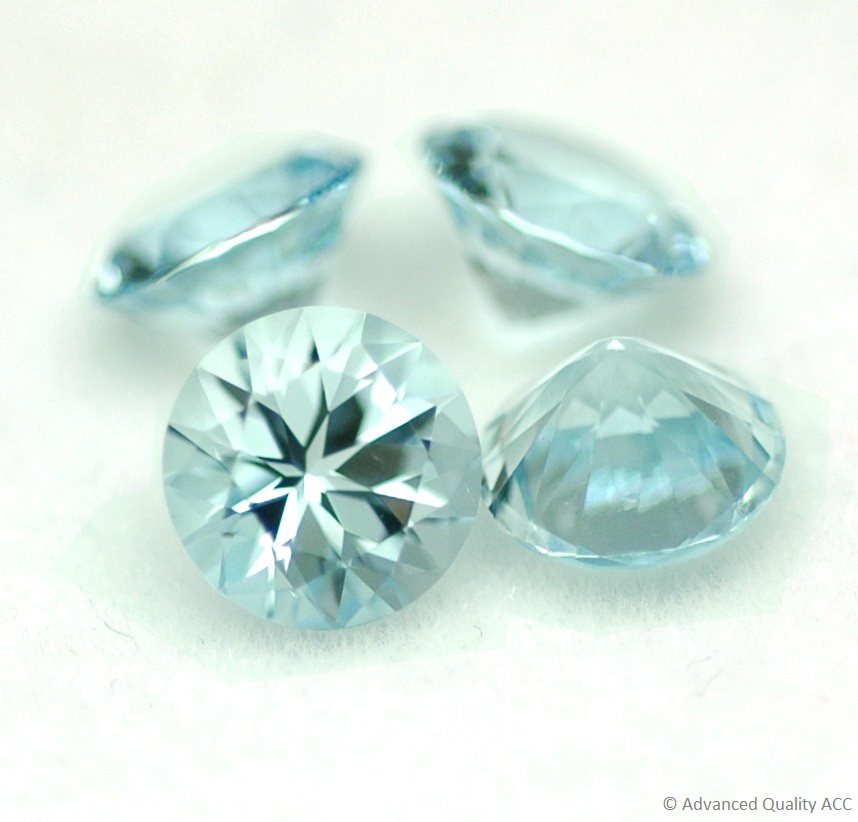
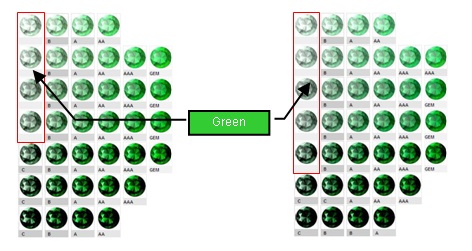
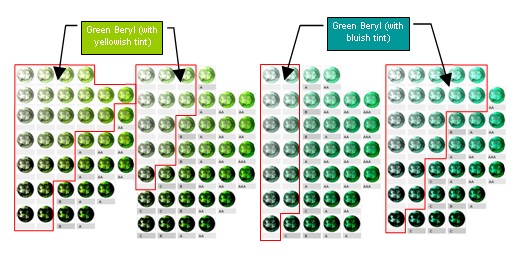
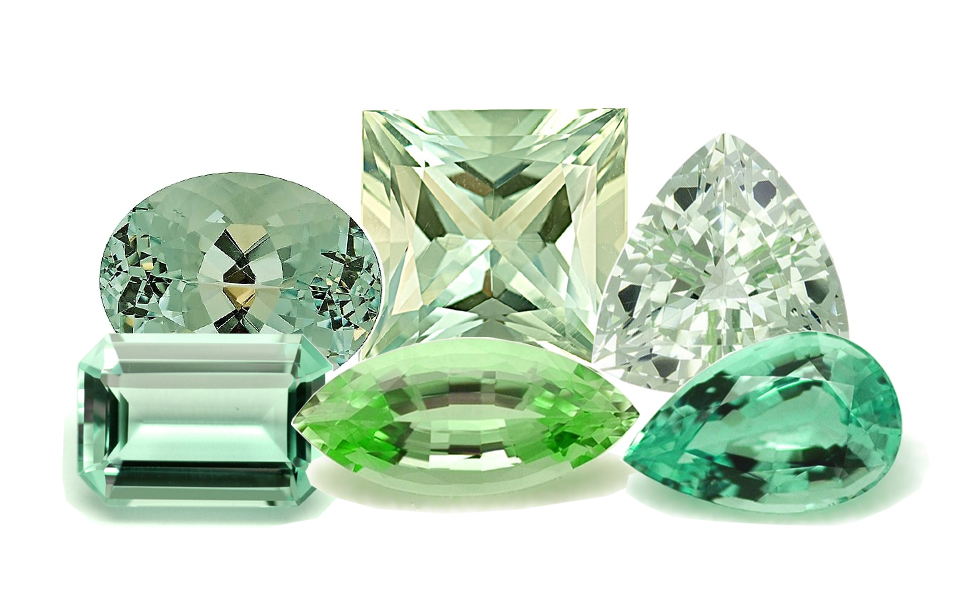
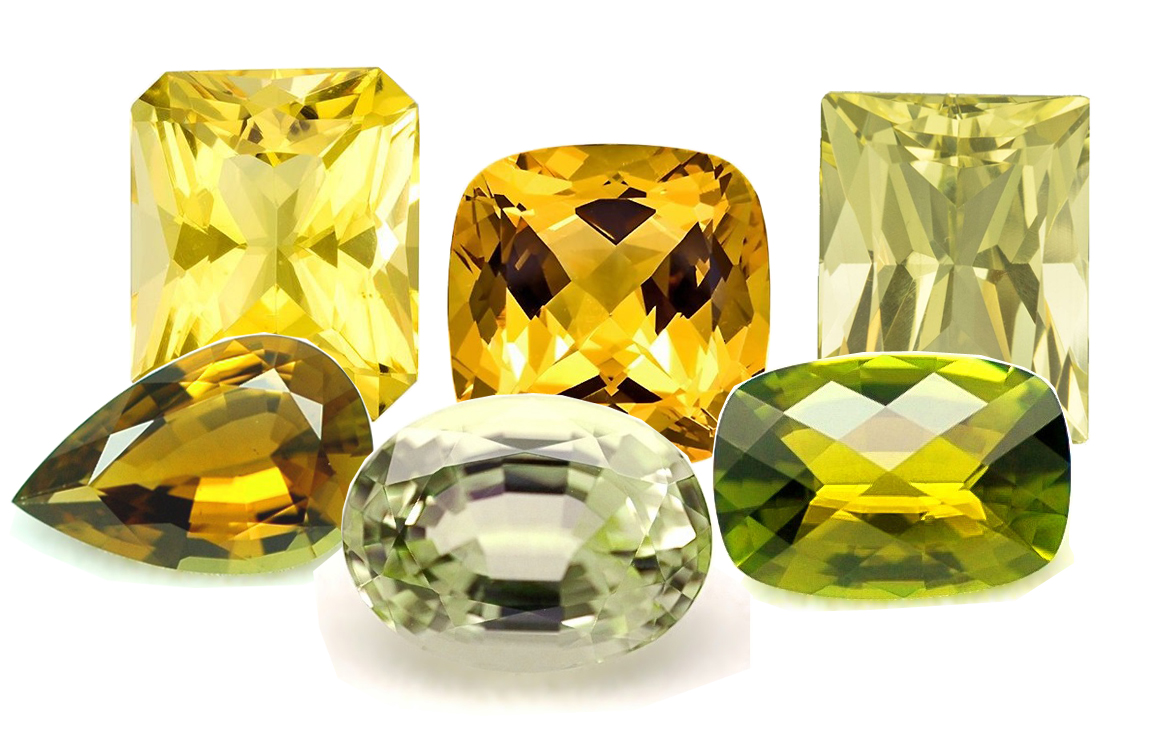
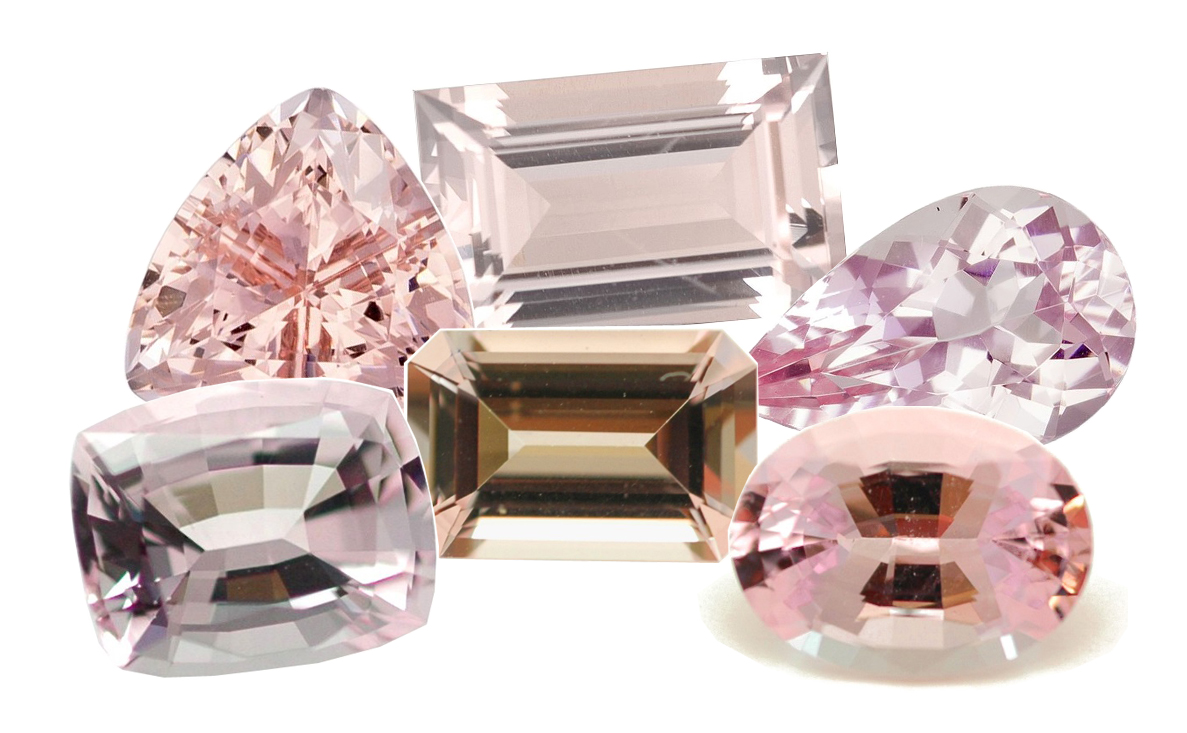
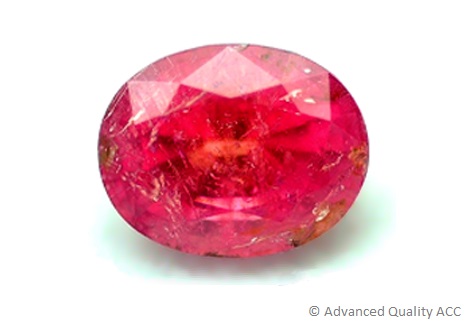
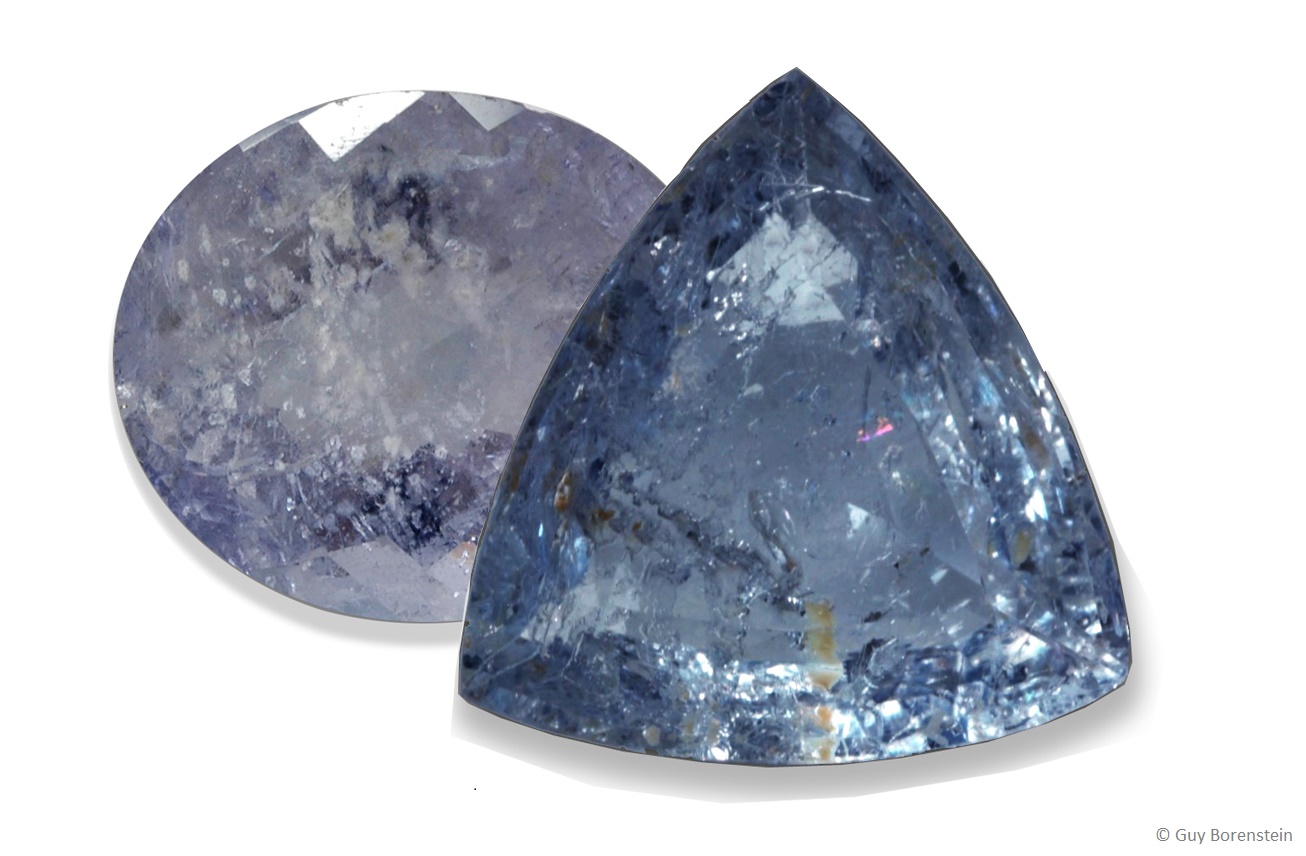
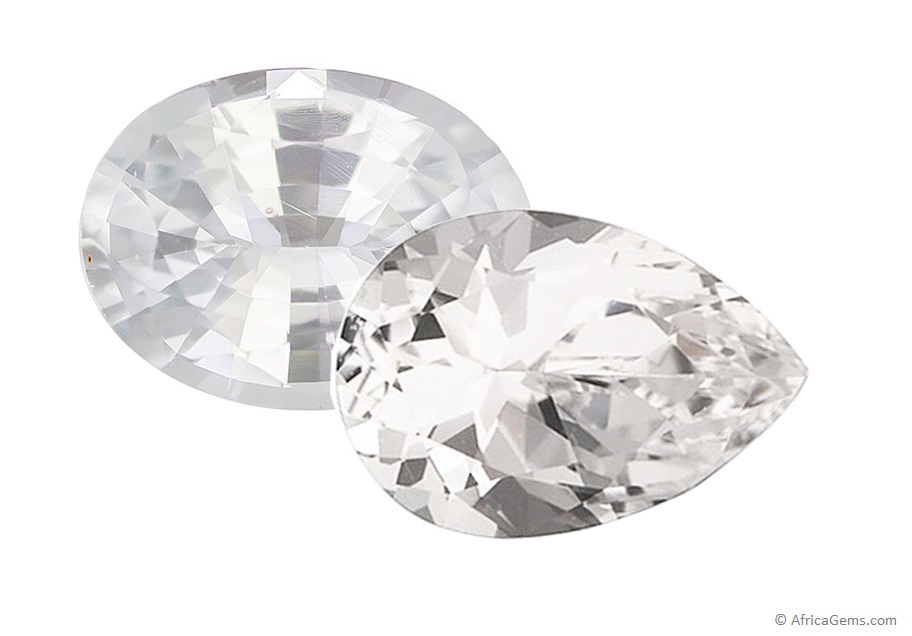
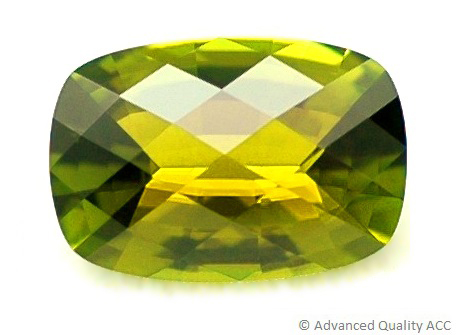
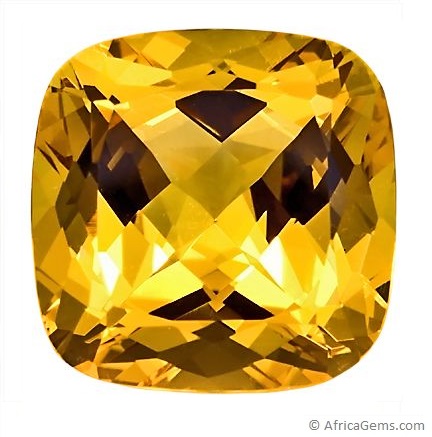
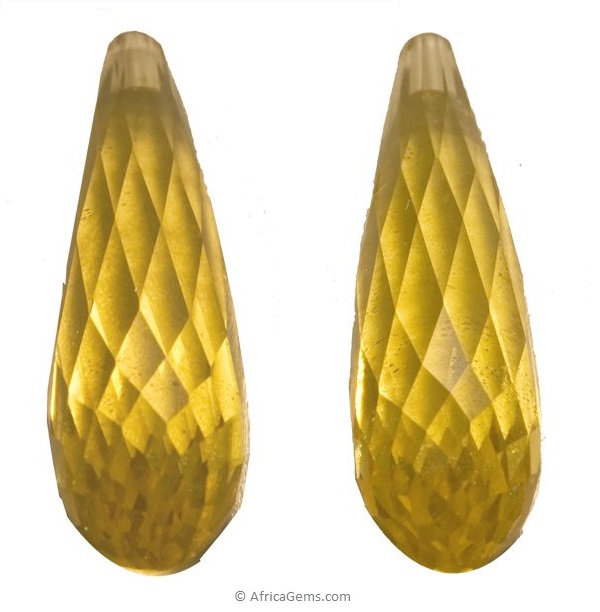
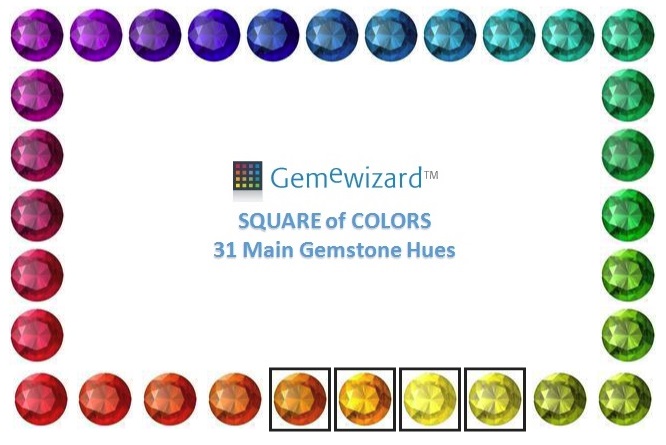
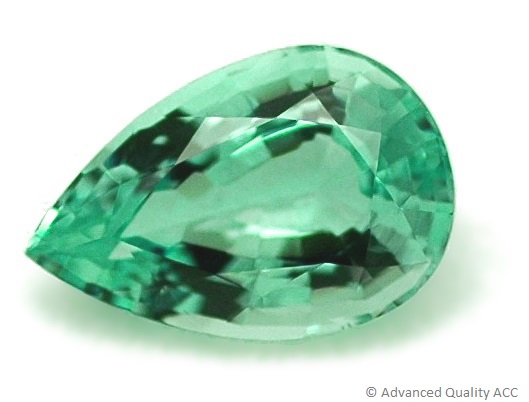
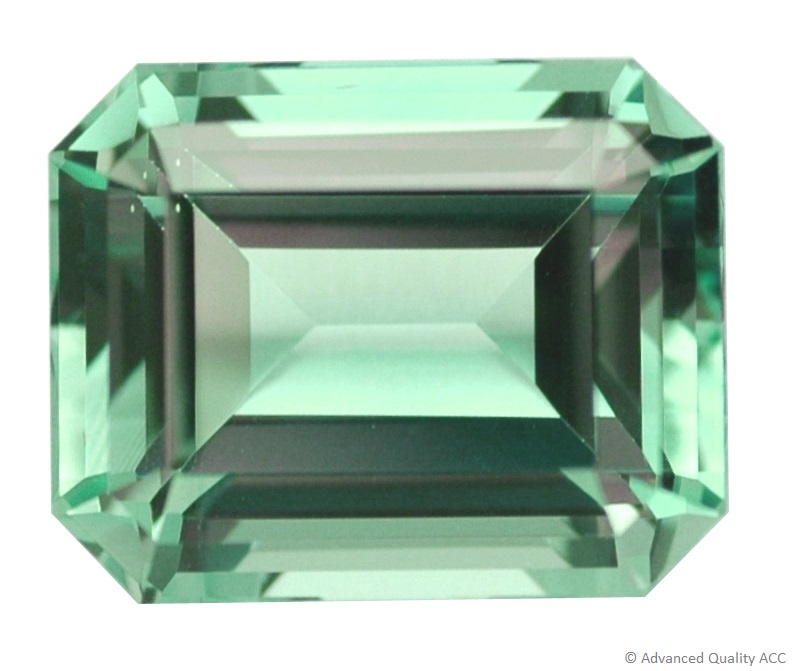
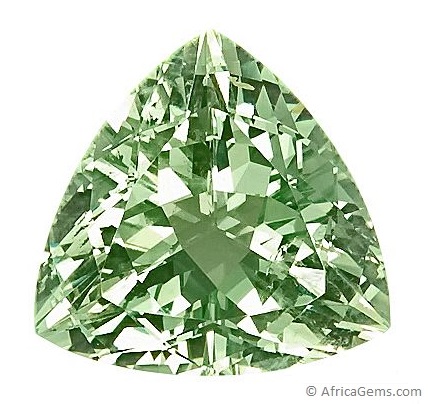
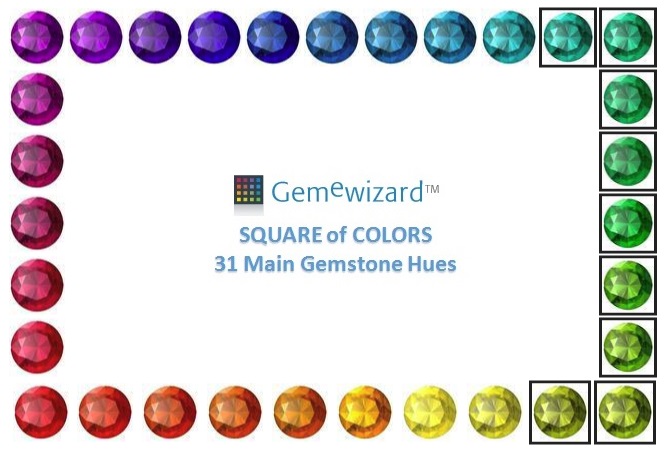
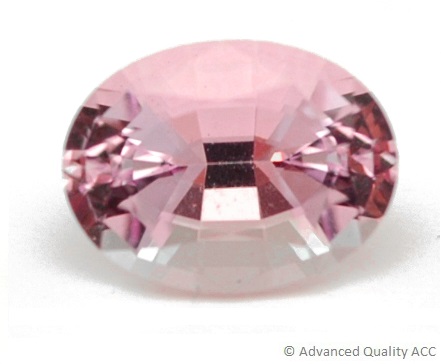
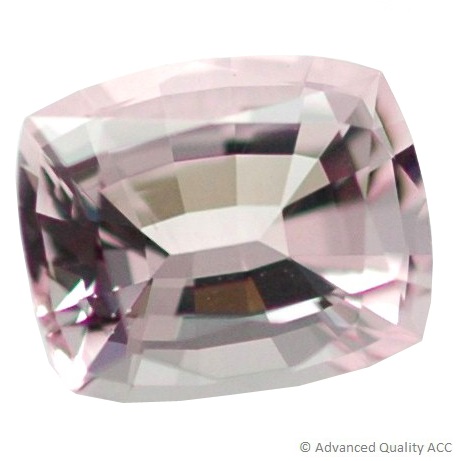
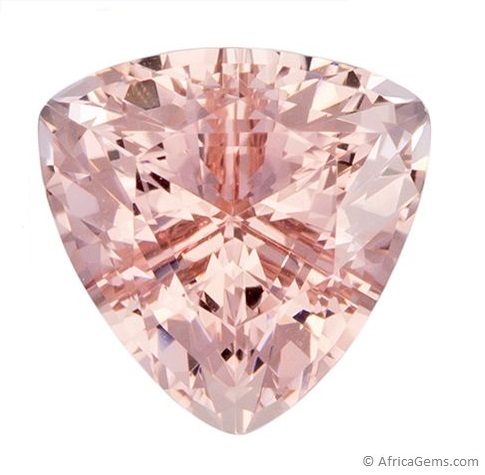
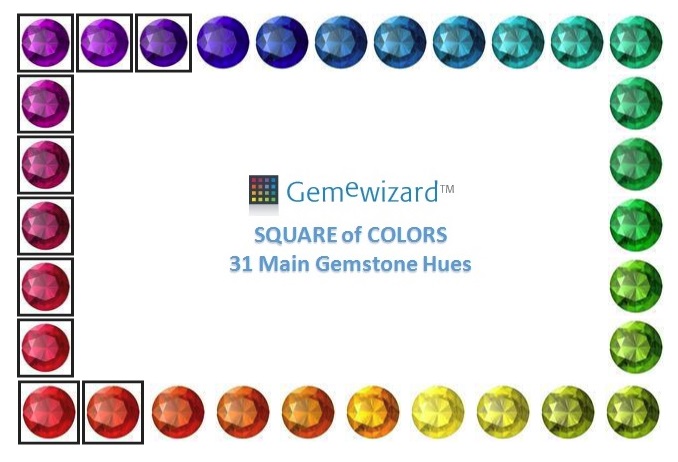
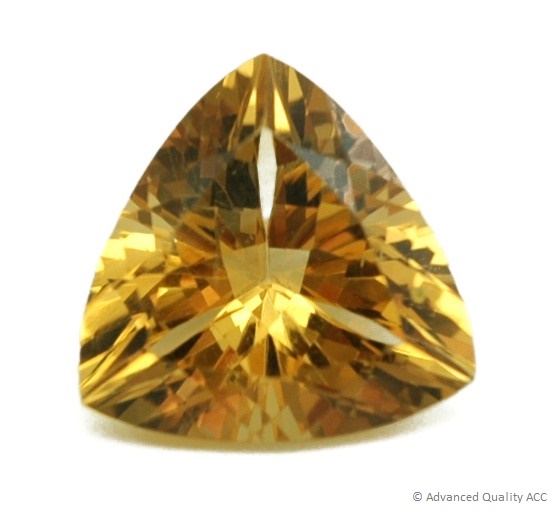
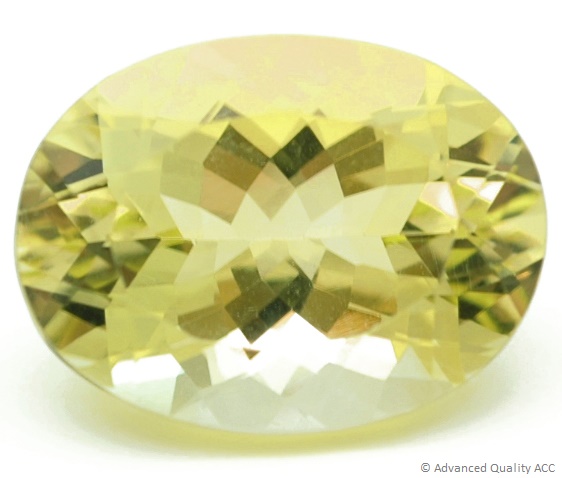
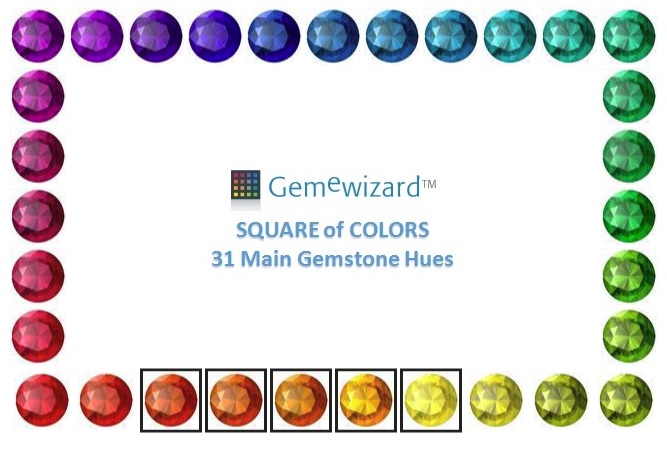
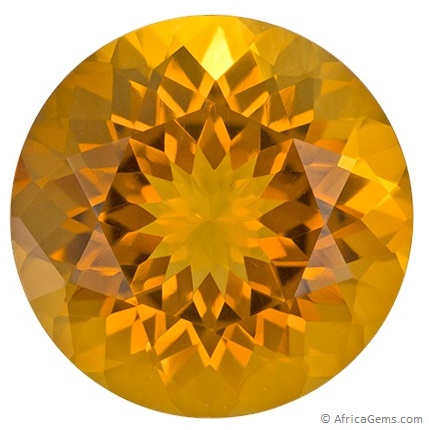
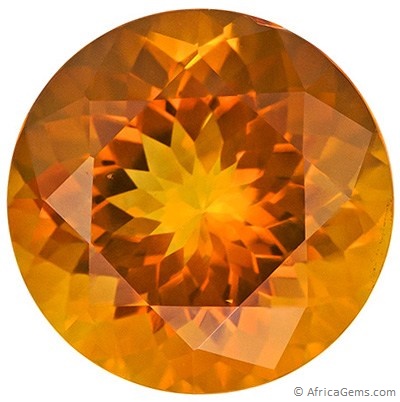
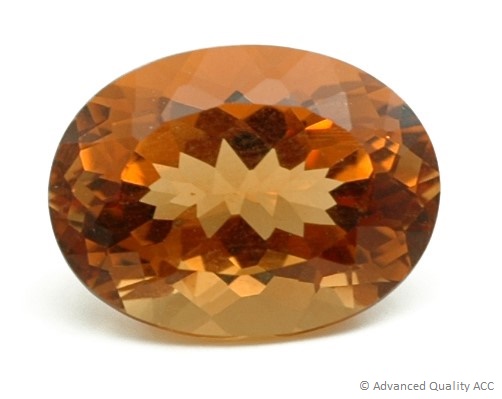
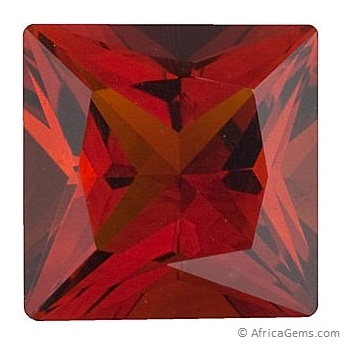
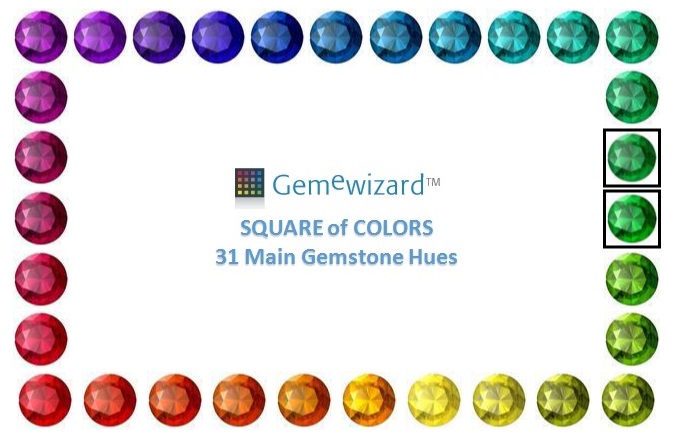
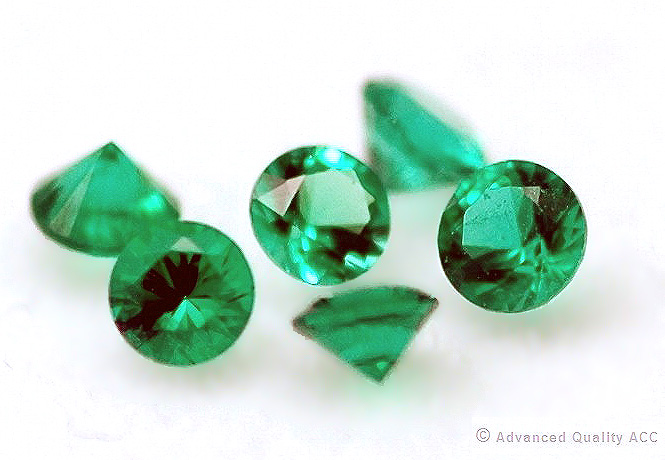
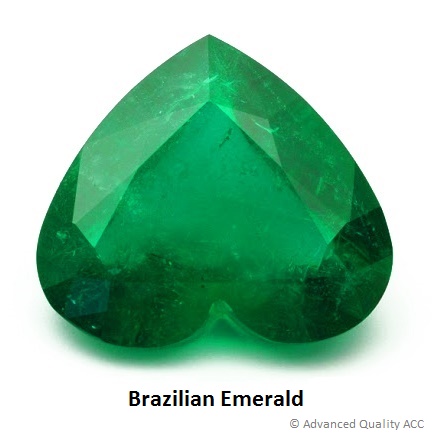
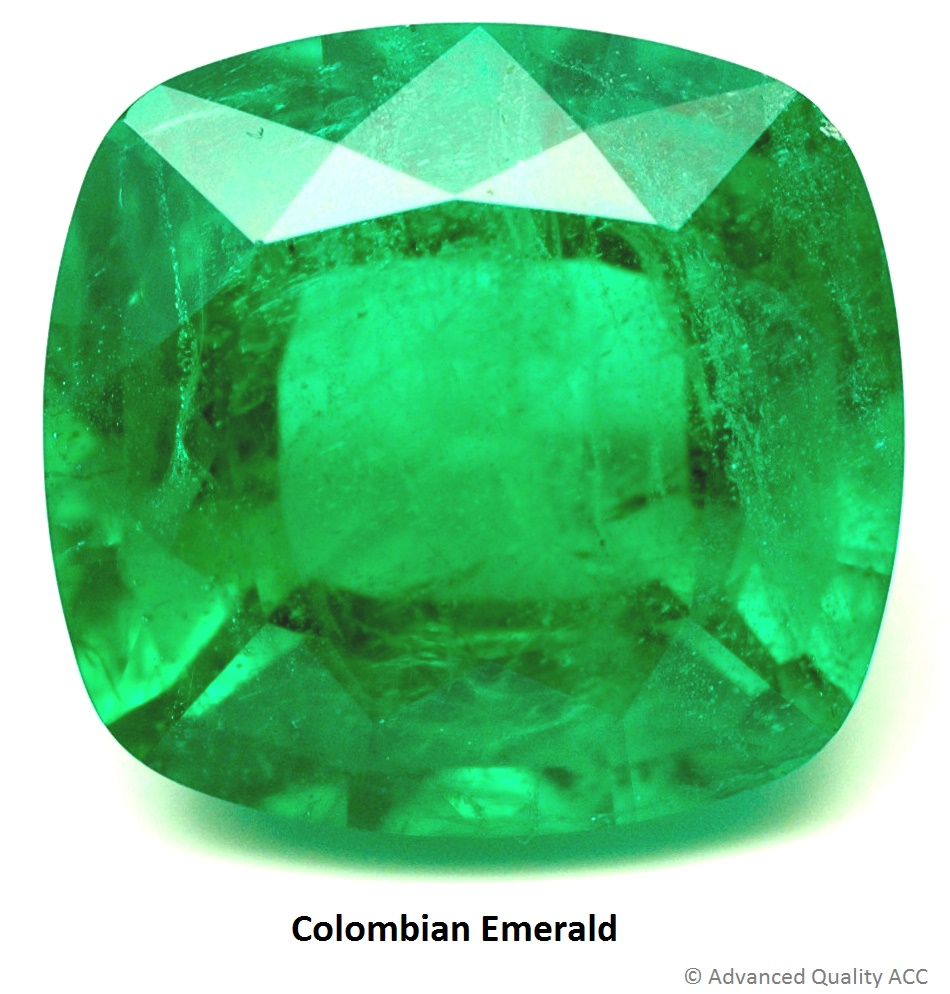
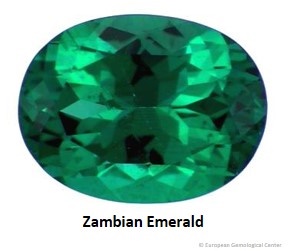
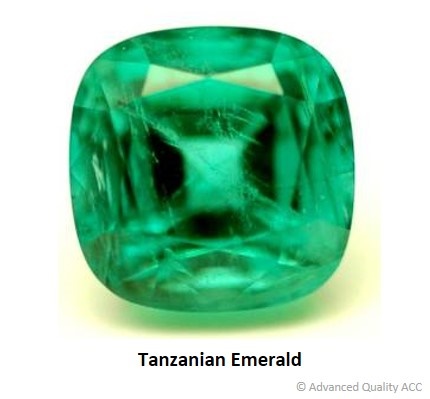
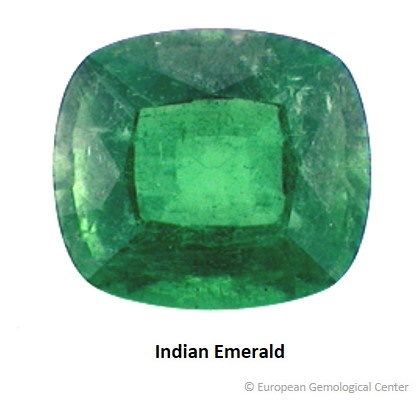
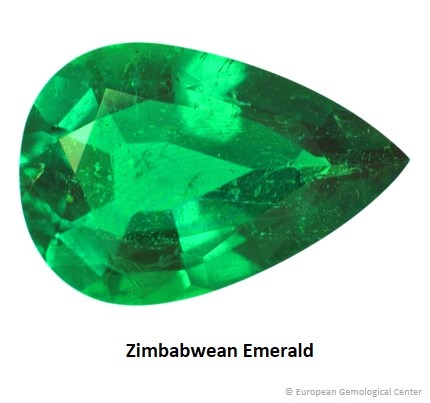
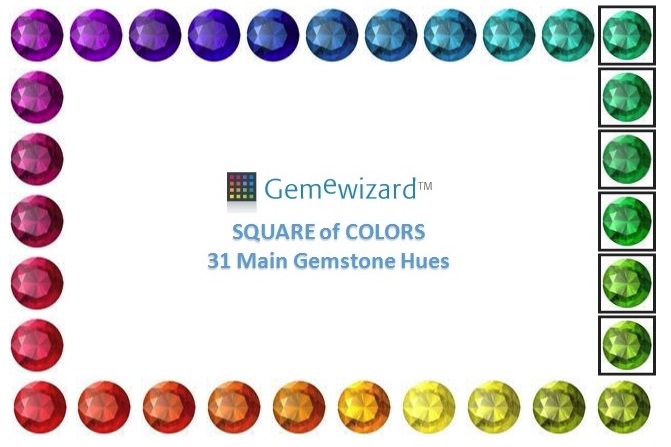
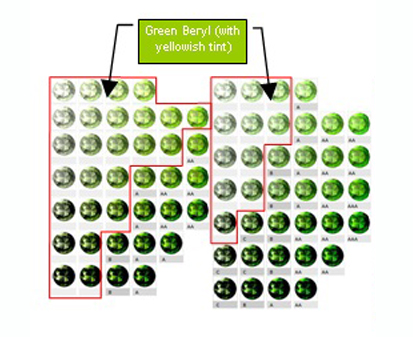
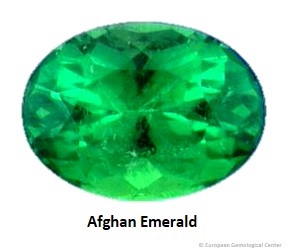
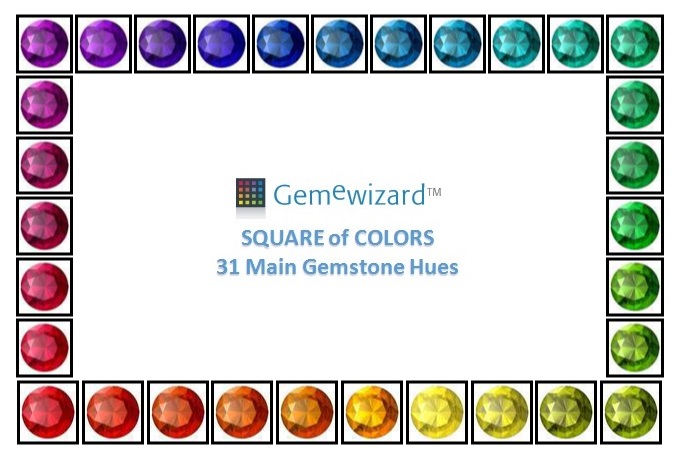
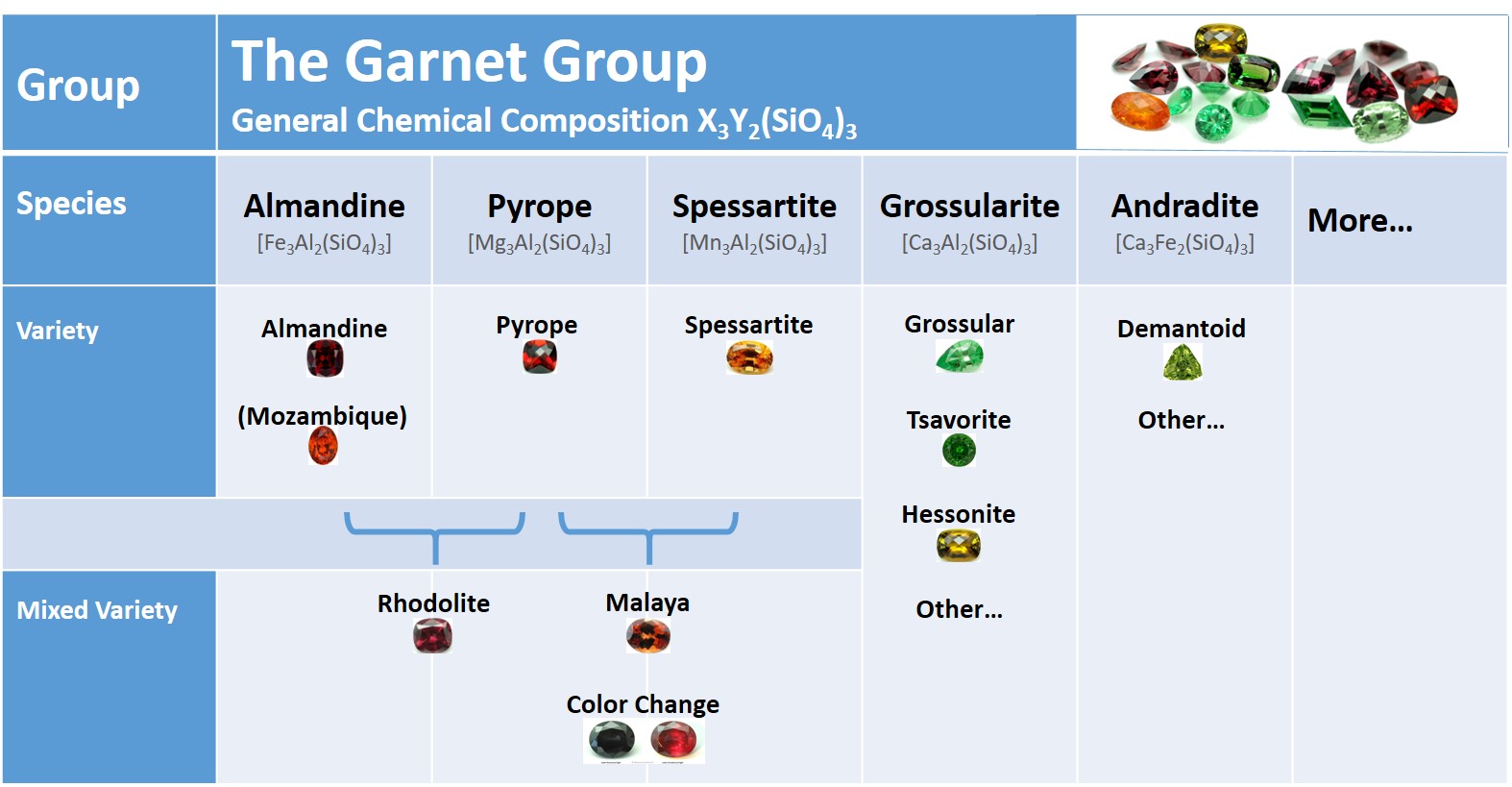
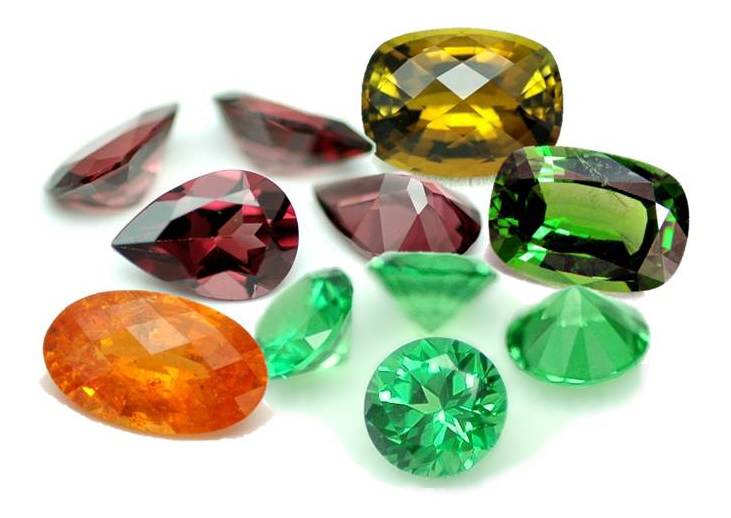
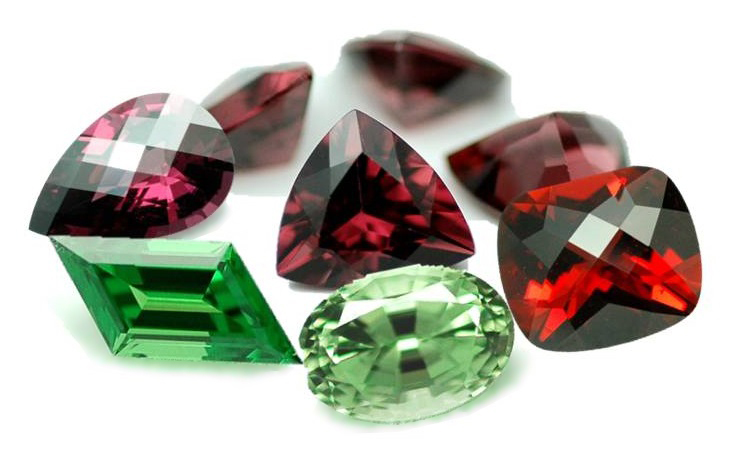
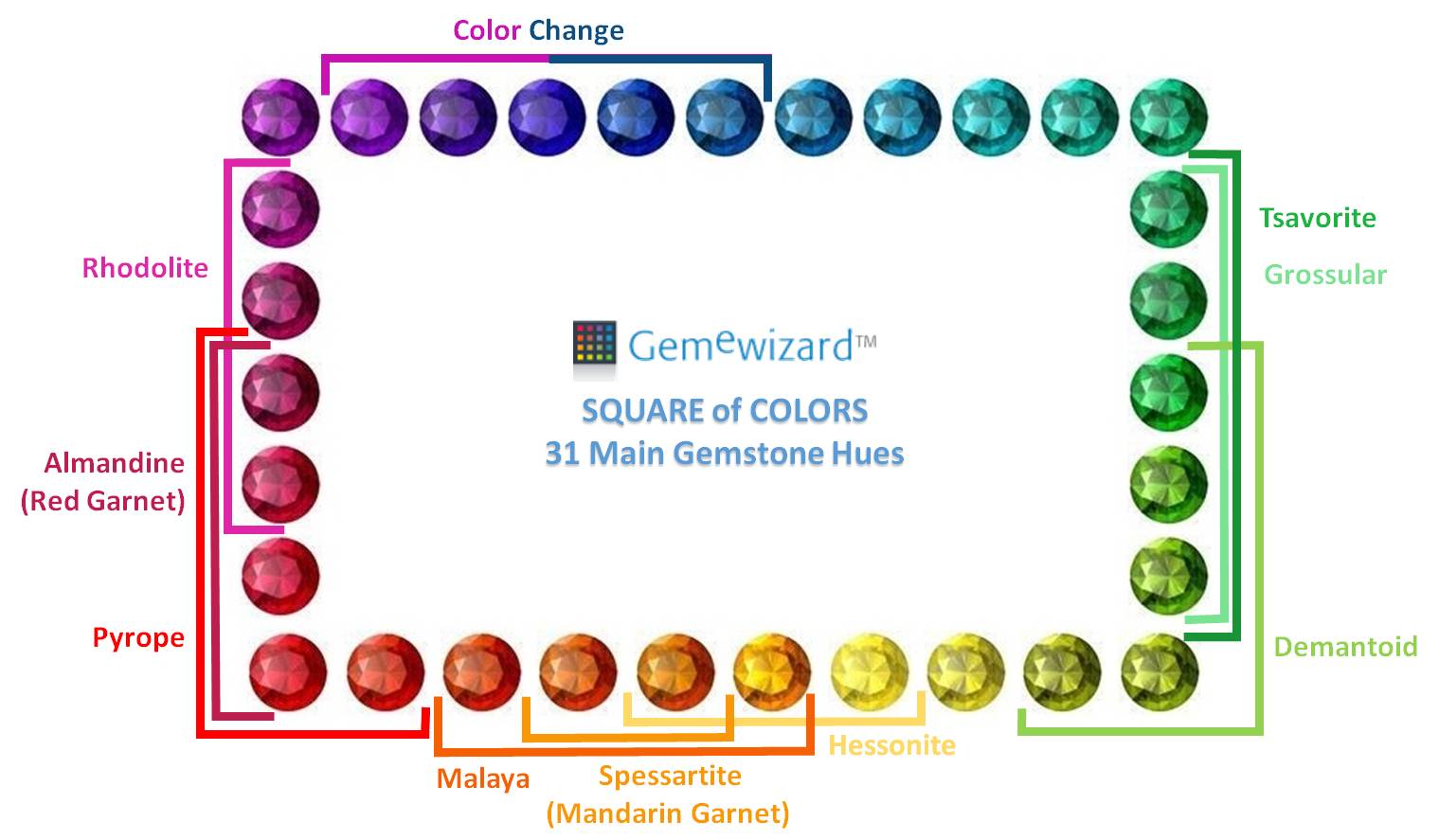
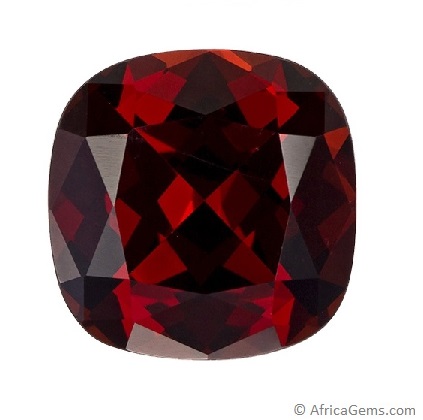
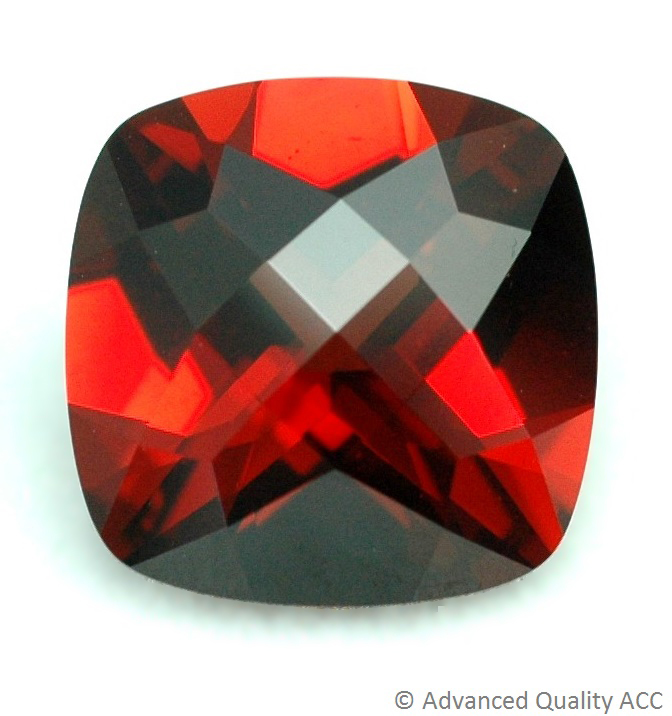
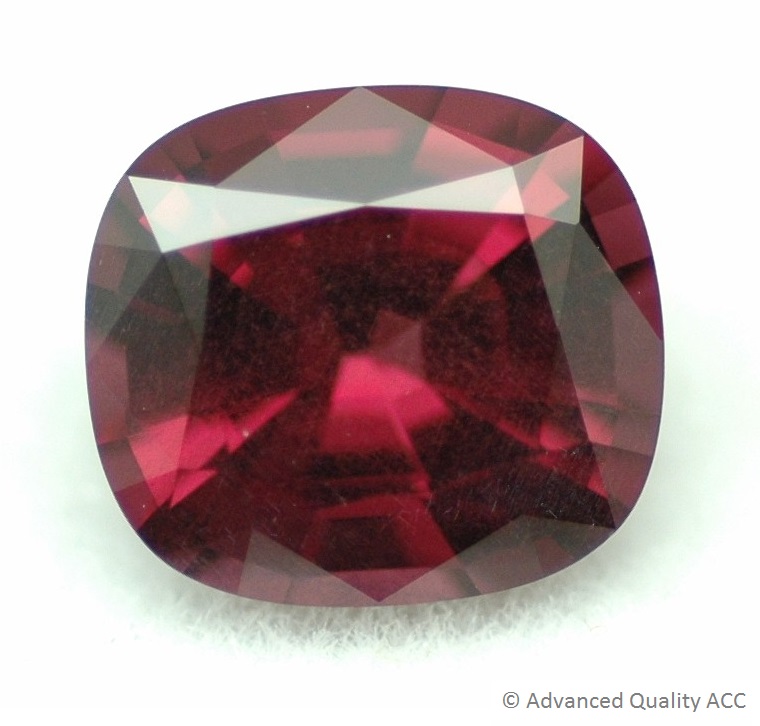
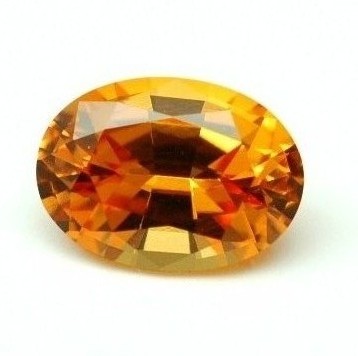
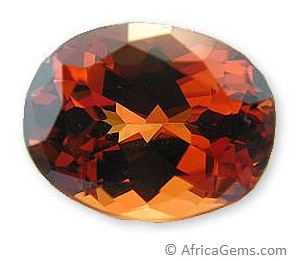
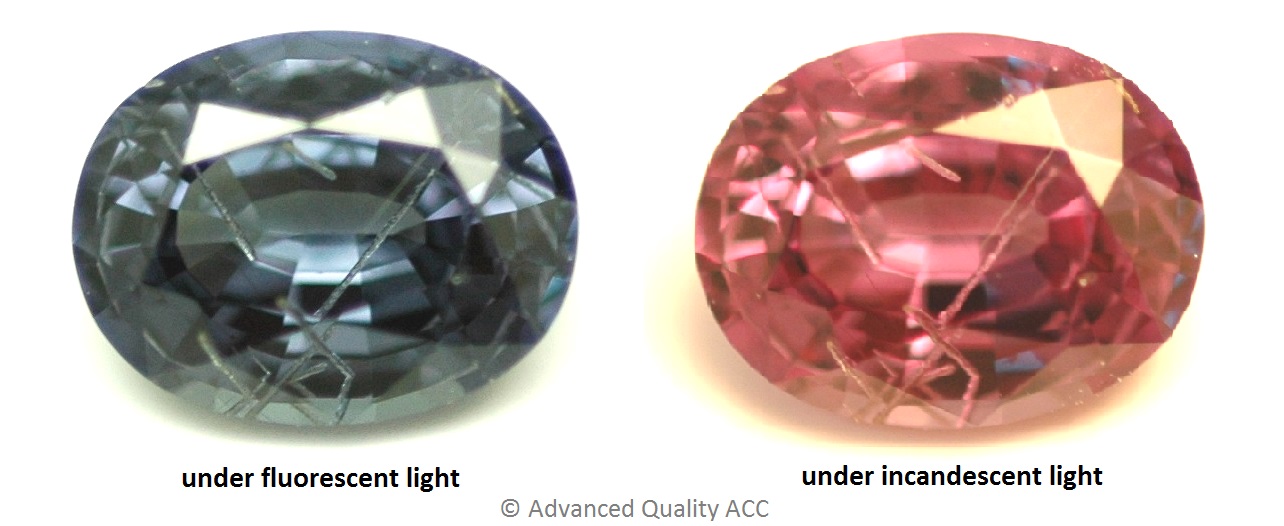
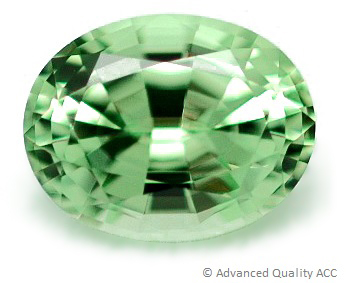
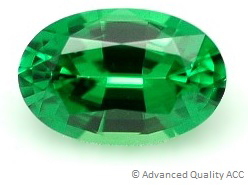
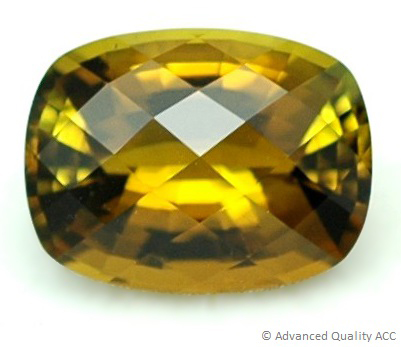
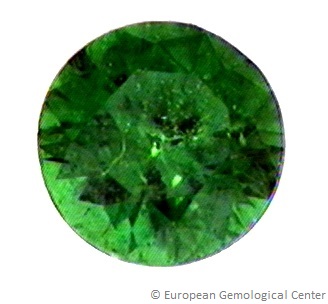
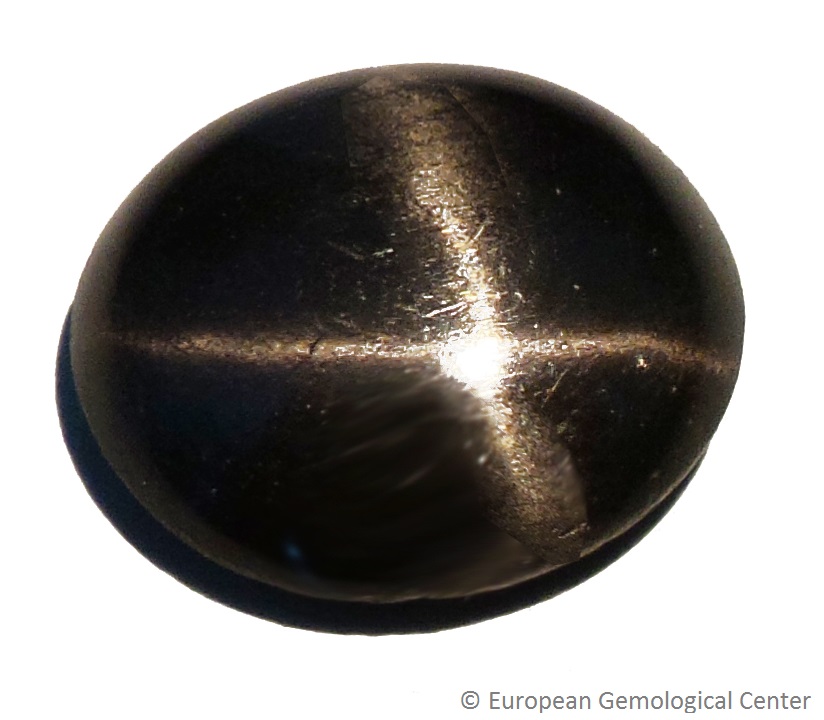
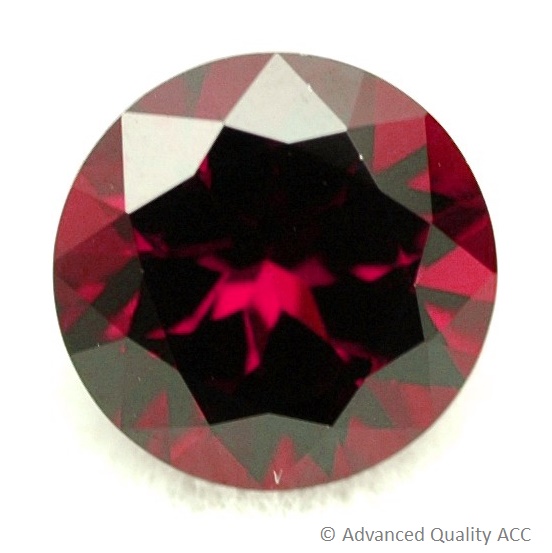
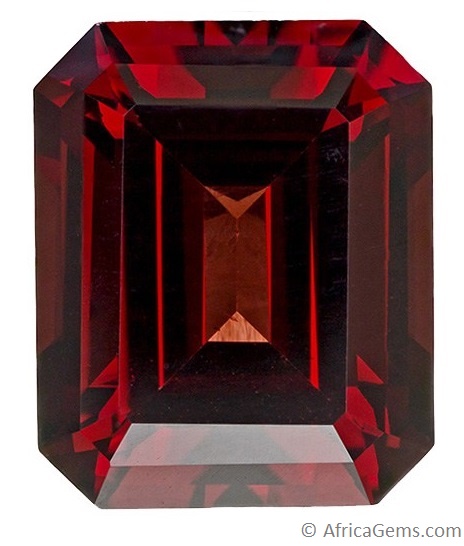
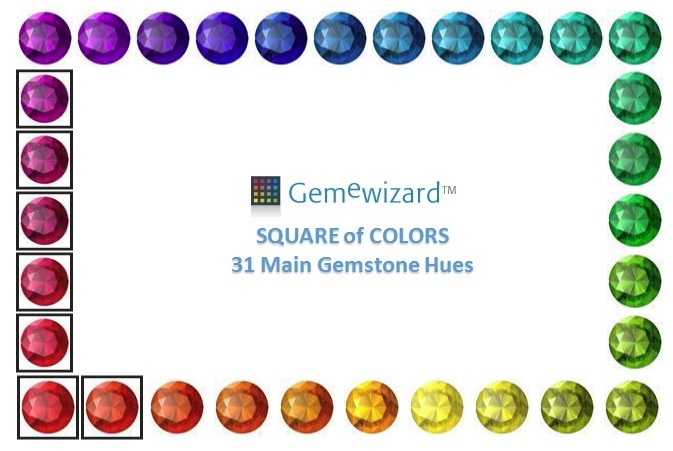
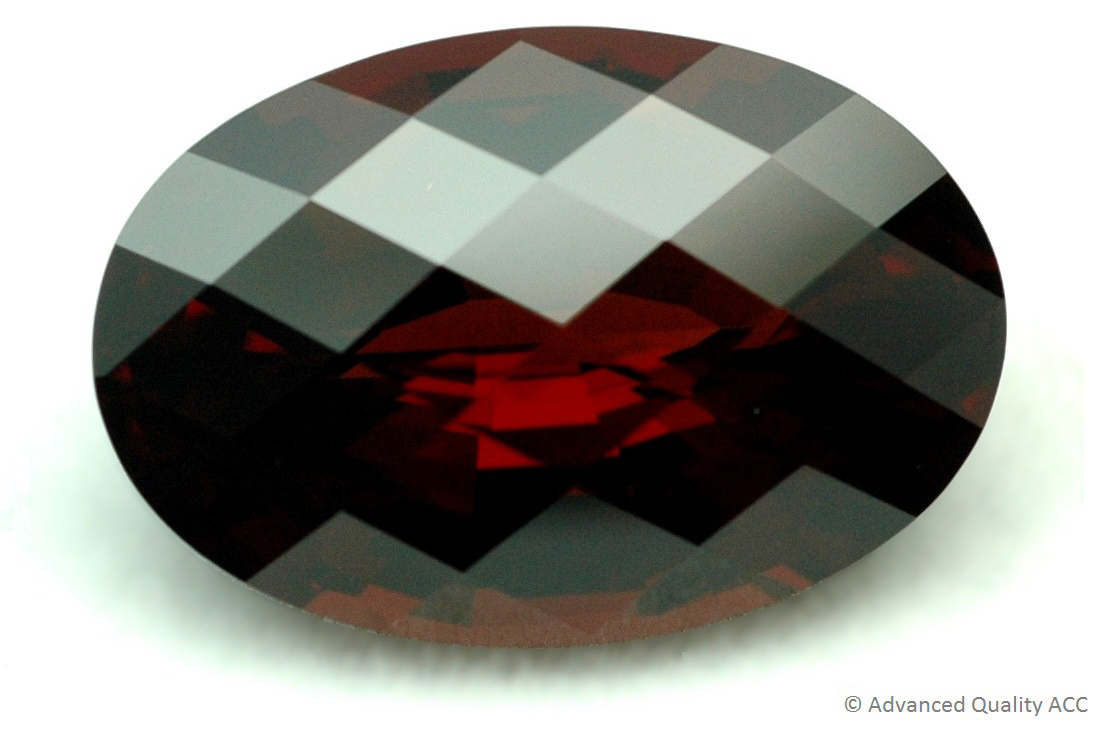
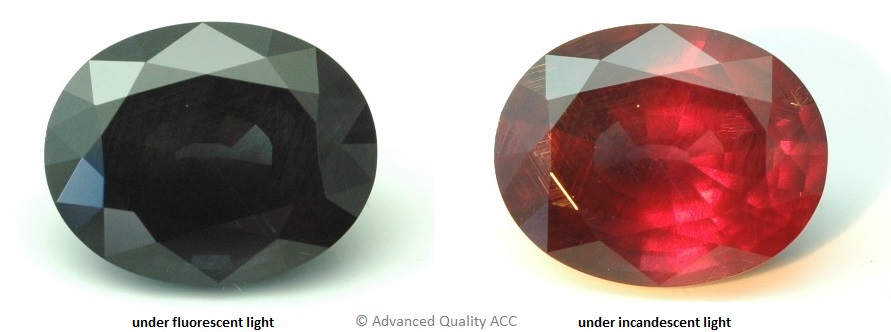
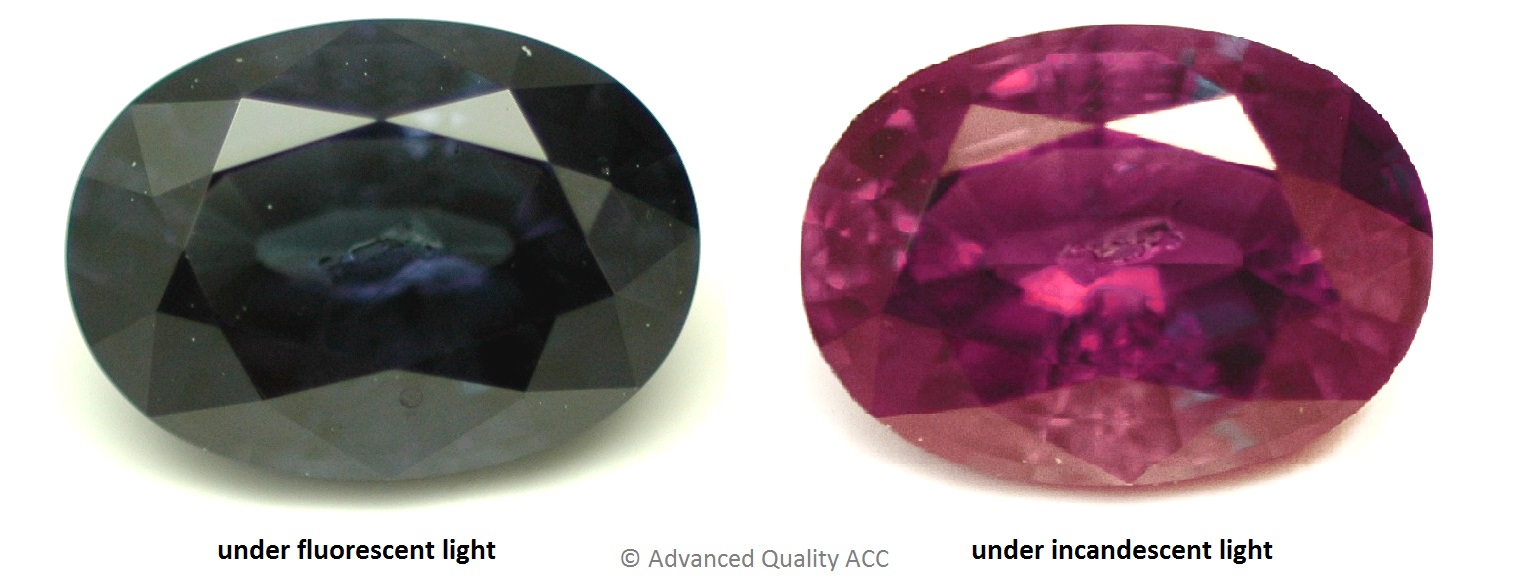
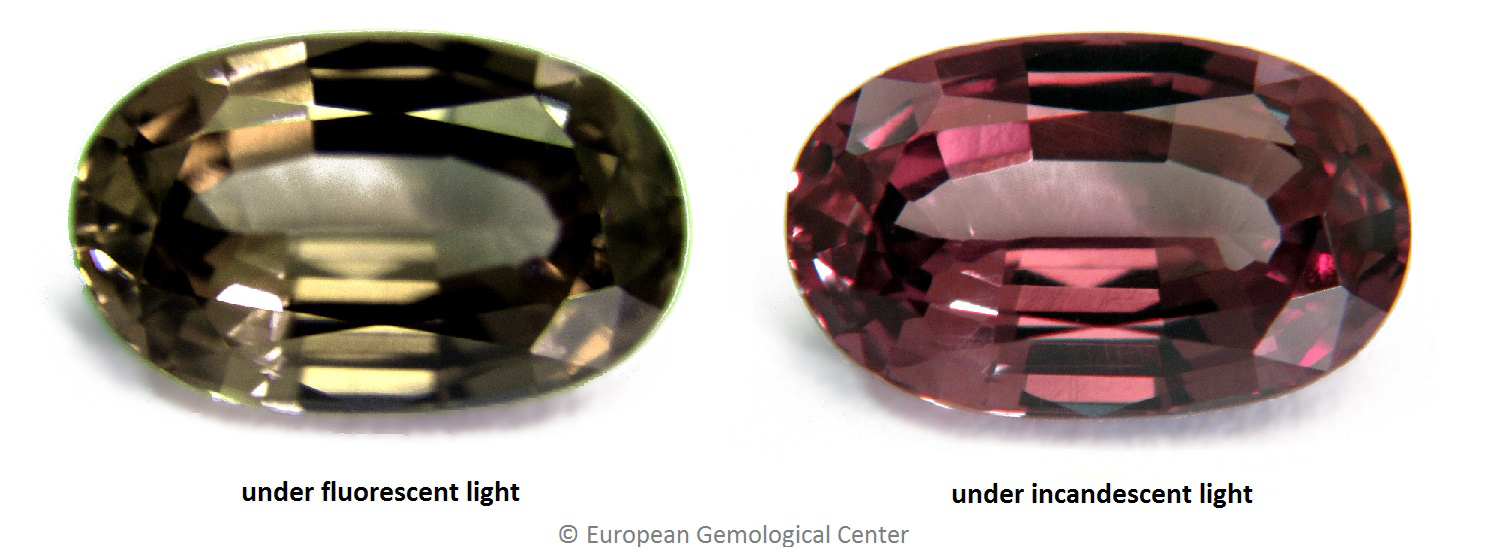
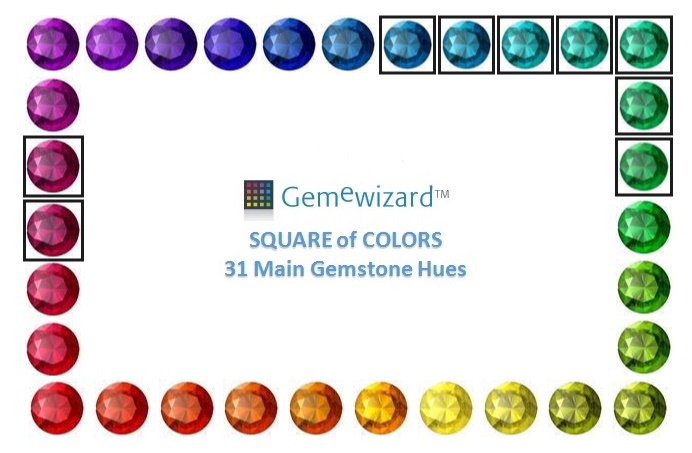
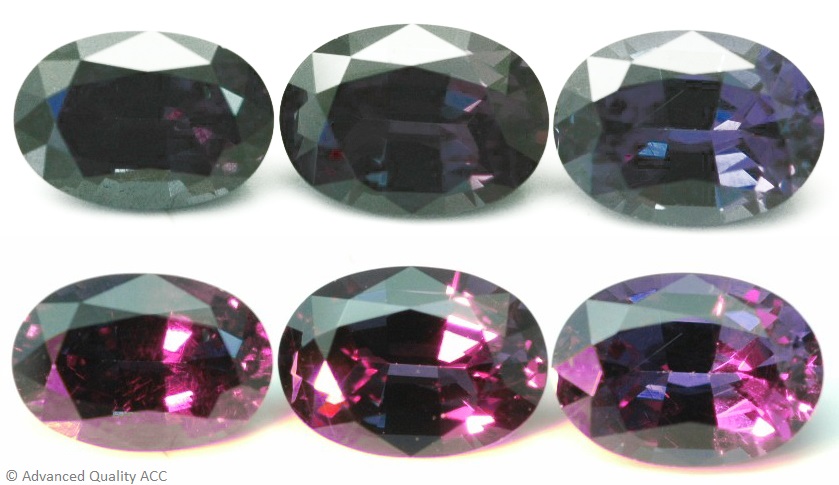
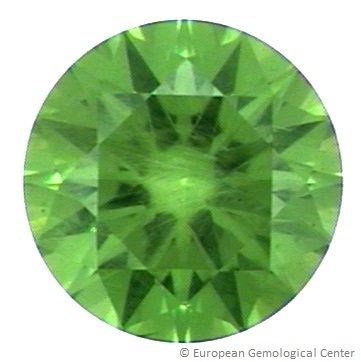
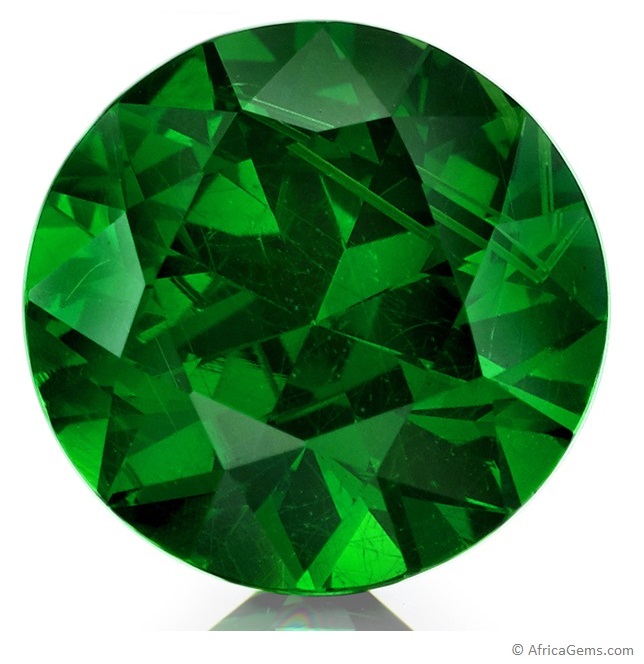
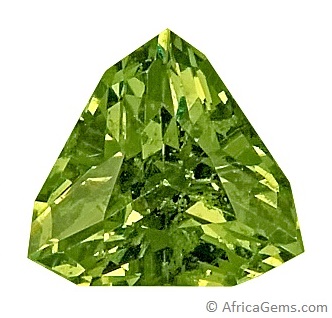
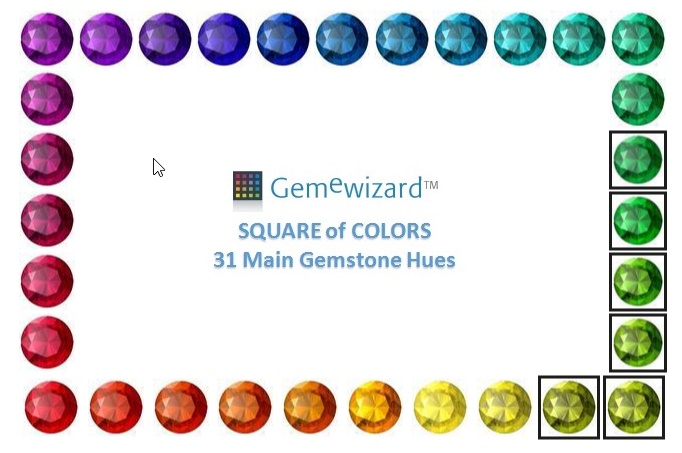
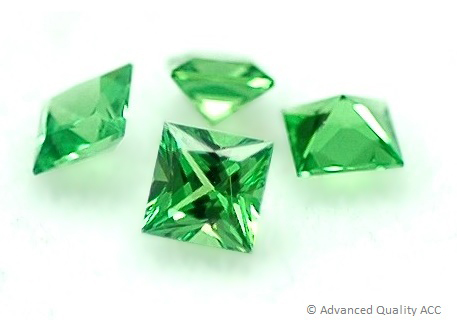
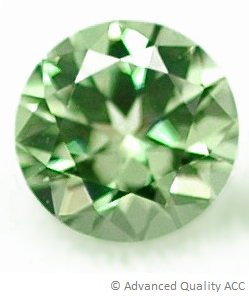
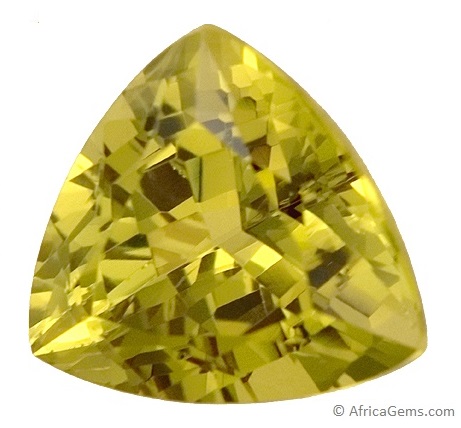
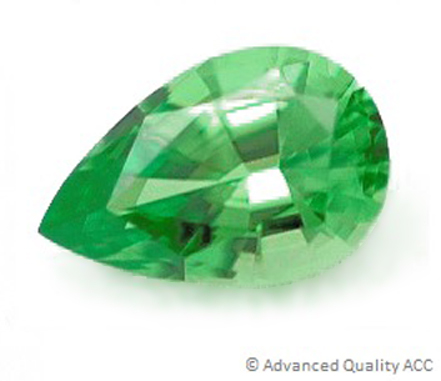
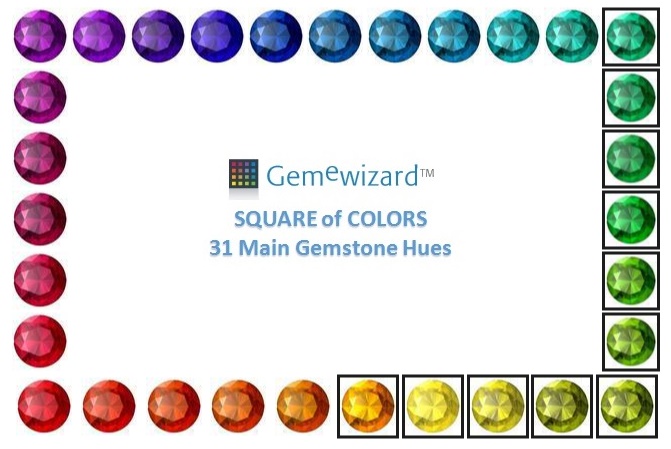
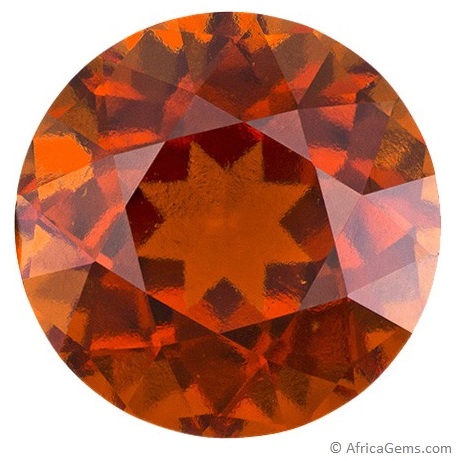
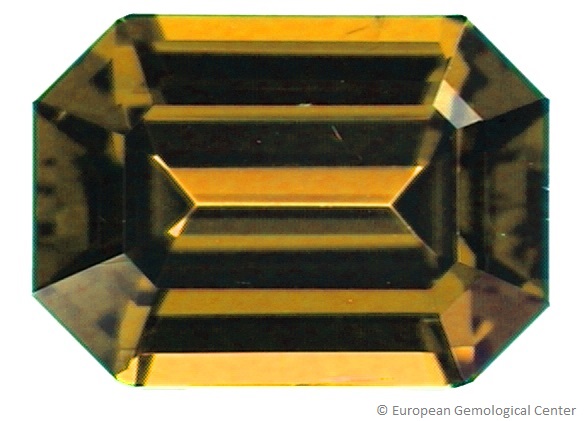
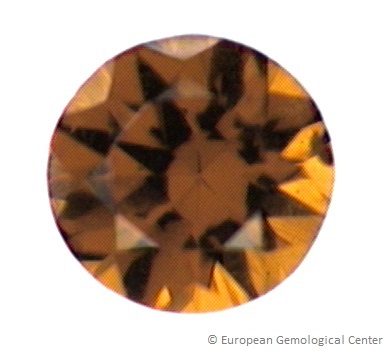
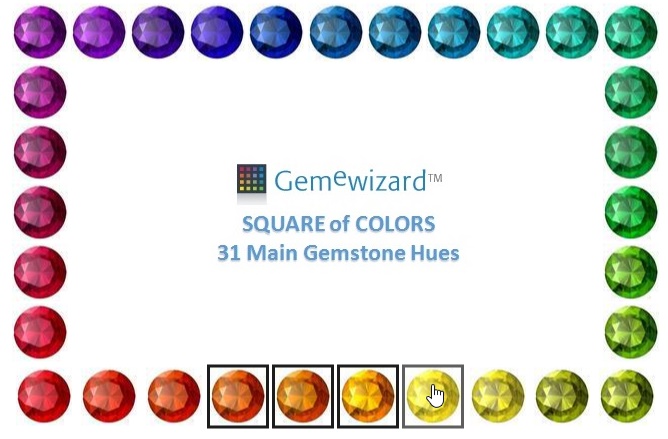
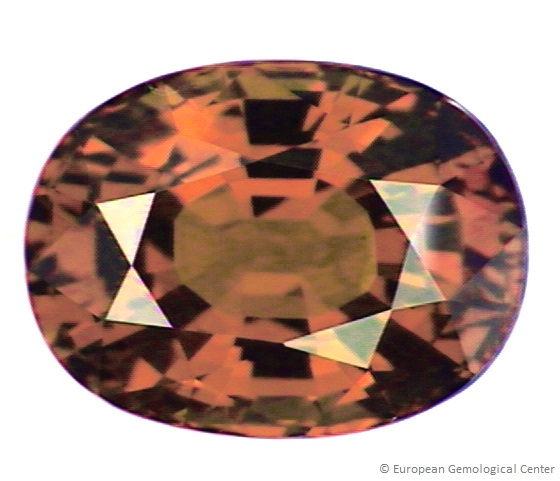
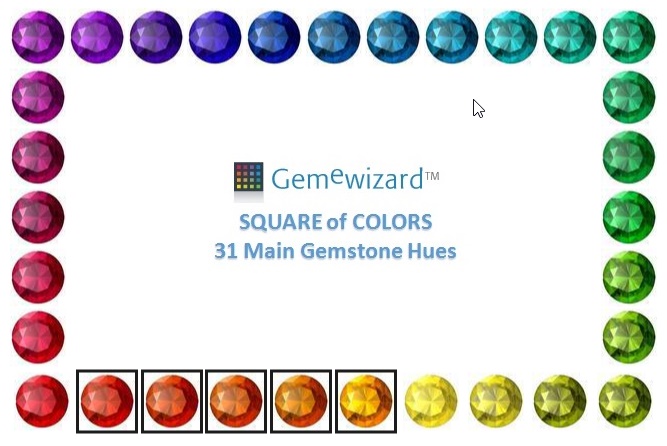
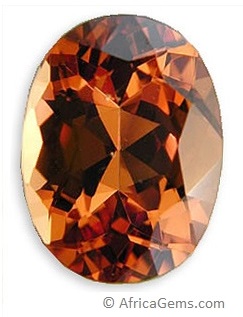
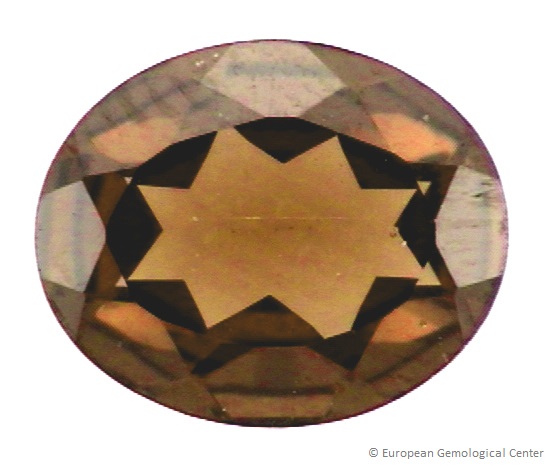
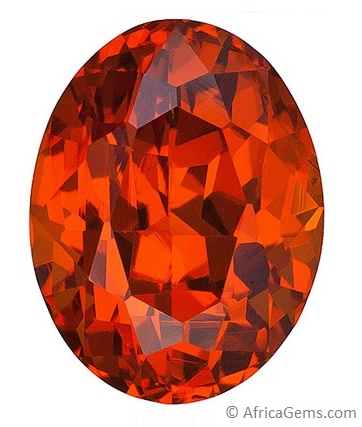
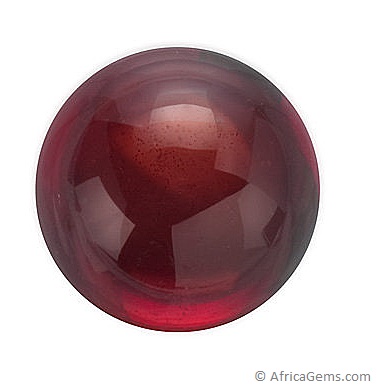
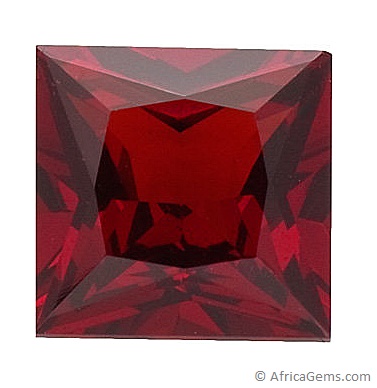
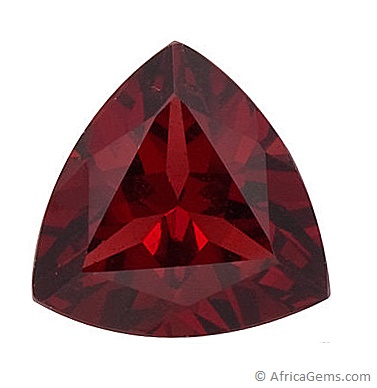
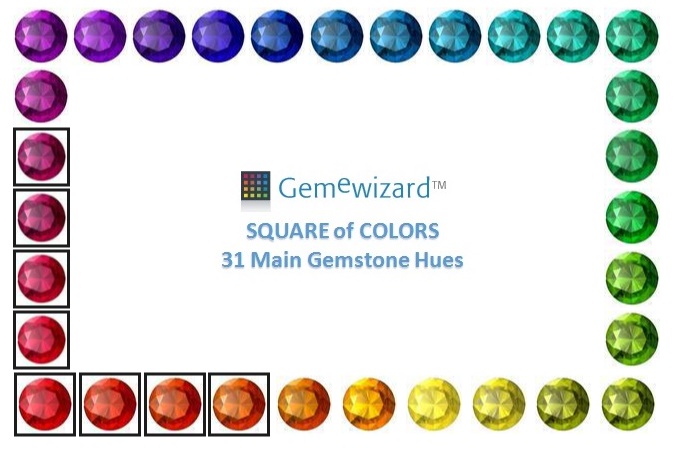
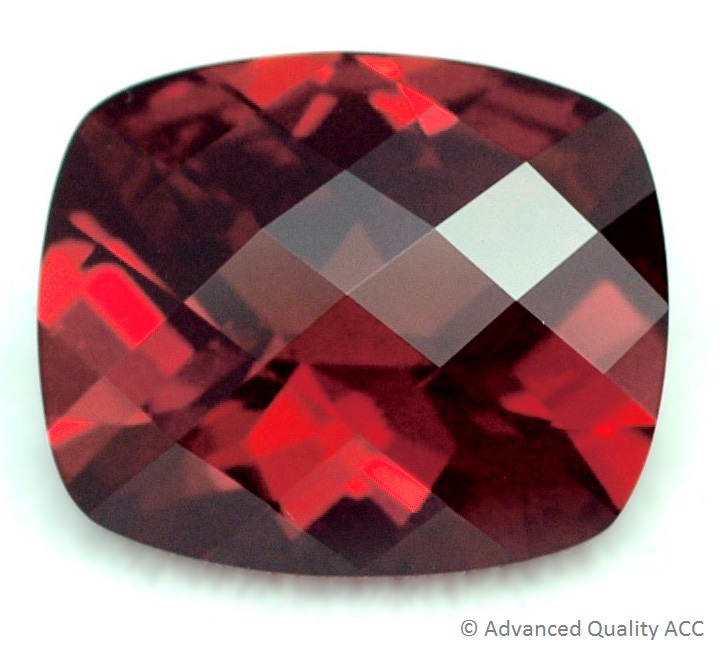
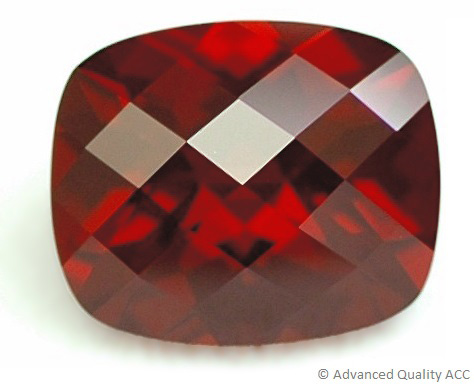
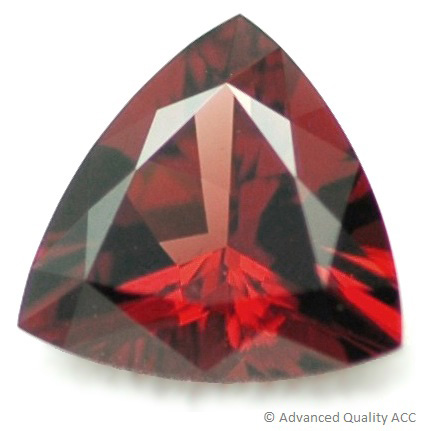
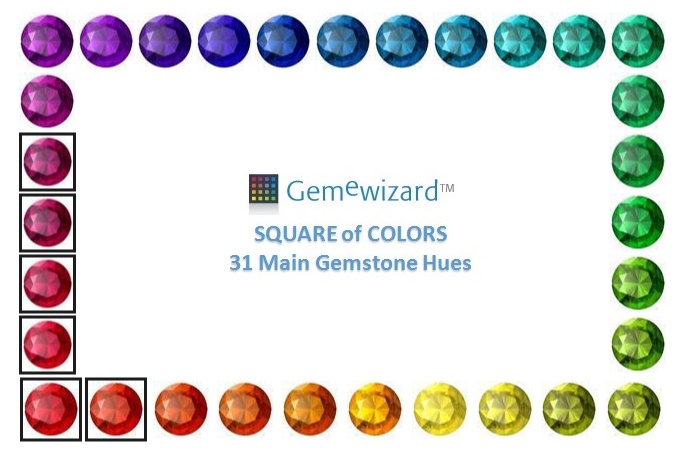
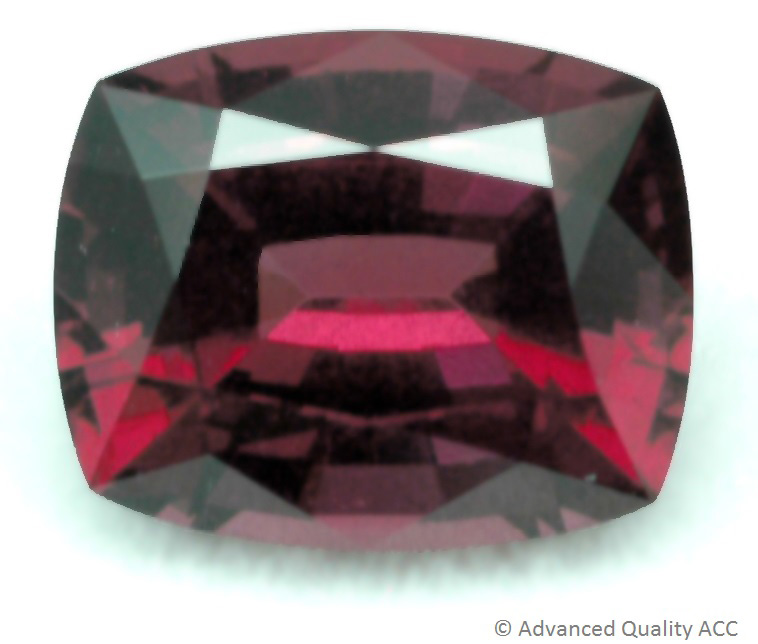
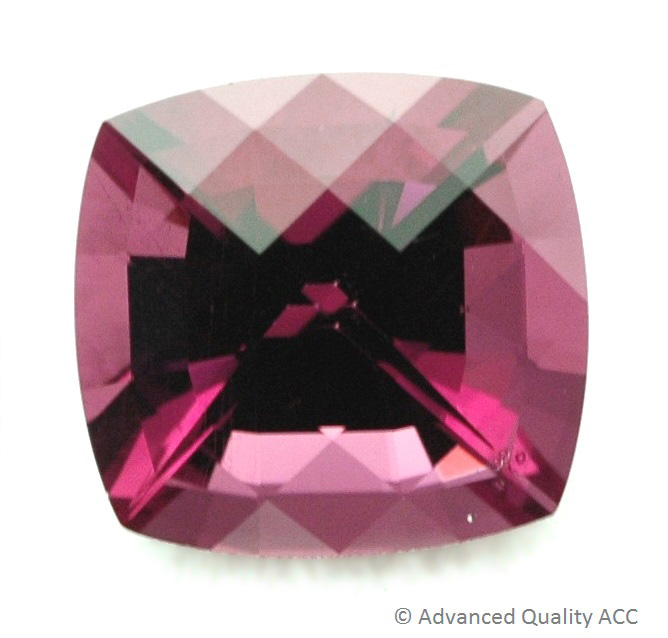
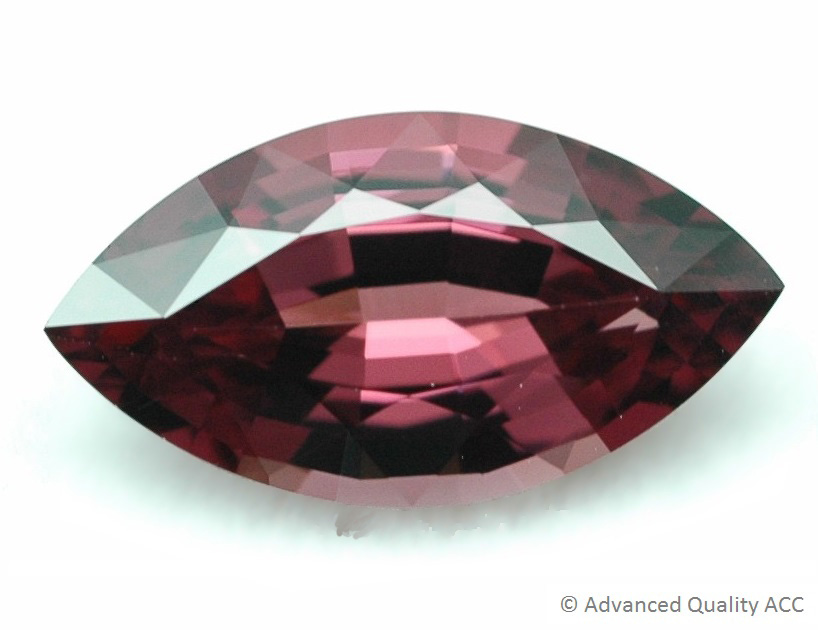
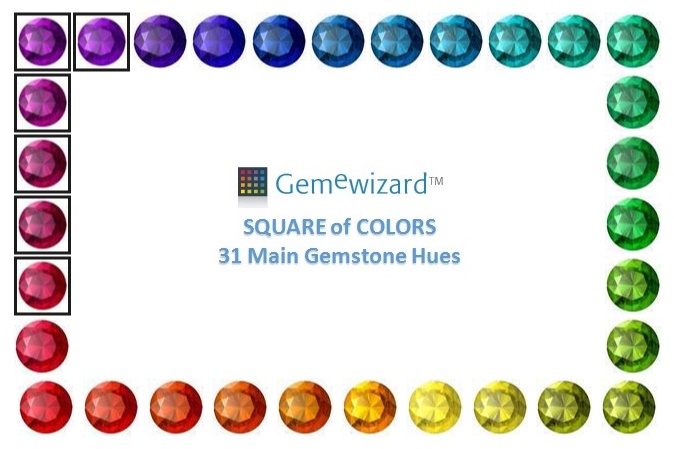
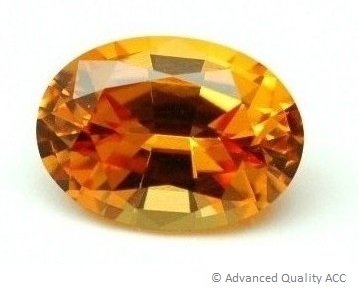
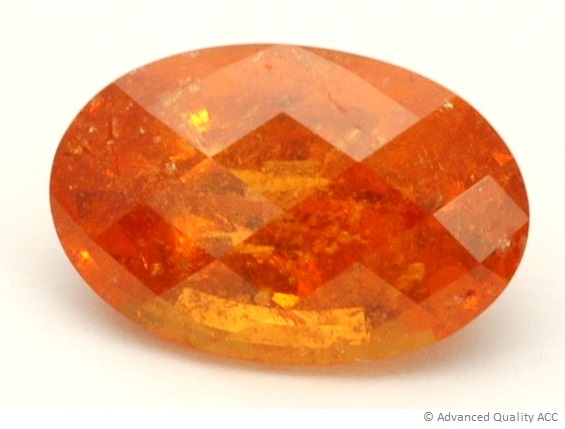
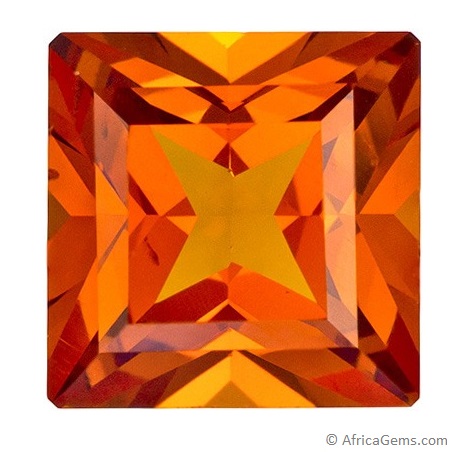
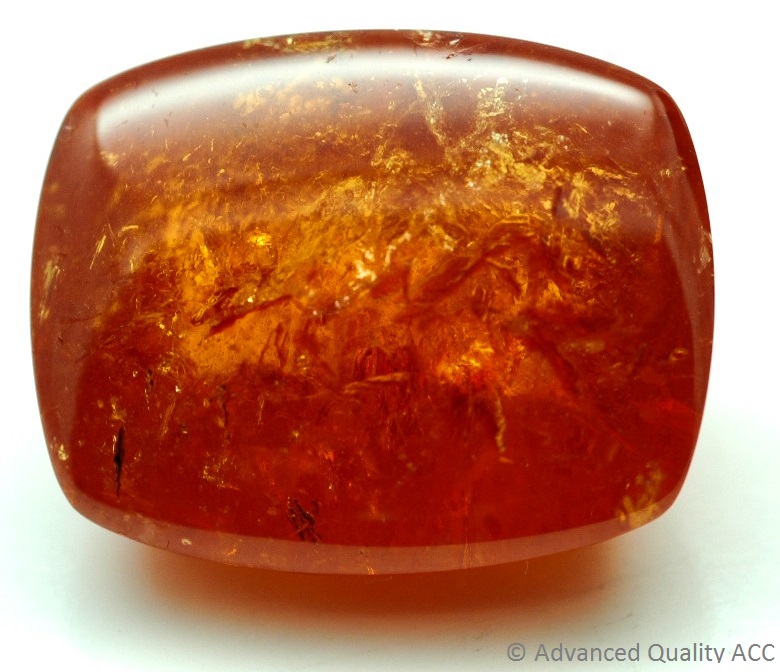
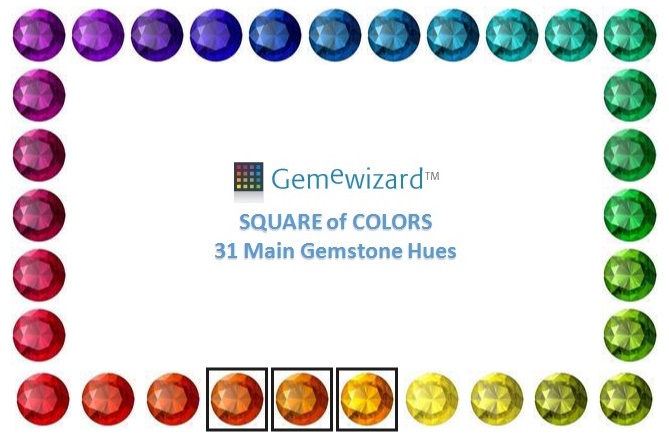
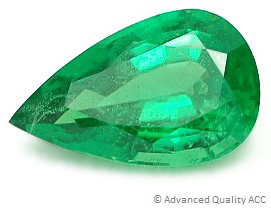
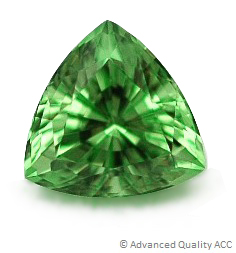
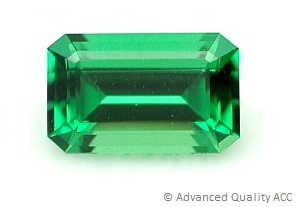
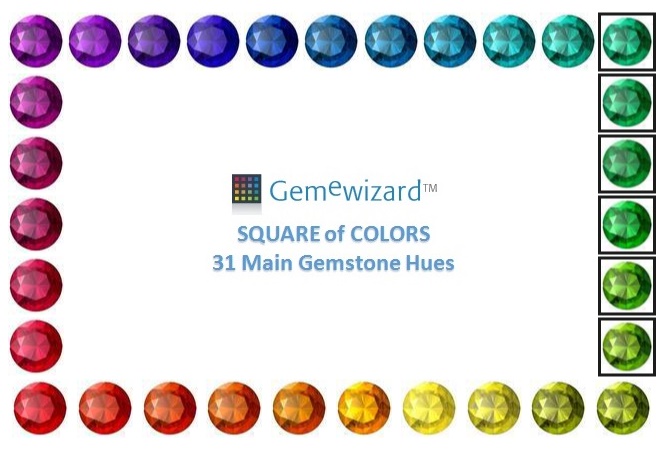
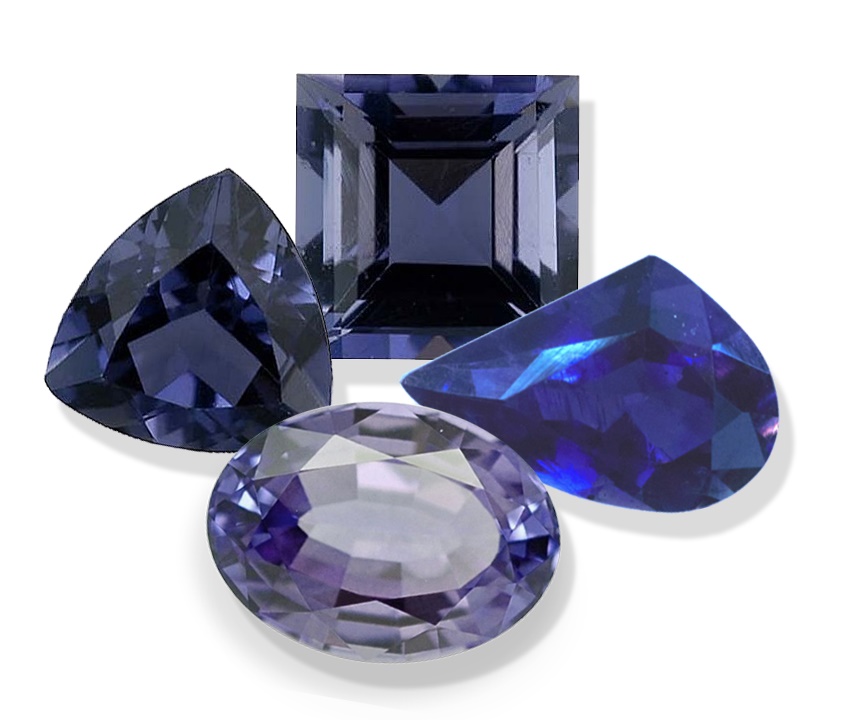
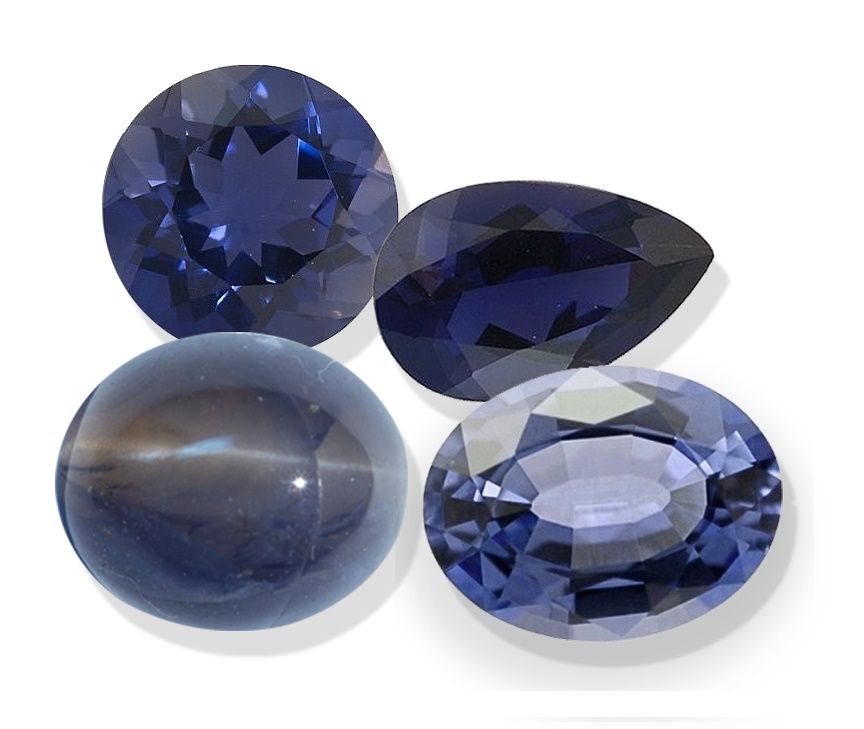
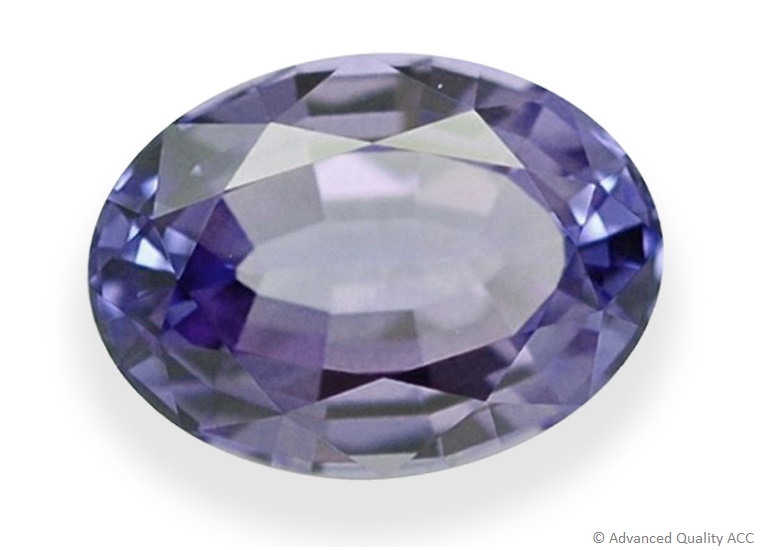
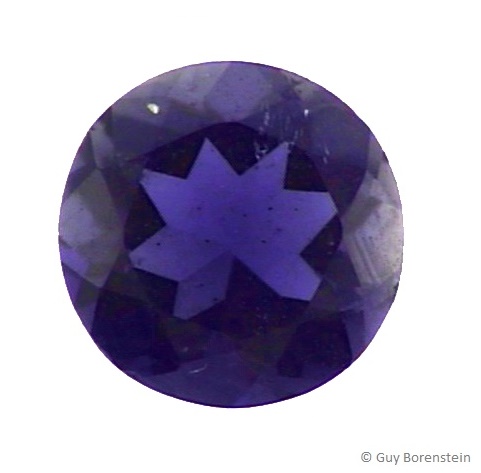
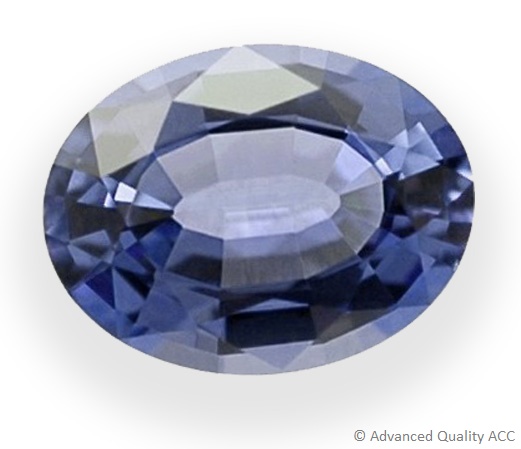
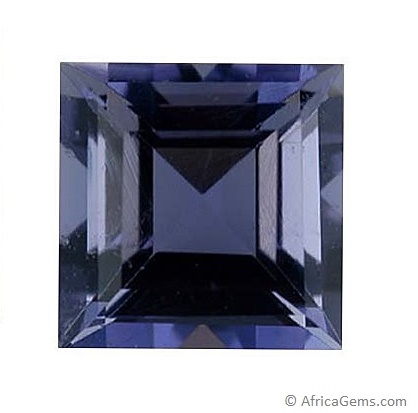
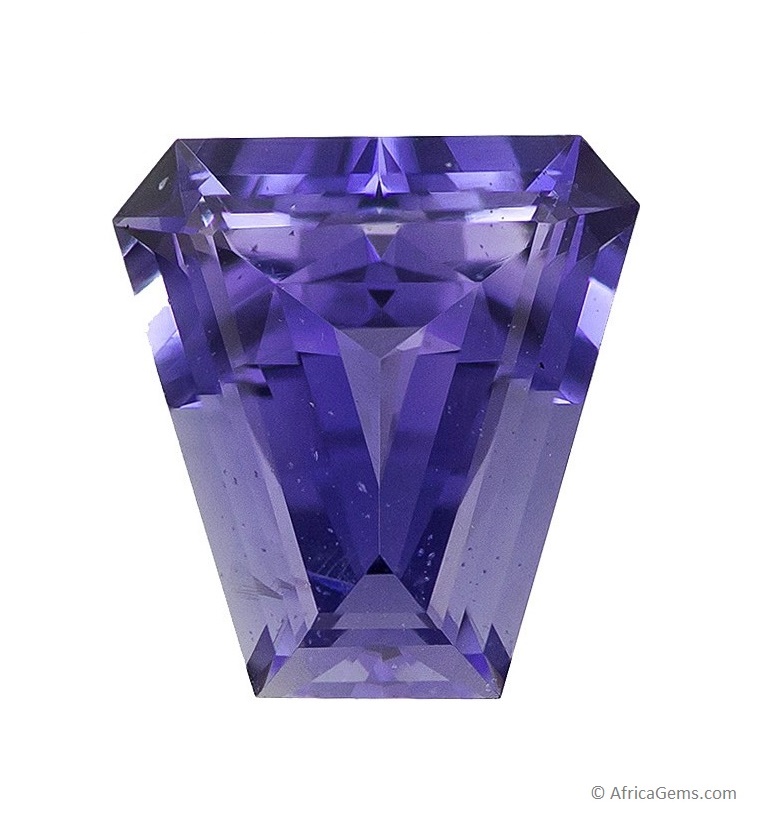
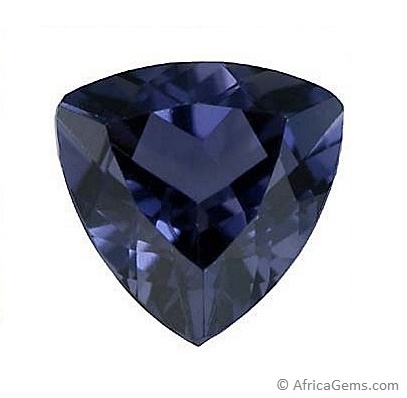
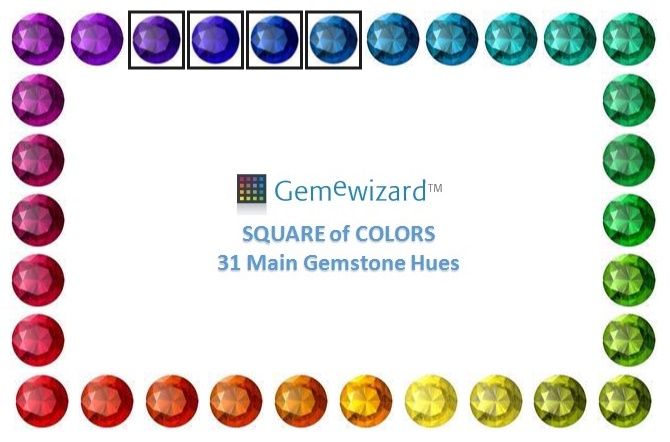
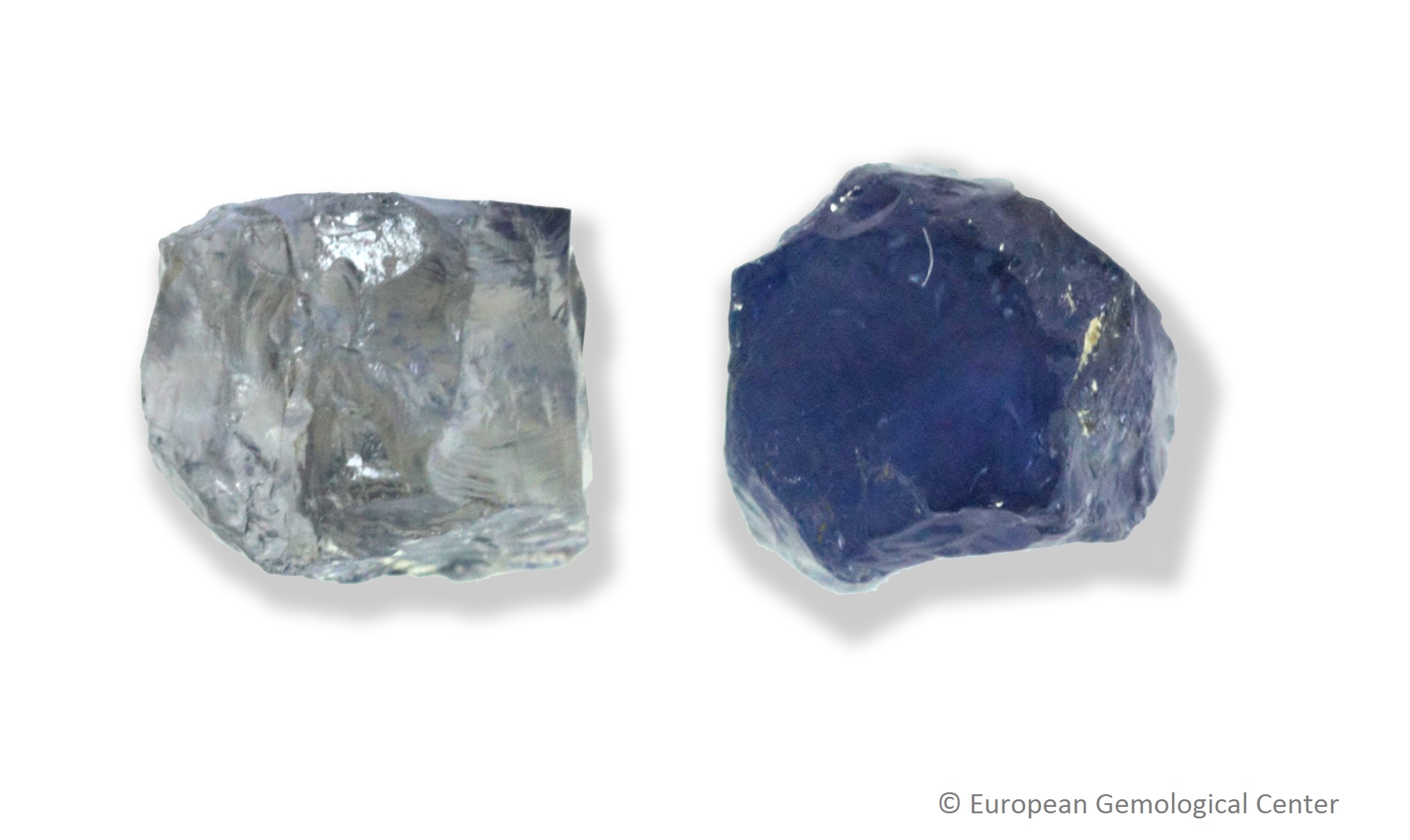
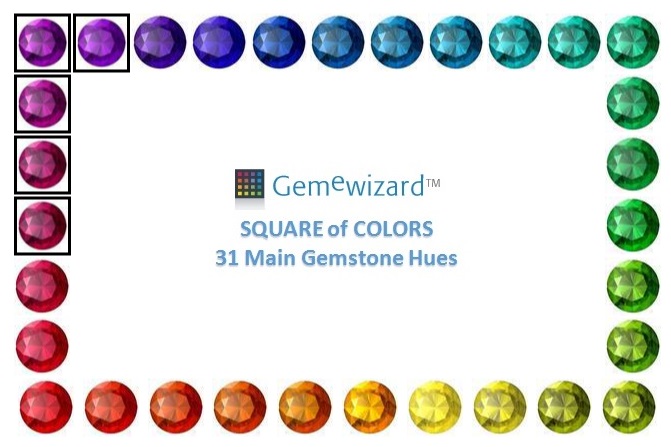
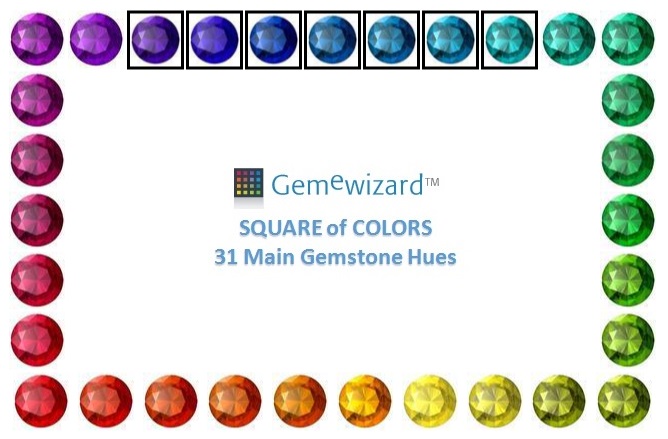
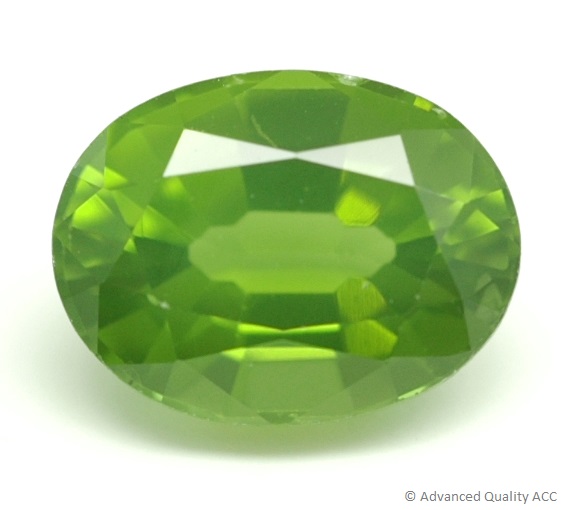
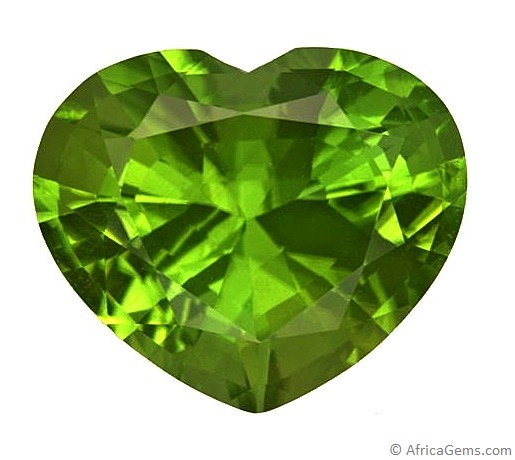
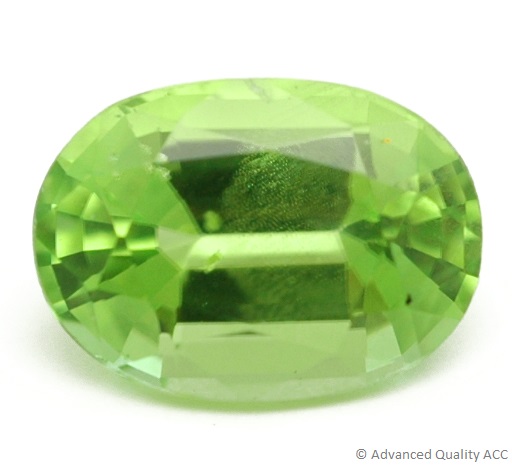
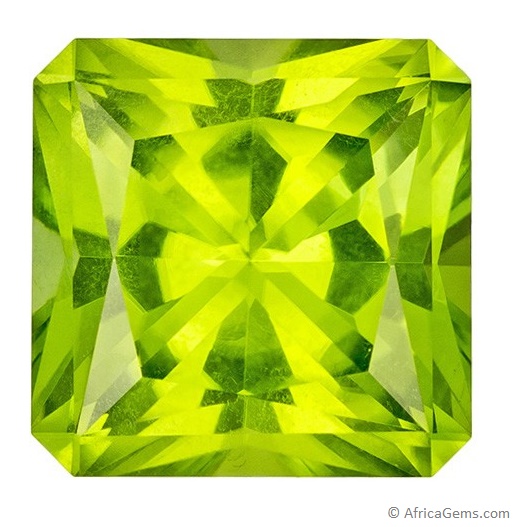
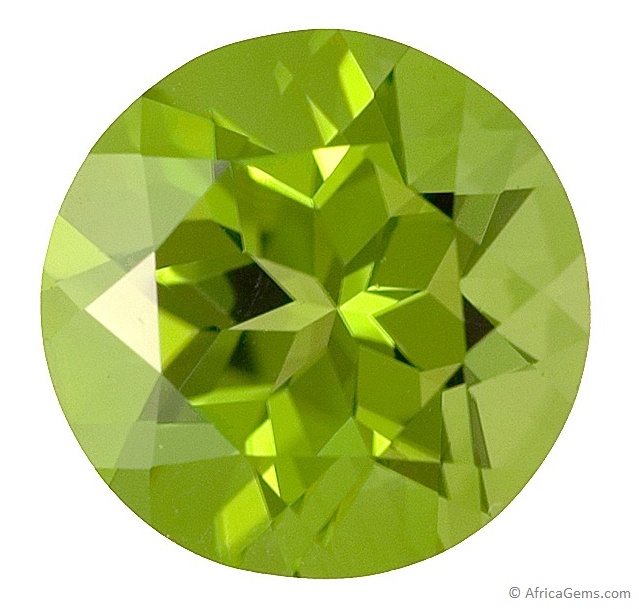
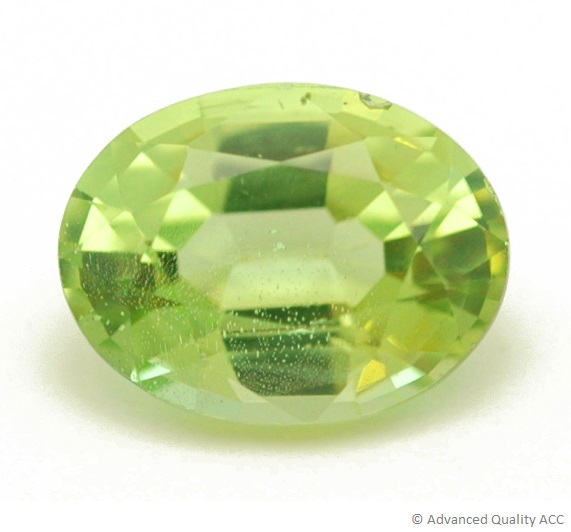
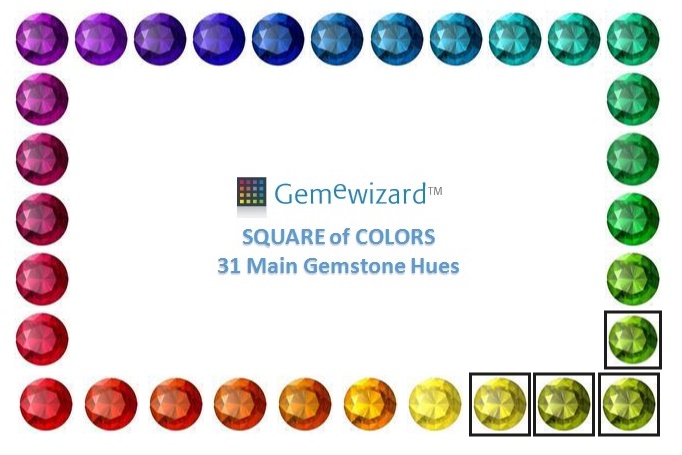
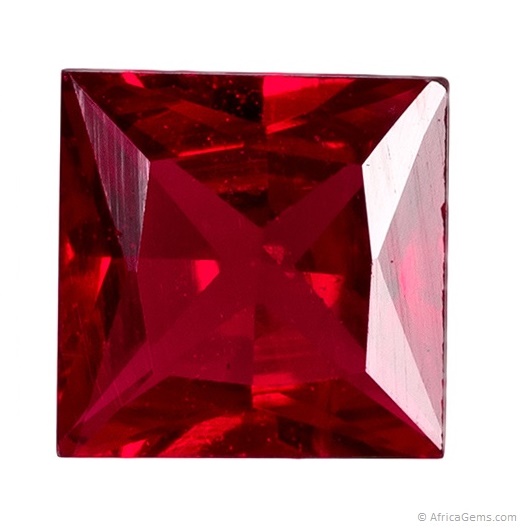
.JPG)
b.jpg)
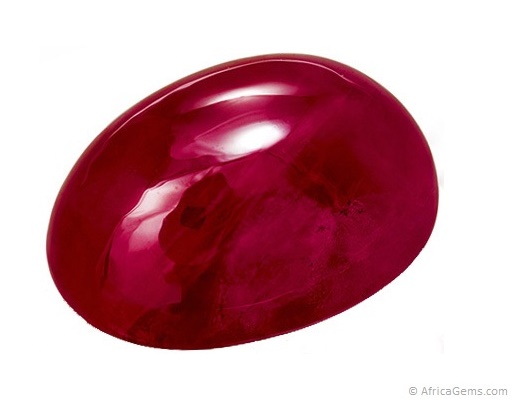
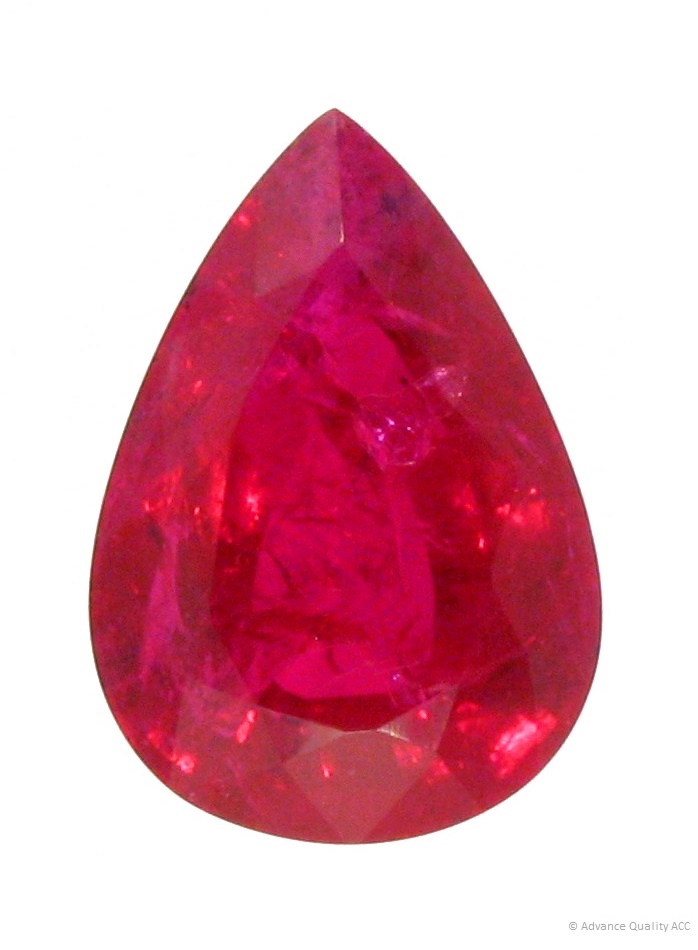
a.JPG)
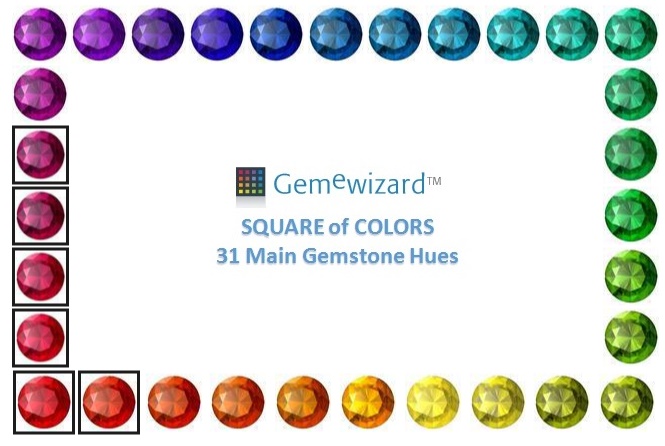
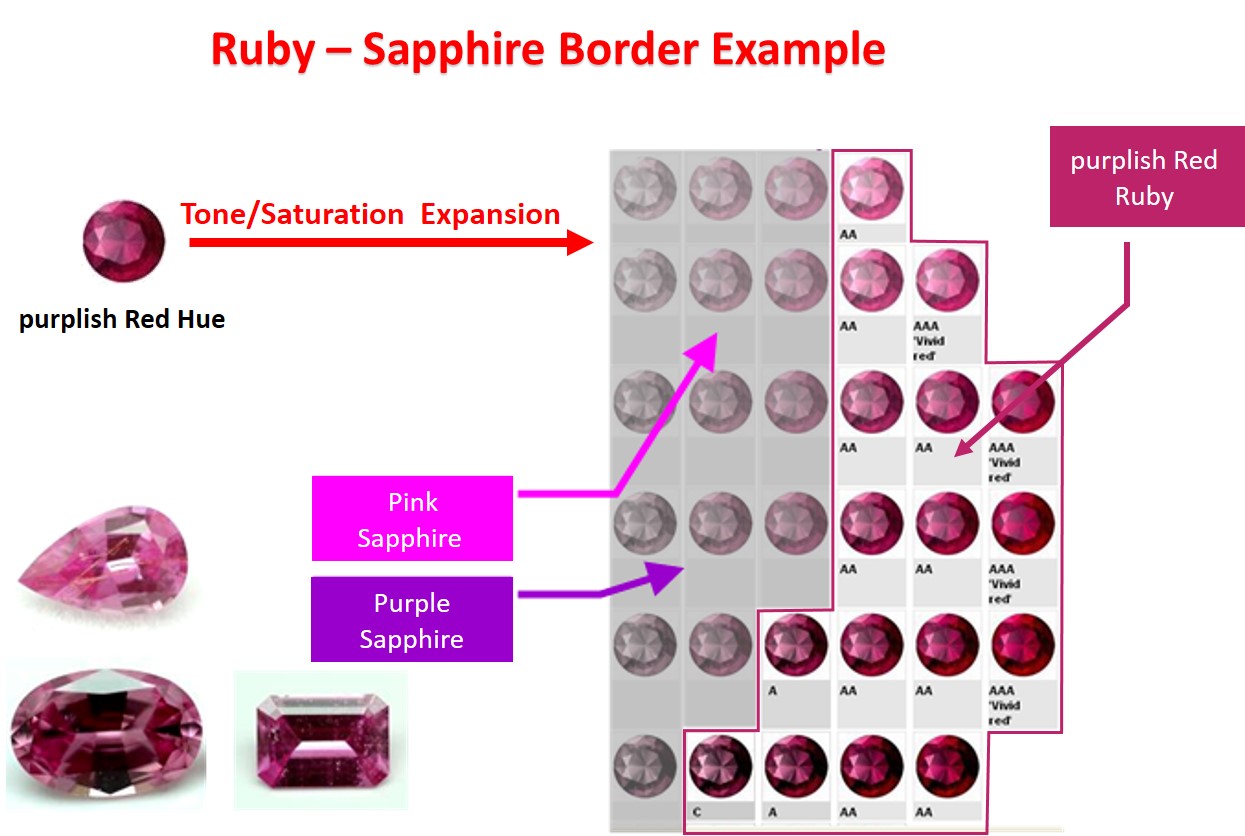
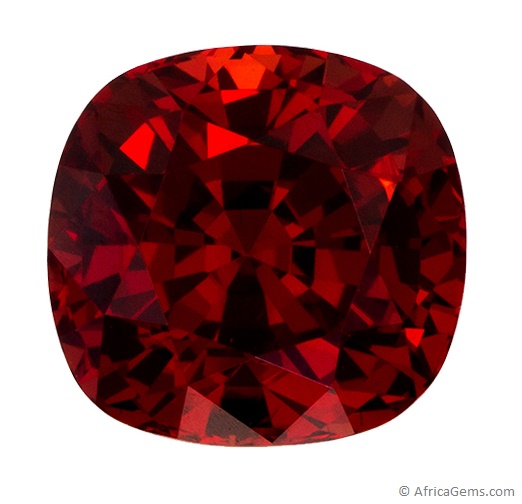
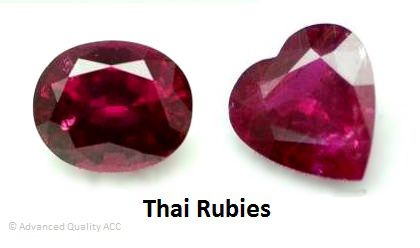
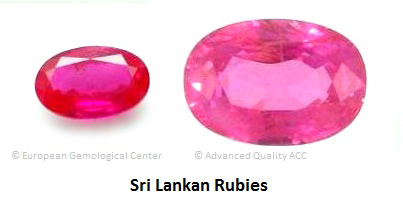
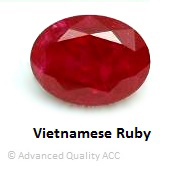
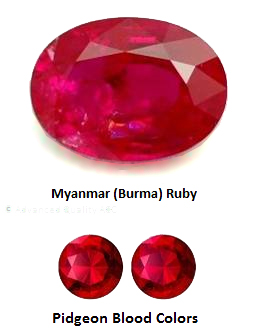
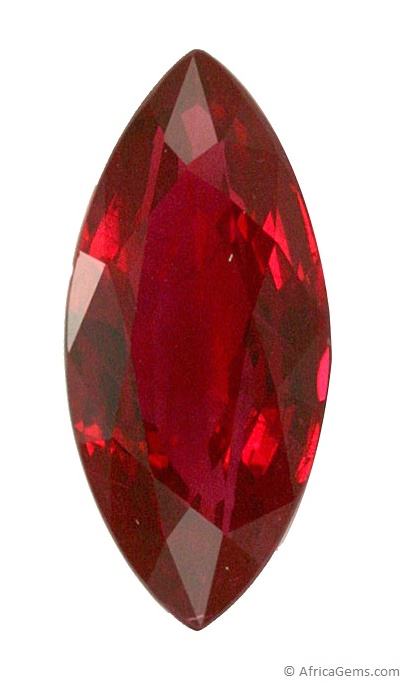
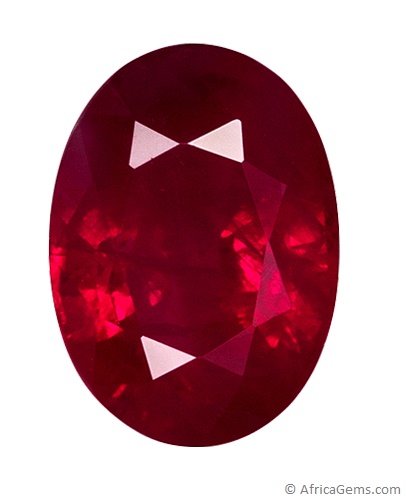
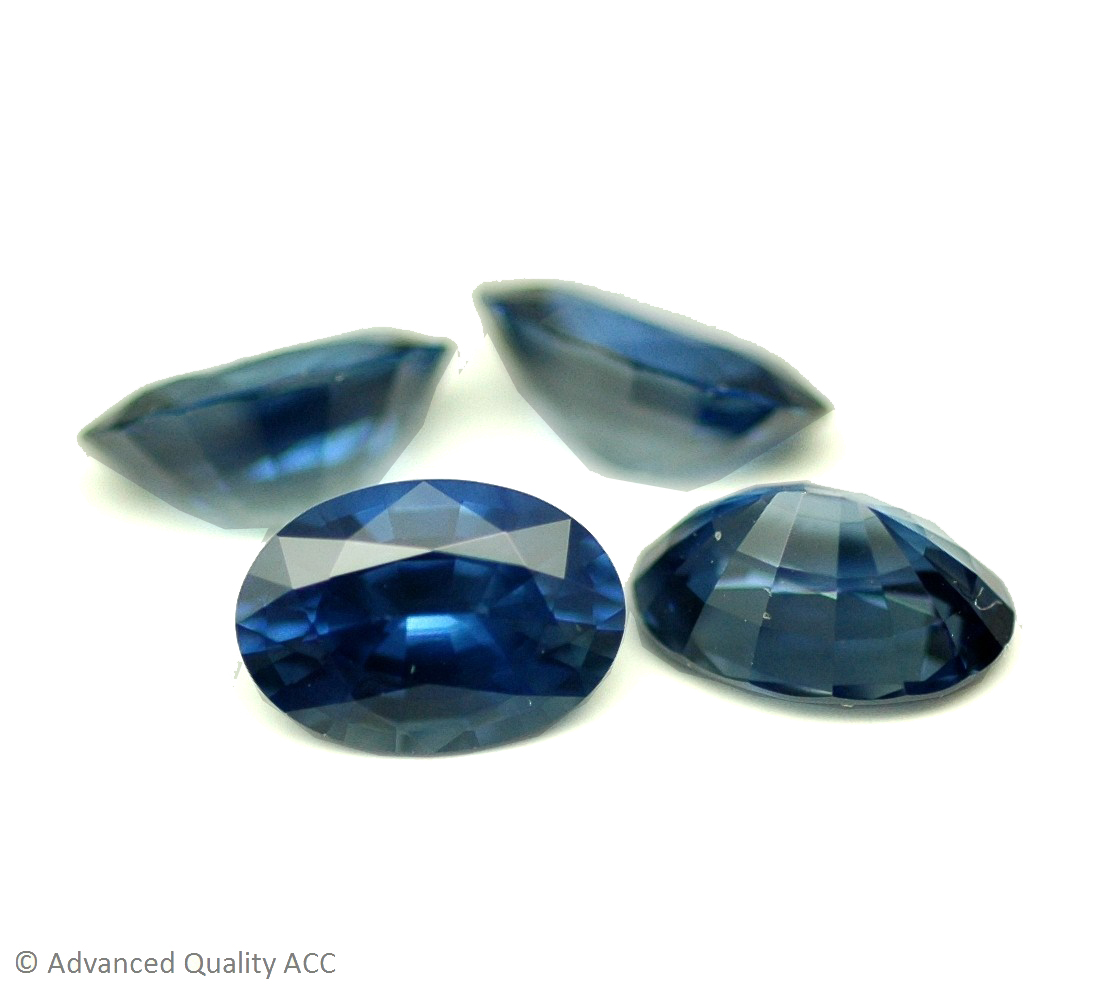
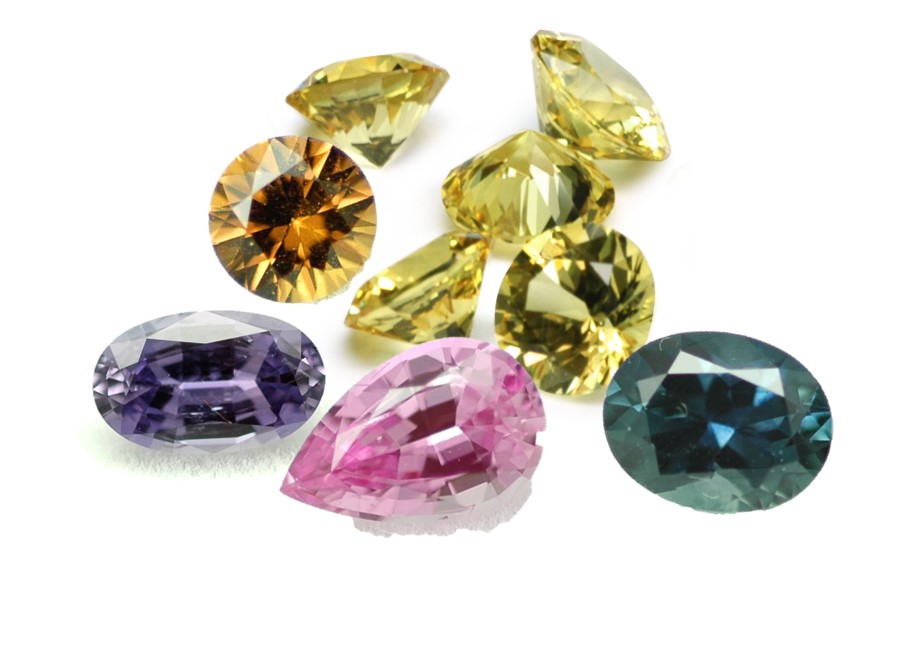
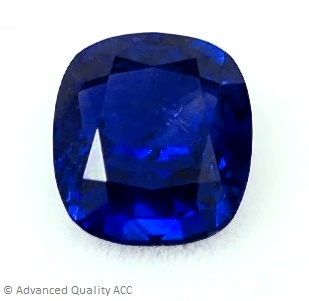
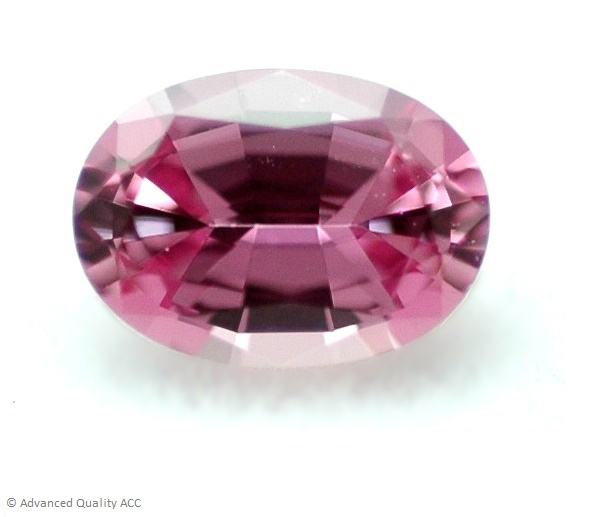
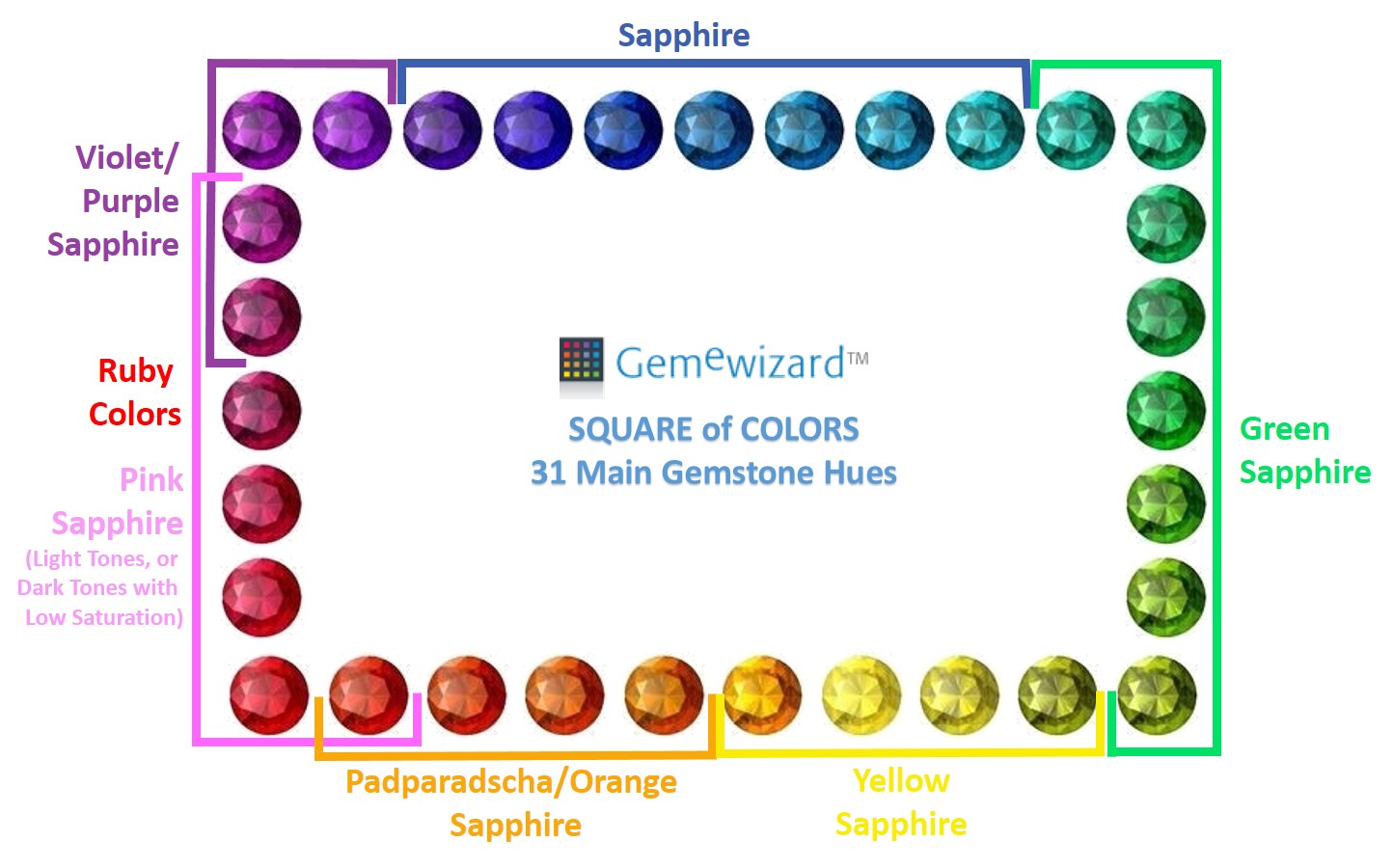
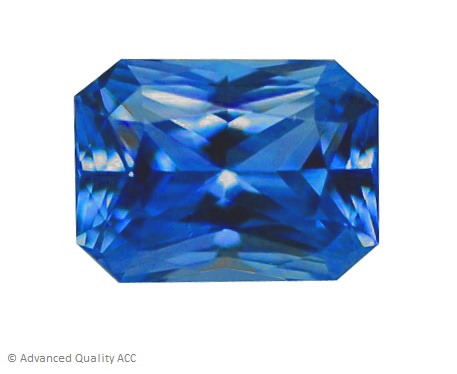
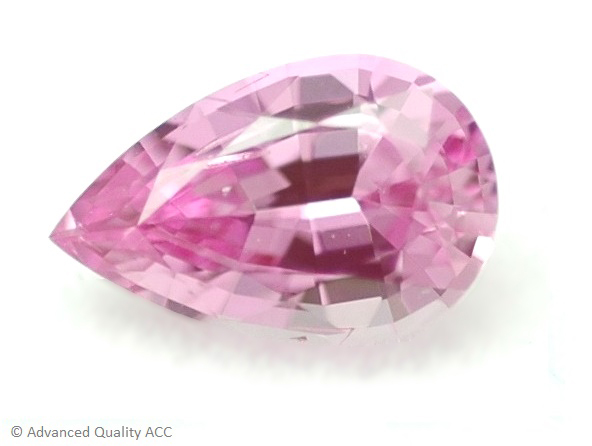
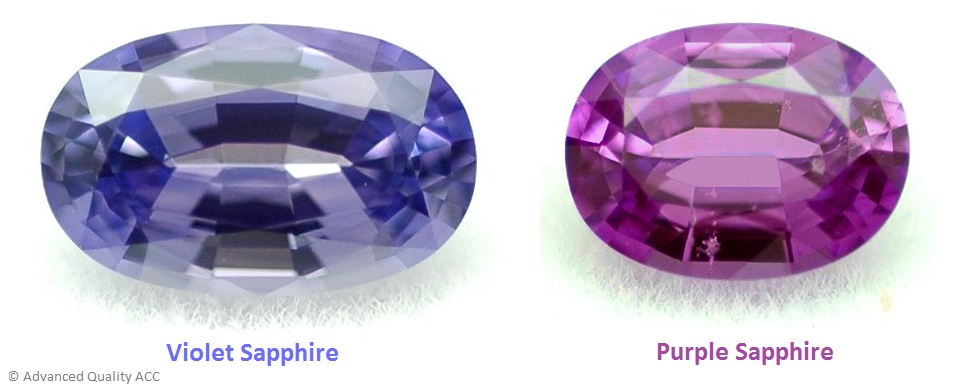
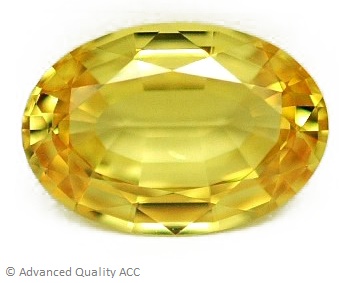
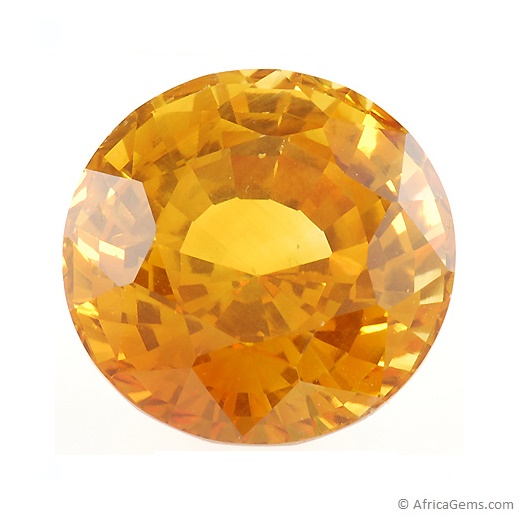
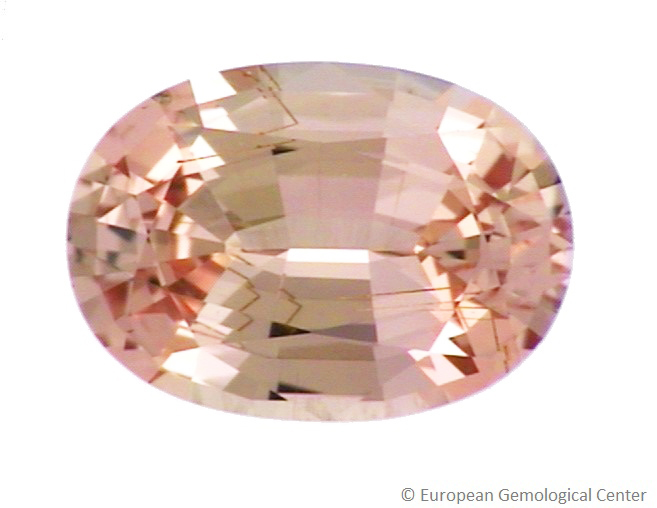
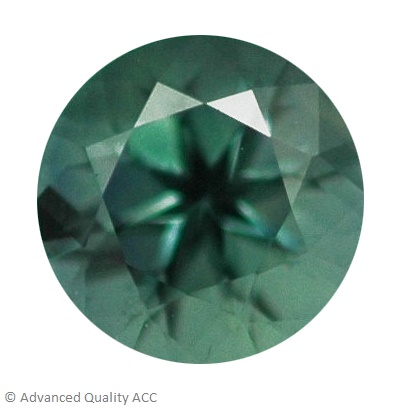
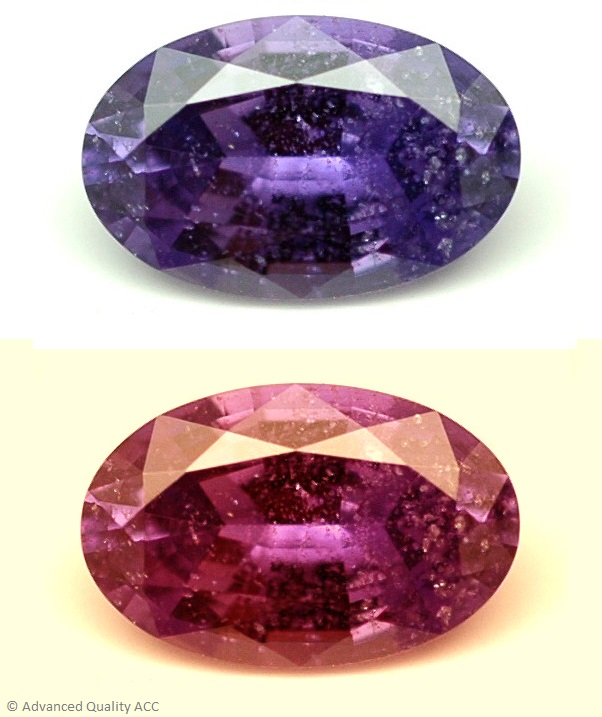
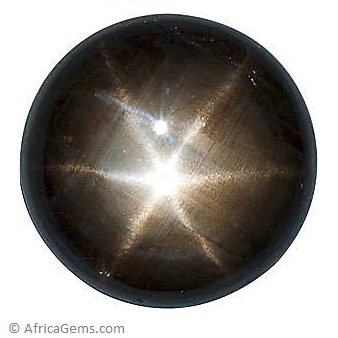
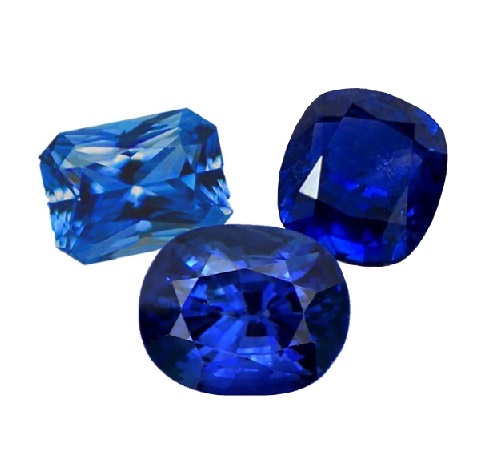
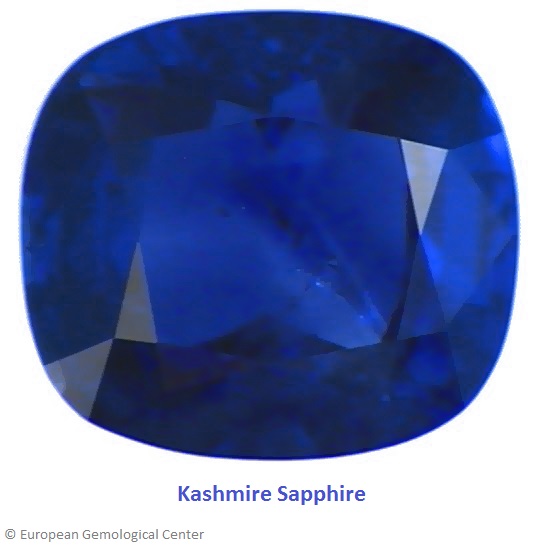
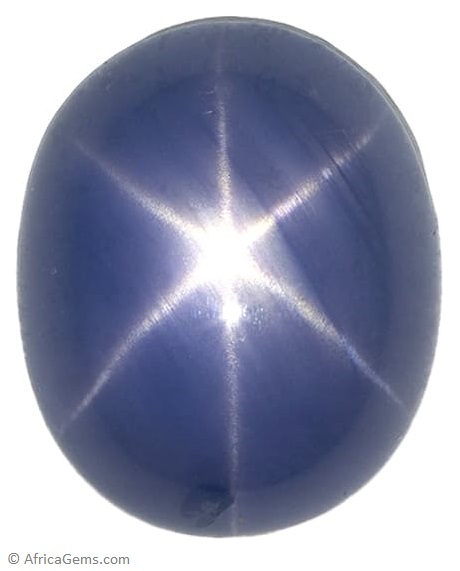
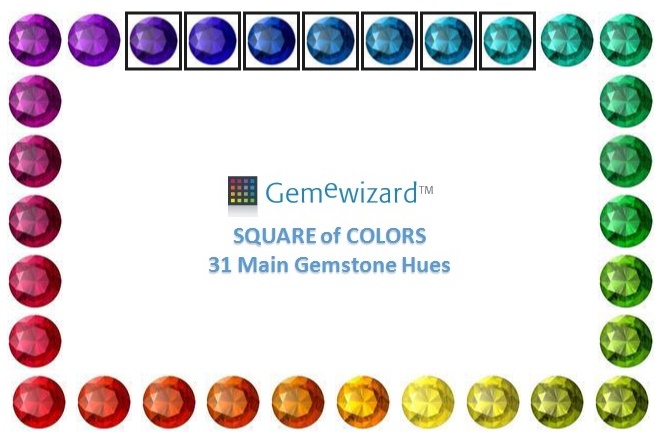
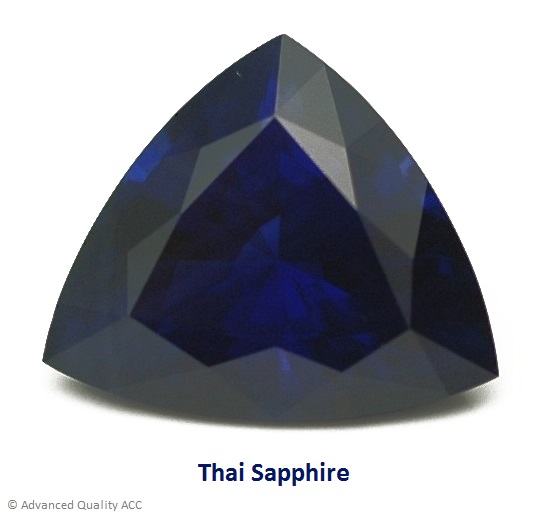
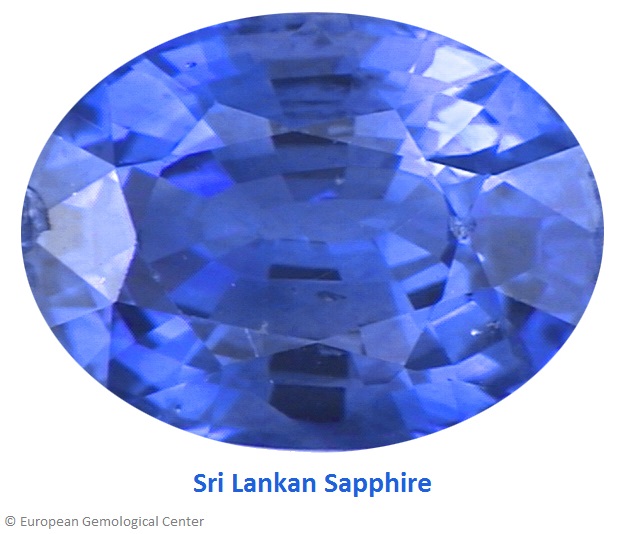
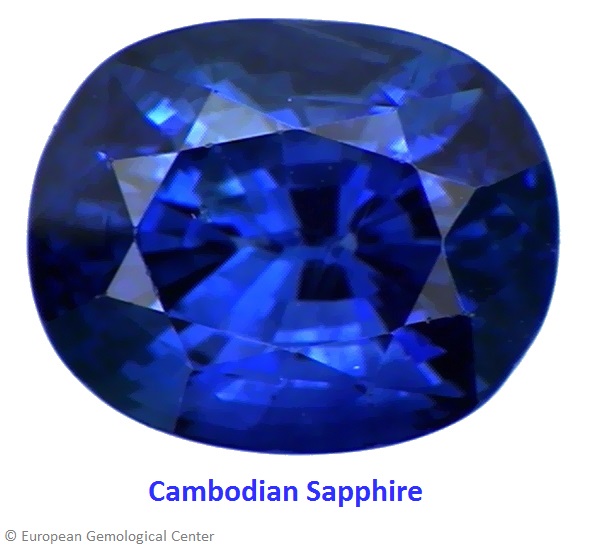
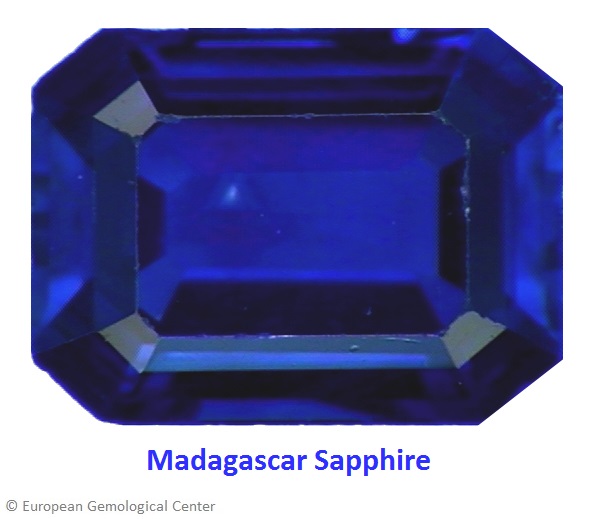
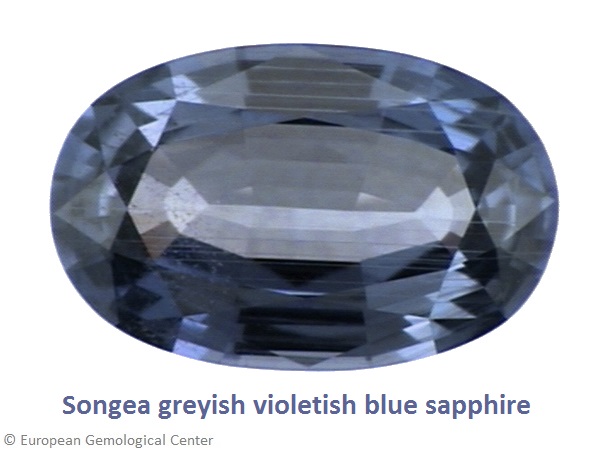
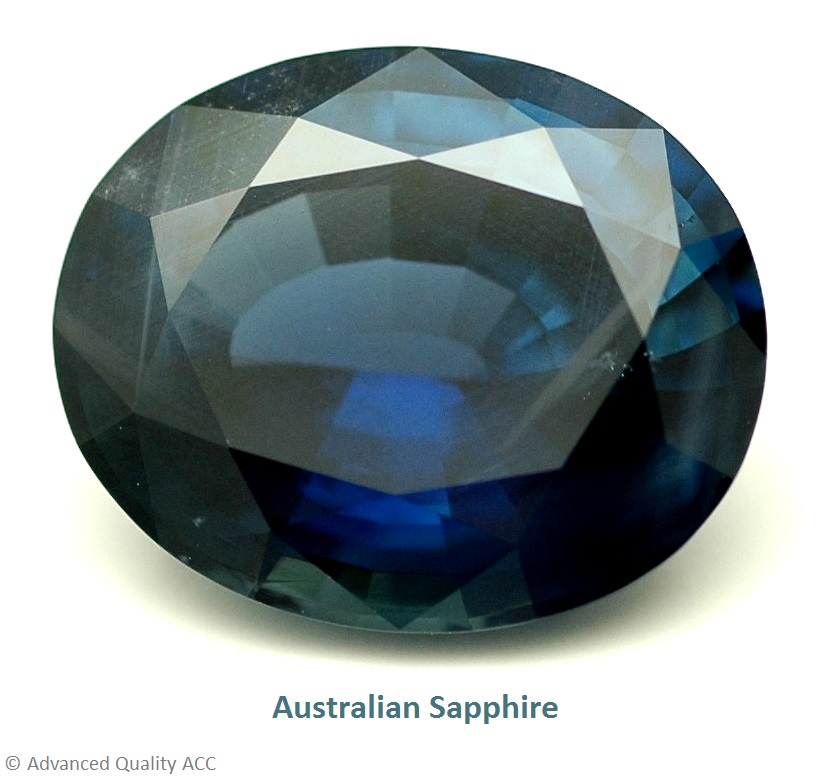
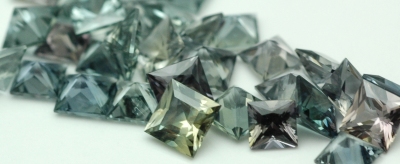
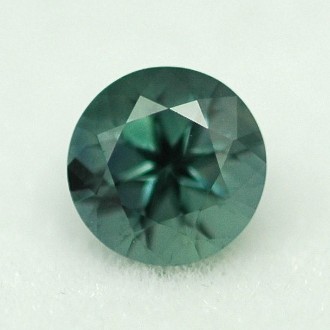
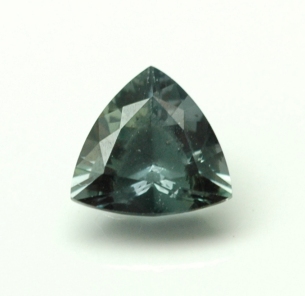
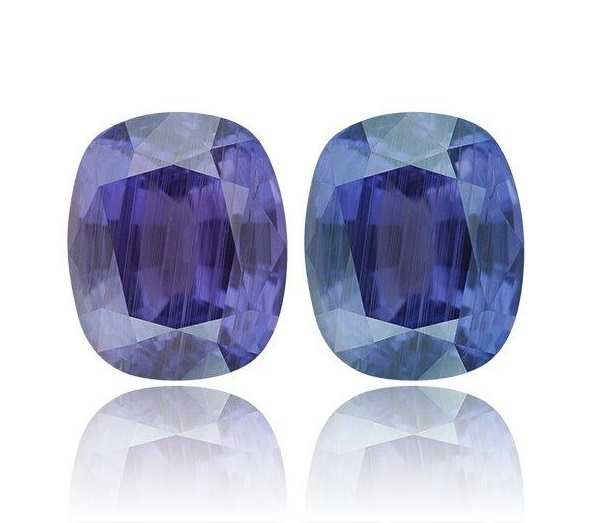
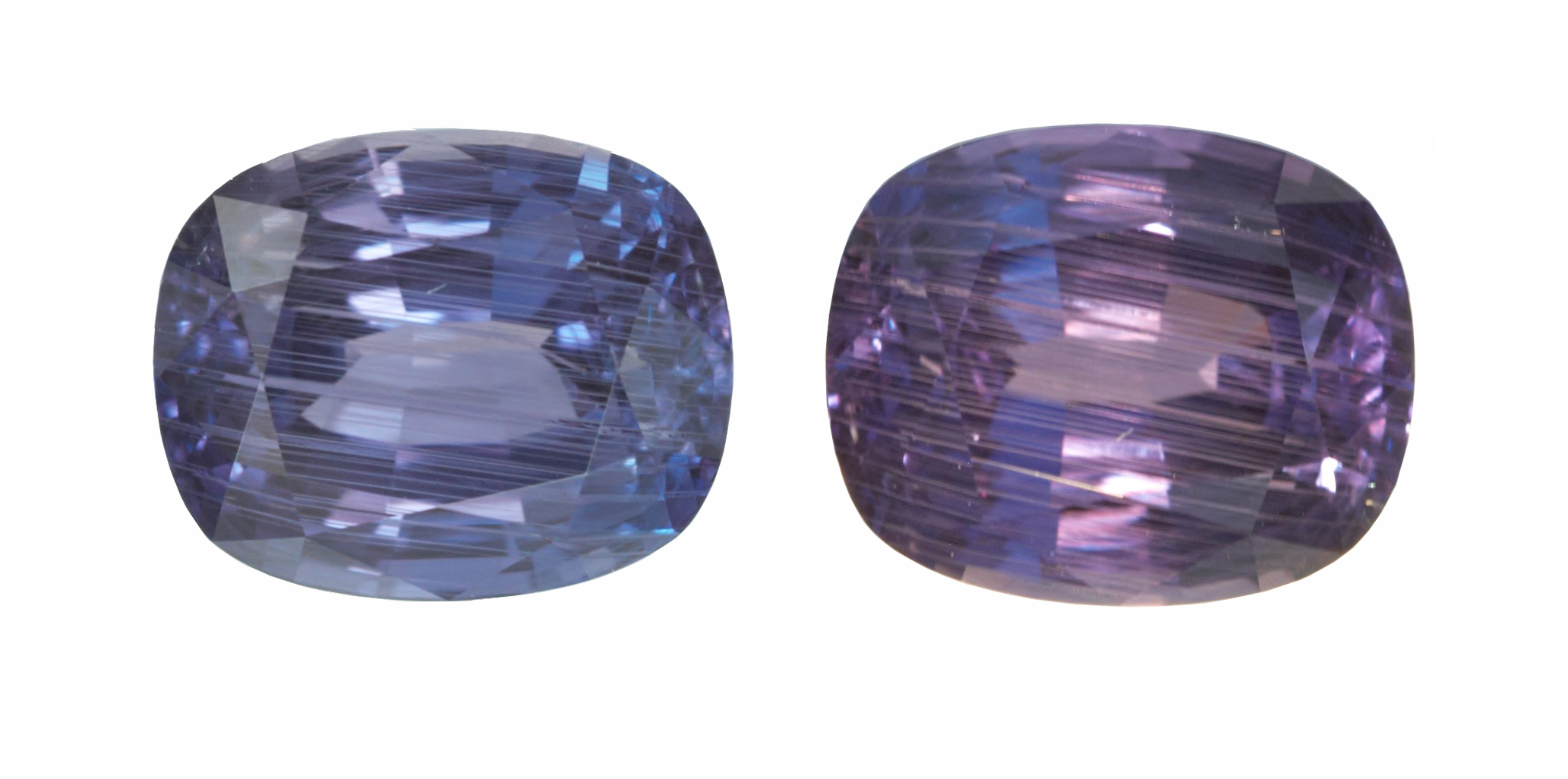
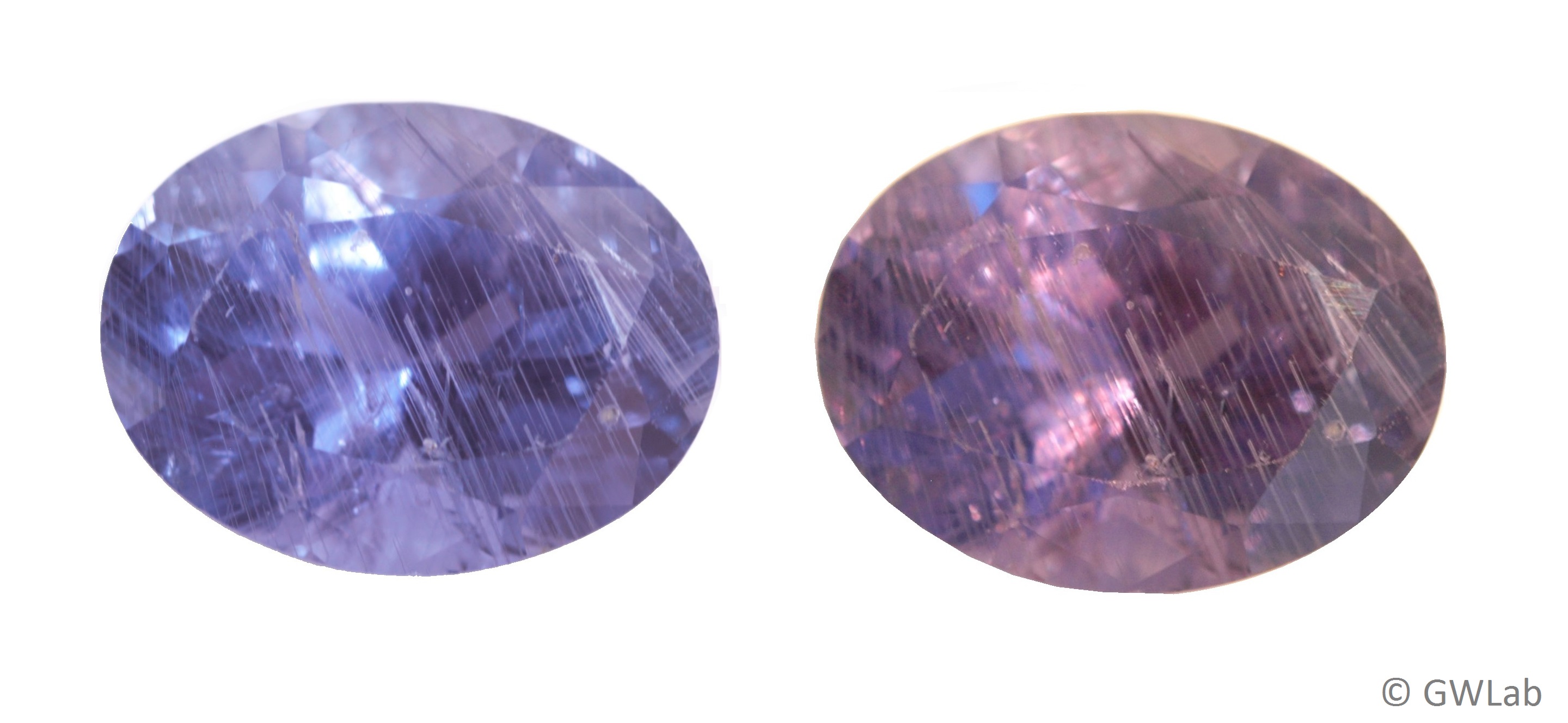
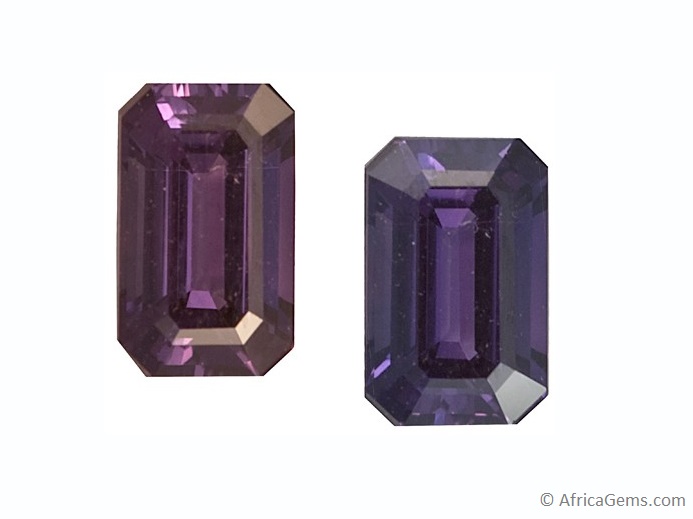
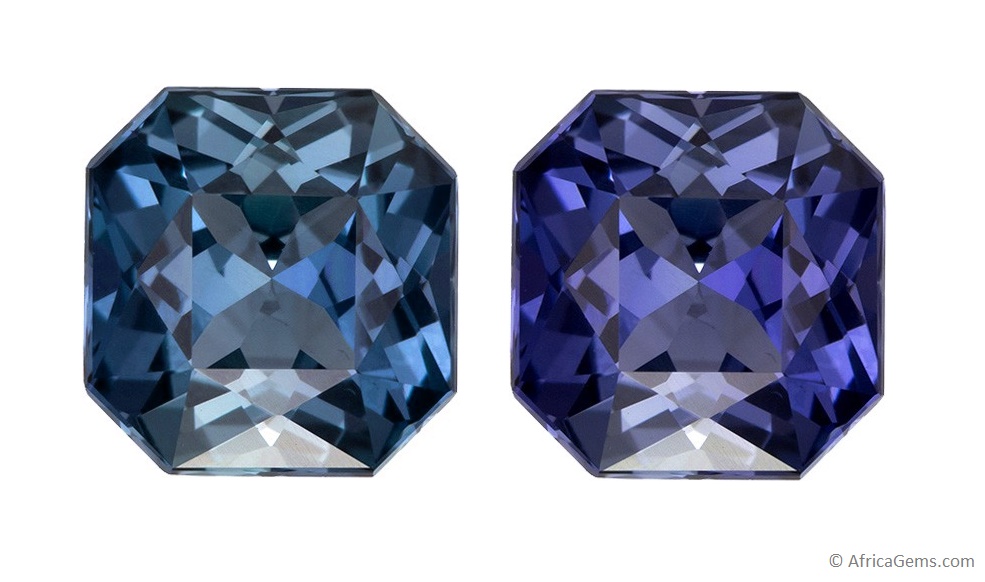
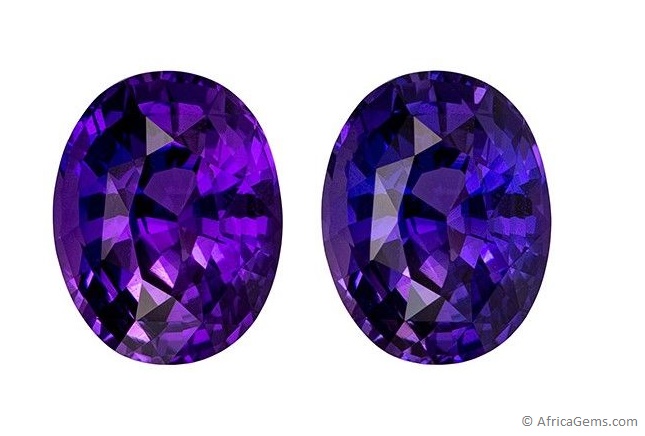
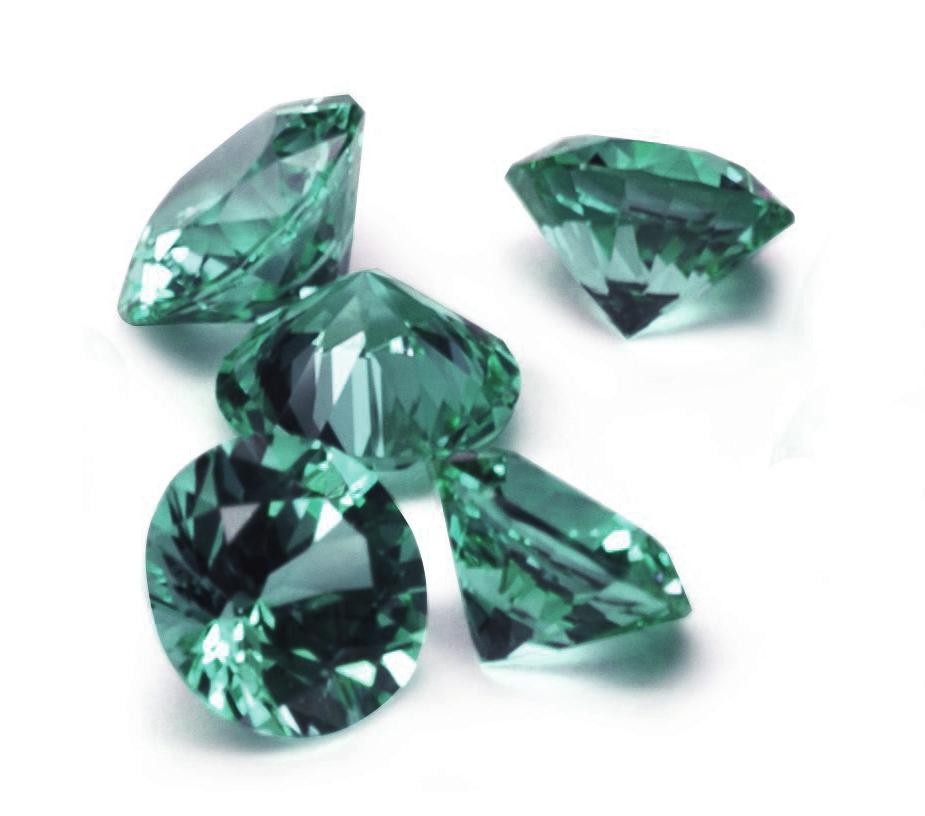
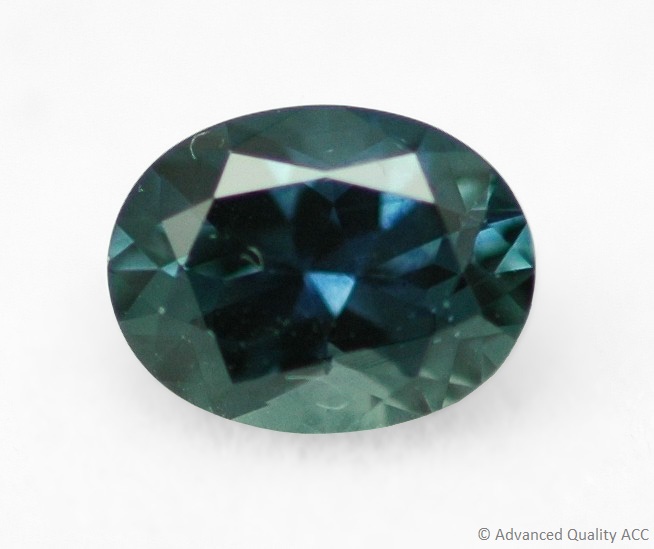
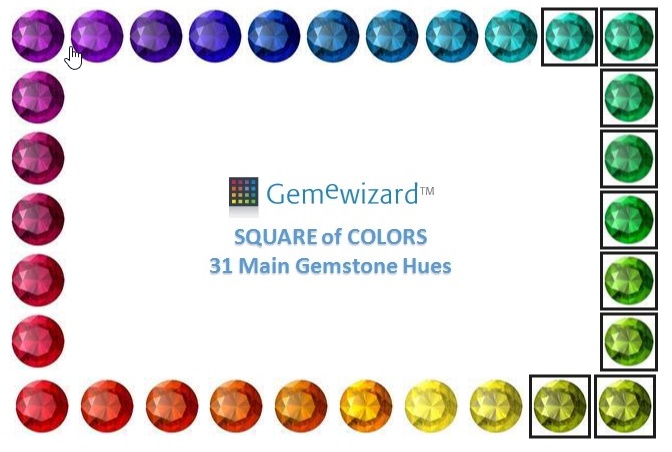
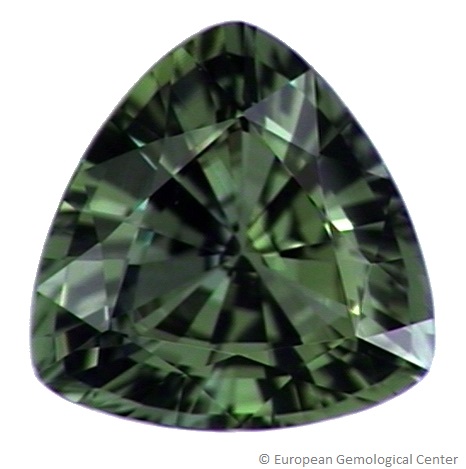
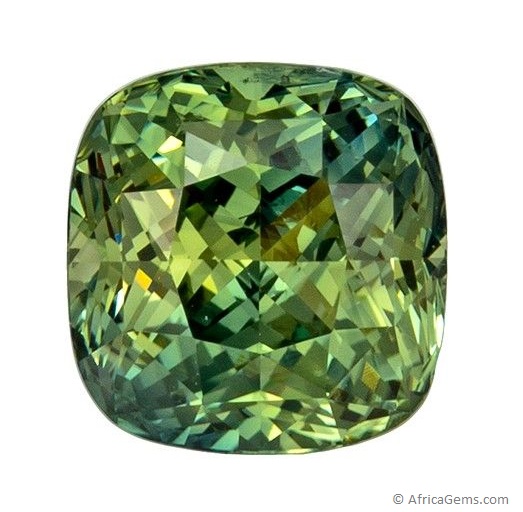
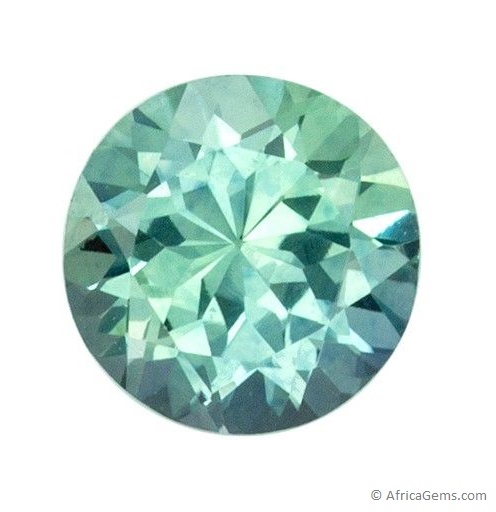
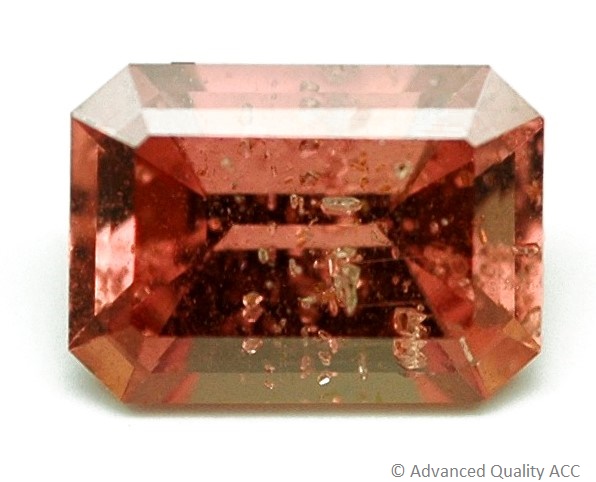
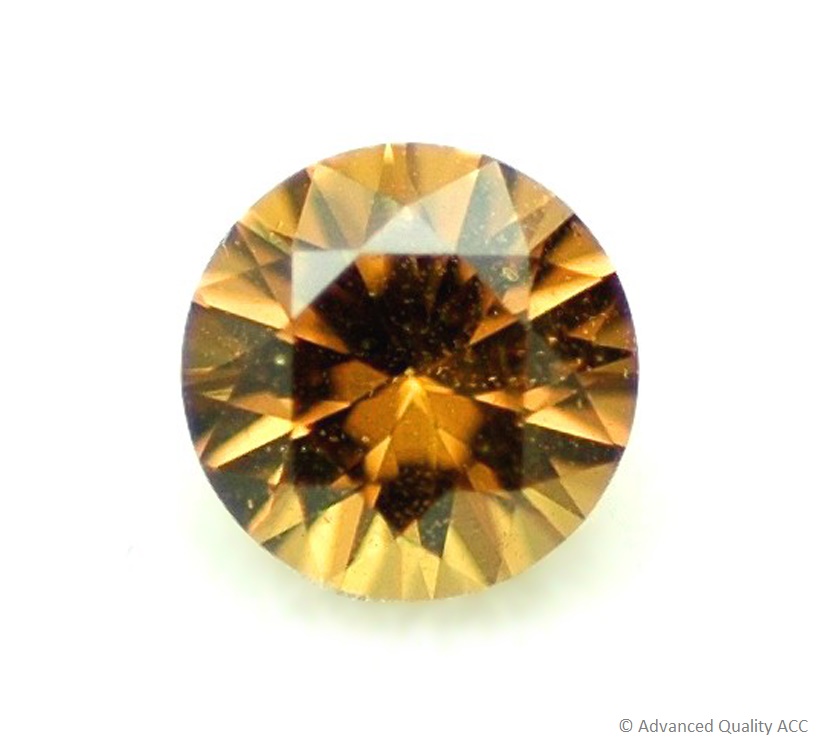
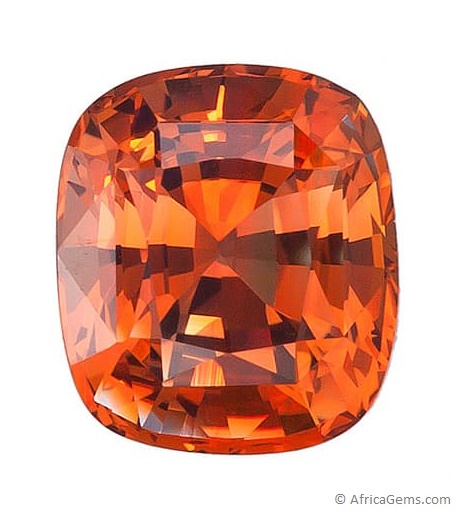
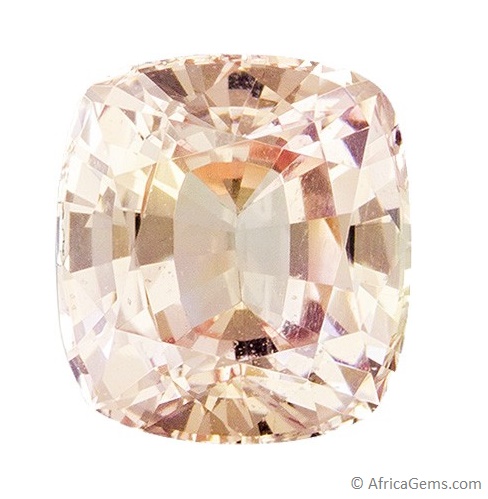
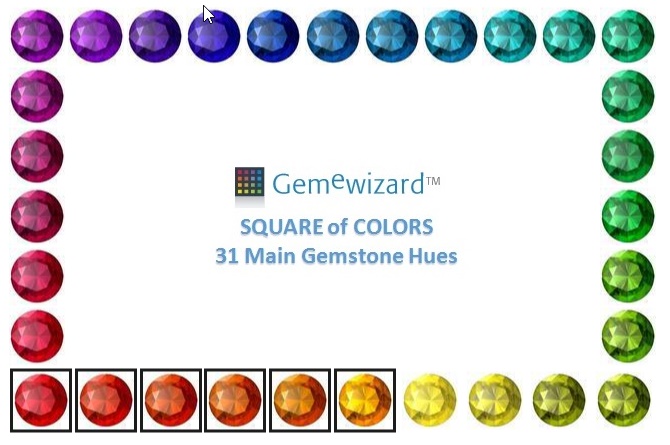
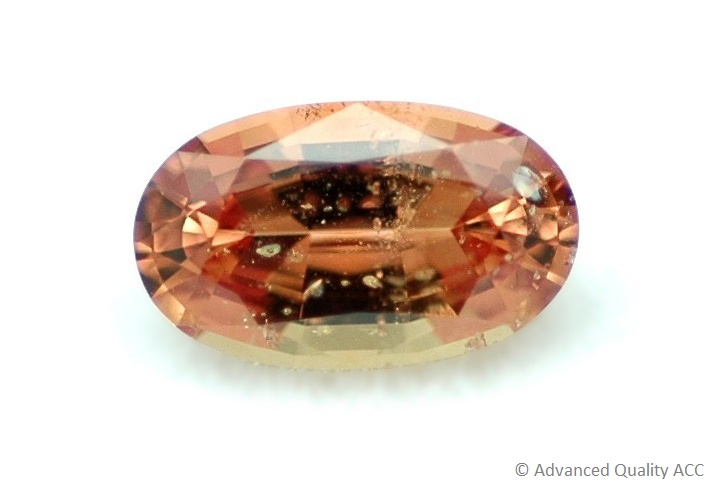
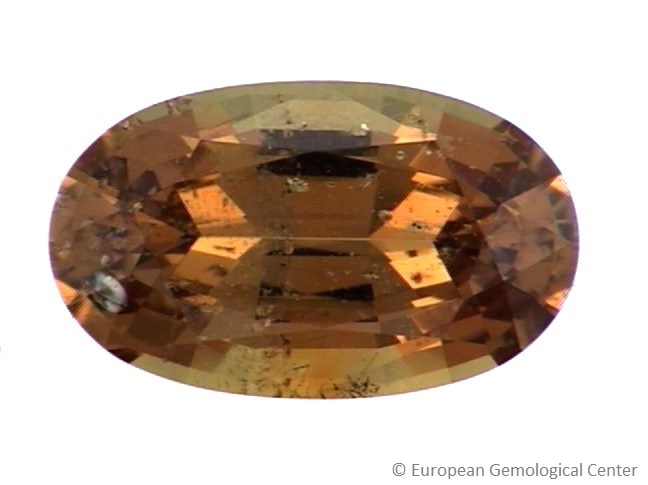
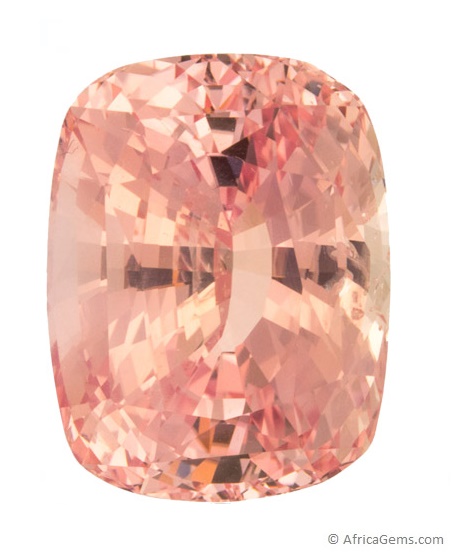
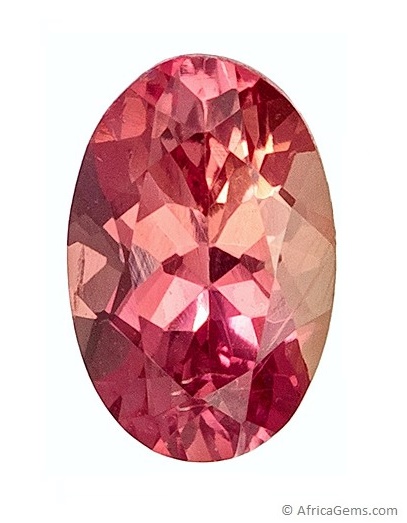
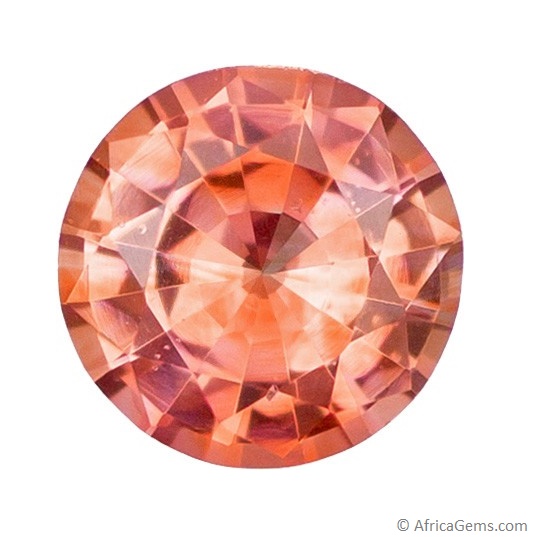
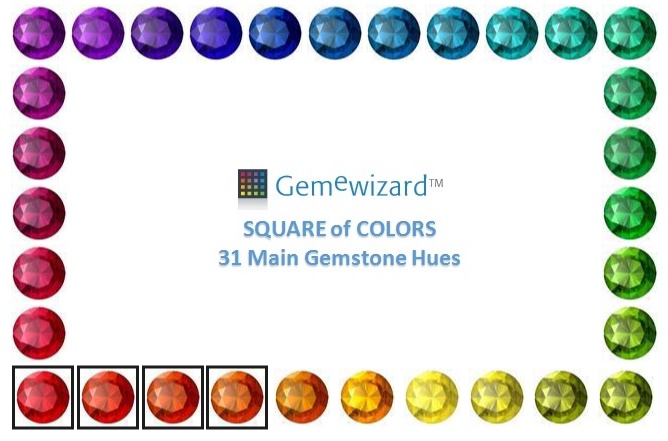
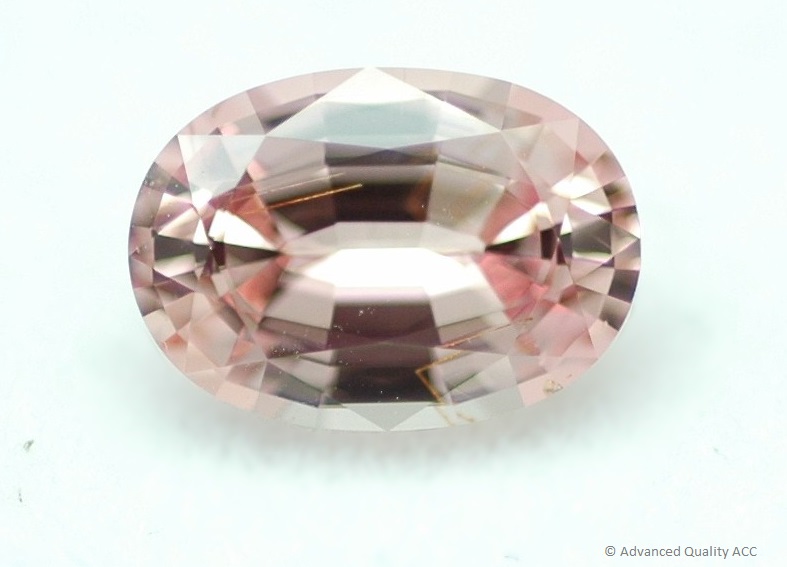
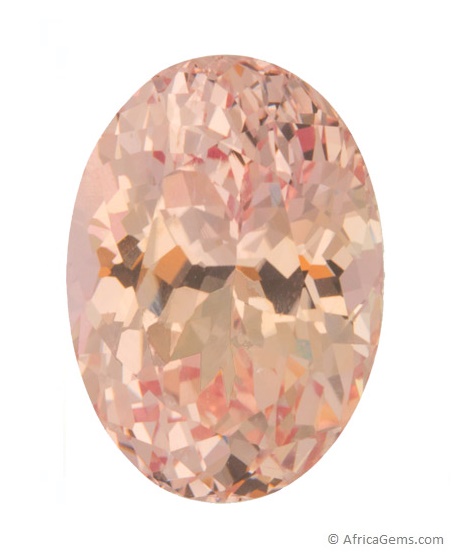
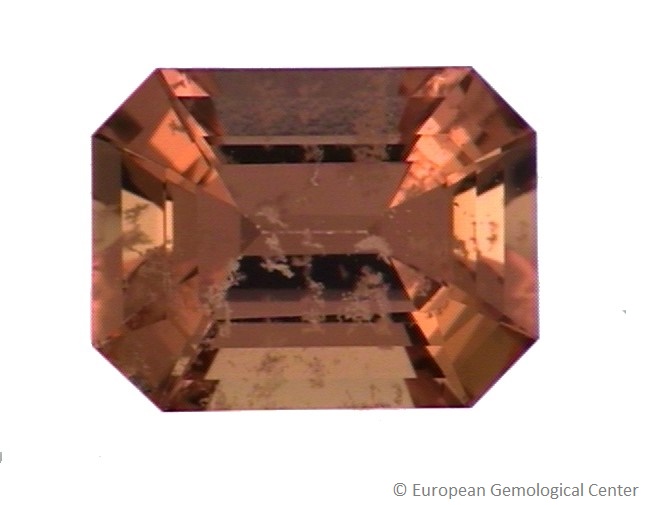
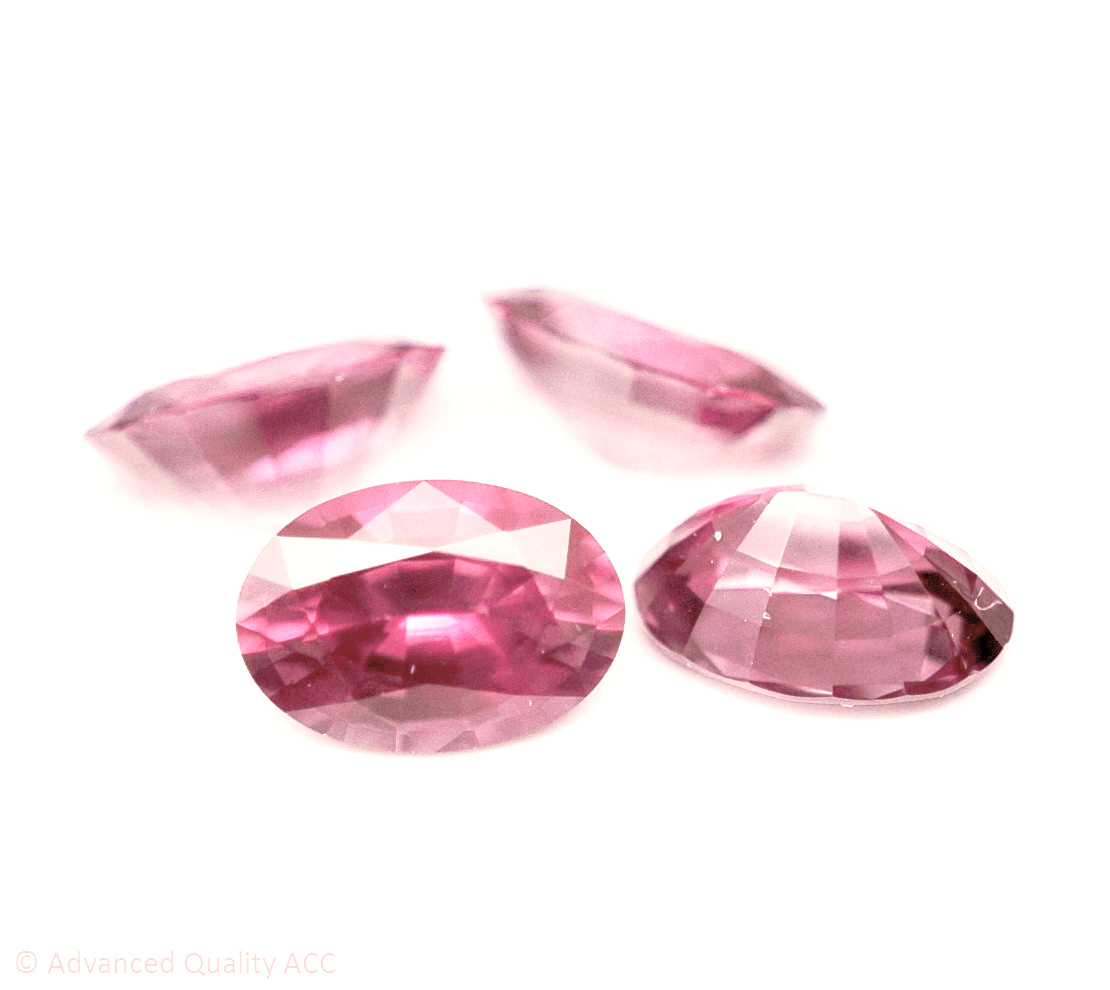
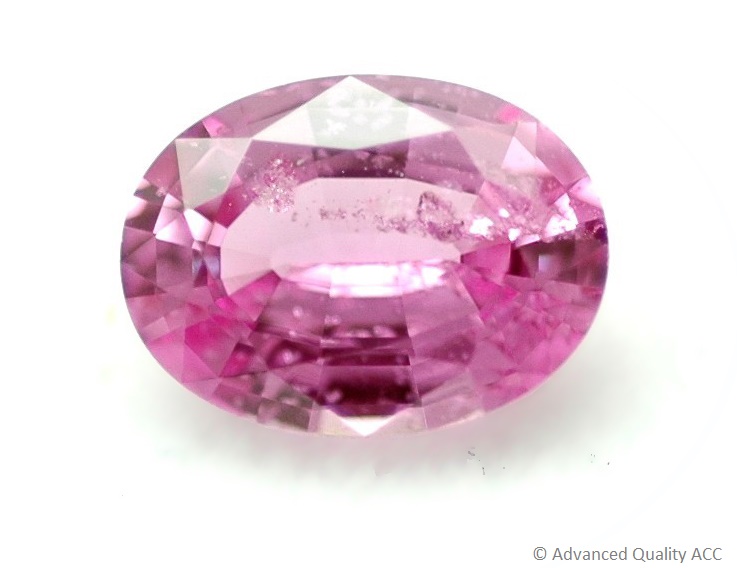
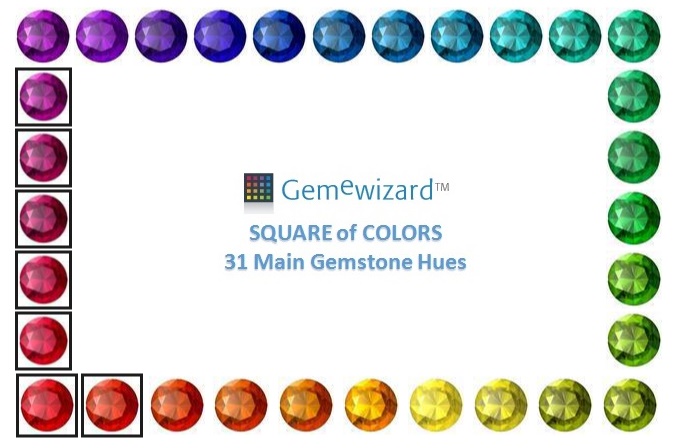
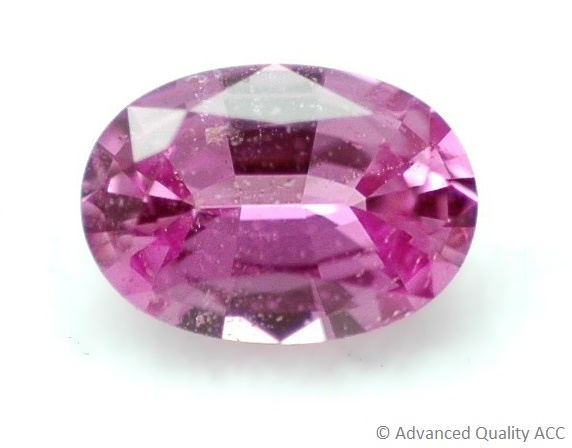
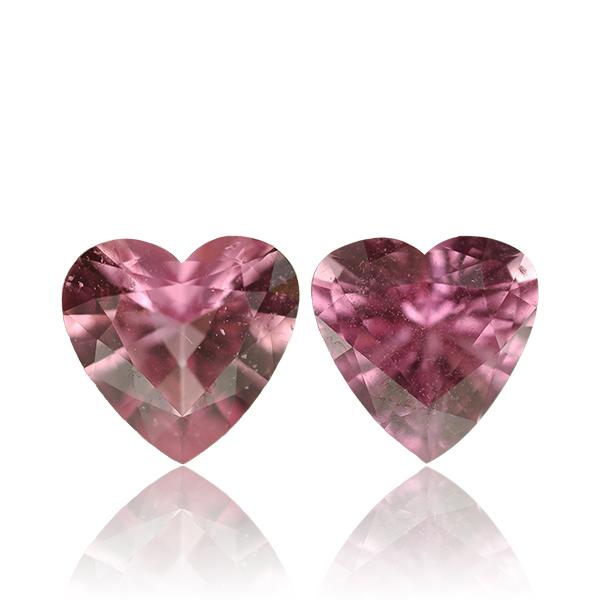
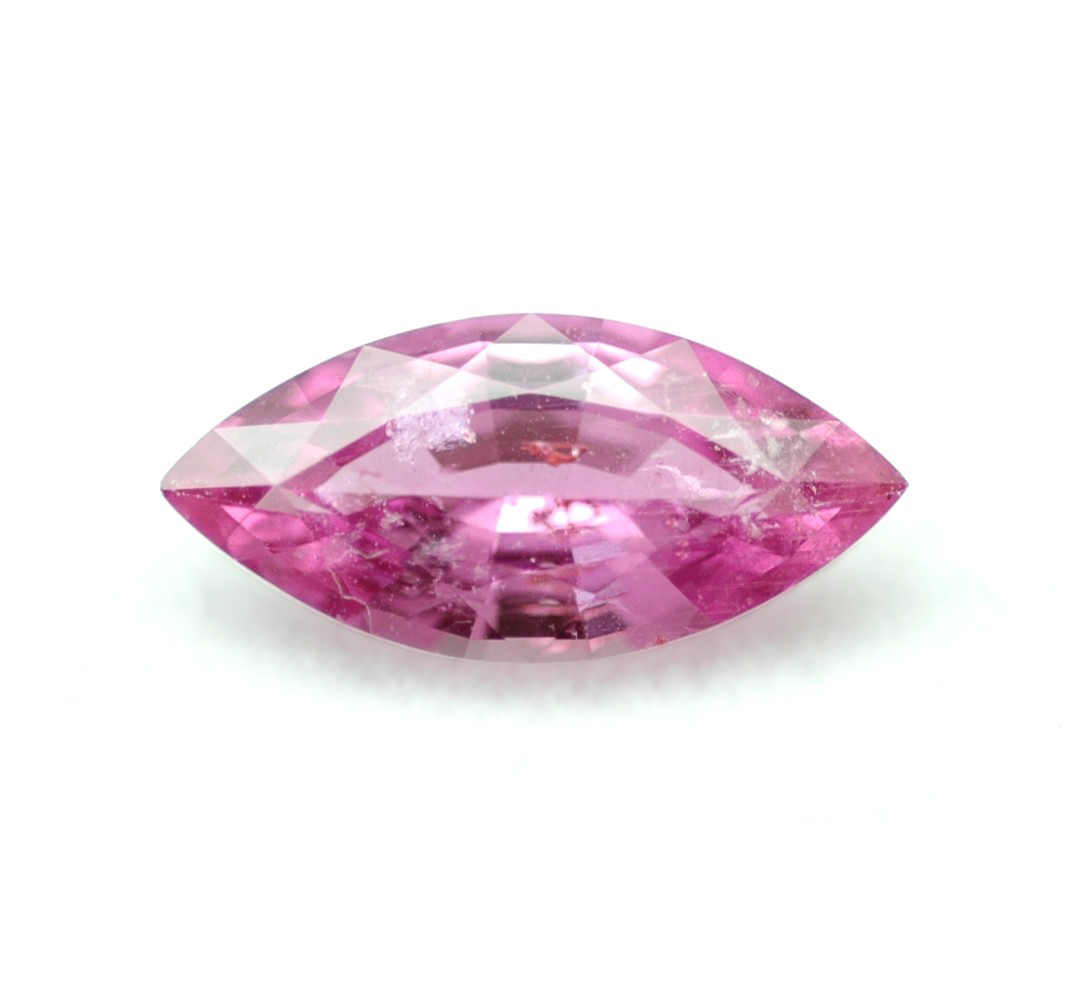
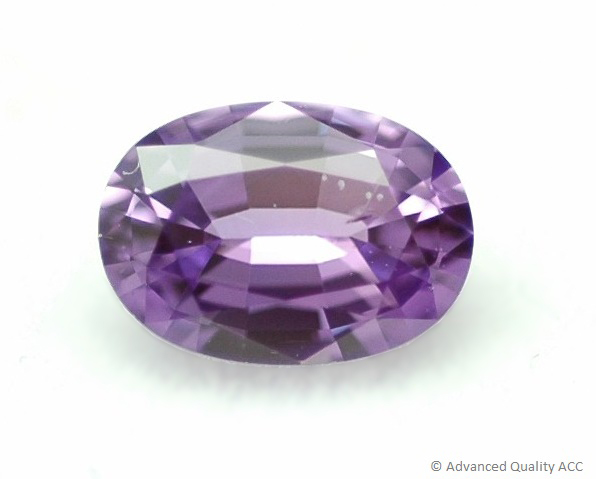
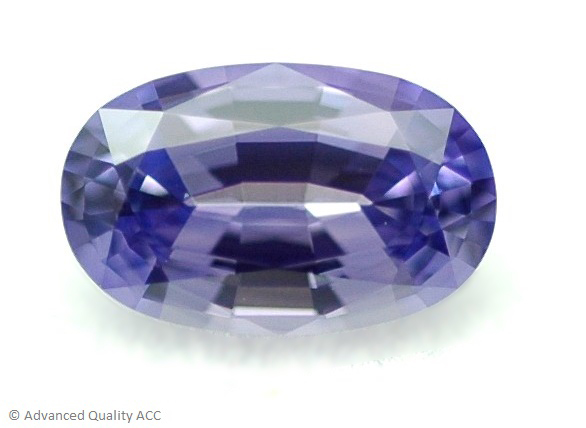
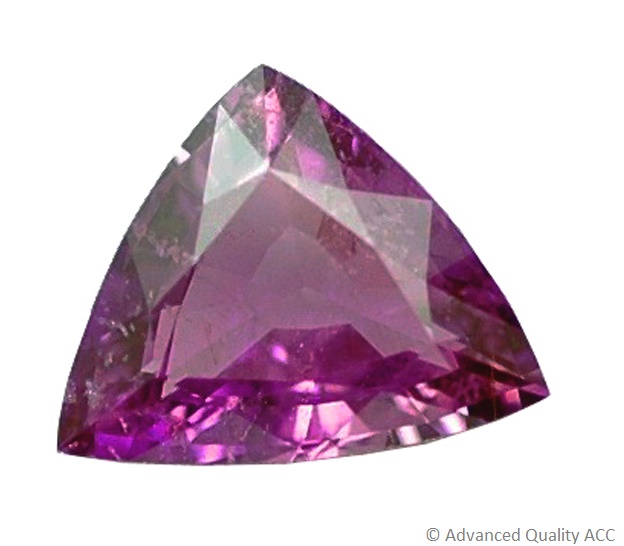
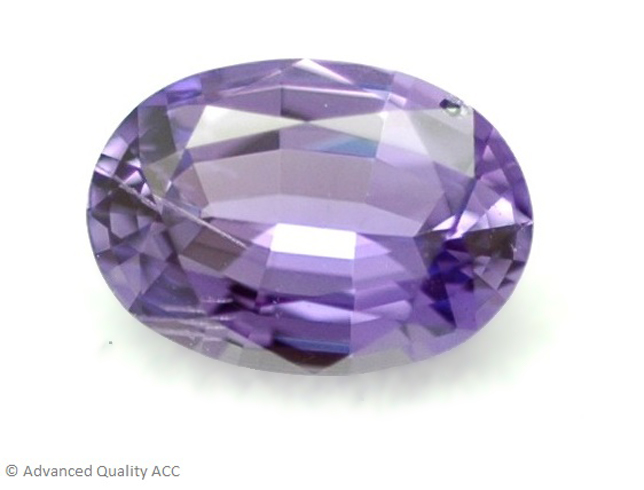
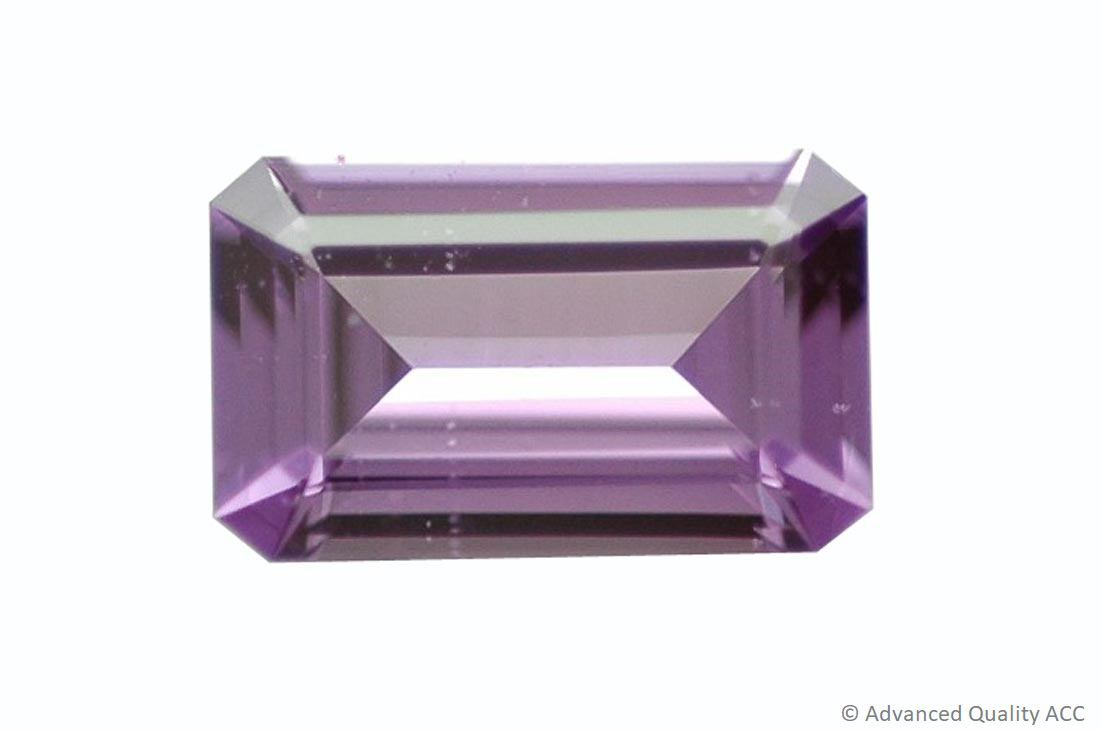
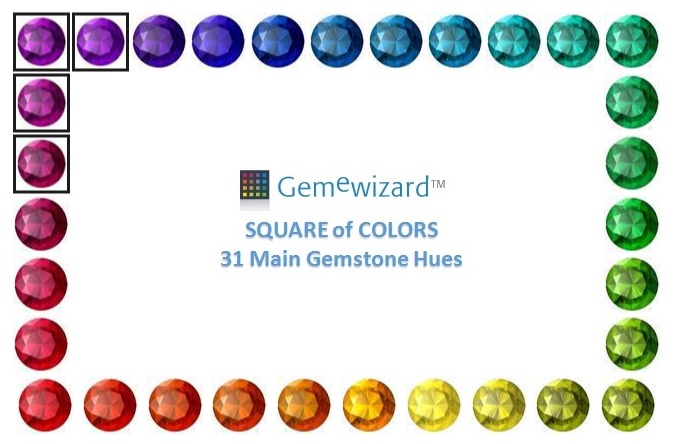
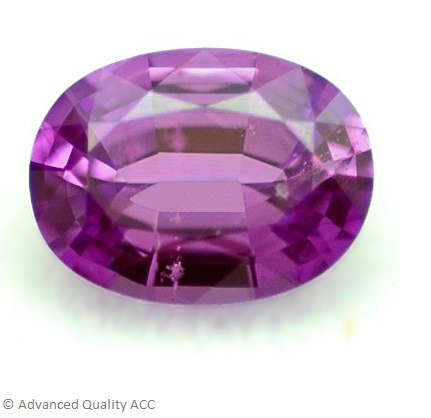
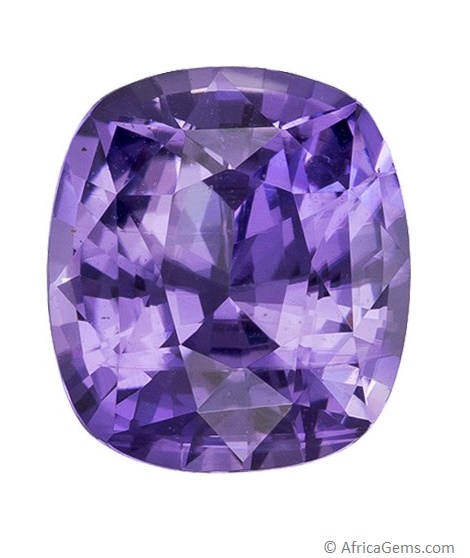
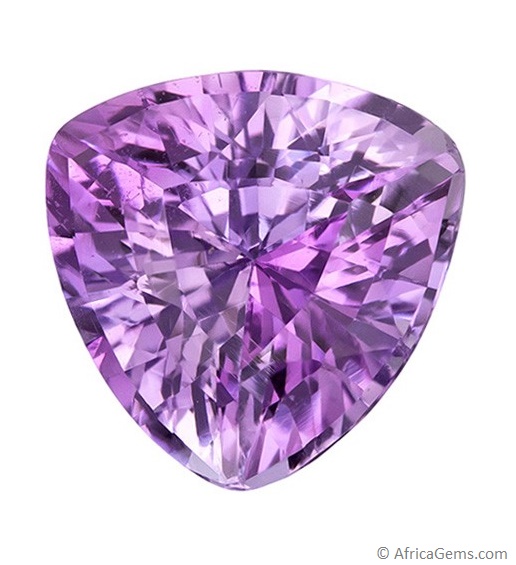
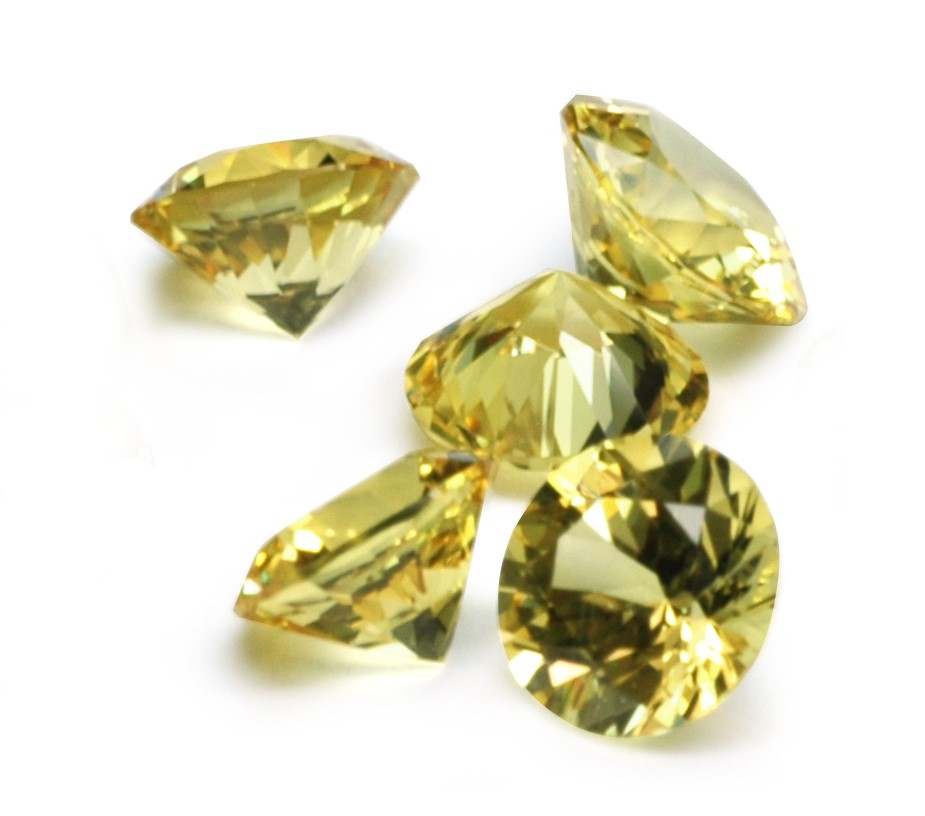
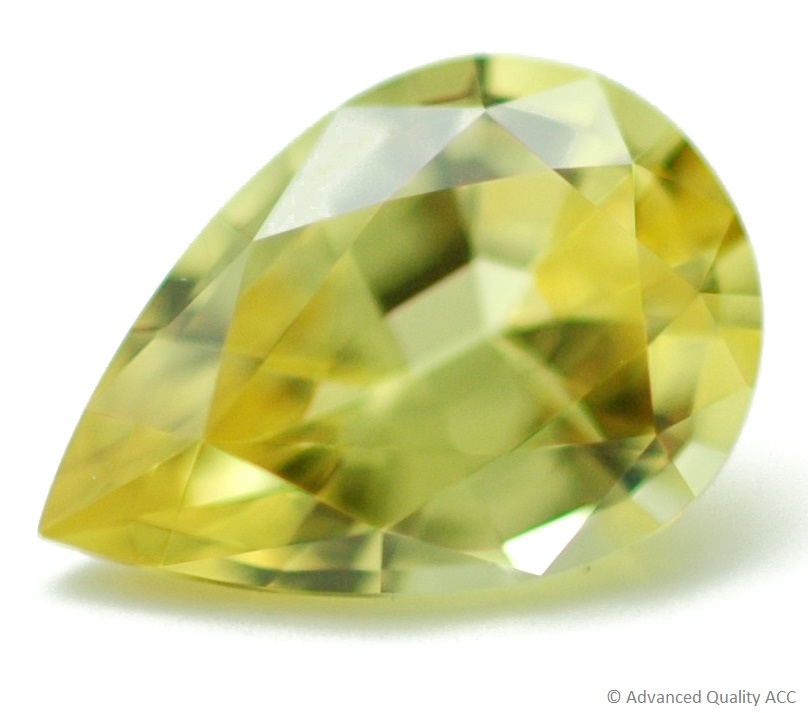
a.jpg)
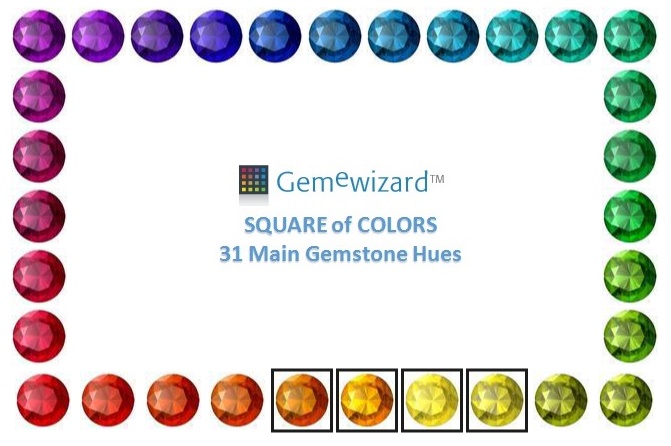
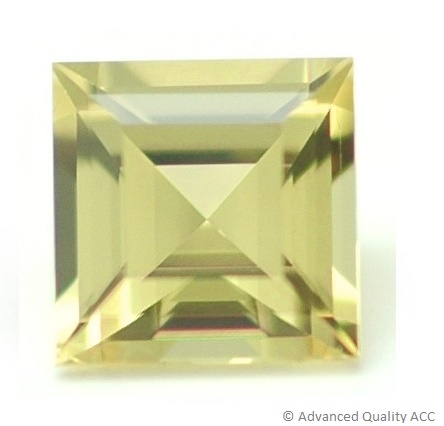
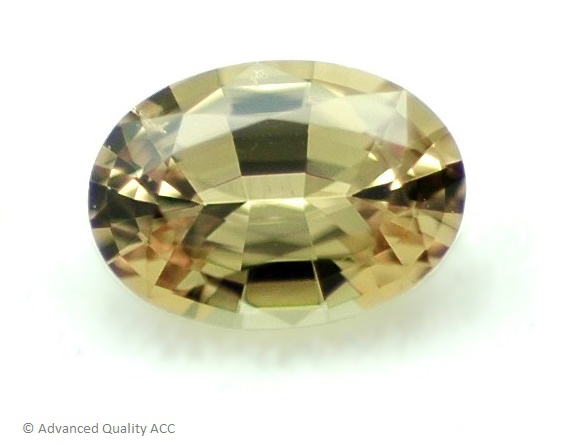
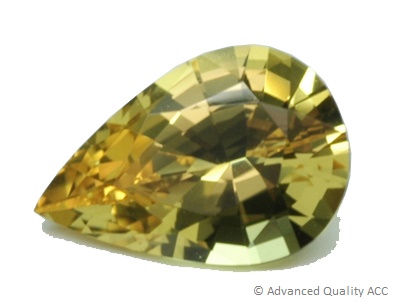
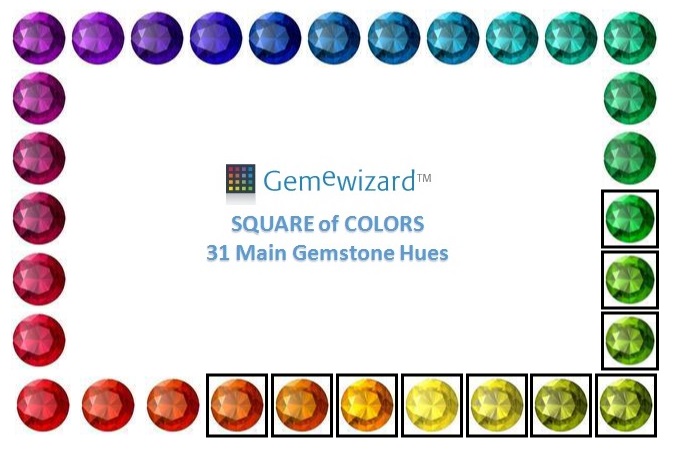
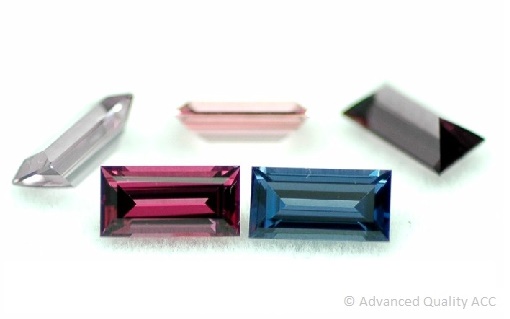
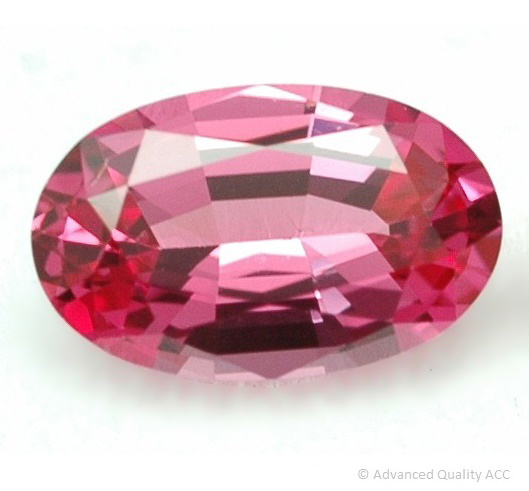
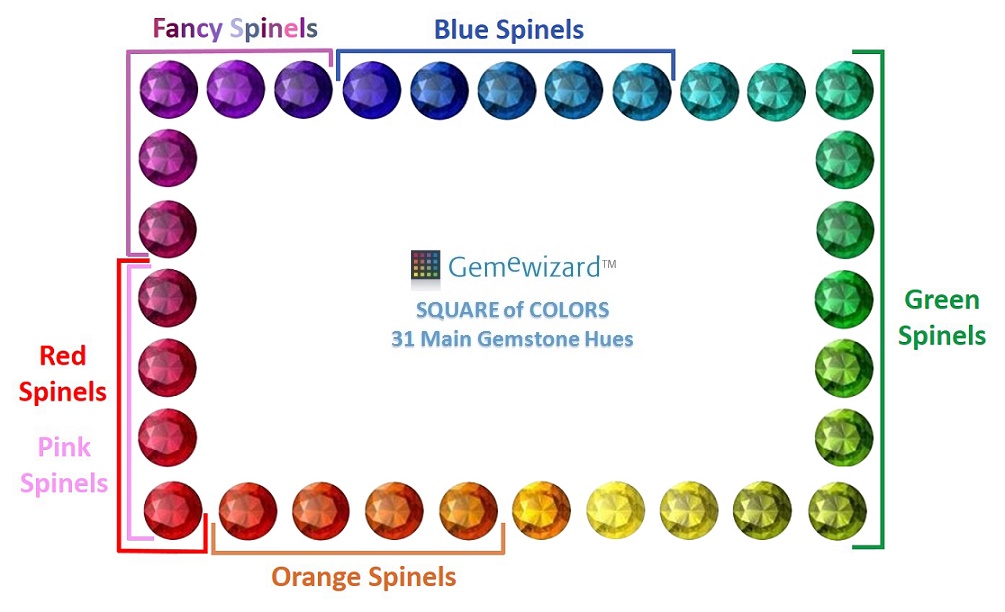
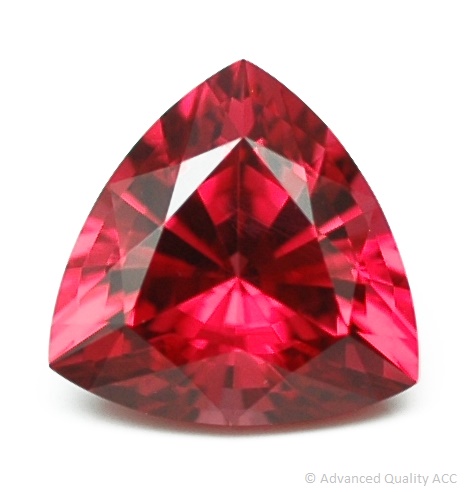
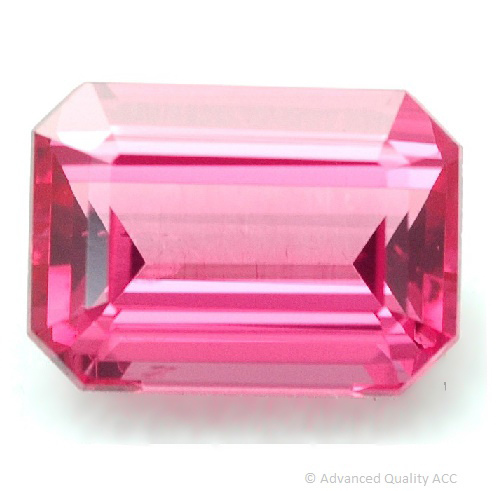
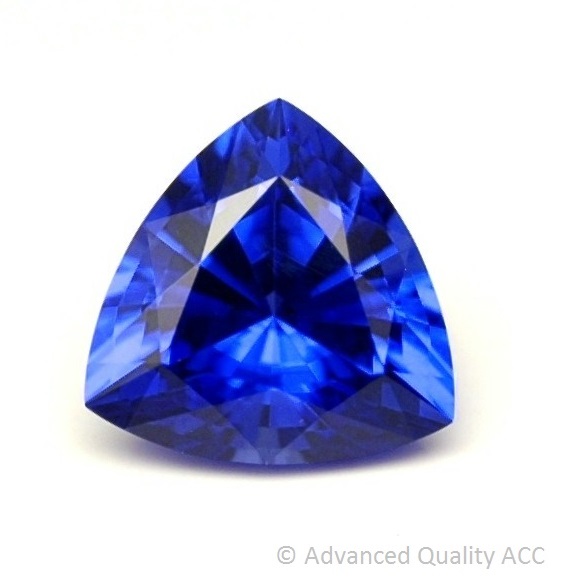
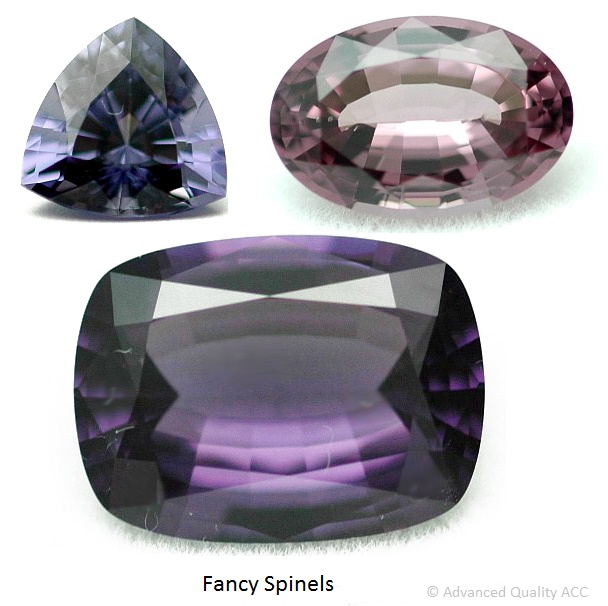
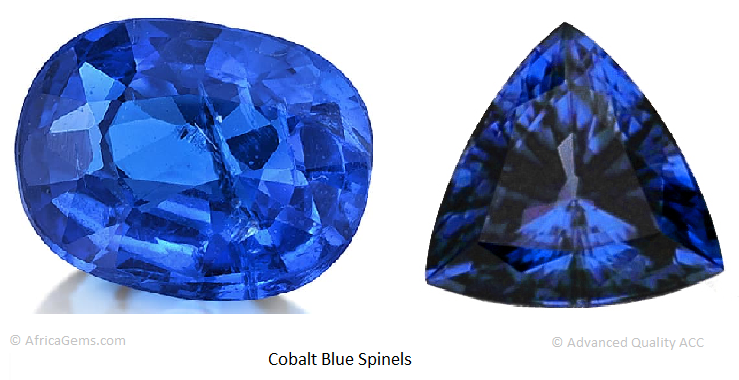
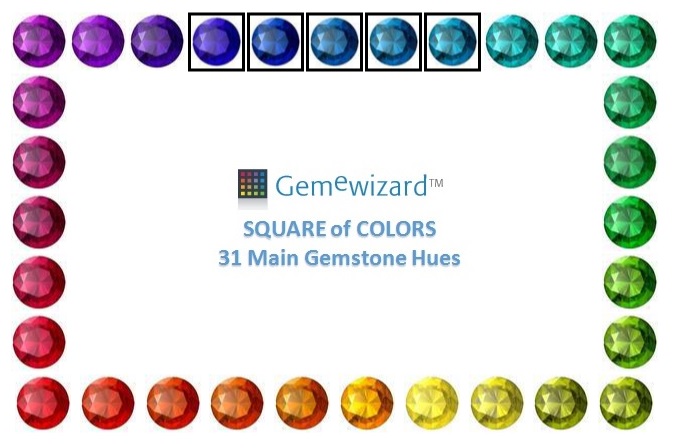
.JPG)
a.jpg)
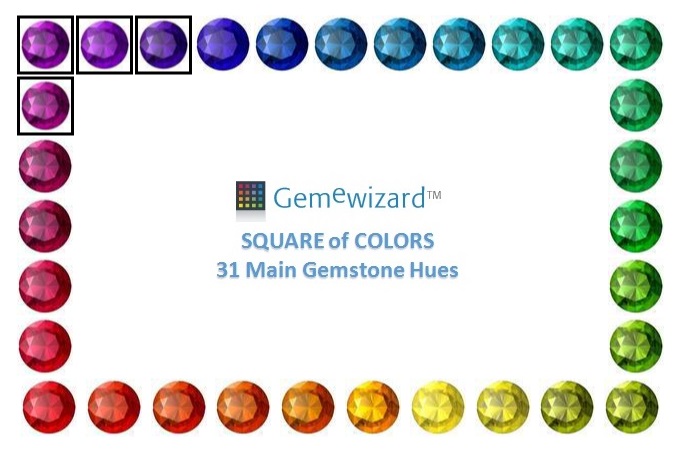
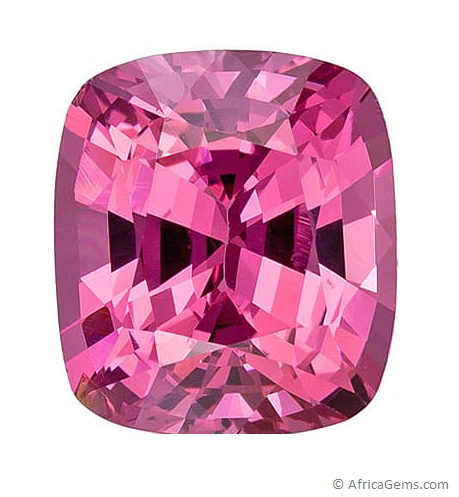
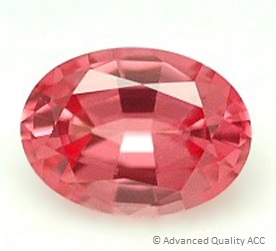
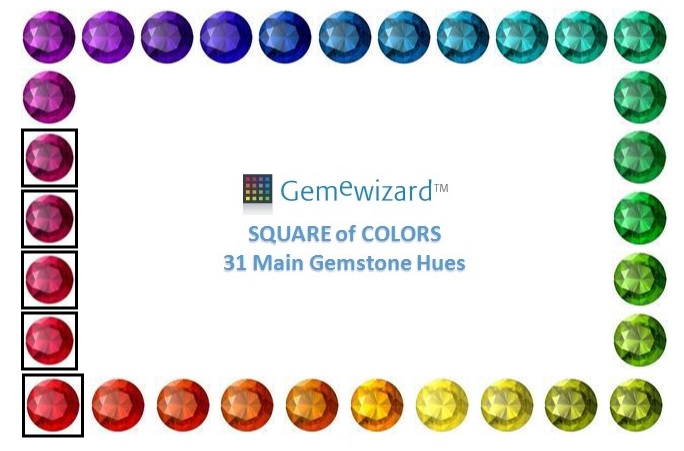
.JPG)
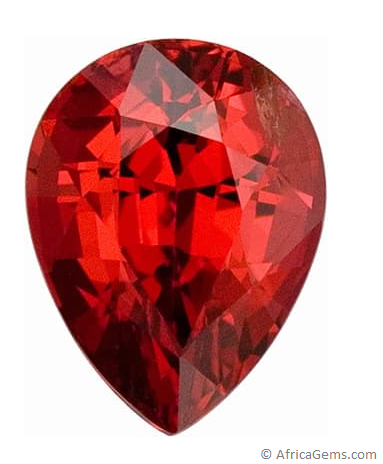
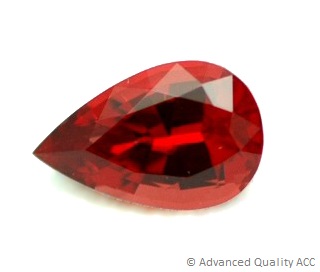
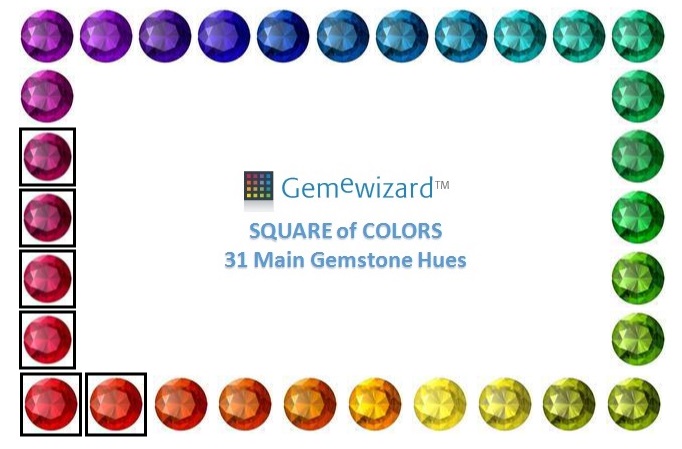
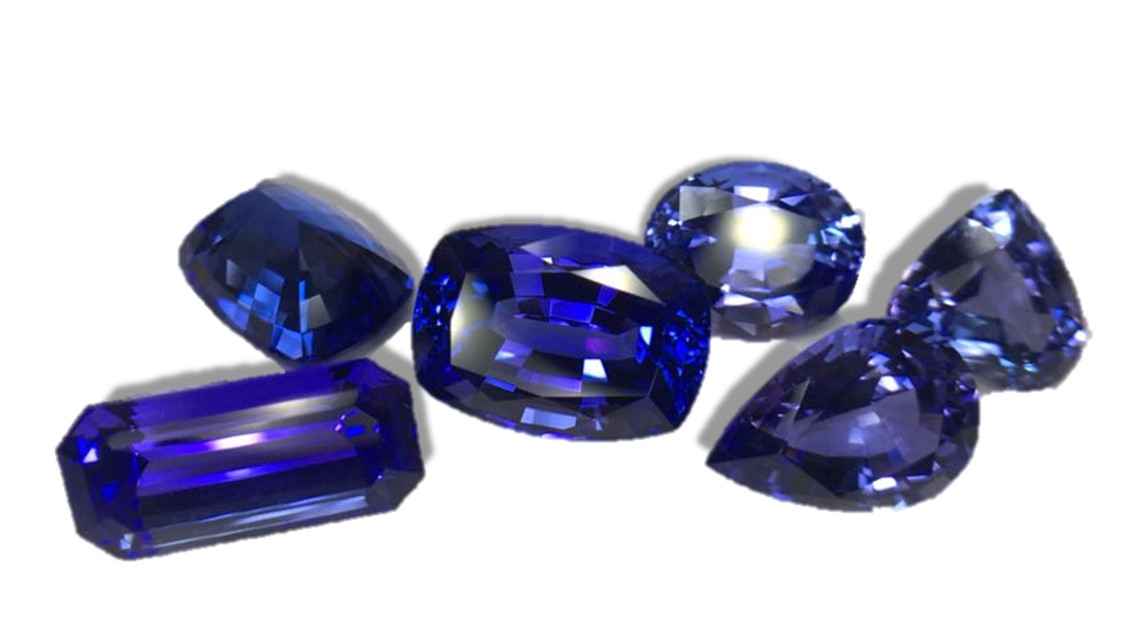
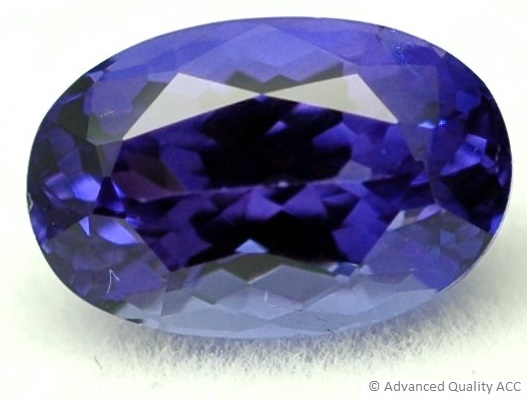
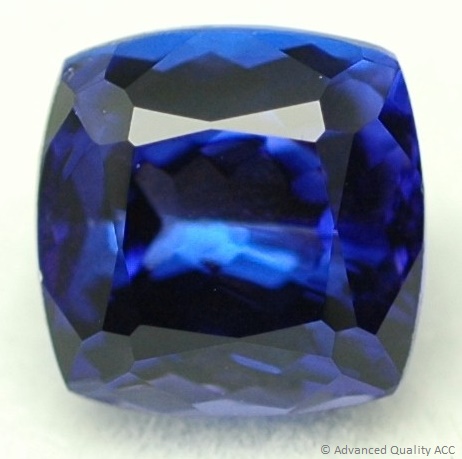
a.jpg)
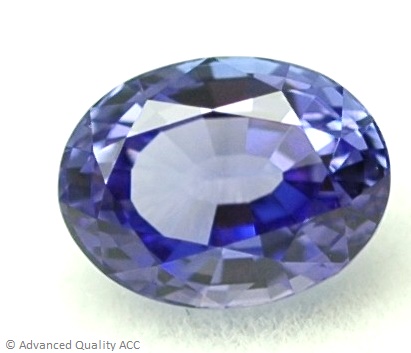
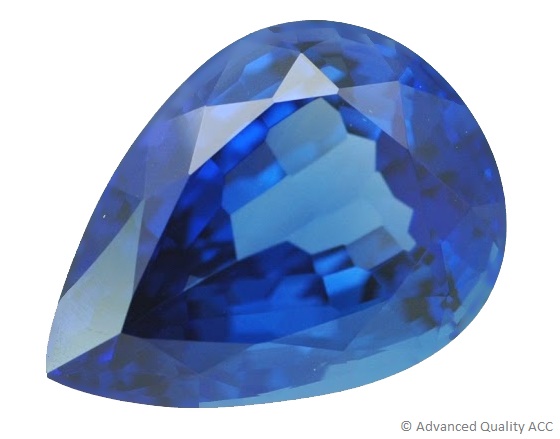
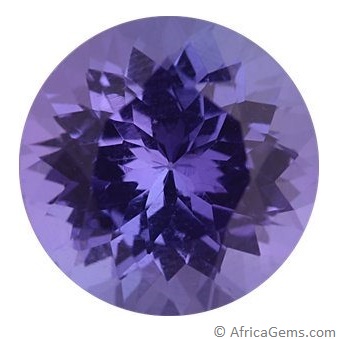
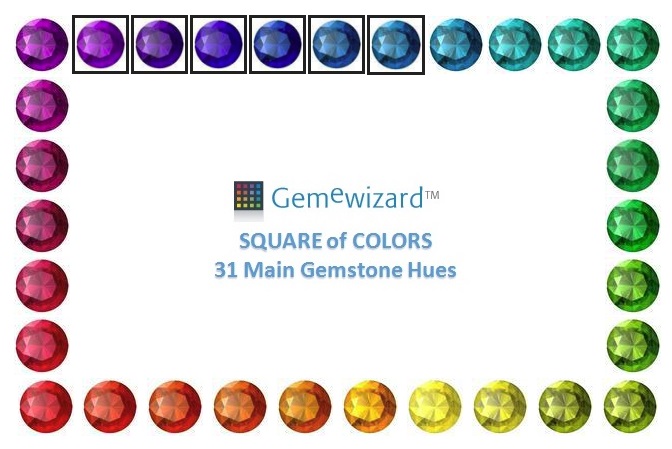
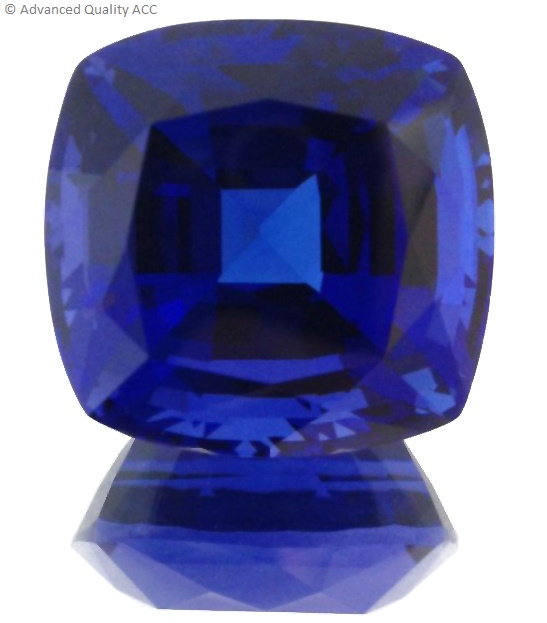
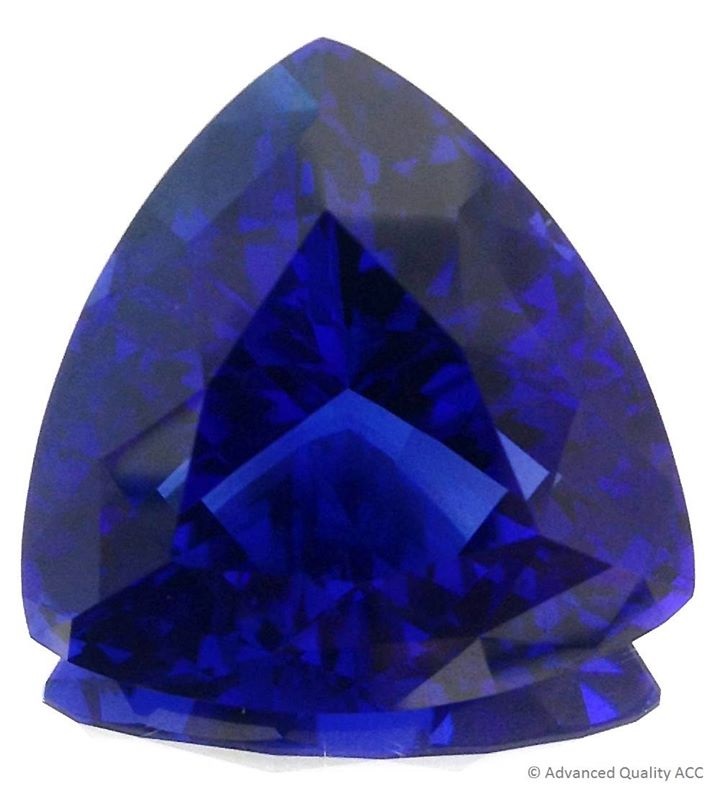
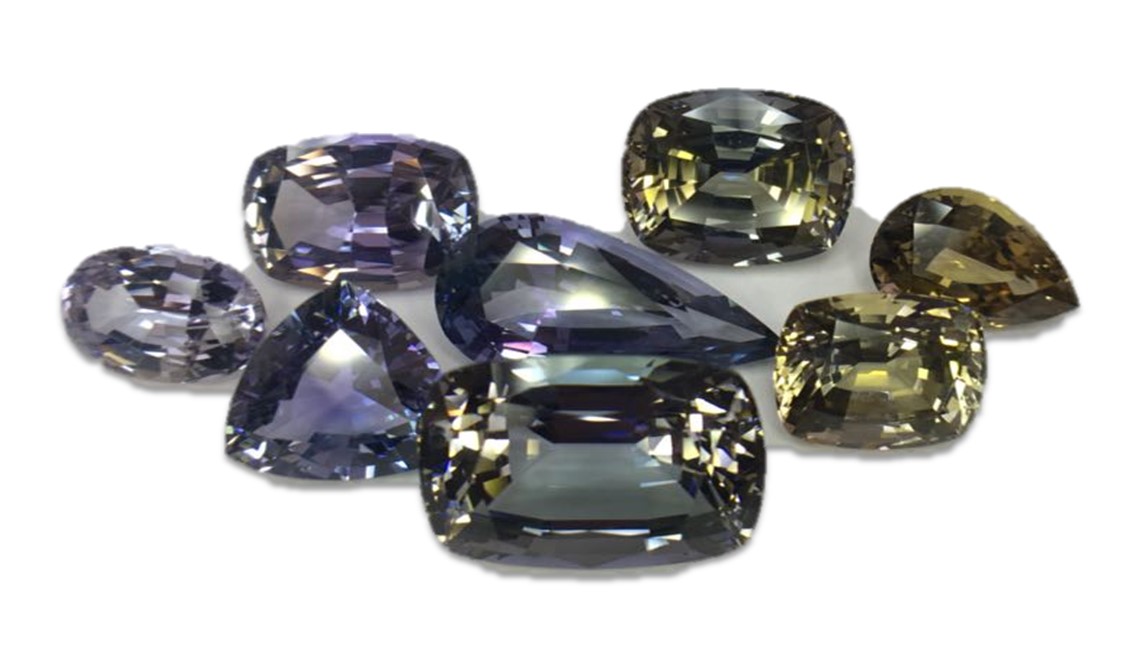
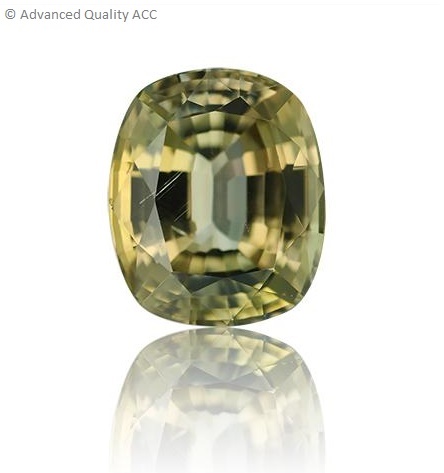
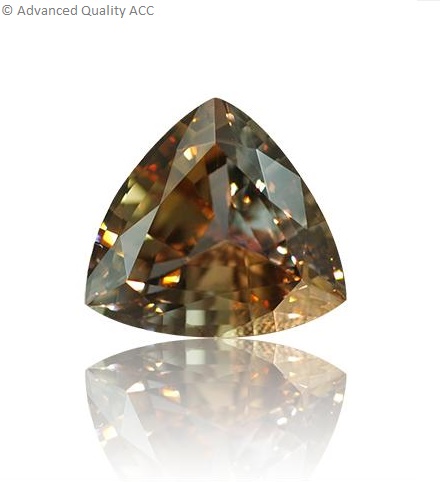
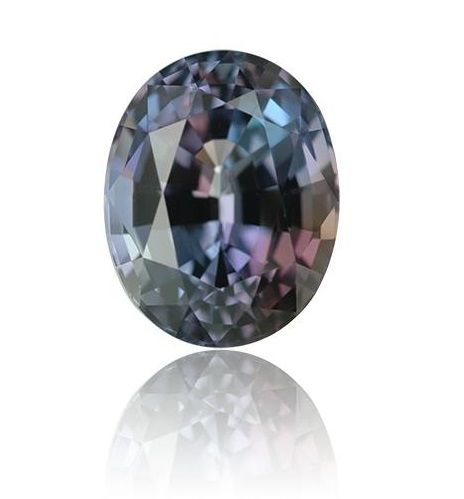
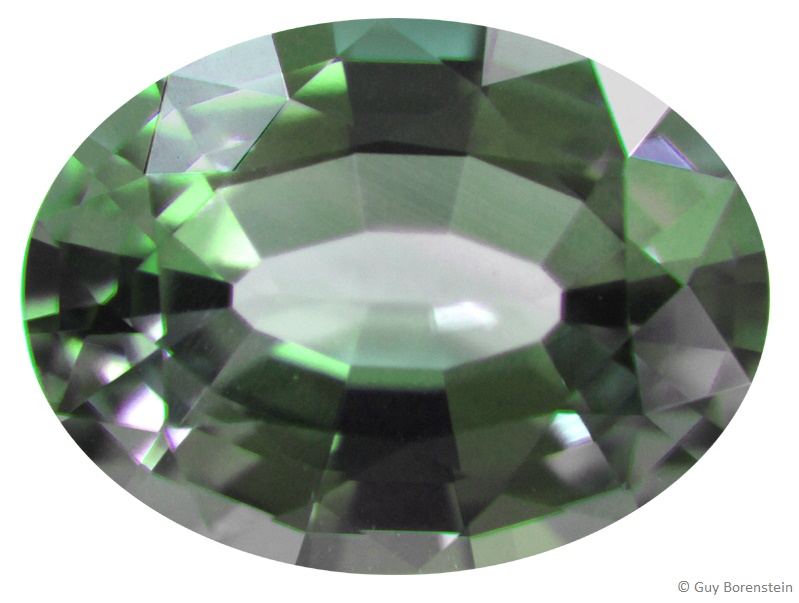
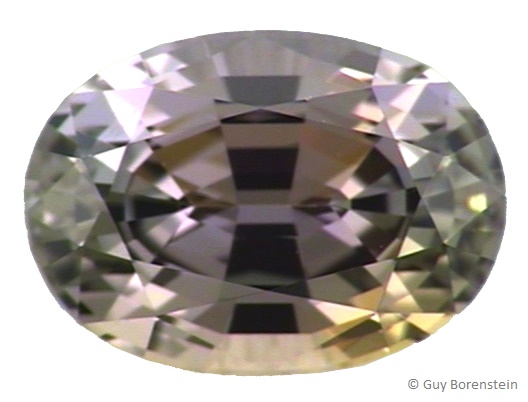
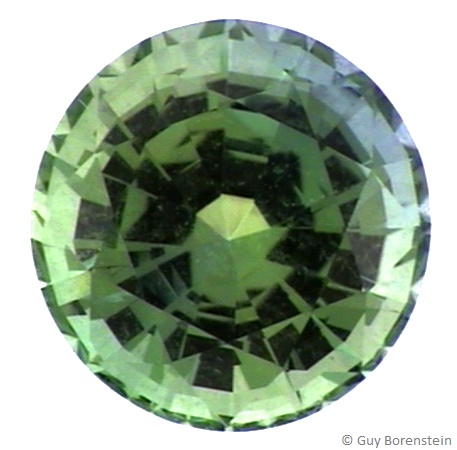
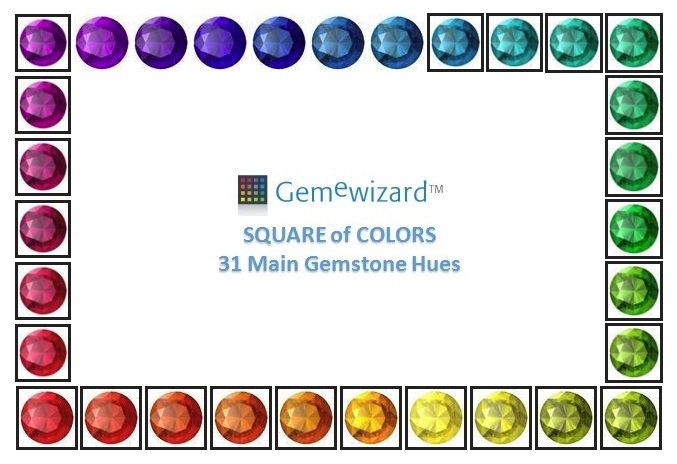
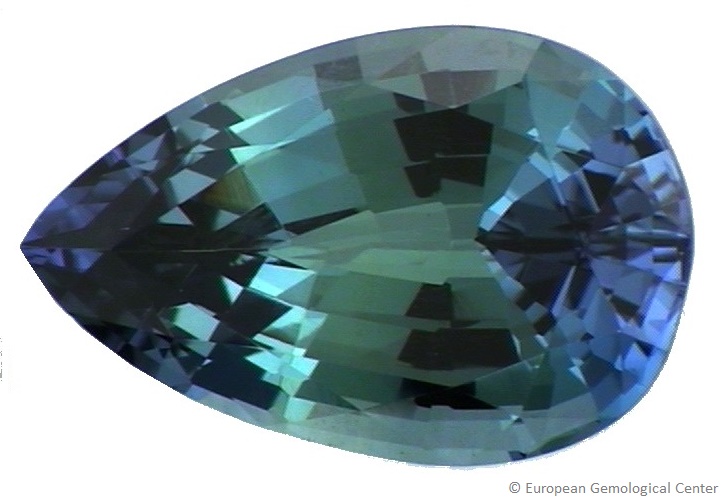
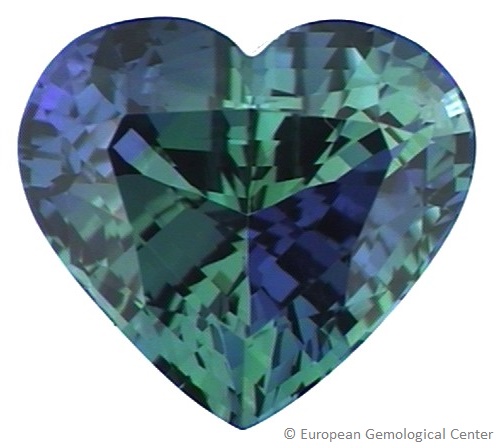
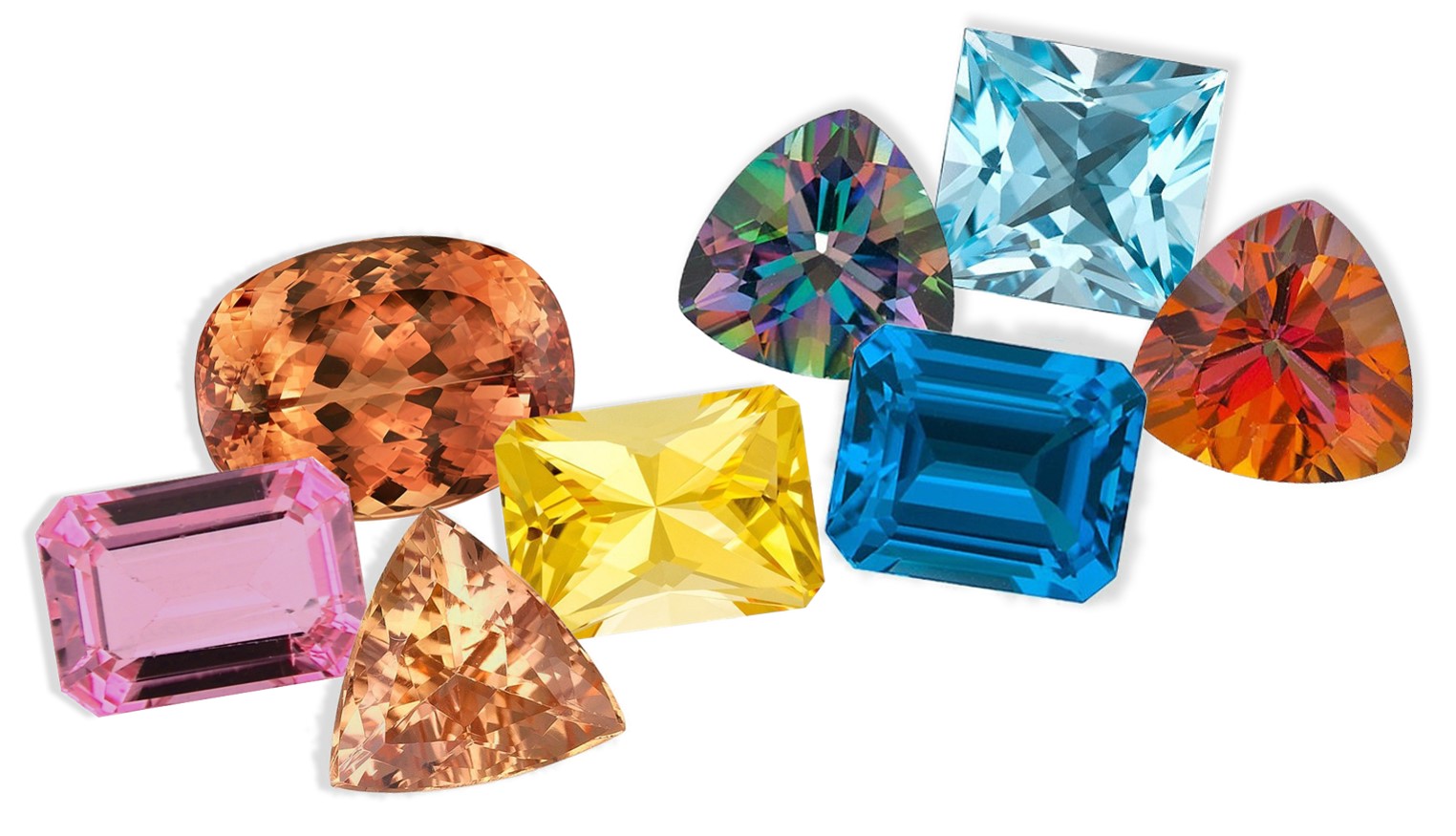
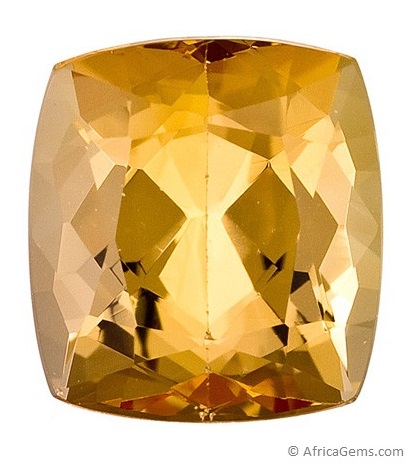
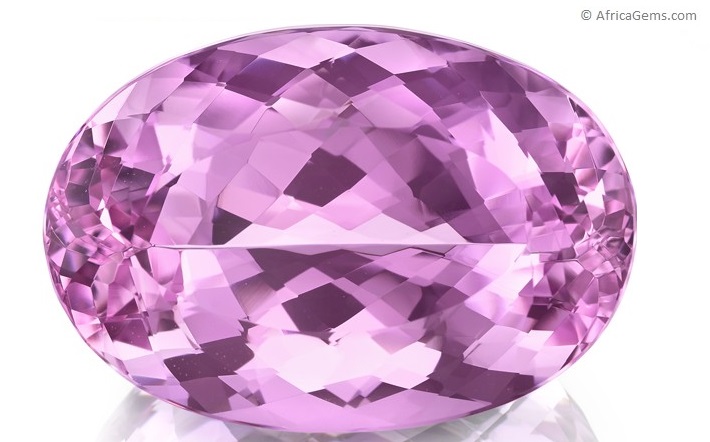
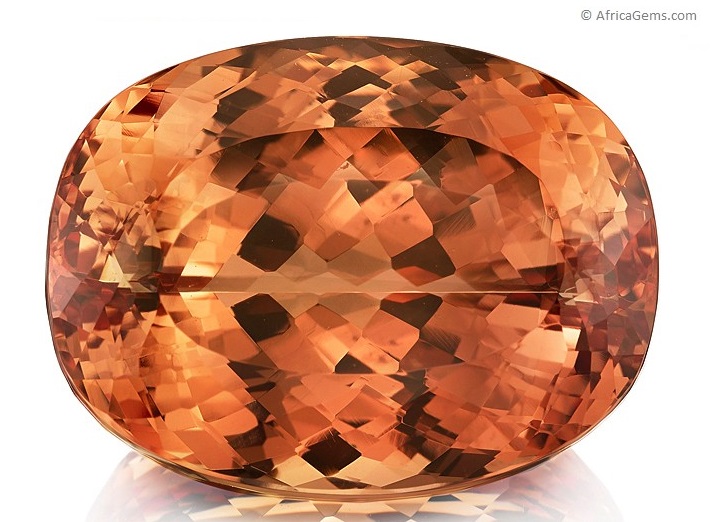
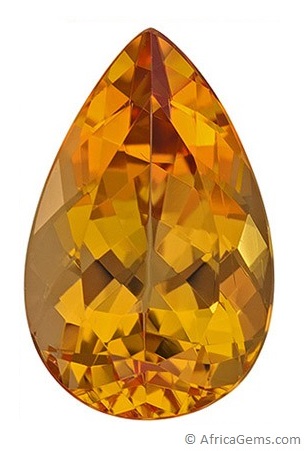
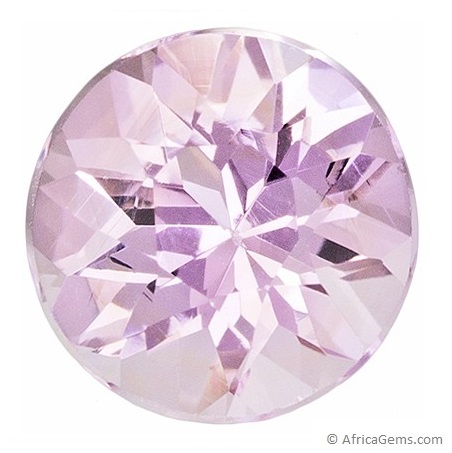
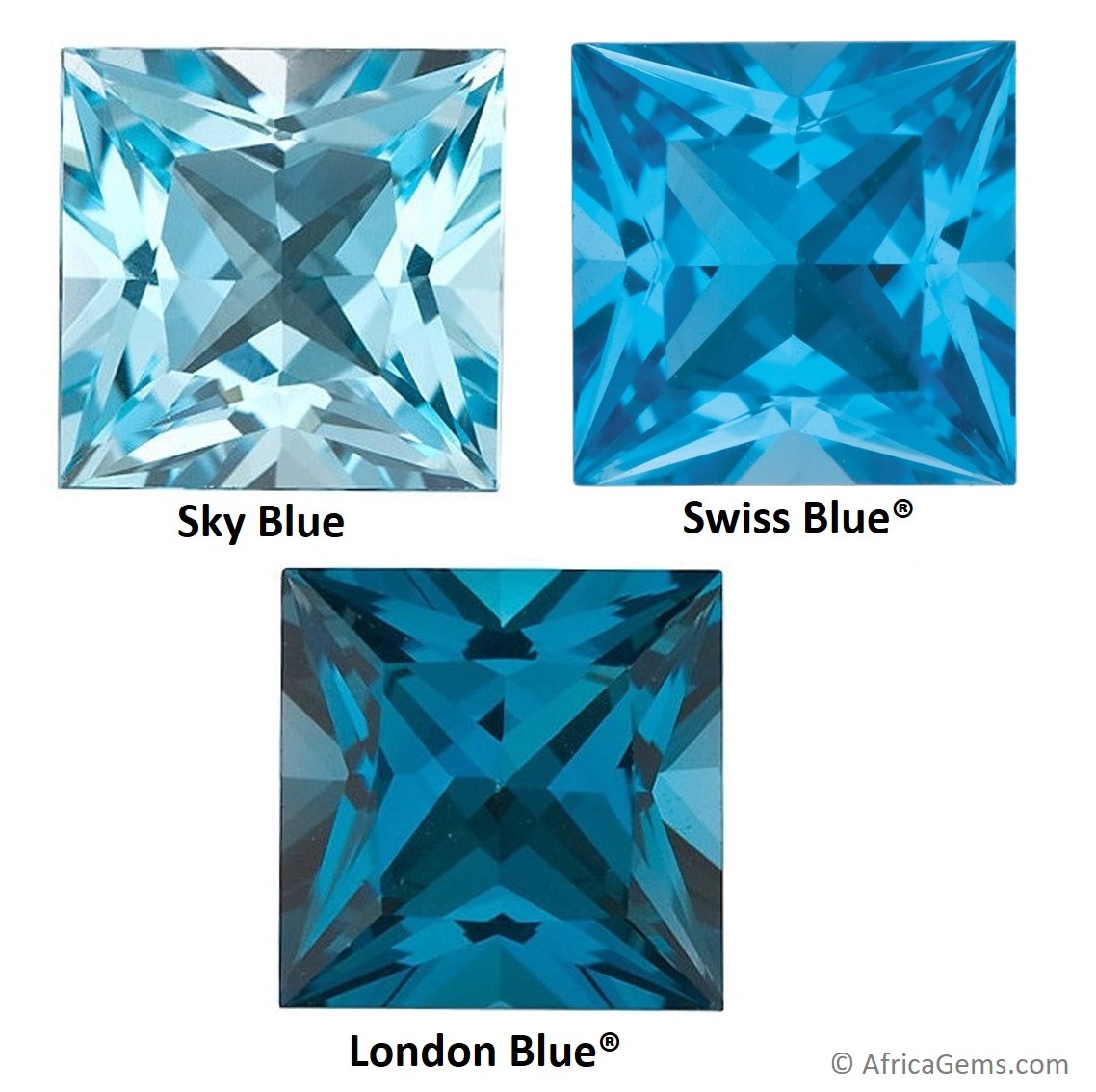
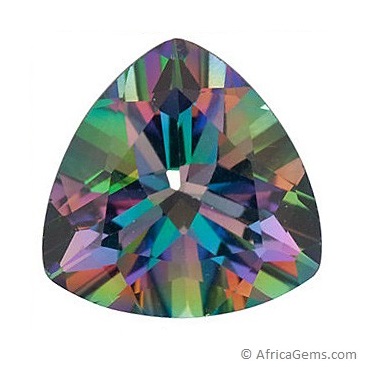
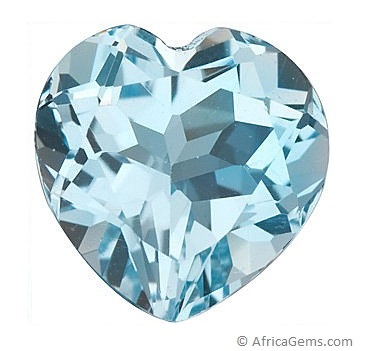
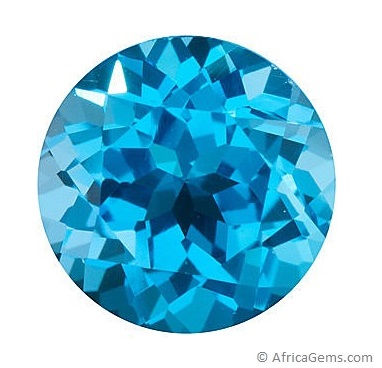
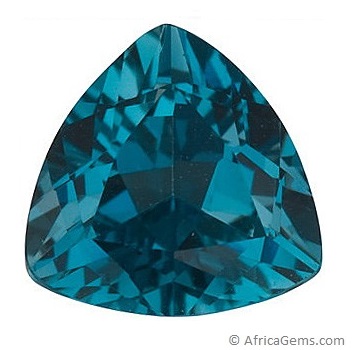
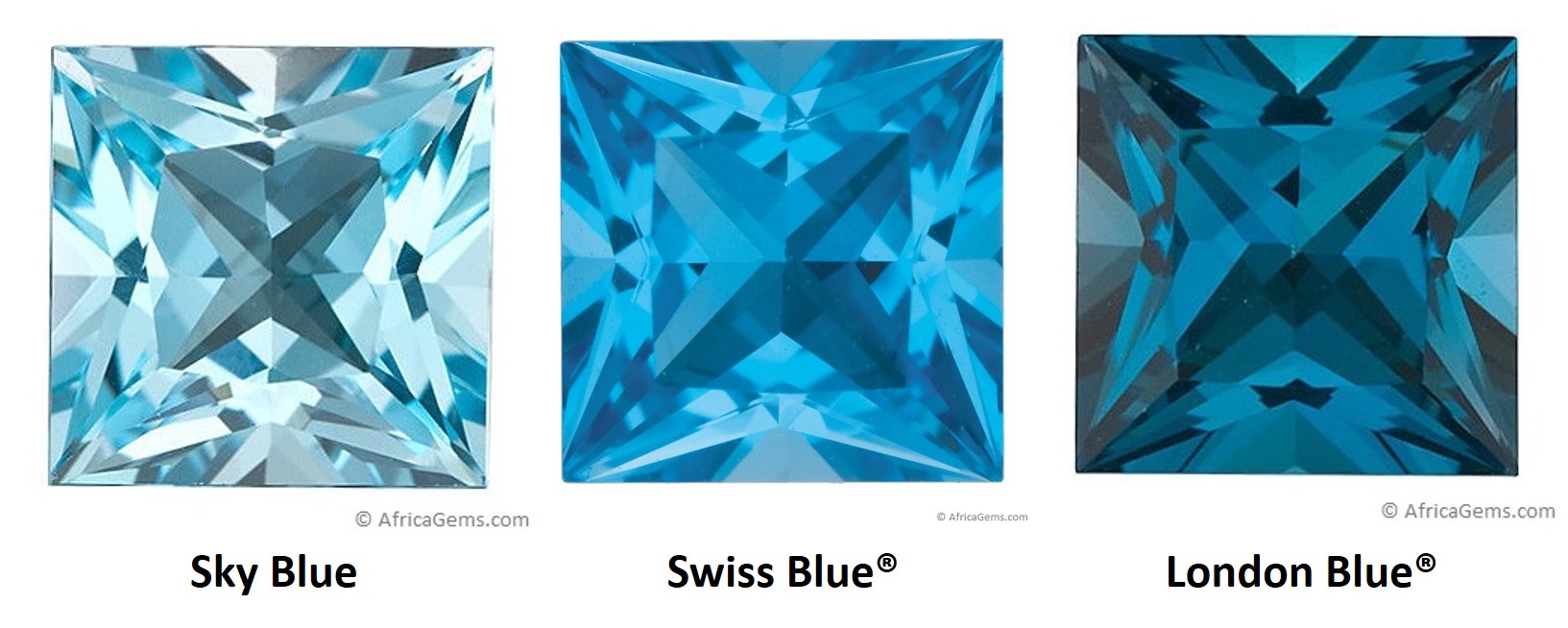
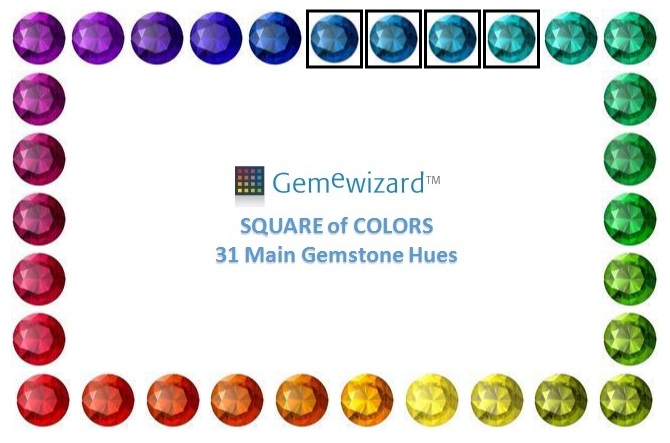
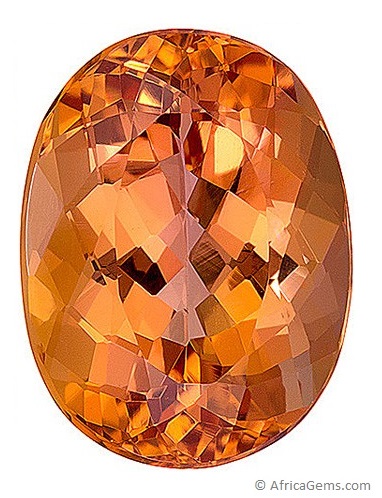
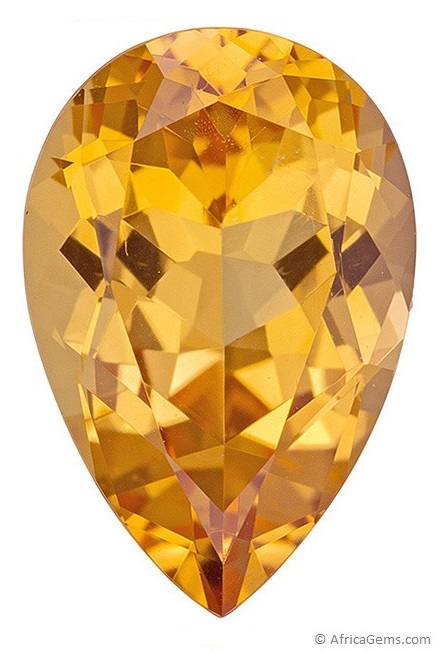
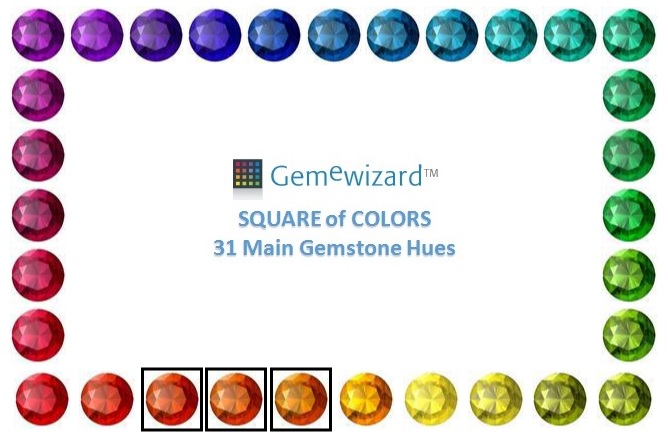
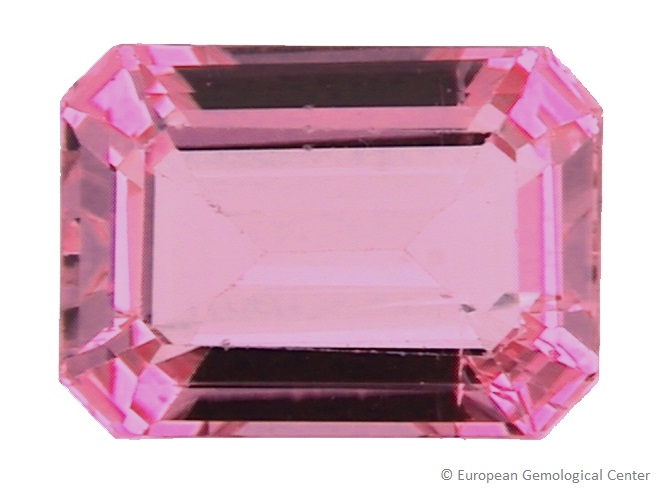
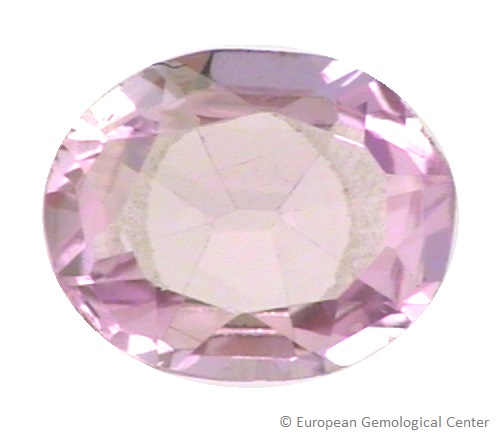
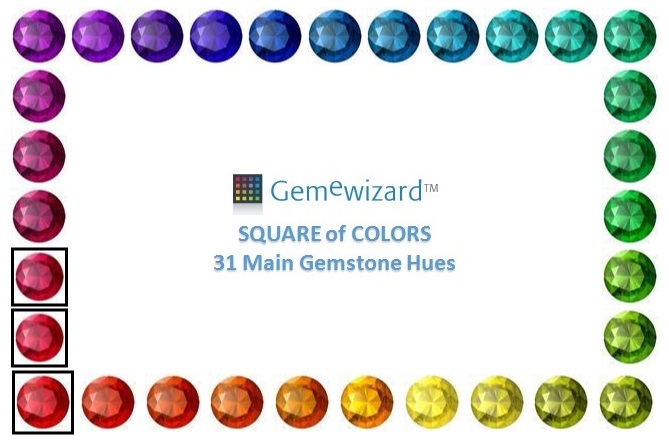
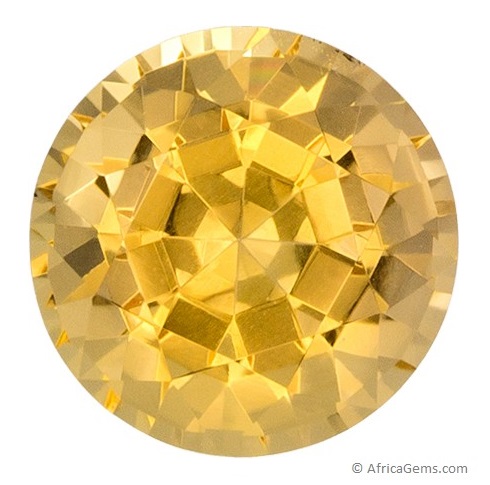
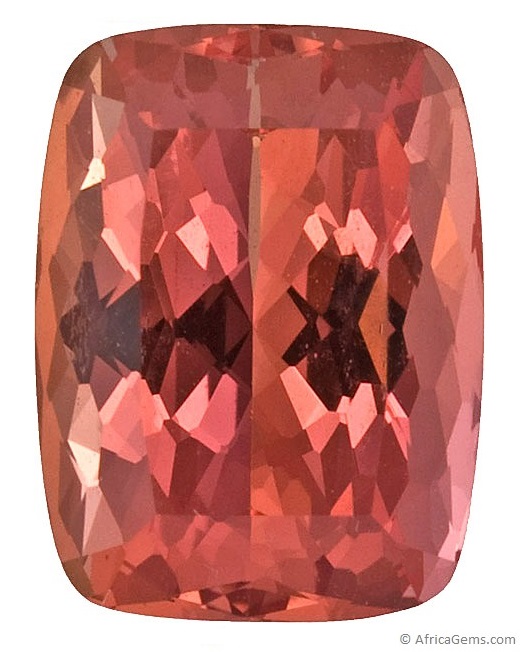
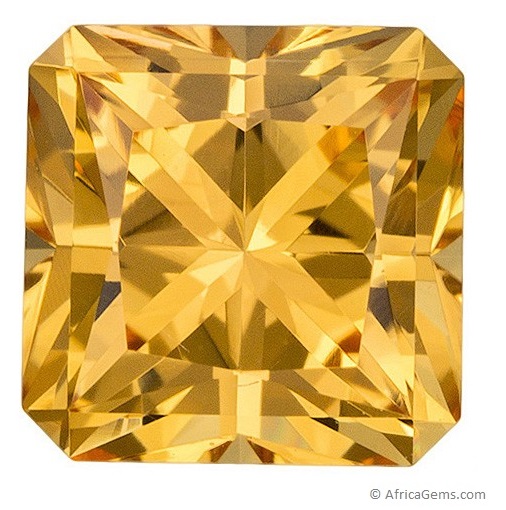
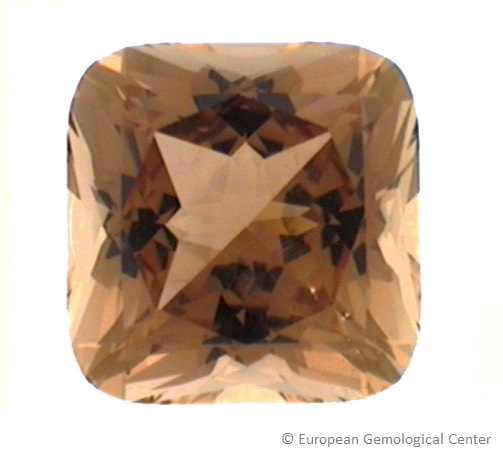
 Colors.jpg)
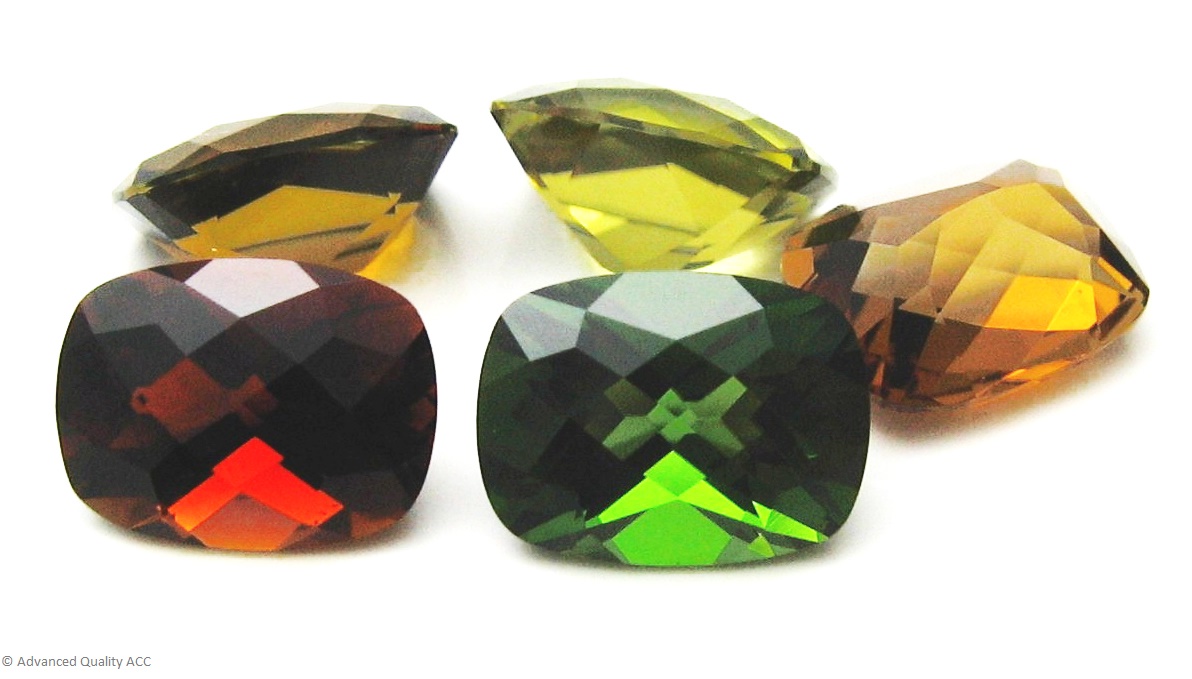
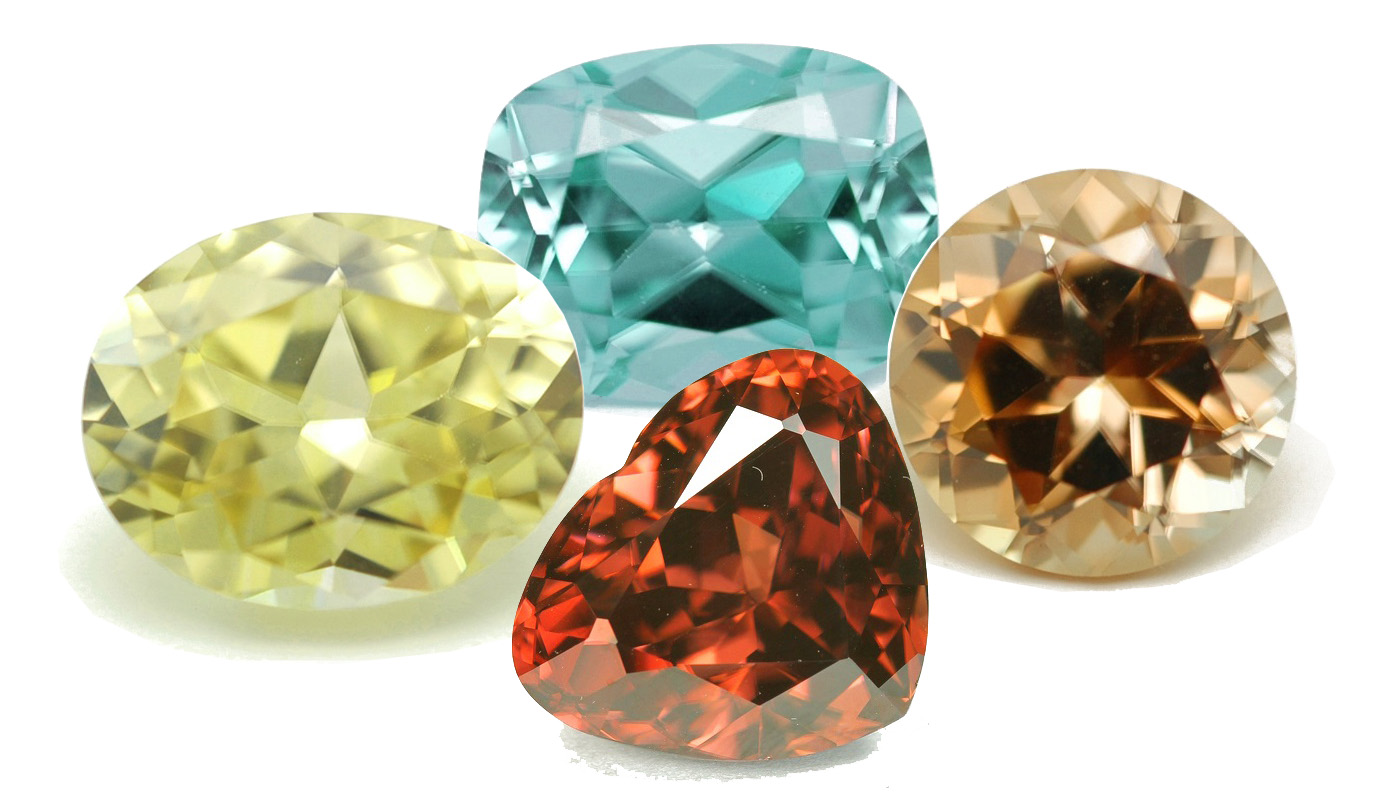
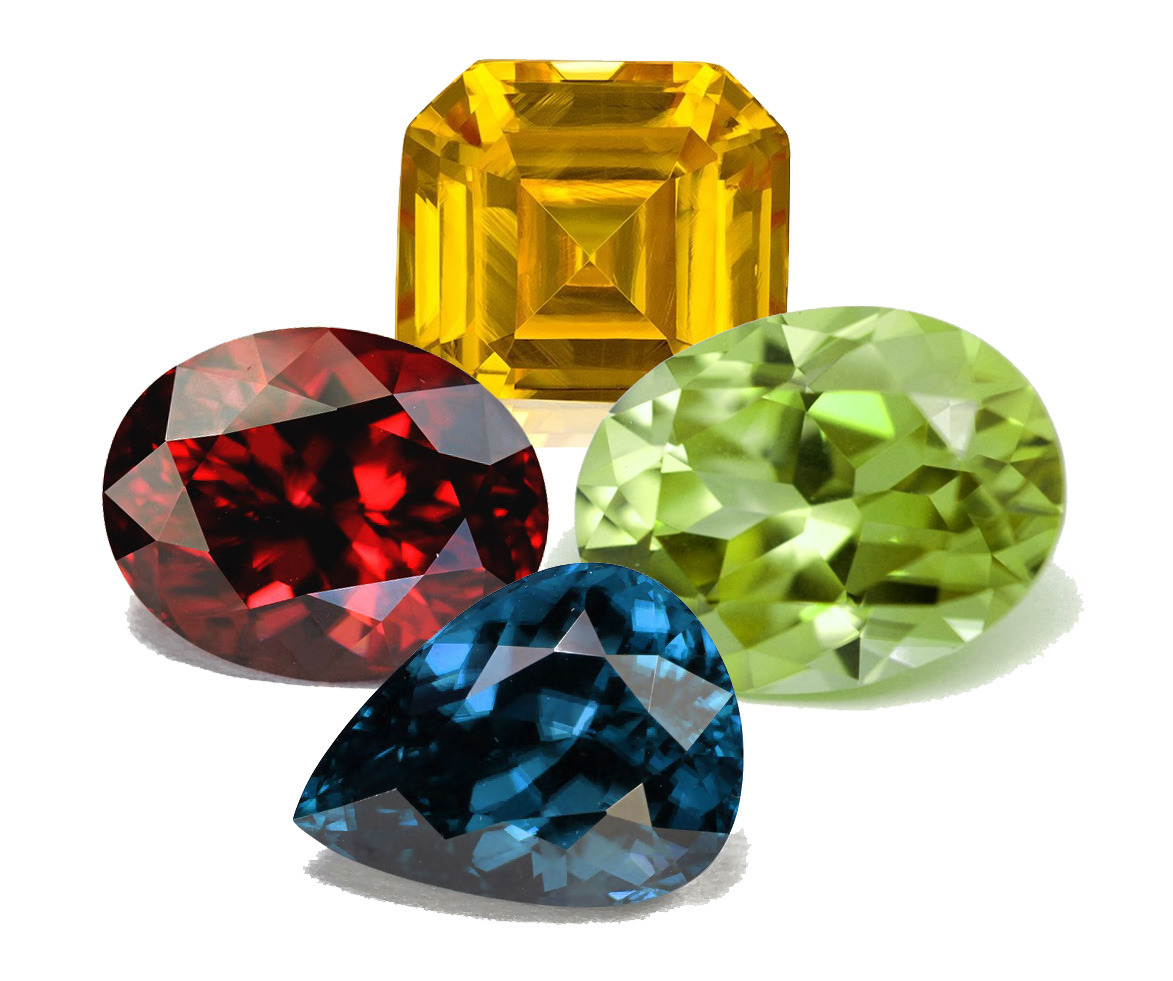
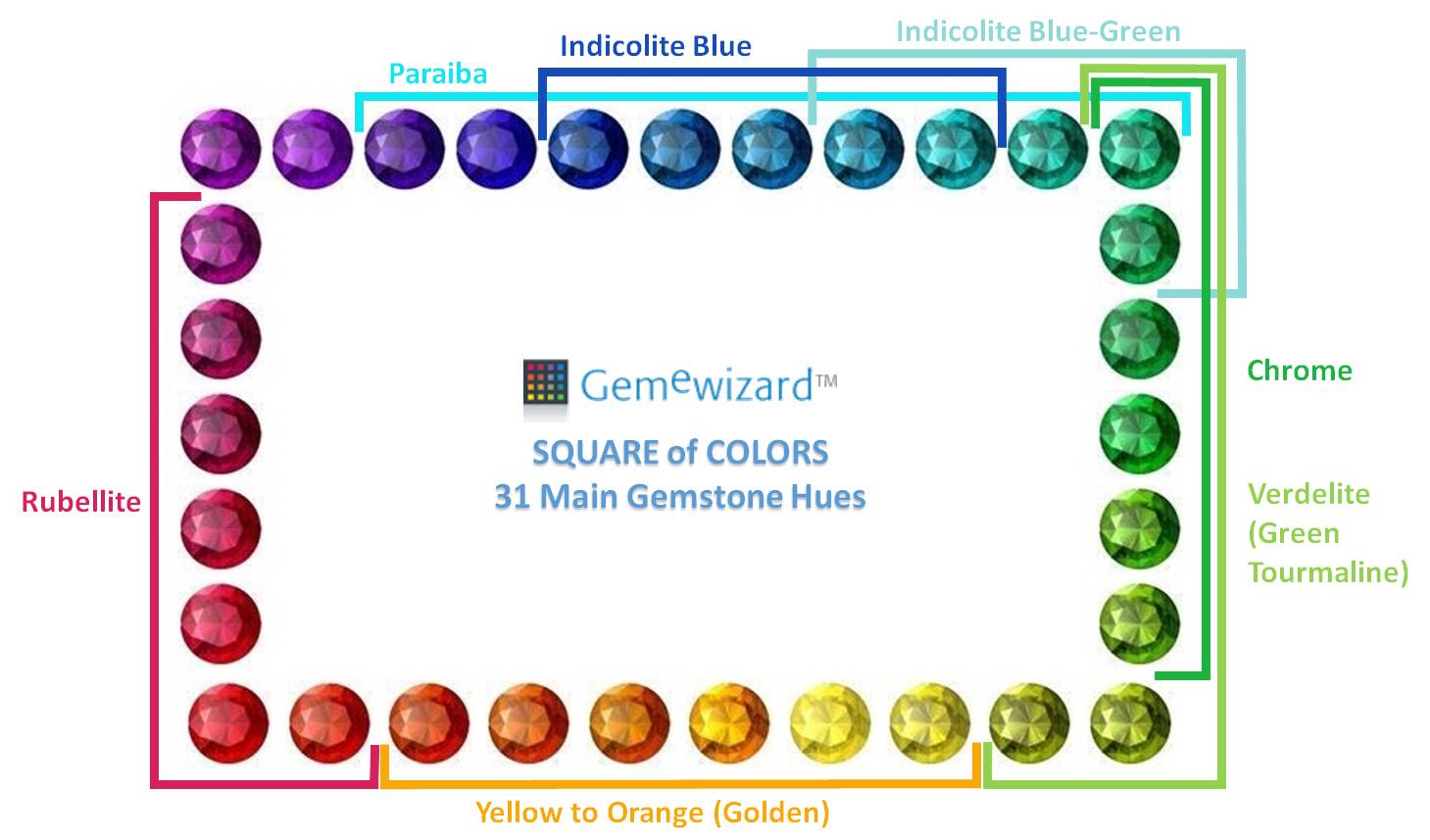
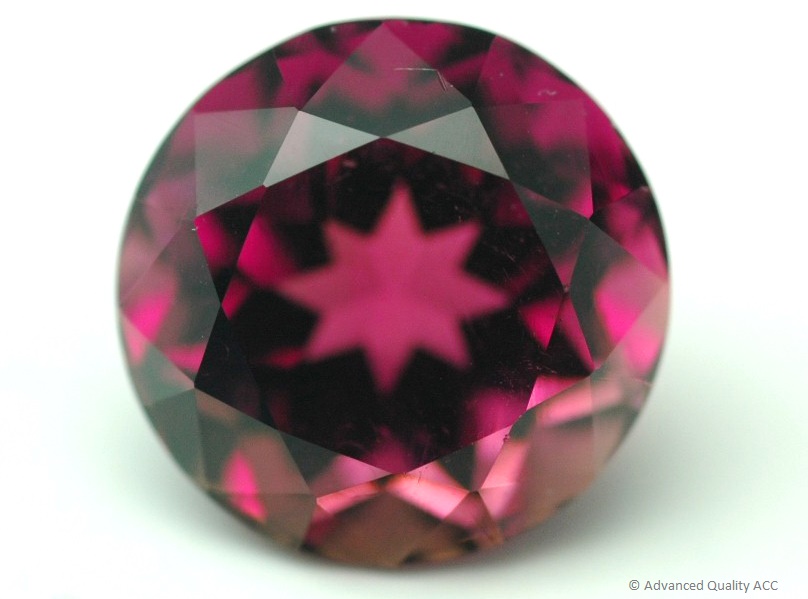
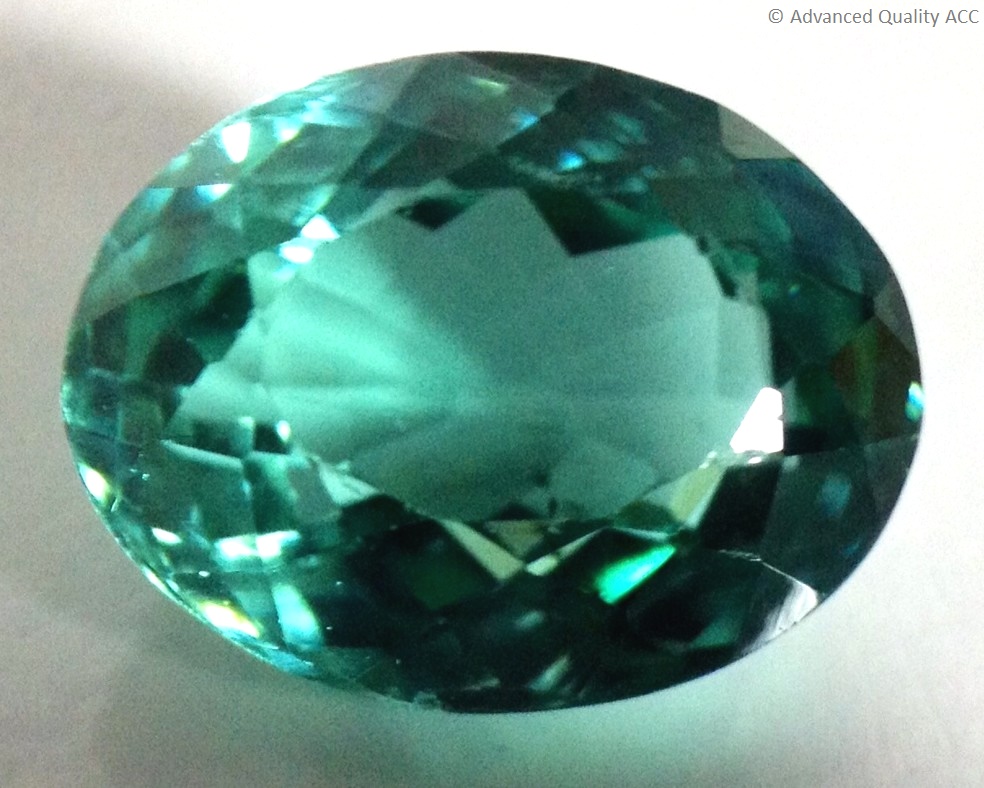
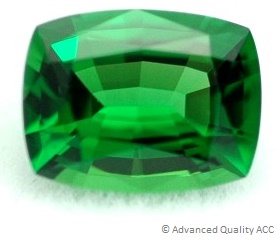
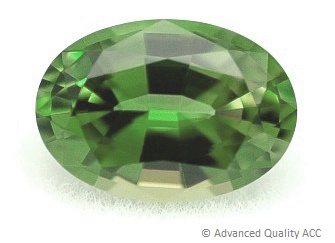
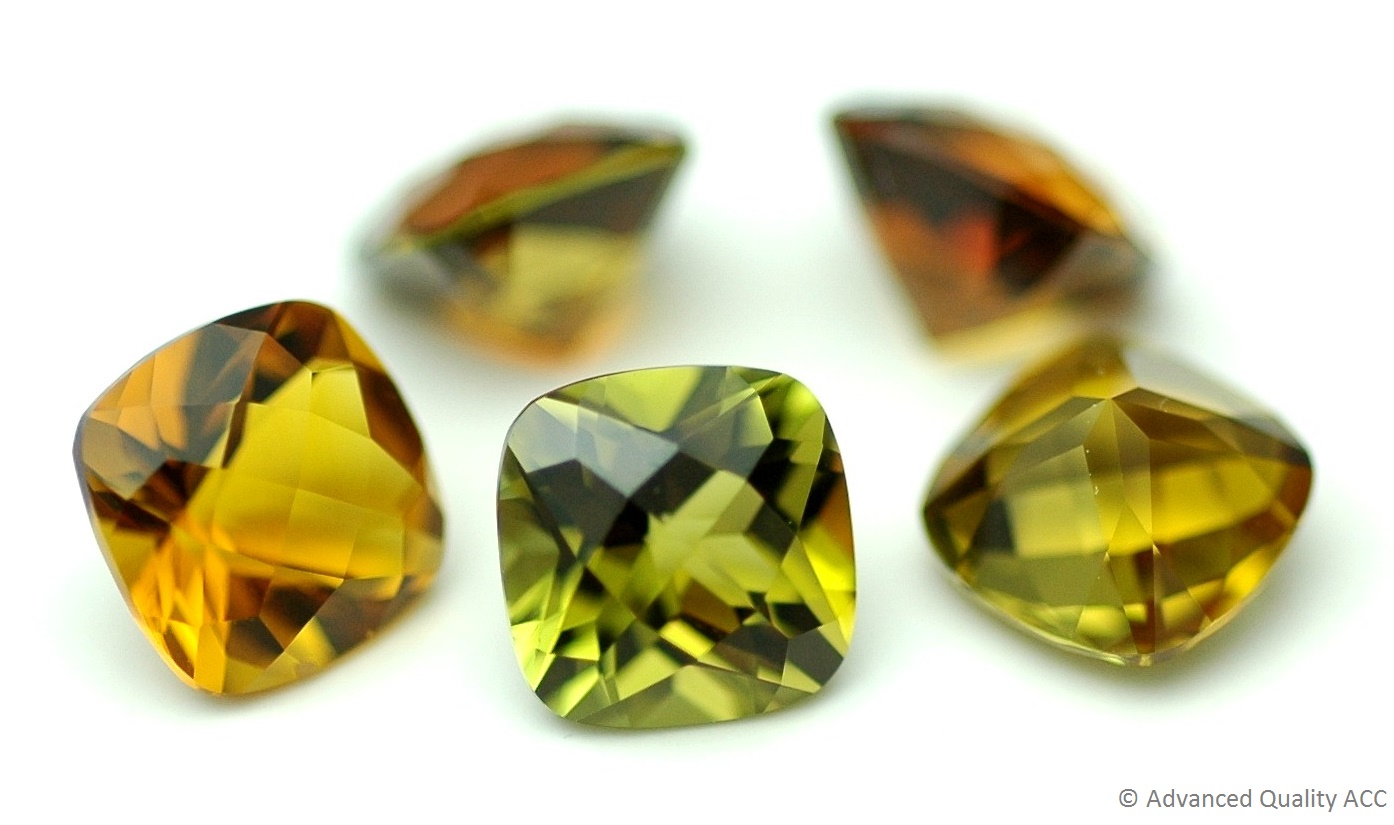
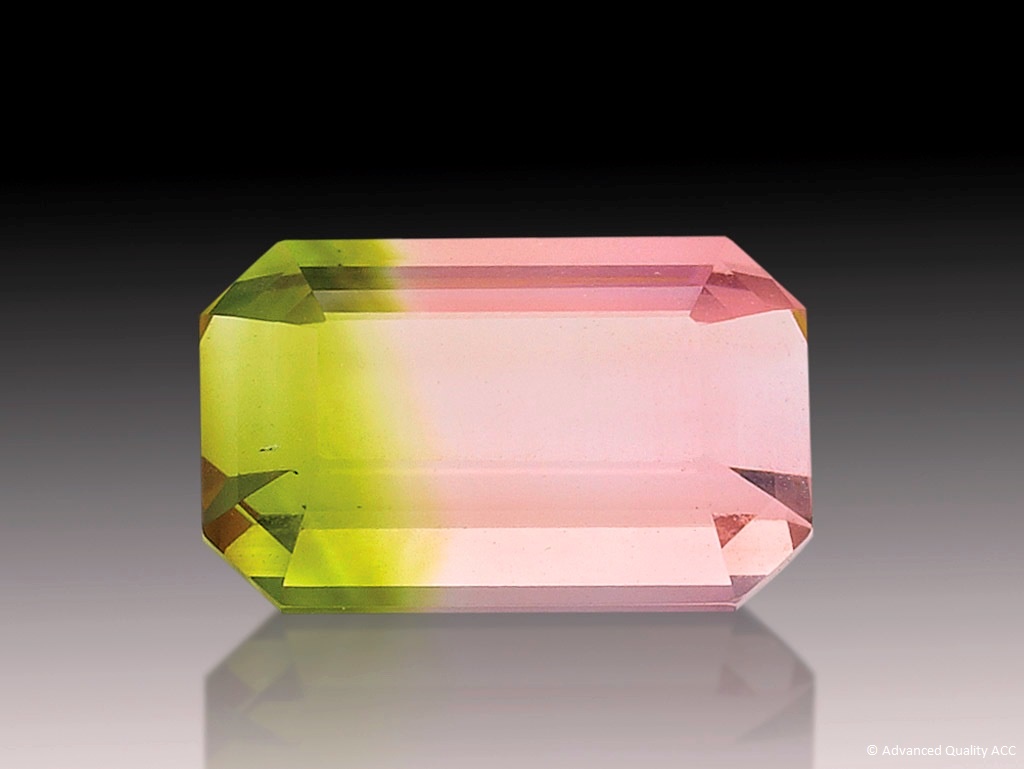


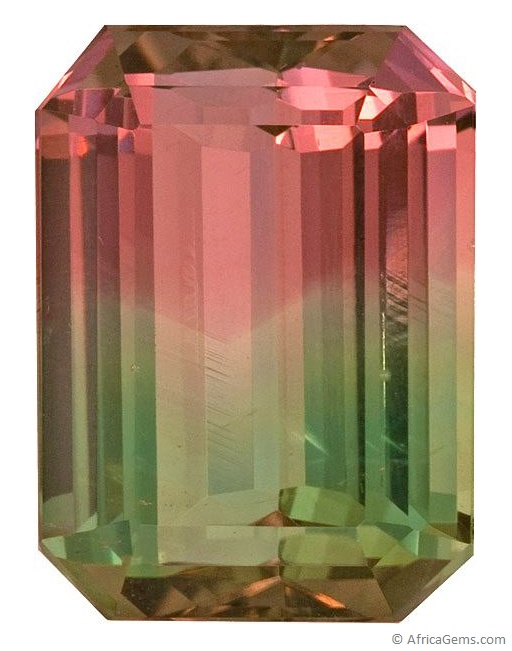
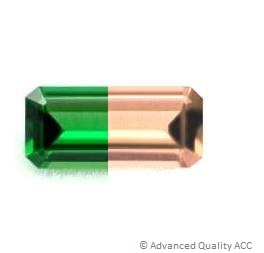
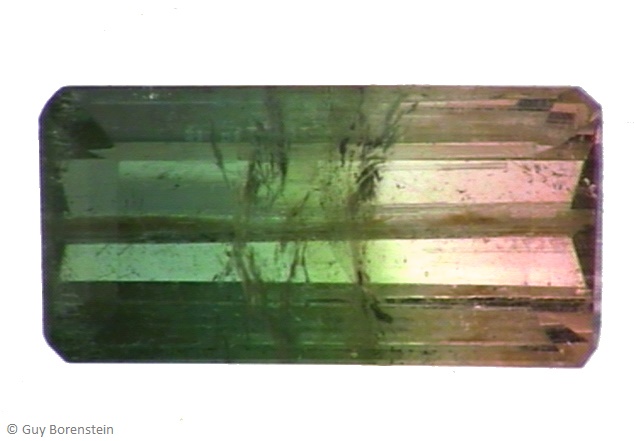
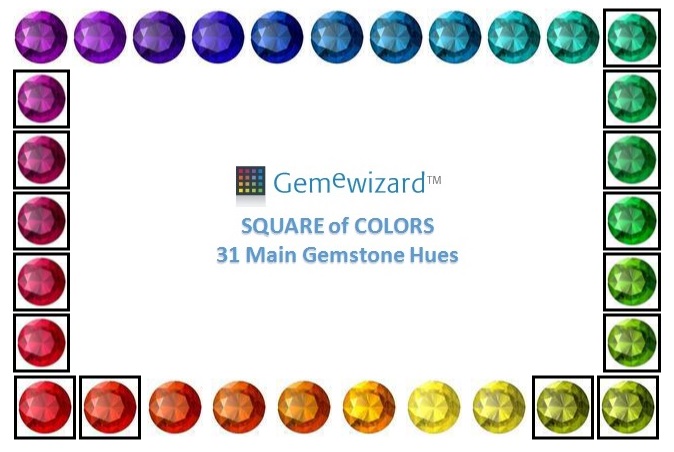
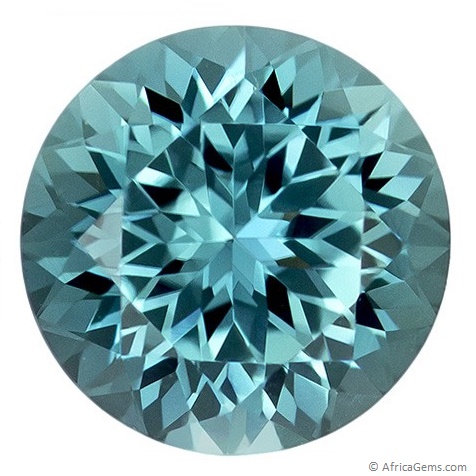
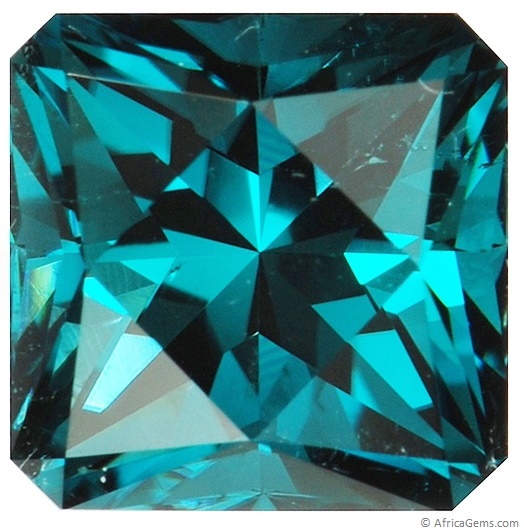
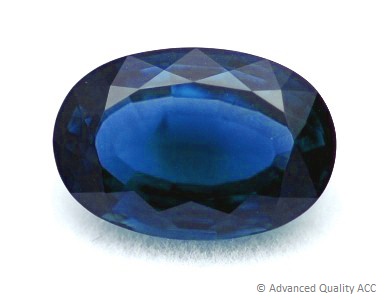
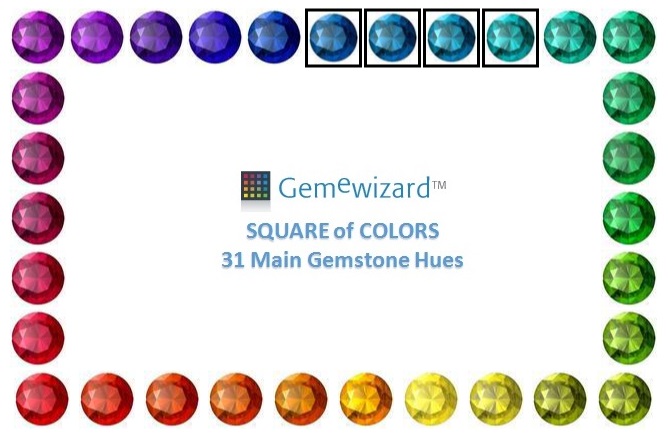
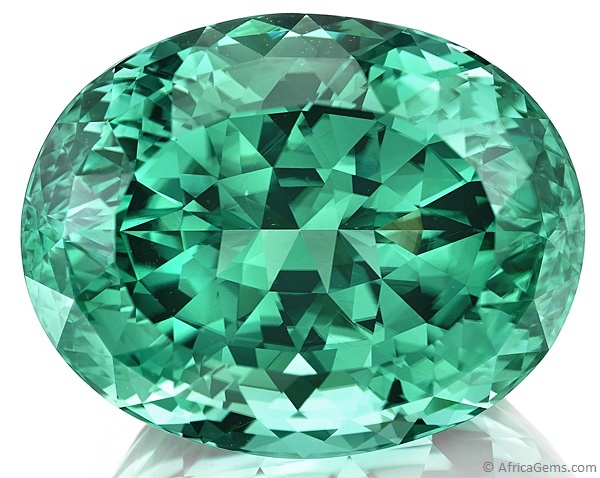
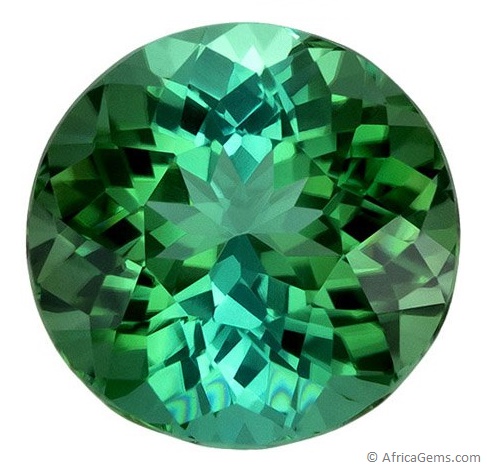
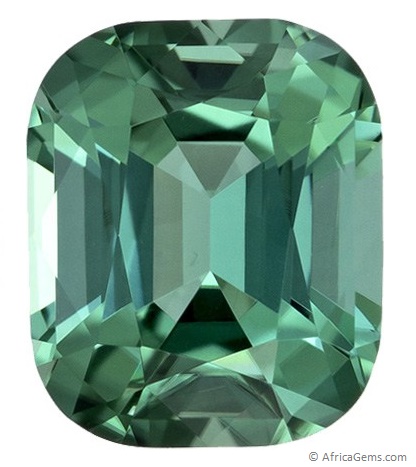
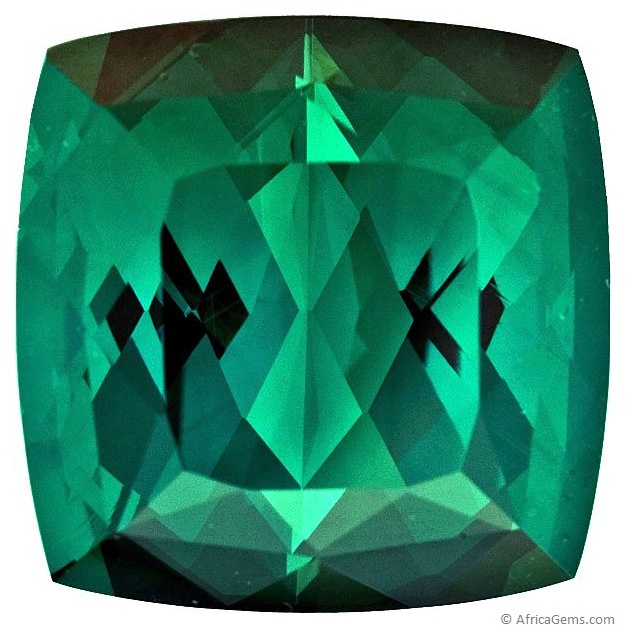
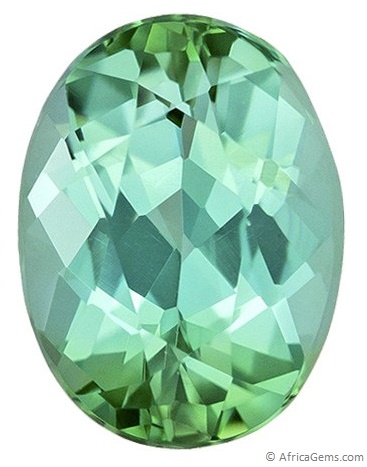
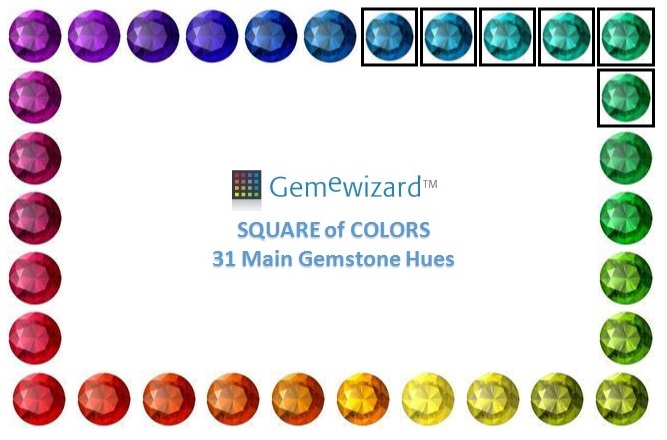
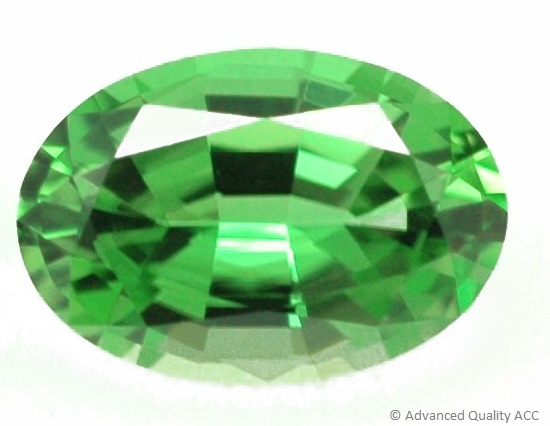
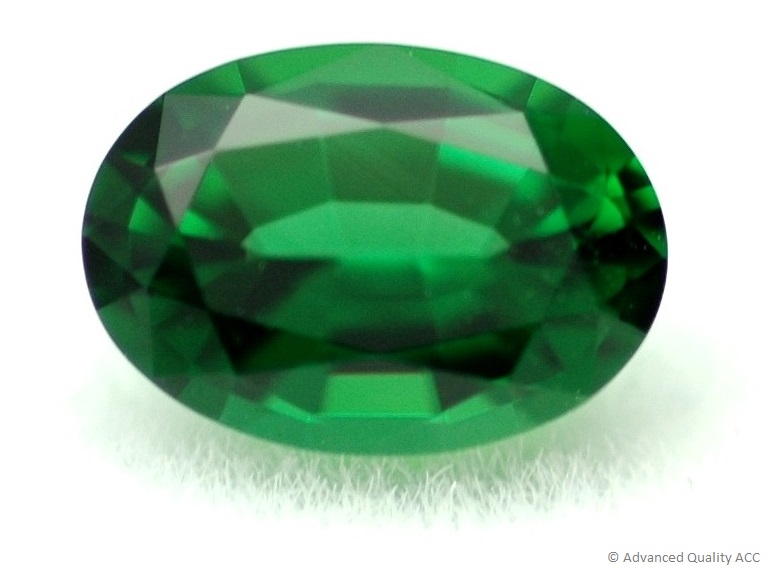
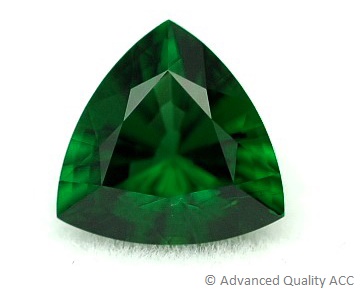
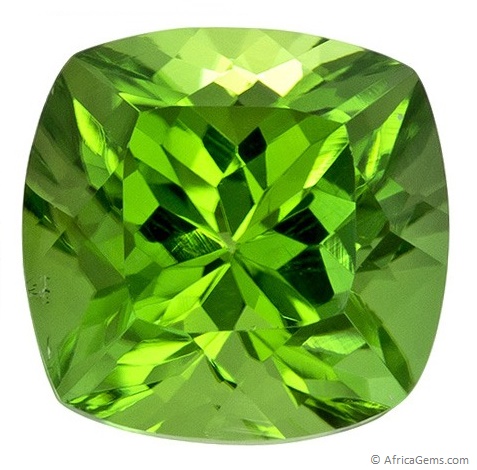
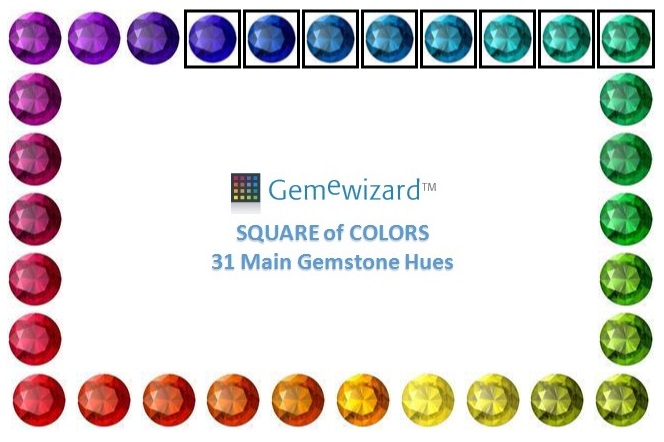
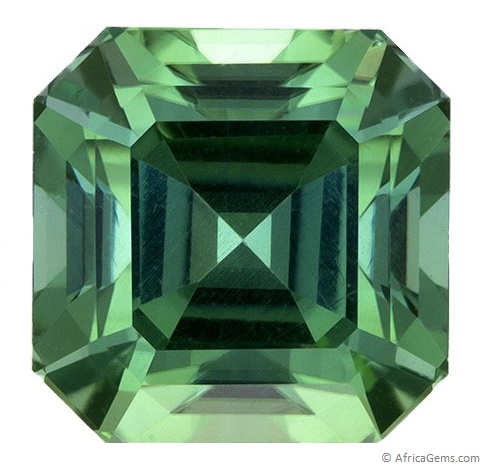
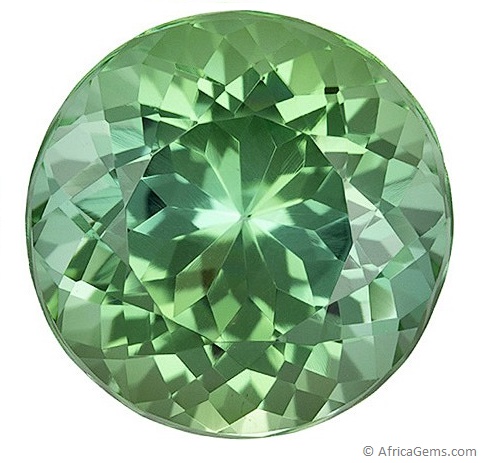
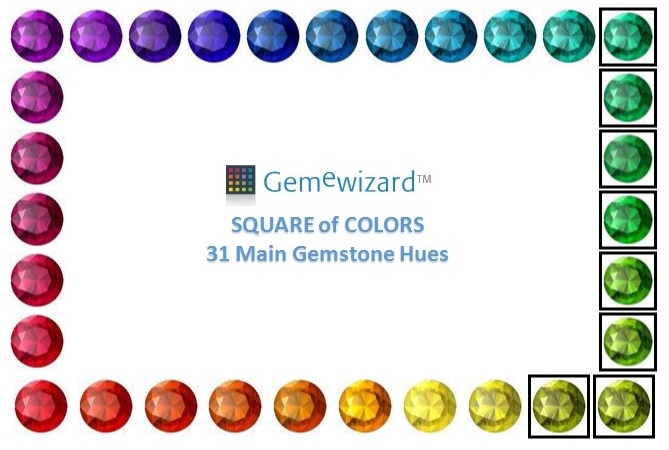
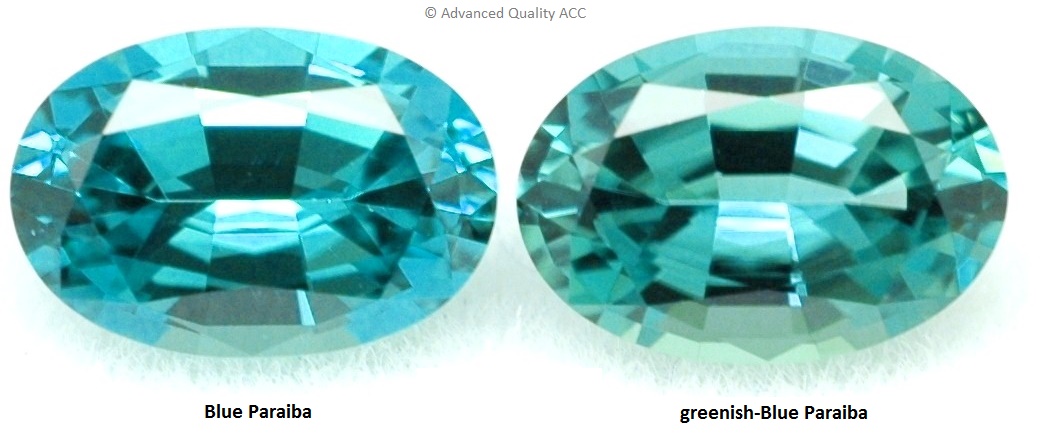
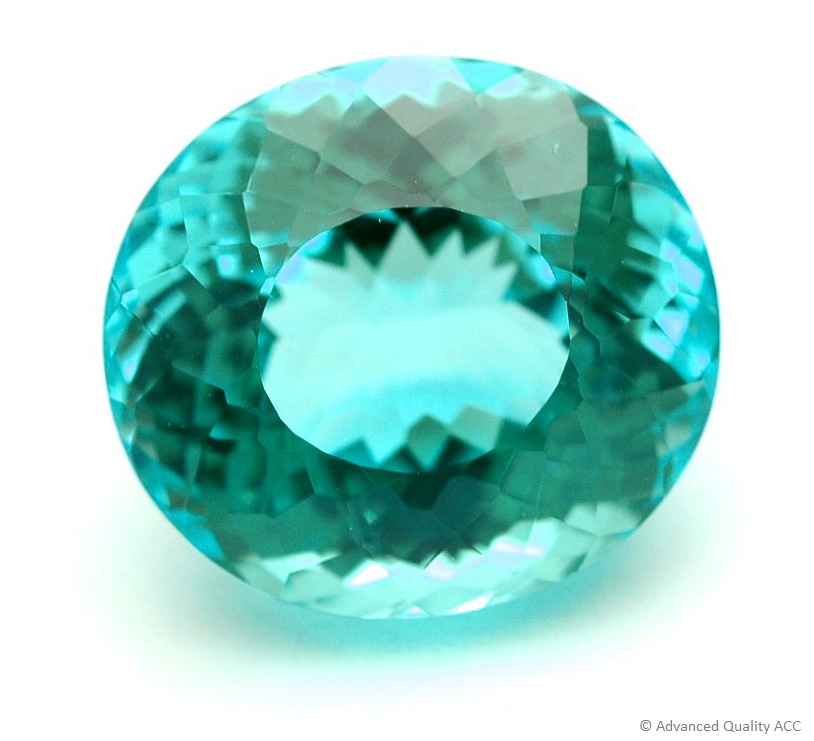
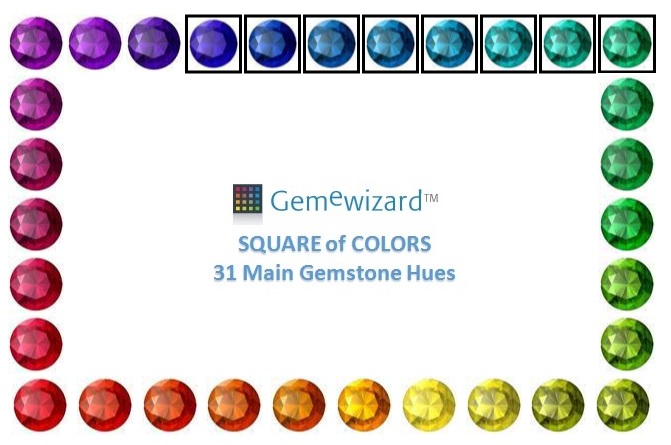
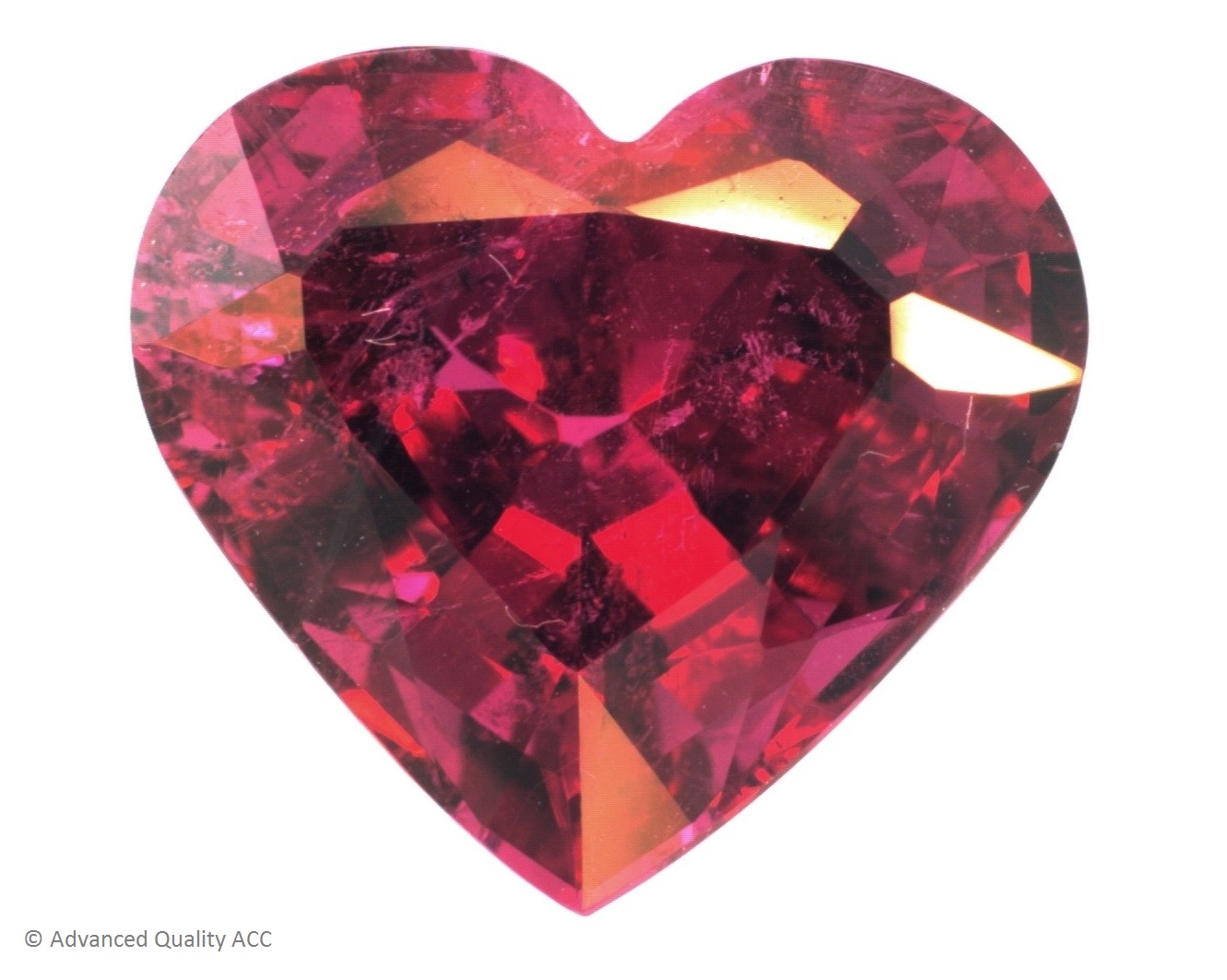
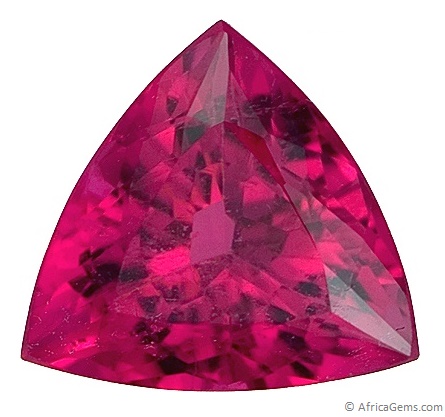
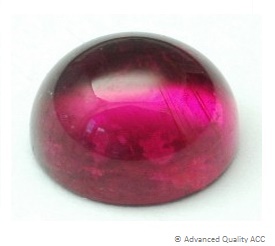
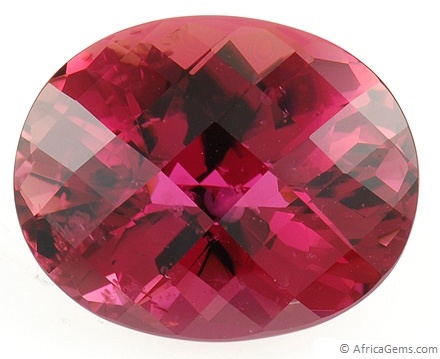
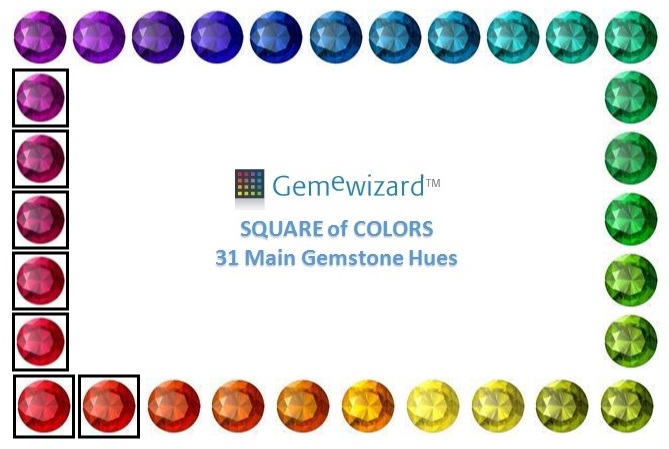
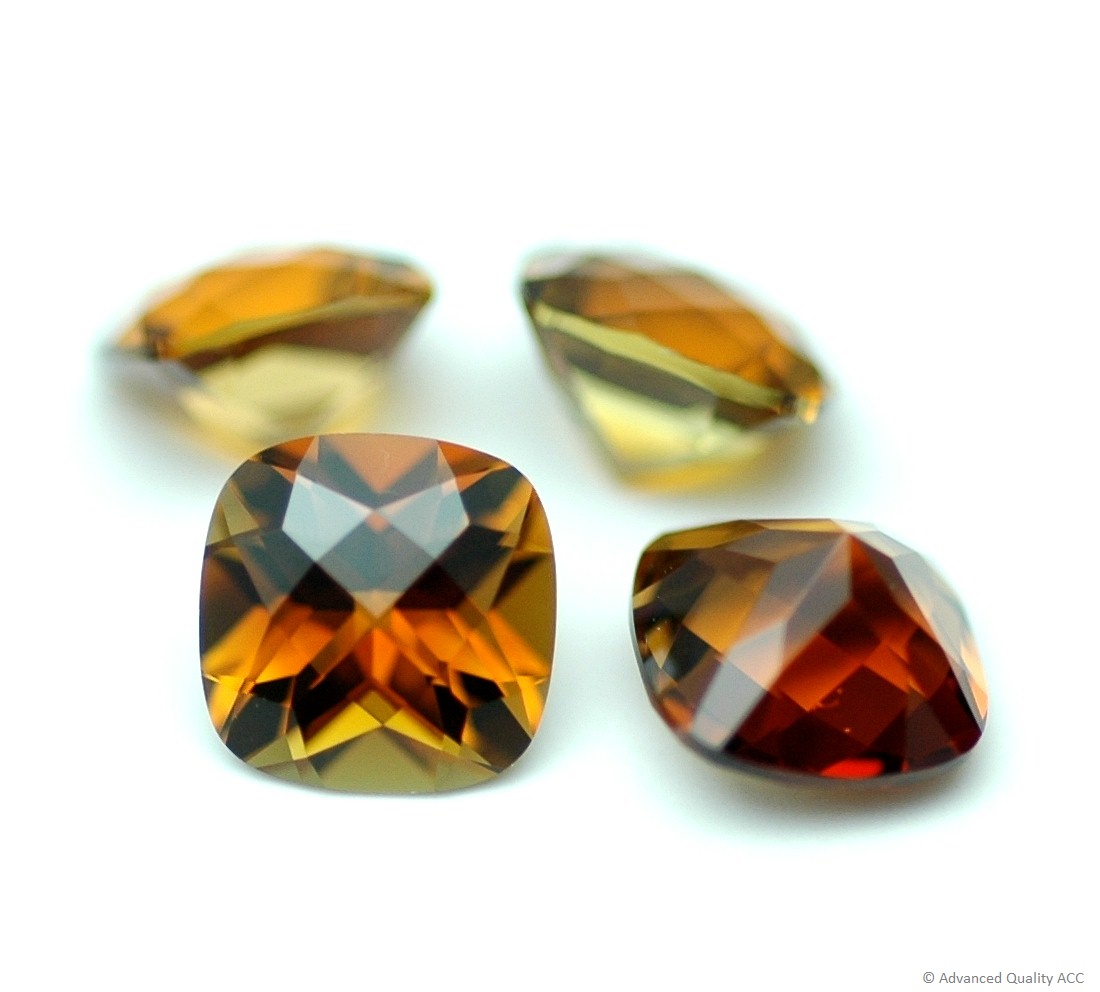
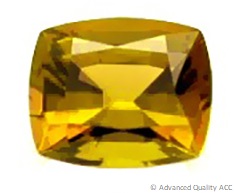
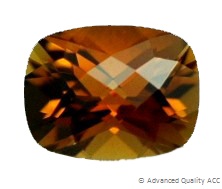
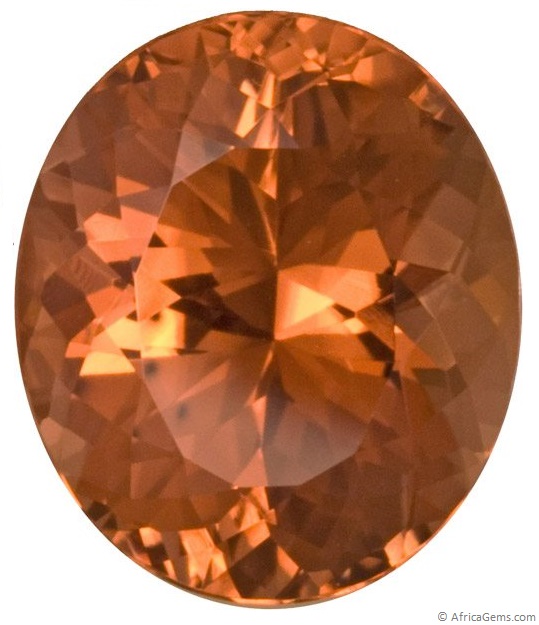
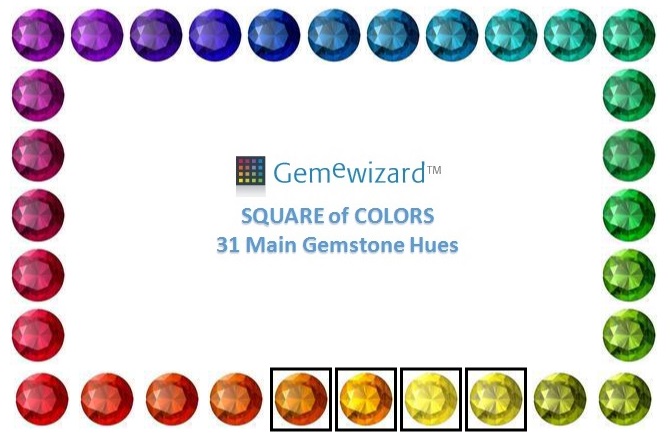
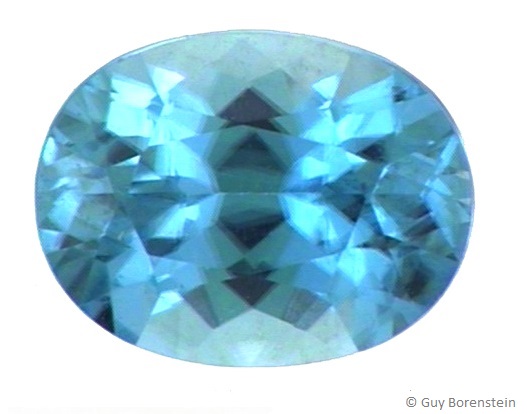
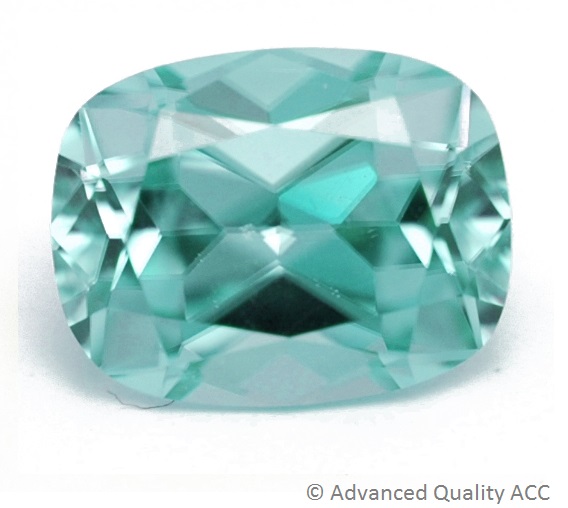
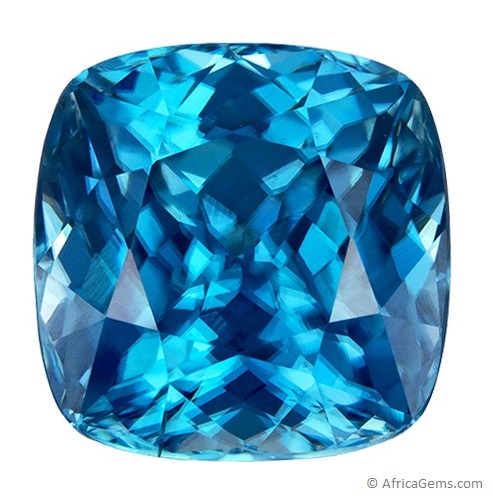
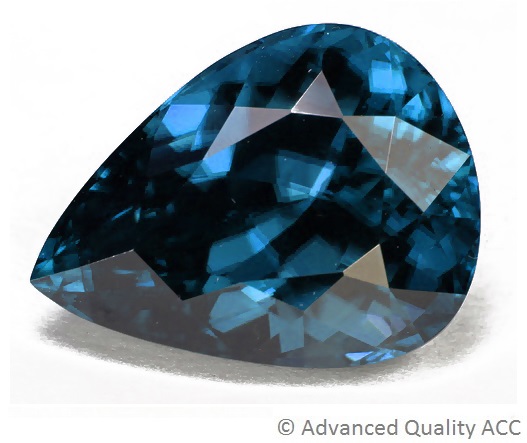
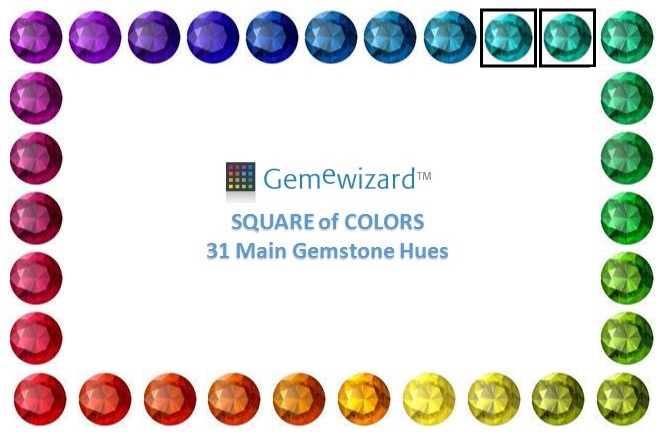
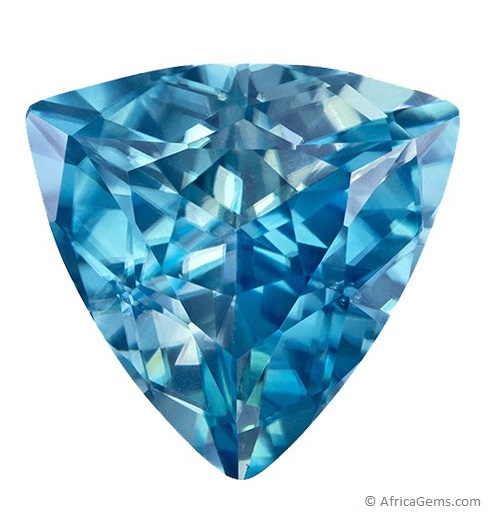
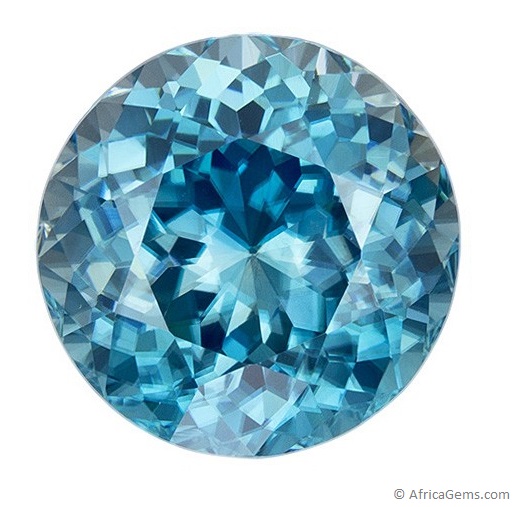
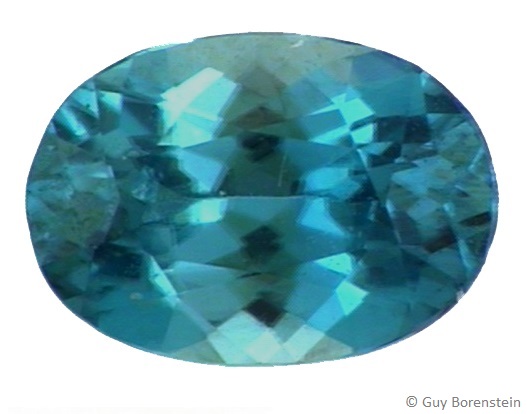
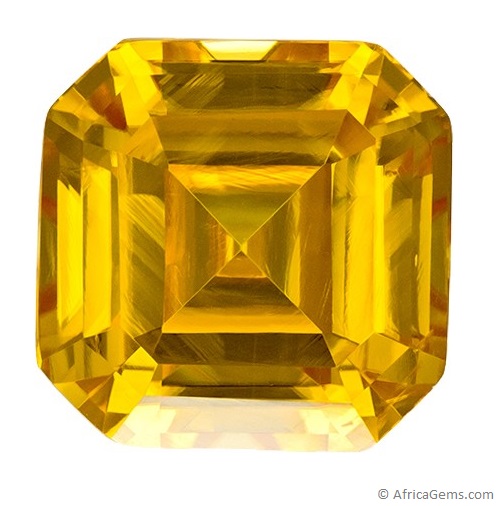
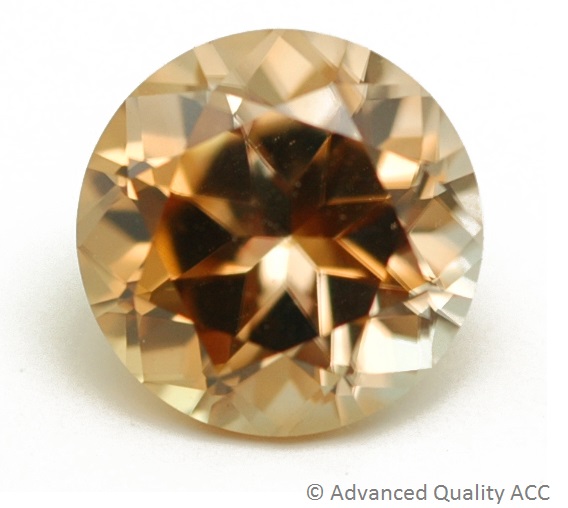
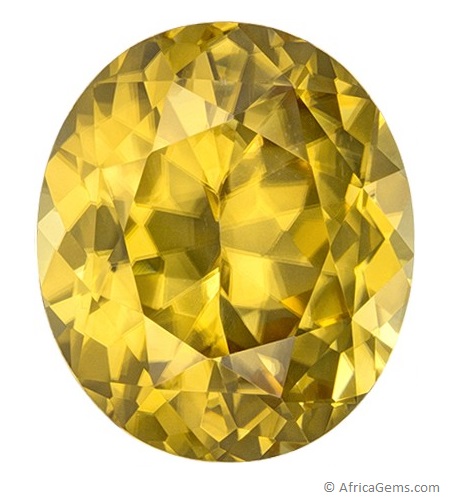
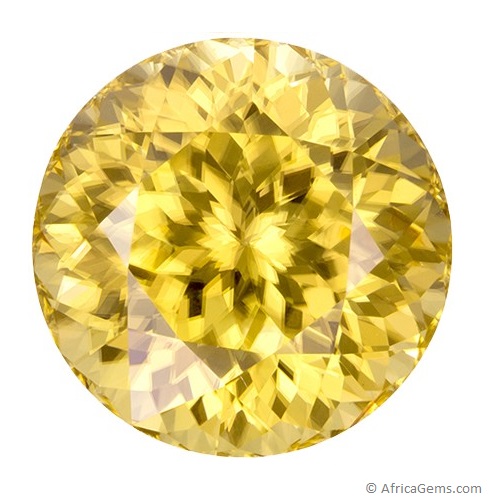
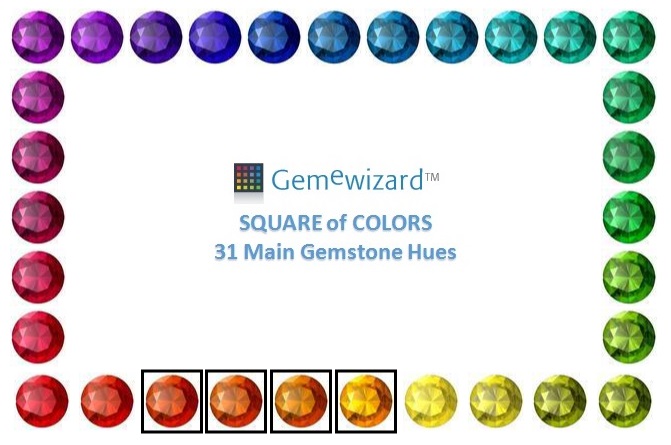
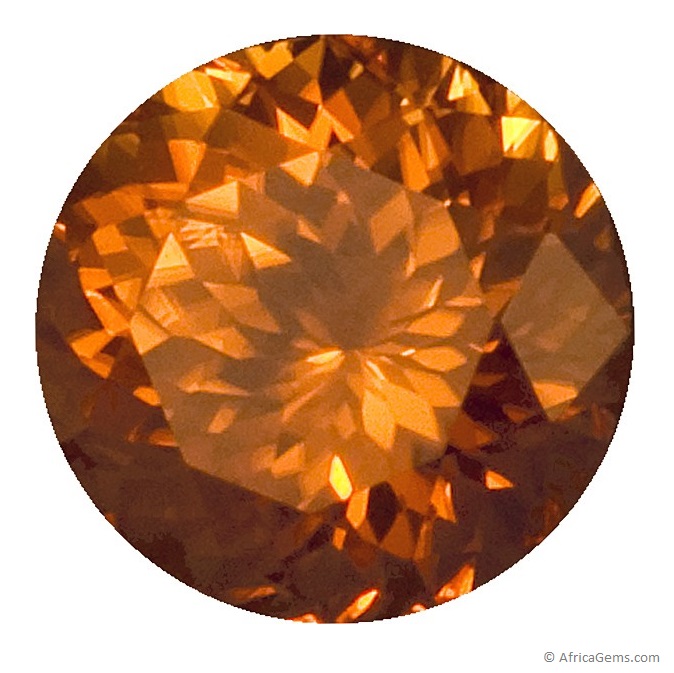
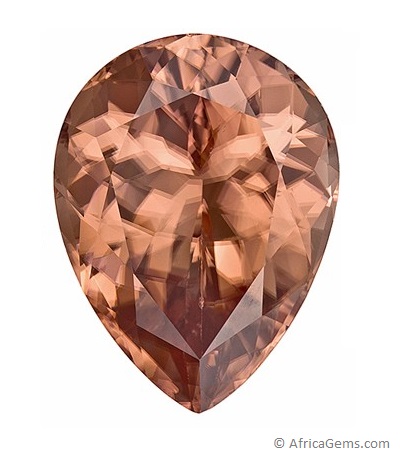
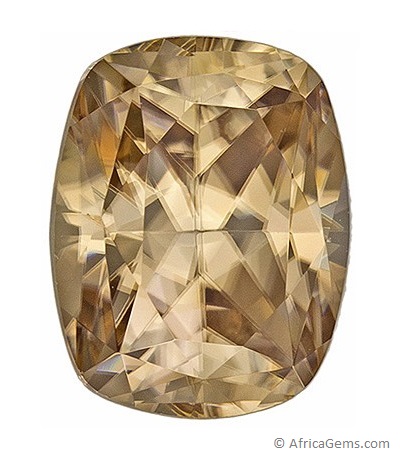



 YCS -
YCS -